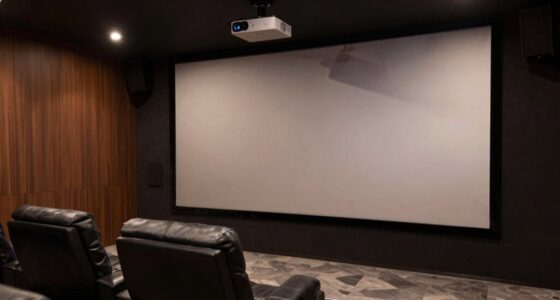
Many people think ALR screens are always better for bright rooms, but their effectiveness depends on the specific type and environment. White screens don’t work well with projectors in bright settings, and higher gain isn’t always better–it can cause glare. Not all ALR screens perform the same, and they’re not just for commercial use. White screens are often cheaper but less effective outdoors or in bright rooms. Keep in mind, cost and installation matter. If you continue exploring, you’ll uncover the truth behind these misconceptions.

Get business pricing on your home office setup
- Business-only prices and quantity discounts
- Tax-exempt purchasing
- Multiple users, one account, clear invoices
Key Takeaways
- ALR screens are not universally better in all bright environments; their effectiveness depends on specific material and room conditions.
- White screens can perform adequately in dark rooms but tend to wash out in high ambient light, unlike ALR screens designed for bright settings.
- Higher gain in ALR screens increases brightness but may cause glare and hotspots, reducing overall image sharpness and uniformity.
- Not all ALR screens have the same light rejection capabilities; material quality and design significantly affect performance.
- Costlier ALR screens often offer superior durability and light rejection, but price does not always guarantee better performance in every environment.
Products Worth Considering
Philips Hue Festavia Globe Outdoor String Lights, 32 Bulbs, 91 ft

Philips Hue Large Smart Light Tube, Black – White and Color Ambiance LED Color-Changing Light – 1 Pack

Samsung 85-Inch M70H Series Mini LED 4K Smart TV (2026)
As an affiliate, we earn on qualifying purchases.
ALR Screens Are Always Better in Bright Rooms

Many people assume that ALR screens are always the best choice for bright rooms, but that’s not necessarily true. While they excel at managing ambient light, their effectiveness depends heavily on screen materials. ALR screens are designed with special surface coatings that reflect projected light while absorbing ambient light, making images clearer in well-lit environments. However, not all ALR screens perform equally; some use high-gain materials that can cause glare or hotspots, reducing image quality. Additionally, the ambient light level isn’t the only factor—room size, light placement, and projector type all influence performance. So, even in bright rooms, choosing an ALR screen isn’t a guaranteed solution without considering the specific screen material and how it interacts with your environment. Moreover, understanding AI security measures can help protect your setup from potential cyber threats that could compromise your viewing experience.
White Screens Don’T Work Well With Projectors
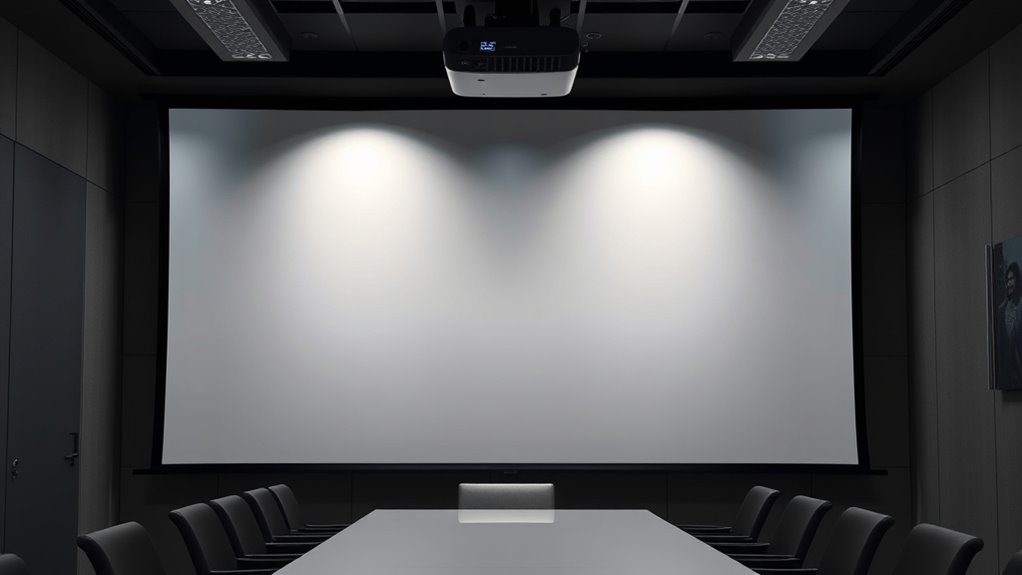
White screens may seem like the straightforward choice for projection, but in reality, they often fall short when paired with certain projectors. Your projector’s compatibility plays a big role in how well a white screen performs, especially in rooms with ambient light levels. If there’s too much ambient light, a standard white screen can wash out the image, making details hard to see. Projectors with lower contrast ratios or lower brightness struggle on white screens in bright environments. Without proper projector compatibility, you risk dull images and poor color accuracy. White screens work best in dark or controlled lighting conditions. If you can’t control ambient light levels, a plain white screen might not deliver the crisp, vibrant picture you’re expecting. Additionally, the contrast ratio of your projector significantly impacts how well a white screen displays images in various lighting situations.
Higher Gain Means a Better Picture
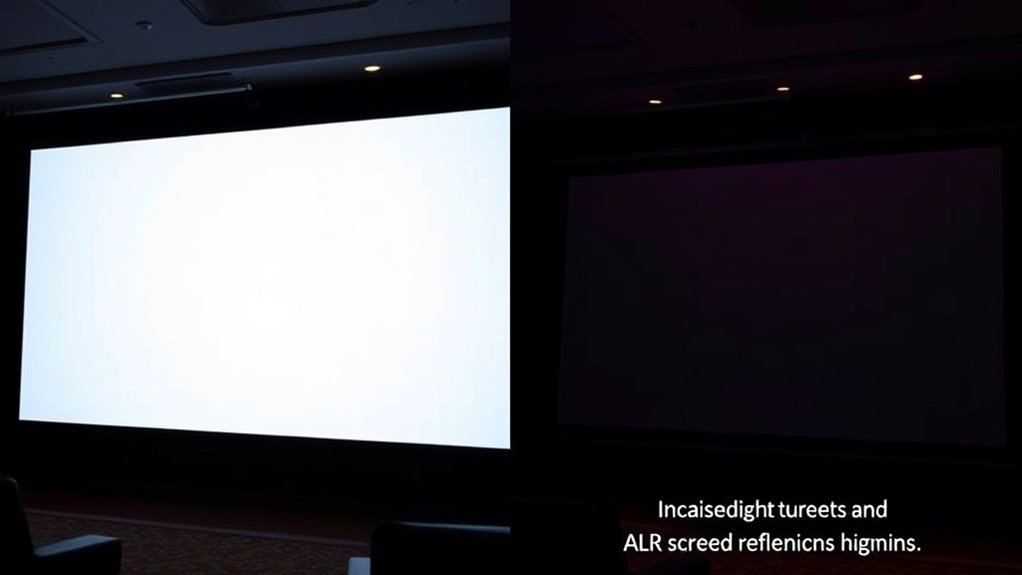
A higher gain screen can make your image appear brighter, but it doesn’t always mean better clarity. Instead, it can cause glare or hot spots that reduce overall picture quality. Be aware that increasing gain may also introduce dimming effects or uneven brightness across the screen. Additionally, understanding Kia Tuning options can help optimize your display setup for enhanced performance and visual clarity.
Brightness vs. Clarity
While higher gain screens can produce brighter images, this doesn’t automatically mean you’ll see a clearer picture. Brightness alone doesn’t guarantee better clarity; contrast enhancement plays a vital role. A screen with high gain might reflect more ambient light, increasing glare and reducing image sharpness in well-lit rooms. This ambient light impact can wash out details, making the picture appear less clear despite the brightness. To achieve ideal clarity, focus on balancing brightness with contrast levels. Too much brightness can drown out subtle details, while proper contrast helps distinguish objects and colors. Remember, a brighter screen isn’t always better—effective contrast and control over ambient light are key to a sharp, vivid picture. Additionally, selecting the right screen surface can influence how light is reflected and viewed, impacting overall clarity.
Dimming Effect Risks
Does a higher gain screen always deliver a better picture? Not necessarily. Higher gain screens increase light absorption, which enhances brightness but can cause a dimming effect. This effect reduces image uniformity, especially off-center viewing angles, making parts of the picture appear darker.
Here’s a quick comparison:
| Gain Level | Dimming Effect Risk | Light Absorption Impact |
|---|---|---|
| Low Gain | Minimal | Less light absorption |
| Medium Gain | Moderate | Balanced |
| High Gain | Significant | High light absorption |
Higher gain screens can intensify brightness, but beware of the dimming effect that compromises picture quality. Balance gain and viewing angles to avoid reducing your viewing experience.
ALR Screens Are Only for Commercial Use
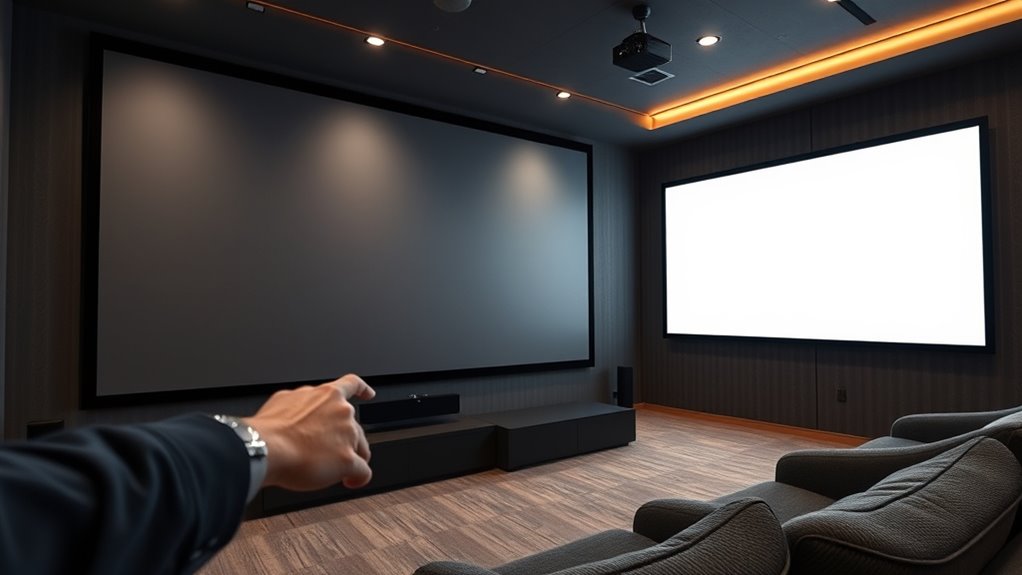
Many people assume that ALR (Ambient Light Rejection) screens are solely designed for commercial environments, but that’s not true. These screens are versatile and suitable for both home and professional use. You’ll find ALR screens offer excellent screen durability, ensuring a long-lasting performance even in busy or high-traffic areas. Installation complexity varies, but many models are designed for straightforward setup, making them accessible for home users without professional help. While commercial settings benefit from their ability to handle ambient light and maintain picture quality, more homeowners are also choosing ALR screens to enhance their viewing experience. So, don’t think these screens are limited to businesses—your home can benefit from their advanced technology too. Additionally, indoor aesthetics can be improved by incorporating ALR screens that complement your decor and create a more immersive entertainment space.
All ALR Screens Have the Same Performance

Not all ALR screens perform the same, as material quality and light rejection levels vary widely. You’ll find differences in how well they handle ambient light and contrast, depending on the brand and price. Understanding these factors helps you choose an ALR screen that truly meets your viewing needs. Additionally, some screens are designed with specialized material properties that enhance their performance in specific lighting conditions.
Material Quality Variations
While it might seem that all ALR screens deliver the same performance, this isn’t the case. The quality of materials varies markedly, impacting your viewing experience. Poor material durability can lead to sagging or damage over time, reducing the screen’s lifespan. Surface reflectivity plays an essential role in how well the screen handles ambient light, affecting picture clarity. Here’s what to watch for:
- High-quality materials ensure long-lasting durability and consistent performance.
- Optimized surface reflectivity minimizes unwanted glare, improving contrast.
- Inferior materials may degrade quickly, leading to dull visuals.
- Premium surfaces maintain their reflective properties, delivering vibrant, clear images.
- The material quality of an ALR screen directly influences its overall longevity and performance.
Choosing the right material makes all the difference in achieving a superior viewing experience.
Different Light Rejection Levels
Although material quality varies, a common misconception is that all ALR screens offer the same level of light rejection. In reality, different ALR screens perform differently depending on their design. Some excel at reducing light reflection from ambient sources, while others prioritize wide viewing angles. This variation impacts your overall viewing experience, especially in brightly lit rooms. Here’s a quick comparison:
| Screen Type | Light Reflection | Viewing Angles |
|---|---|---|
| Standard ALR | Moderate | Narrow |
| High-Performance ALR | Low | Wide |
| Multi-layer ALR | Very Low | Moderate |
| Ambient Light Rejection | Low | Wide |
| Specialty ALR | Minimal | Narrow |
Knowing these differences helps you select a screen tailored to your environment and viewing preferences. Additionally, light absorption techniques in certain ALR screens can further improve image clarity by minimizing residual reflections.
Price and Brand Differences
Many people assume that all ALR screens deliver the same performance regardless of price or brand, but this isn’t true. When you do a proper price comparison, you’ll notice significant differences in quality and features. Don’t ignore brand reputation—it often reflects reliability and customer satisfaction. Consider these key points:
- Higher-priced screens often feature superior materials, leading to better image quality.
- Well-known brands usually invest in research, ensuring consistent performance.
- Cheaper options might save money upfront but could require frequent replacements.
- Trusting reputable brands can save you frustration and money in the long run.
- Additionally, product quality varies considerably across different price points and brands, influencing overall satisfaction.
White Screens Are More Affordable and Always a Good Choice
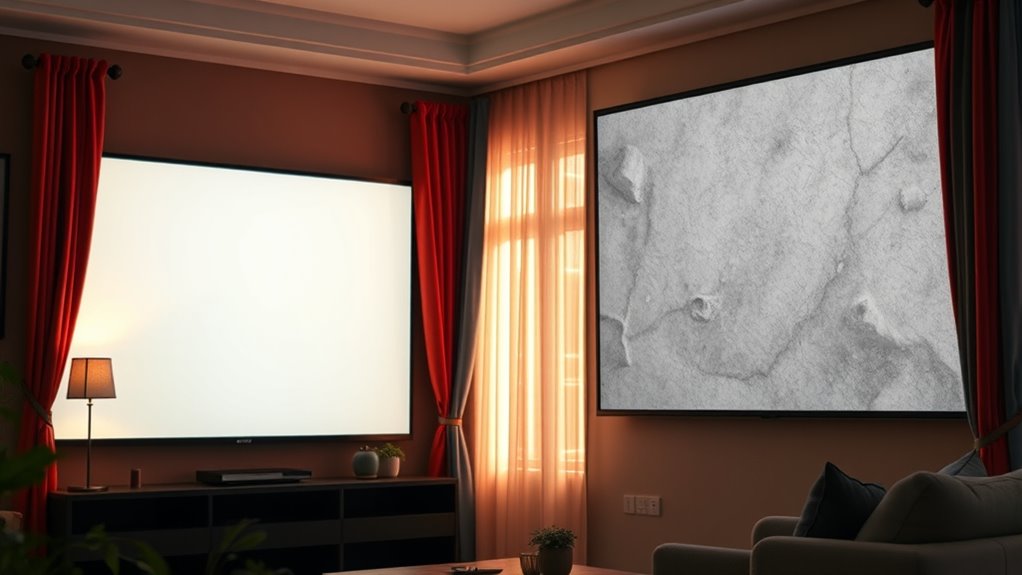
White screens often seem like the budget-friendly option, making them attractive if you’re trying to cut costs. They typically use simple screen material, which lowers the initial price. However, don’t assume they’re always the best choice. White screens can pose installation challenges since they’re more sensitive to ambient light and reflections, requiring a controlled environment for ideal picture quality. Their affordability might tempt you, but consider whether their limited performance in bright rooms aligns with your needs. While they’re generally easier to set up, the potential need for additional lighting control or adjustments can offset the initial savings. Ultimately, choosing a white screen might seem like a good deal, but weigh the long-term benefits against possible installation and performance issues. Additionally, understanding prophetic dreams can remind us that appearances can sometimes be deceiving, and thorough evaluation is key before making a decision.
Ambient Light Rejection Means No Light Can Affect the Image

While white screens may seem like the straightforward choice for budget-conscious setups, their performance can vary greatly depending on your environment. Ambient light can still influence your image, regardless of screen material. Many believe that ambient light rejection (ALR) means no light can affect the image, but that’s not true. Here’s what you should know:
White screens help budget setups but ambient light still impacts image quality.
- ALR screens reduce ambient light effects but don’t eliminate them entirely.
- Screen materials with high gain can reflect more ambient light, causing glare.
- Proper placement is essential to minimize ambient light impact.
- Even with advanced screens, controlling ambient light sources is vital for ideal image quality.
Understanding these factors helps you choose the right screen and environment for the best viewing experience.
ALR Screens Are Difficult to Install and Maintain

Although ALR screens can enhance your viewing experience, they are often perceived as difficult to install and maintain. Installation challenges arise because ALR screens require precise placement and alignment to maximize their light-rejecting capabilities. If not installed correctly, you may not see the full benefit, and correcting these issues can be time-consuming. Additionally, maintenance requirements can seem demanding, especially since some ALR screens have special coatings that need gentle cleaning to avoid damage. Dust, smudges, or scratches can impact image quality, so regular care is necessary. While installation and upkeep might seem formidable at first, proper guidance and gentle handling make maintaining an ALR screen manageable. With the right approach, you’ll enjoy its benefits without hassle.
The Color of the Screen Doesn’t Matter as Long as It’s White or Gray
Many people assume that the color of your screen doesn’t matter as long as it’s white or gray, but that’s not entirely true. Your screen color impacts how you perceive images, especially with ambient lighting. Here’s what you should consider:
- A brighter screen can cause glare, reducing contrast and clarity.
- Gray screens often improve perceived contrast, making images pop.
- Ambient lighting affects how your screen color appears, influencing your viewing experience.
- Choosing the right screen color depends on your room’s lighting and viewing habits.
Simply sticking to white or gray isn’t enough. To optimize your setup, match your screen color with ambient lighting for the best image quality and reduce eye strain.
Frequently Asked Questions
Can ALR Screens Improve Picture Quality in Dark Rooms?
Yes, ALR screens can improve picture quality in dark rooms by reducing ambient light interference, making images clearer and more vibrant. They enhance color fidelity and contrast, even with some ambient light present. While they work best in controlled lighting conditions, ALR screens still deliver better picture quality than white screens in dark environments, providing a more immersive viewing experience without the need for complete darkness.
Are White Screens Suitable for All Projector Types?
White screens aren’t suitable for all projector types because their screen material and viewing angles matter. If you use a standard white screen with a high-lumen projector in a bright room, you might struggle with glare or washed-out images. However, they excel in controlled lighting and have wide viewing angles, making them ideal for many setups. Just make certain your projector’s brightness and your room conditions match the screen’s specifications.
Does a Higher Gain Screen Always Mean Better Brightness?
A higher gain screen doesn’t always mean better brightness because it can reduce projection contrast and impact image quality. While it reflects more light, it may cause hot spots and uneven illumination. Also, higher gain screens often have lower durability and can be more susceptible to damage. You should balance gain with your projector’s specs and room conditions to guarantee ideal brightness and screen longevity.
Are ALR Screens Only Designed for Professional Home Theaters?
ALR screens aren’t only for professional home theaters; they’re also great for personal home setups and commercial settings. You benefit from enhanced contrast and better image quality, especially in brighter rooms. Whether you’re creating a dedicated media room or a commercial presentation space, ALR screens improve visibility regardless of ambient light. So, you can confidently use them in various environments, not just high-end professional installations.
How Does Ambient Light Rejection Affect Color Accuracy?
Ambient light rejection improves color fidelity by minimizing ambient interference, allowing your screen to display true, vibrant colors even in well-lit rooms. When the screen effectively rejects ambient light, it prevents unwanted reflections and glare that can wash out colors, ensuring your images stay rich and accurate. This feature is especially beneficial in rooms with lots of natural or artificial light, helping you enjoy a more vivid, true-to-life viewing experience anytime.
Conclusion
Don’t let misconceptions hold you back from choosing the right screen. Whether you think ALR screens are only for commercial spaces or white screens are always cheaper, remember that the best choice depends on your room and needs. You deserve a stunning, immersive experience, so don’t settle for myths. With the right info, you’ll make a confident decision that transforms your viewing — because everyone deserves the perfect picture at home.