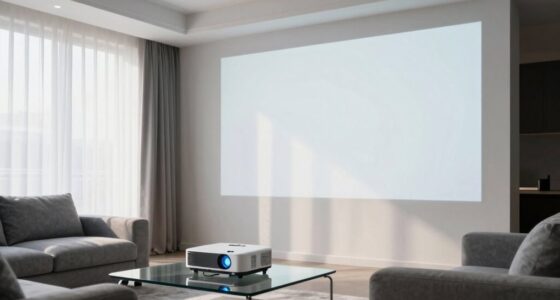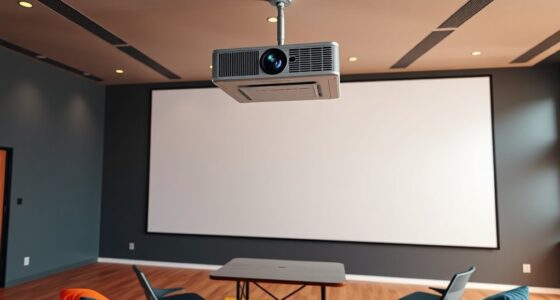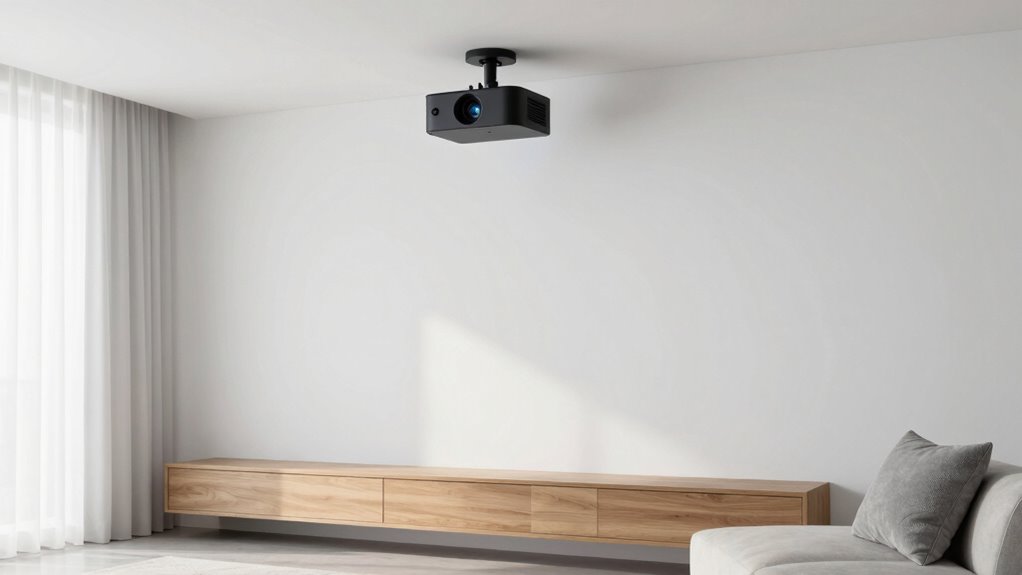

To create a clean minimalist projector setup, choose a sleek, compact projector with smart home integration and wireless connectivity, minimizing cables. Mount the projector on the ceiling and opt for a retractable or wall-mounted screen that can be tucked away when not in use. Organize cables with clips or conduits for a tidy look, and select furniture with neutral tones to complement the environment. Keep clutter minimal and focus on strategic placement for the best visual effect—if you keep exploring, you’ll uncover even more tips.

Get business pricing on your home office setup
- Business-only prices and quantity discounts
- Tax-exempt purchasing
- Multiple users, one account, clear invoices
Key Takeaways
- Choose a sleek, compact projector with wireless connectivity and smart home integration for seamless, clutter-free operation.
- Use cable organizers, conduit tubing, and close placement to hide wires and reduce visual clutter.
- Mount the projector on the ceiling and select retractable screens for a tidy, unobstructed viewing area.
- Automate device controls and eliminate remotes for a streamlined, user-friendly experience.
- Keep surrounding furniture minimal with neutral tones and avoid decorative clutter to enhance a modern, clean aesthetic.
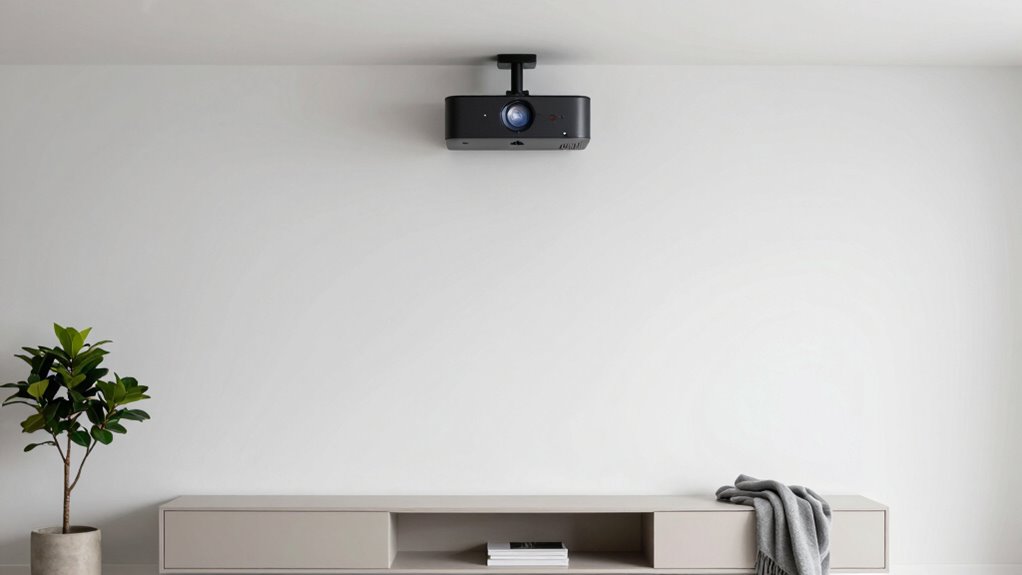
Ever wondered how to enjoy a big-screen experience without cluttering your space? Achieving a minimalist projector setup is all about blending functionality with simplicity. Start by choosing a sleek, compact projector that fits seamlessly into your environment, preferably one with smart home integration. This integration allows for easier control and automation, reducing the need for multiple remotes and making your setup feel more streamlined. When selecting your projector, prioritize models with wireless connectivity options, so you can stream content directly without messy cables.
Cable management plays an essential role in maintaining a clean look. Instead of leaving wires dangling across your room, invest in cable organizers, clips, or conduits to hide and route cables neatly along walls or behind furniture. Consider using conduit tubing to conceal power cords and HDMI cables, giving your space a sleek, uncluttered appearance. You’ll want to plan your setup carefully, positioning your projector close to your media sources to minimize cable length. This not only improves aesthetics but also reduces signal degradation. Proper cable organization can significantly enhance the overall minimalistic feel of your setup. Incorporating wireless streaming technologies can further reduce the number of cables needed and streamline your environment. Additionally, understanding the importance of projector placement ensures optimal image quality and viewing angles in your setup.
To further simplify your setup, mount your projector on the ceiling if possible. Ceiling mounts free up surface space and keep your setup unobtrusive. When mounted correctly, the projector remains out of the way, leaving your room open and airy. Pair this with a retractable or wall-mounted screen to avoid bulky, permanent fixtures; a good screen that rolls up when not in use keeps your environment looking clean and modern. Incorporating automatic calibration features can also help you achieve the best image quality with minimal effort, making your setup even more user-friendly.
Once your hardware is in place, integrate your projector into your smart home system. This allows you to automate the entire experience—turning on the projector, adjusting the screen, and controlling audio with voice commands or automation routines. By doing so, you eliminate the clutter of remotes, switches, and tangled cables, maintaining a sleek aesthetic. Keep your surrounding area minimal by choosing furniture with clean lines and neutral colors that complement your setup. Avoid stacking multiple devices or decorative clutter around your projector area.
In the end, creating a minimalist projector setup isn’t just about the equipment you choose but how you organize and incorporate it into your space. Prioritize smart home integration and cable management to keep your environment tidy and functional. Utilizing home automation protocols can further enhance your setup’s efficiency and ease of use. With thoughtful planning and the right accessories, you’ll enjoy immersive viewing without sacrificing the clean, uncluttered look you desire. This approach guarantees that your entertainment setup enhances your space rather than overwhelms it, giving you a sleek, modern home theater experience.
compact wireless projector with smart home integration
As an affiliate, we earn on qualifying purchases.
As an affiliate, we earn on qualifying purchases.
Frequently Asked Questions
What Are the Best Projector Brands for Minimal Setups?
For minimal setups, you should consider brands like Epson, Sony, and Optoma, which offer compact, high-quality projectors. These brands prioritize projector maintenance with easy access for cleaning and durability. They also support seamless audio integration, essential for a clean look without extra speakers cluttering your space. Choosing these brands guarantees you get reliable performance, simple maintenance, and a sleek setup that aligns with your minimalist aesthetic.
How Do I Hide Cables Effectively?
To hide cables effectively, focus on cable management and concealment techniques. Use cable raceways or conduits along walls to keep cords out of sight, and opt for wireless options when possible. Tuck excess cables behind furniture or behind the projector mount. Velcro straps or zip ties help organize and secure cables neatly. By thoughtfully applying these methods, your minimalist setup stays clean, clutter-free, and visually appealing.
Can I Mount a Projector on the Ceiling Easily?
Yes, you can mount a projector on the ceiling easily. Start by choosing a suitable location for wall mounting or ceiling installation, ensuring it’s aligned with your screen. Use a sturdy mount designed for projectors, and follow the manufacturer’s instructions. With basic tools, you can securely attach the mount to the ceiling, then hang your projector. This setup keeps cables hidden and maintains a clean, minimalist look.
What Lighting Conditions Are Ideal for a Minimalist Setup?
Did you know that 75% of viewers find ambient lighting essential for a comfortable viewing experience? For your minimalist setup, keep ambient lighting soft and indirect to prevent glare and reflections. Avoid harsh overhead lights, and opt for dimmable options or wall-mounted fixtures that blend seamlessly into your space. This creates a cozy, glare-free environment, ensuring your projector’s image remains crisp and clear without cluttering your sleek, minimalist aesthetic.
How Do I Choose the Right Projector Screen Size?
You should choose a projector screen size based on your space and viewing distance. For a minimalist look, opt for a size that fits seamlessly into your decorating ideas, avoiding overwhelming the room. Consider maintenance tips by selecting a screen with easy-to-clean materials. Measure your room carefully to make certain the screen isn’t too large or small, and aim for a size that enhances your viewing experience without cluttering your minimalistic design.
ceiling mount projector for minimalist setup
As an affiliate, we earn on qualifying purchases.
As an affiliate, we earn on qualifying purchases.
Conclusion
By embracing a minimalist projector setup, you create a space that gently whispers tranquility and clarity. It’s about letting go of clutter and distractions, allowing your mind to rest and your moments to shine brighter. With each simple choice, you craft an environment that feels like a quiet haven—inviting peace and focus into your life. Remember, sometimes less truly is more, guiding you toward a subtle, elegant harmony in your home.
retractable projector screen wall mount
As an affiliate, we earn on qualifying purchases.
As an affiliate, we earn on qualifying purchases.
cable management kit for home theater
As an affiliate, we earn on qualifying purchases.
As an affiliate, we earn on qualifying purchases.
Fall Picks
fall essentials
As an affiliate, we earn on qualifying purchases.