
To set up a home theater that truly helps, focus on wireless speakers for flexible sound, ambient lighting for mood, and smart control accessories for convenience. Use quality networking gear to keep connections stable, and add smart lights or dimmable LEDs to enhance the atmosphere. Organize with comfy seating and media storage for comfort and tidiness. If you want to create a seamless, immersive experience, keep going—there’s more to master.

Get business pricing on your home office setup
- Business-only prices and quantity discounts
- Tax-exempt purchasing
- Multiple users, one account, clear invoices
Key Takeaways
- Prioritize wireless speakers and sound systems for flexible, high-quality audio without clutter.
- Use smart, adjustable ambient lighting to enhance mood and reduce eye strain during viewing.
- Incorporate universal remotes, surge protectors, and smart devices for seamless control and safety.
- Choose comfortable seating and organized storage to support extended, enjoyable viewing sessions.
- Integrate all components for a cohesive, automated, and effortless home theater experience.
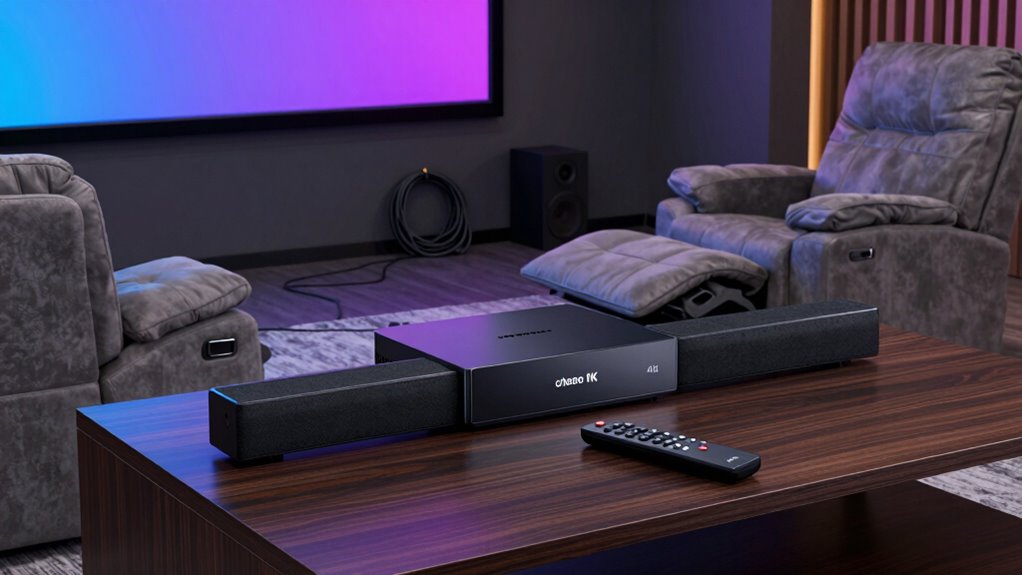
Setting up a home theater can be exciting, but it requires the right accessories to guarantee a seamless experience. One of the most important components is your audio system, and wireless speakers are a game-changer. They eliminate the clutter of wires and provide flexible placement options, so you can position them for optimal sound distribution. With wireless speakers, you can easily connect multiple units to create a surround sound environment, enhancing your viewing experience without the hassle of running cables across the room. Make sure your wireless speakers are compatible with your existing system and offer good sound quality, because clear dialogue and immersive audio are key to enjoying movies and shows. Additionally, investing in reliable networking equipment ensures your wireless connections remain stable and lag-free during your movie nights.
Wireless speakers simplify setup and enhance sound quality for a seamless home theater experience.
Alongside audio, lighting plays a crucial role in setting the mood, and ambient lighting is a must-have accessory. Unlike harsh overhead lights, ambient lighting creates a soft, immersive glow that reduces eye strain and enhances contrast on your screen. LED strip lights, smart bulbs, or sconces can be installed around your viewing area to provide customizable illumination that can be dimmed or color-adjusted to match the content you’re watching. This subtle lighting not only improves the overall atmosphere but also helps prevent glare and reflections on your screen, making your movie nights more comfortable. When choosing ambient lighting, consider options that sync with your entertainment system or can be controlled via apps for convenience. Incorporating lighting control systems can further enhance this experience by allowing you to easily adjust lighting settings with minimal effort. To maximize convenience, look for systems that integrate seamlessly with your existing smart home setup. Incorporating dimming features into your lighting options can also provide more control over the ambiance. Recent advancements in smart lighting technology have made it easier than ever to customize your home theater environment exactly to your preferences.
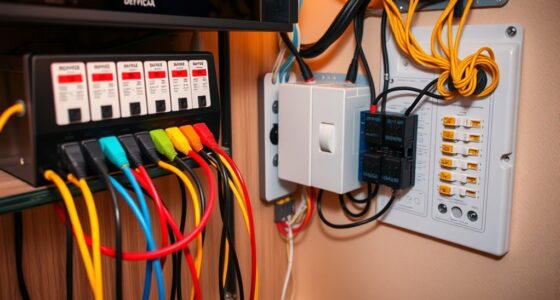
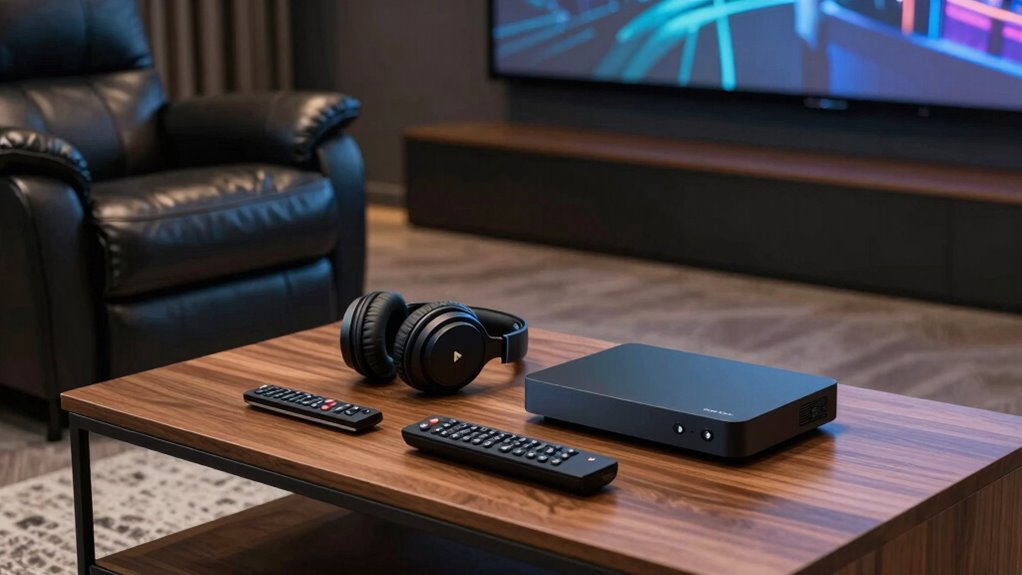
In addition to audio and lighting, you shouldn’t overlook the importance of a quality remote control or universal remote. It consolidates control of all your devices—TV, speakers, streaming devices—into one sleek interface, simplifying your setup. A good surge protector is also essential; it safeguards your investment from power surges and provides multiple outlets for your equipment. For a truly immersive experience, a media streaming device or smart TV should be part of your checklist, giving you access to countless streaming services at your fingertips. Consider also the benefits of smart home integration for automating your home theater environment and enhancing user convenience.
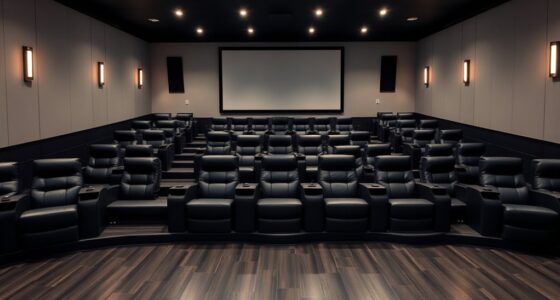
Lastly, don’t forget about comfort accessories like a plush sofa or recliner, and practical elements such as a media organizer. These items make long viewing sessions more enjoyable and keep your space tidy. With these accessories—wireless speakers, ambient lighting, and the right control and safety gear—you set yourself up for a home theater experience that’s not just visually stunning, but also effortless and comfortable. When everything works together seamlessly, you’ll find yourself lost in the movies, forgetting the world outside.
Products Worth Considering

Philips Hue Play Screen Sync and 65-Inch Play Gradient Smart TV Light Strip

Philips Hue Festavia 130-Foot Indoor/Outdoor Smart String Lights, 500 Color-Changing LEDs

Philips Hue Play HDMI Sync Box 4K with 65-Inch Play Gradient Light Strip
As an affiliate, we earn on qualifying purchases.
Frequently Asked Questions
How Do I Choose the Right Speaker Cables?
To choose the right speaker cables, consider your speaker impedance and make certain the cable can handle it without loss. Select cables with good shielding to prevent interference and preserve sound quality. Match the cable gauge to the length of your runs—thicker gauges for longer distances to reduce resistance. Always select high-quality connectors for secure connections, and prioritize cables that support your system’s power and impedance requirements for peak performance.
What Is the Best Placement for Surround Sound Speakers?
Imagine your room as a stage, where perfect speaker positioning creates a compelling performance. For ideal surround sound, place the rear speakers slightly behind your listening spot, at ear level or just above, and angle them towards you. Consider room acoustics—avoid placing speakers near walls or corners to reduce echo. This thoughtful placement immerses you in sound, making every scene feel alive and authentic.
Are There Affordable Options for High-End Projectors?
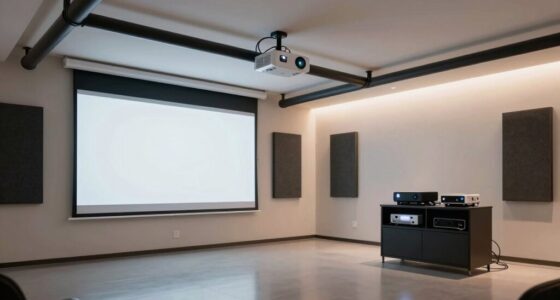
Yes, you can find affordable high-end projectors that deliver excellent quality. To keep your projector in top shape, regularly perform projector lens maintenance, which guarantees clear images and peak performance. Pair your projector with affordable projector screens to enhance your viewing experience without breaking the bank. By maintaining your equipment and choosing budget-friendly screens, you’ll enjoy high-end visuals at a fraction of the cost, making your home theater truly impressive.
How Often Should I Replace Home Theater Accessories?
You should replace home theater accessories like wireless connectivity devices and acoustic treatments when they show signs of wear or no longer perform *effectively*, usually every 3 to 5 years. Regularly check your wireless devices for connectivity issues and upgrade them if needed. Acoustic treatments may need *renewing* or repositioning if sound quality declines. Staying proactive ensures your home theater maintains excellent sound and seamless wireless performance.
What Safety Precautions Are Needed for Home Theater Setup?
Ironically, safety sometimes takes a backseat in home theater setups. You should prioritize cable management to prevent tripping hazards and make sure everything stays organized. Don’t forget fire safety; keep your cables away from heat sources and use surge protectors. Regularly inspect cords for damage, and avoid overloading outlets. These simple precautions protect your equipment and loved ones, making your theater experience enjoyable and safe.
Conclusion
Think of your home theater as a symphony, where each accessory is a crucial instrument coming together to create perfect harmony. With this checklist, you’re tuning each piece just right—your projector, sound system, and accessories—all working seamlessly to deliver an immersive experience. When everything’s in place, you’ll feel like you’re front and center at a cinematic concert, ready to enjoy every detail. Now, sit back, press play, and let your home theater take center stage.