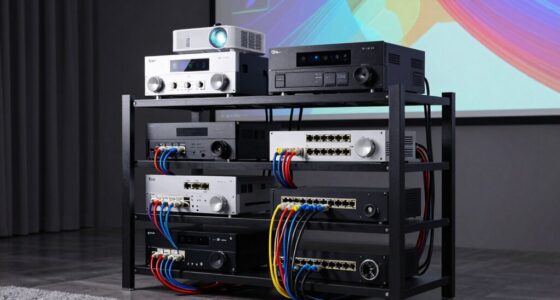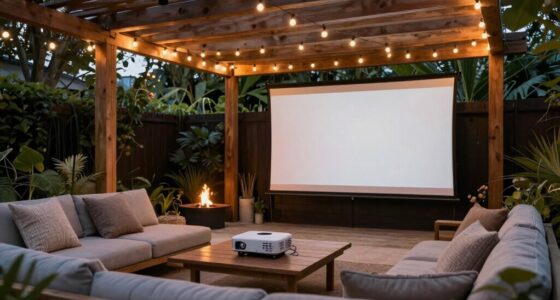
To achieve a sleek, clutter-free projector setup, focus on effective cable management by routing wires along walls or furniture using clips, ties, or concealment methods like crown molding or curtains. Conceal devices with discreet furniture, cabinets, or decorative covers that match your decor. Consider in-wall cables or removable conduits for a clean look that’s also temporary or renter-friendly. If you keep exploring, you’ll discover more tips to enhance your space’s overall aesthetic and organization.

Get your home office setup delivered free — and shop member deals
- Fast, free delivery on millions of items
- Access to Prime Big Deal Days deals on October 6–7
- Prime Video, Amazon Music and more included
Key Takeaways
- Use in-wall cable management systems to hide wires completely for a sleek, seamless projector setup.
- Conceal devices inside furniture, cabinets, or decorative enclosures to reduce visual clutter.
- Employ cable clips, ties, and adhesive organizers to keep wires tidy along walls and furniture edges.
- Plan routes along less noticeable areas like behind crown molding or under carpets for discreet cable routing.
- Choose projectors with minimal external components to reduce device clutter and enhance the clean look.
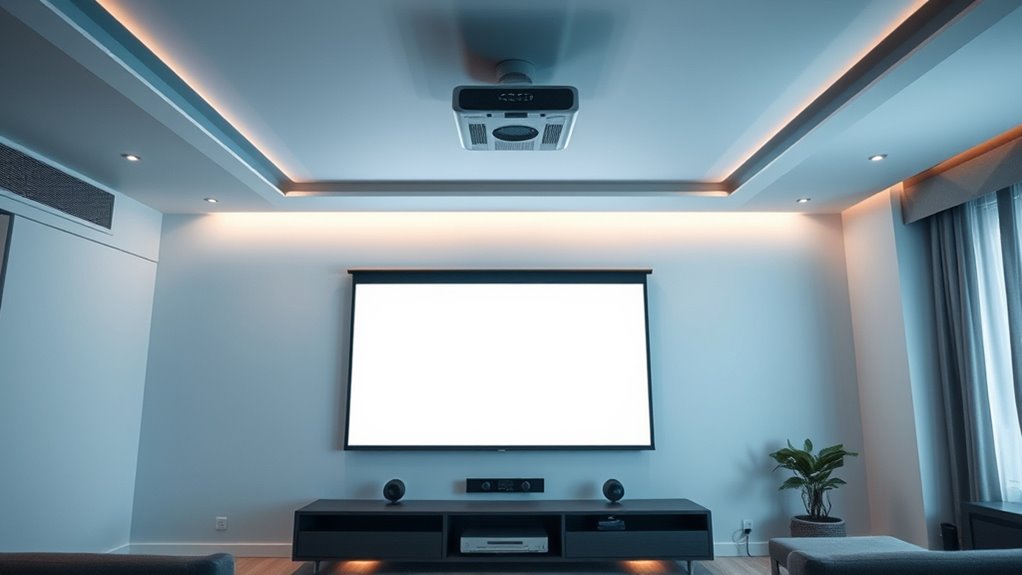
Keeping your space tidy often means hiding cables and devices that can clutter up the room. When setting up a projector, this becomes especially important because exposed wires can distract from a sleek, professional look. Good wire management is essential to keep everything organized and out of sight. It involves routing cables neatly along walls, behind furniture, or through specialized channels designed to conceal wiring. By doing this, you not only improve the room’s aesthetic but also reduce tripping hazards and protect your cables from damage.
Device concealment is another vital aspect. Projectors, media players, and other electronic components can look messy if left exposed. To tackle this, consider installing discreet enclosures or using furniture that hides the devices. For example, placing your media components inside a cabinet or a dedicated media console can keep everything out of view while maintaining easy access. You can also use decorative boxes or covers that match your room’s decor to hide bulky equipment. This approach creates a clean, streamlined look and minimizes visual clutter.
Cable clips and adhesive organizers are handy tools for managing cables. They keep wires close to the wall or furniture, preventing them from dangling or tangling. Velcro straps or reusable cable ties are also useful for bundling multiple cords together, making your setup look neater and more organized. When planning your projector setup, think about the path your cables will take and choose routes that are least noticeable. Running cables along crown molding, behind curtains, or under carpets can help conceal them completely.
Another effective method is to use in-wall cable management systems. These allow you to run cables through the walls, completely hiding them from view. This option requires some DIY skills or professional installation but results in a truly clean appearance. For temporary setups or rentals, consider using cable sleeves or conduit covers that can be easily removed when needed. These solutions help keep your space looking polished without permanent alterations.
Additionally, selecting a projector with high refresh rates and low input lag can further streamline your setup by reducing the need for external devices or additional equipment, contributing to a cleaner overall appearance.
As an affiliate, we earn on qualifying purchases.
Frequently Asked Questions
What Are the Best Materials for Concealing Cables?
You should use flexible conduit, cable raceways, or adhesive cable clips for effective concealment. These materials enhance cable management by keeping wires hidden along walls or ceilings, providing a clean look. You can also consider fabric cable sleeves or under-carpet channels for a seamless appearance. By choosing the right concealment techniques and materials, you guarantee your projector setup remains tidy and professional, reducing clutter and trip hazards.
How Can I Hide Devices in Small or Awkward Spaces?
Think of your space as a secret garden where concealed wiring and cable management are your hidden pathways. To hide devices in small or awkward spaces, use custom shelves or wall-mounted enclosures that blend seamlessly into the surroundings. Tuck devices behind furniture or inside decorative boxes, ensuring cables stay hidden. With clever placement and discreet concealment, your setup remains tidy, creating a sleek, uninterrupted aesthetic that feels both organized and inviting.
Are There Wireless Alternatives to Traditional Projector Setups?
Yes, wireless projectors are great alternatives to traditional setups, eliminating the need for cables and making installation easier. You can stream content directly from your devices using Wi-Fi or Bluetooth, providing a seamless experience. These streaming alternatives are perfect for small or awkward spaces, as they reduce clutter. Plus, many wireless projectors offer high-quality images and easy connectivity, making your setup cleaner and more efficient.
How Do I Prevent Overheating of Hidden Devices?
Like a wise old owl, you know proper cable management is key. To prevent overheating, guarantee your hidden devices have adequate ventilation techniques—use open shelving or install small fans if needed. Keep vents unblocked and position devices away from heat sources. Regularly check for dust buildup, which can cause overheating. Proper airflow and cable management keep your setup cool, efficient, and looking sleek.
What Safety Precautions Should I Take When Hiding Cables?
When hiding cables, follow cable management tips to prevent accidents and guarantee safety. Use safety wiring guidelines to secure cables properly, avoiding loose wires that could cause tripping hazards or damage. Keep cables away from heat sources and ensure proper ventilation to prevent overheating. Always check that connections are secure and avoid overloading power outlets. Regularly inspect your hidden wiring to maintain safety and a tidy, professional setup.
As an affiliate, we earn on qualifying purchases.
Conclusion
By hiding cables and devices, you can achieve a sleek, clutter-free projector setup that looks professional and feels more inviting. Did you know that a clean space can boost your productivity by up to 15%? With simple solutions like cable covers and wall mounts, you’ll enjoy a streamlined look without the mess. Take control of your setup today and transform your space into a neat, modern entertainment hub.
cable clips and ties for wall mounting
As an affiliate, we earn on qualifying purchases.
As an affiliate, we earn on qualifying purchases.
As an affiliate, we earn on qualifying purchases.
Fall Picks
fall essentials
As an affiliate, we earn on qualifying purchases.