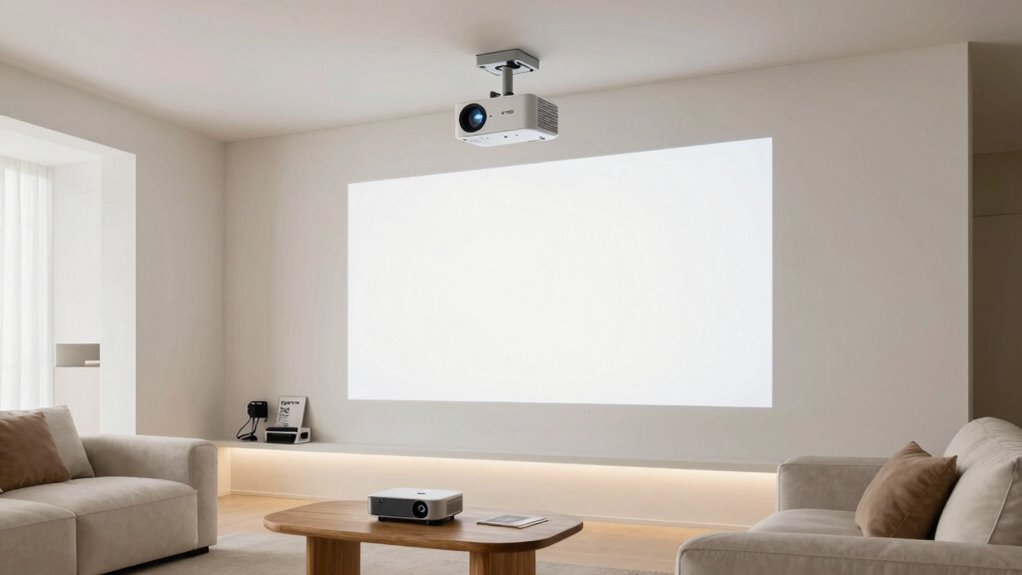
Start by choosing a 1080p projector with decent sound for clear visuals and good audio, especially in small rooms. Once you’re comfortable, consider upgrading the brightness and contrast for larger or brighter environments. Later, focus on enhancing audio with external speakers or sound systems for a more immersive experience. Planning these steps helps you make steady improvements without overspending. Keep exploring, and you’ll discover how to build the perfect home projector setup step by step.

Get business pricing on your home office setup
- Business-only prices and quantity discounts
- Tax-exempt purchasing
- Multiple users, one account, clear invoices
Key Takeaways
- Start with a 1080p projector with decent sound to balance cost and quality.
- Upgrade brightness and lumen ratings for larger or brighter rooms as needed.
- Consider enhancing audio systems after initial setup for improved sound immersion.
- Plan future upgrades to higher resolutions like 4K for sharper visuals and future-proofing.
- Stay informed on new tech and accessories to gradually improve picture and sound quality.
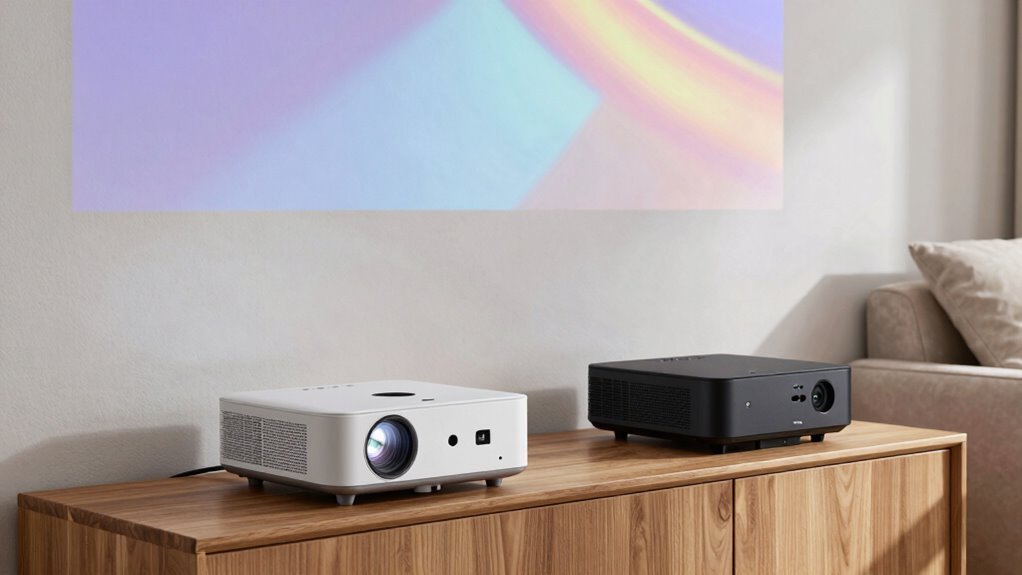
If you’re buying a projector for the first time, it’s easy to feel overwhelmed by the number of options and technical specifications. You might wonder where to start or what features genuinely matter for an upgrade. The good news is, you can plan your upgrade path logically, focusing first on the essentials like screen resolution and sound quality. These elements directly influence your viewing experience and can guide your choices as you move to better models.
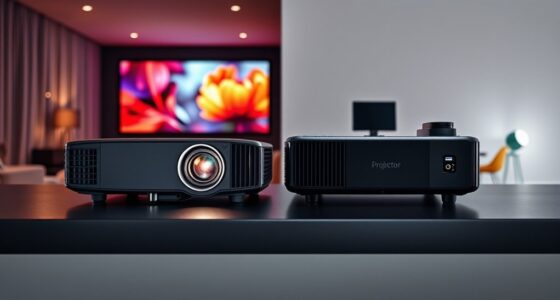
Initially, you want a projector that delivers decent picture quality without breaking the bank. Look for a model with at least Full HD (1080p) resolution. While 4K projectors are becoming more affordable, they aren’t necessary for a first-time buyer if your primary goal is casual movie watching or presentations. Starting with a 1080p projector ensures sharp, clear images suitable for most needs and provides a solid foundation for future upgrades. As your budget allows, you can consider stepping up to 4K to enjoy even crisper visuals, especially if you’re a cinephile or want to future-proof your setup.
Start with a 1080p projector for sharp, clear images and budget-friendly quality, then upgrade to 4K later.
Sound quality is often overlooked but is just as crucial as picture quality. Many first-time buyers assume that external speakers are always necessary, but some projectors come with built-in speakers that are adequate for small rooms or casual viewing. However, upgrading your sound system later can significantly enhance your experience. When selecting your initial projector, consider models with decent integrated sound, and plan to add a good external sound system as your next upgrade. Better sound quality makes a noticeable difference, especially during action scenes or immersive content. Additionally, integrating audio accessories can help create a more complete home theater setup. Understanding the importance of sound in viewing experiences can further help you prioritize your audio upgrades effectively.
As you become more comfortable with your projector, you’ll naturally want to improve other aspects, such as brightness and contrast. But a logical upgrade path begins with a focus on core features: better screen resolution and sound quality. Once you’re satisfied with your picture sharpness and audio, you can look into higher lumen ratings for larger rooms or brighter environments, and more advanced audio solutions for a premium experience. Additionally, understanding emerging trends in digital publishing can help you stay informed about new projection technologies and accessories that could enhance your setup in the future.
Products Worth Considering

Samsung 65-Inch The Frame Pro Neo QLED 4K TV (2026) Bundle with Modern Brown Bezel, HDMI Cables, and Home Theater Guide

Bose TV Speaker (2nd Gen) Compact Soundbar

Bose TV Speaker Compact Soundbar with Bluetooth and HDMI-ARC, Black
As an affiliate, we earn on qualifying purchases.
Frequently Asked Questions
How Long Should I Expect My First Projector to Last?
Your first projector should last about 5,000 to 10,000 hours with proper projection maintenance. To extend its lifespan, follow setup tips like keeping it in a cool, dust-free area and avoiding prolonged use at high brightness. Regularly clean filters and guarantee proper ventilation. With good care, you’ll enjoy clear images and reliable performance for years, making your investment well worth it.
Are There Any Hidden Costs Beyond the Projector Price?
Sure, there are hidden costs beyond the projector price, like hidden fees or unexpected expenses. You might be surprised to find out that warranty coverage isn’t always extensive, and repairs can add up fast. Don’t forget to budget for replacement bulbs or filters, which often aren’t included. It’s ironic how the initial purchase price is just the tip of the iceberg—being aware saves you from surprises down the line.
Can I Upgrade My Projector’s Lens or Screen?
Yes, you can upgrade your projector’s lens or screen, but it depends on lens compatibility with your model. Look for projectors designed with interchangeable lenses or support for screen enhancement options. Upgrading the lens can improve image quality and throw distance, while screen enhancements can boost clarity and color. Always check your projector’s specifications and compatibility to guarantee seamless upgrades that enhance your viewing experience.
How Do I Choose the Right Projector for Gaming?
Think of choosing a projector for gaming as selecting a portal to your own universe. Focus on projection technology—look for LED or laser for smooth visuals—and prioritize high screen resolution, like 1080p or 4K, to immerse yourself in gameplay. Brightness and low input lag are key for vivid, responsive action. By aligning these features, you craft a gateway that transforms your space into an epic gaming arena.
What Are the Common Signs My Projector Needs Replacing?
If your projector shows dimmer images or colors look faded, it’s likely time for replacement. You might notice flickering, persistent image distortion, or trouble with projection maintenance like dust buildup affecting image quality. Additionally, if calibration no longer restores clear visuals or the lamp frequently fails, replacing the projector is the best choice. These signs indicate that your device can’t deliver peak performance anymore, so upgrading guarantees a better viewing experience.
Conclusion
Now that you understand the upgrade options, imagine where your projector journey could take you next. The next step isn’t just about better images or louder sound — it’s about revealing experiences you haven’t even dreamed of yet. Are you ready to take that leap? The path ahead holds surprises and possibilities that could transform your home theater forever. One upgrade could be the start of something truly extraordinary. Are you prepared to discover what’s next?