
Upconverting in projectors is a process that takes lower-resolution content and refines it into sharper, more detailed images using sophisticated algorithms. Instead of just enlarging the picture, it analyzes the visuals, adds extra pixels, and enhances edges, textures, and colors for a clearer picture. This technology makes images from older or lower-quality sources look more vibrant and crisp, helping you get the most out of your projector. Keep exploring to learn how upconverting can transform your viewing experience.

Get business pricing on your home office setup
- Business-only prices and quantity discounts
- Tax-exempt purchasing
- Multiple users, one account, clear invoices
Key Takeaways
- Upconverting enhances image resolution by analyzing content and adding pixels for sharper, more detailed visuals.
- It improves image quality from lower-resolution sources, making pictures clearer and more vibrant.
- Unlike digital zoom, upconverting refines images without pixelation or distortion.
- It boosts visual clarity for various content types, including films, gaming, and presentations.
- Upconverting is essential for maximizing projector performance and delivering high-quality viewing experiences.
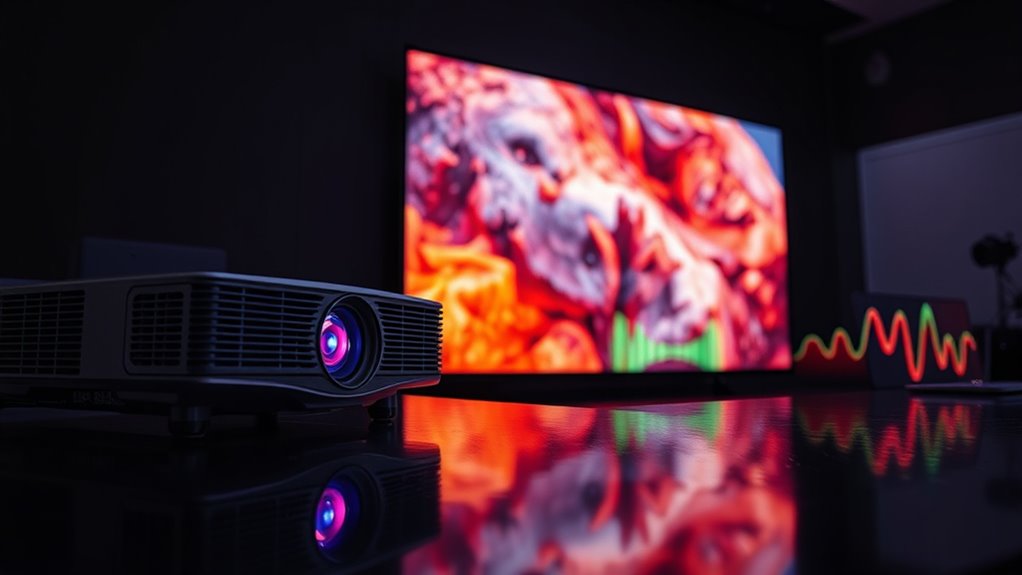
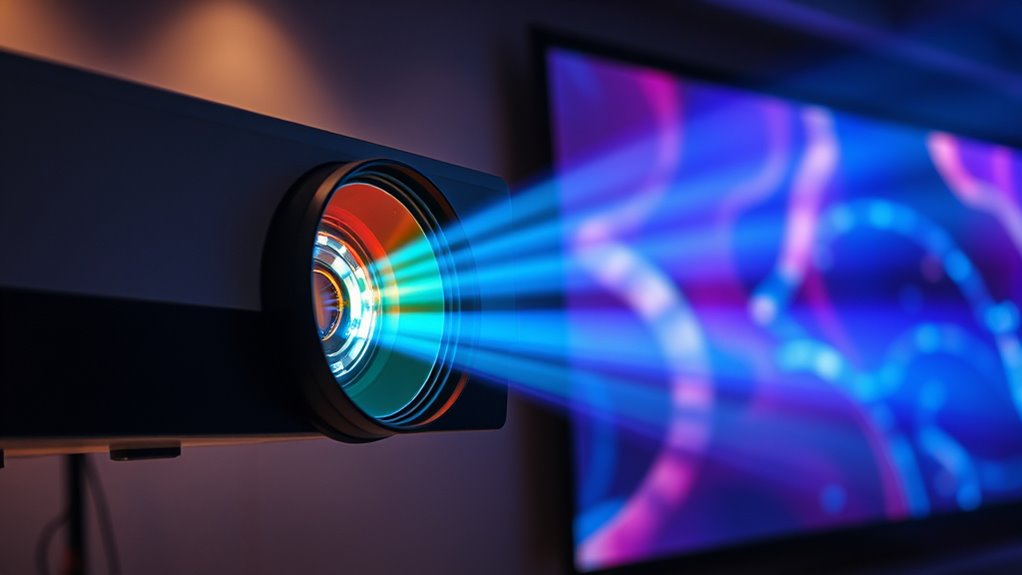
Upconverting technology plays a essential role in enhancing the quality of projector images by increasing resolution and detail. When you watch content on a projector, the clarity and sharpness depend heavily on the image’s resolution. Lower-resolution sources can sometimes look pixelated or blurry, especially on larger screens. That’s where upconverting comes in—it’s a process that takes the original image and intelligently increases its resolution, providing a crisper and more detailed picture. By doing this, upconverting acts as a form of image enhancement, making sure that what you see on your screen looks closer to high-definition quality, even if the source material isn’t originally high-res.
Upconverting enhances projector images by increasing resolution and detail for sharper, more vibrant visuals.
The primary goal of upconverting is resolution improvement. It works by analyzing the existing image and adding extra pixels to fill in gaps, making the picture appear smoother and more detailed. This process often involves sophisticated algorithms that interpret the image’s content, such as edges, textures, and colors, and then generate new pixels that seamlessly blend with the original ones. The result is a sharper, more vibrant image that can greatly elevate your viewing experience. Whether you’re watching a film, playing a video game, or giving a presentation, resolution enhancement through upconverting helps you get the most out of your projector’s capabilities.
You might wonder how this differs from simple digital zoom or stretching, which can sometimes lead to pixelation or distortion. Upconverting doesn’t just enlarge the image; it refines it. It preserves, and even amplifies, the details that matter most, making the images look natural and lifelike. This is especially beneficial when you’re using older video sources or streaming content that might not be in the highest resolution. Instead of settling for a fuzzy picture, upconverting technology ensures that your projector can deliver a clear and detailed image, even from less-than-perfect sources.
In essence, if you want your projector to deliver stunning visuals, understanding upconverting’s role in image enhancement and resolution improvement is essential. It allows you to enjoy sharper, more detailed images that elevate your viewing experience. With advancements in upconverting technology, modern projectors can intelligently enhance lower-resolution content, making every scene more immersive and visually appealing. Whether for home entertainment, professional presentations, or gaming, upconverting helps bridge the gap between source quality and display performance, ensuring you get the clearest, most detailed picture possible.
Furthermore, home improvement techniques like decluttering and organization can also enhance your viewing environment, making the most of your upgraded projector setup.
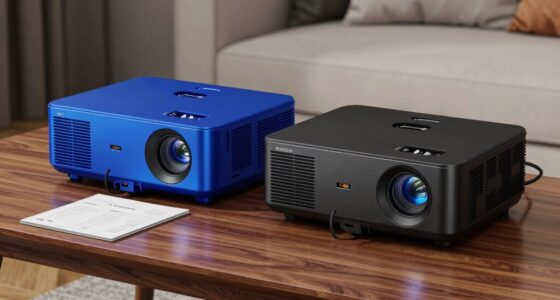
4K projector with upconverting technology
As an affiliate, we earn on qualifying purchases.
As an affiliate, we earn on qualifying purchases.
Frequently Asked Questions
How Does Upconverting Affect Image Latency?
Upconverting can slightly increase image latency because it involves additional processing delay to enhance resolution and color accuracy. When your device upconverts content, it takes a moment for the processing to complete, which may introduce a small delay. This can affect your experience, especially in fast-paced gaming or live sports, where minimal latency is essential. However, high-quality upconverting minimizes this impact, ensuring smooth visuals and accurate colors.
Can Upconverting Improve Older Content Quality?
Yes, upconverting can improve older content quality by enhancing content clarity and detail. It refines resolution, making images sharper and more vibrant, which elevates your viewing experience. While it can’t recreate missing details perfectly, upconverting helps make older videos look better on modern screens, reducing pixelation and blurriness. This upgrade offers a noticeable improvement, making your viewing experience more enjoyable and immersive even with older content.
Is Upconverting Necessary for 4K Projectors?
Upconverting isn’t strictly necessary for 4K projectors, but it can enhance resolution and improve image sharpness, especially with lower-resolution sources. If you often watch older content or videos with less detail, upconverting helps make the picture look clearer and more refined. However, for native 4K content, it’s less critical. You decide based on whether you want improved resolution enhancement and sharper images from your projector.
How Does Upconverting Impact Power Consumption?
Upconverting can somewhat increase power consumption because it requires extra processing to enhance image quality. However, modern projectors are designed for power efficiency, so the impact on energy consumption is minimal. You might notice a small rise in electricity use, but it generally doesn’t considerably affect your energy bills. Overall, upconverting balances improved visuals with maintaining good power efficiency, making it a practical feature for high-resolution displays.
Are There Any Downsides to Upconverting Technology?
Upconverting can feel like chasing rainbows, but it has downsides. You might notice reduced color accuracy, as the technology sometimes struggles to perfectly match original hues. Additionally, the hardware costs tend to be higher, making it a pricey investment. While upconverting enhances resolution, these compromises could impact your viewing experience and budget, so weigh the benefits against potential drawbacks before choosing this tech.
high resolution projector for movies
As an affiliate, we earn on qualifying purchases.
As an affiliate, we earn on qualifying purchases.
Conclusion
Think of upconverting as a bridge connecting your device’s raw potential to a vibrant, full display—like a seed transforming into a blossoming flower. It’s the silent artist behind the scenes, turning simple pixels into a captivating scene. When you understand scaling and upconverting, you hold the key to revealing richer visuals. Embrace this magic, and let your projector become the canvas where your imagination takes flight, painting worlds beyond what’s visible.
projector with image enhancement features
As an affiliate, we earn on qualifying purchases.
As an affiliate, we earn on qualifying purchases.
lower resolution content upconverting projector
As an affiliate, we earn on qualifying purchases.
As an affiliate, we earn on qualifying purchases.
Columbus Day / Indigenous Peoples' Day Picks
long weekend sales
As an affiliate, we earn on qualifying purchases.