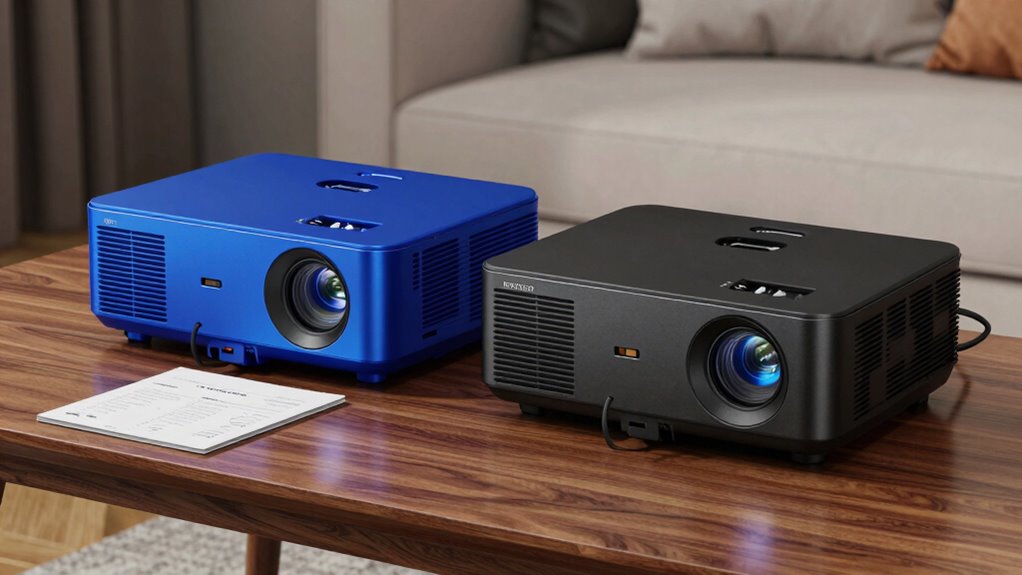

Focus on core specifications like resolution, contrast ratio, and brightness, which directly impact image quality. Don’t let extras like carrying cases or cables distract you, as they don’t influence performance. Consider the projector’s technology—LCD, DLP, or LCoS—and trusted brands with good reviews to guarantee durability. Prioritize these essentials for the best value and reliability. Keep exploring to discover more tips that help you compare bundles effectively.
Key Takeaways
- Focus on core specifications like resolution, lumens, and contrast ratio rather than bundled accessories.
- Assess the projector’s intended environment to determine necessary features and avoid unnecessary extras.
- Prioritize reputable brands with proven track records for quality and long-term reliability.
- Use specification comparisons to objectively evaluate projector performance over attractive add-ons.
- Recognize that extras generally do not impact core performance, so allocate attention to essential features.
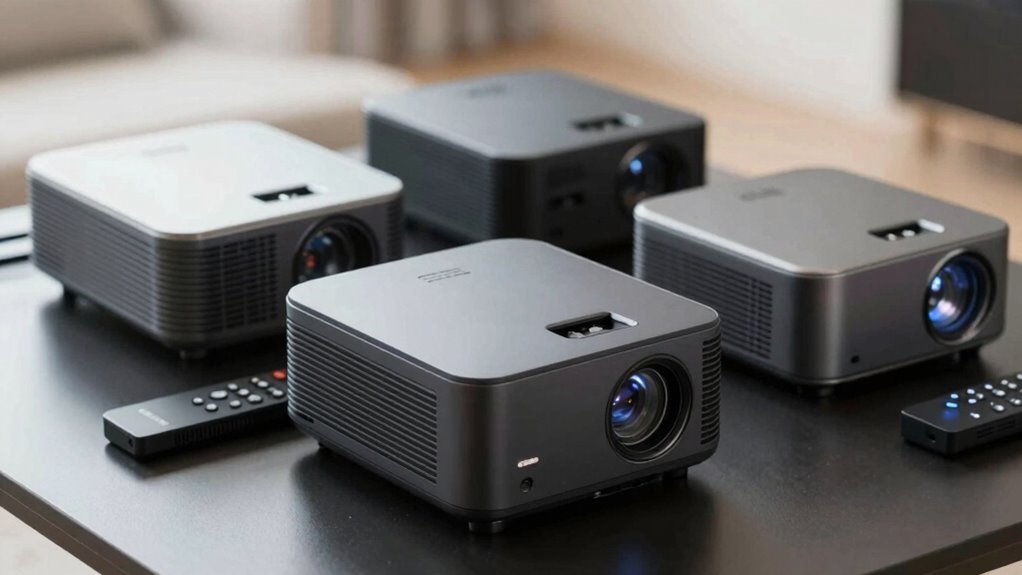
Are you overwhelmed by the variety of projector bundles available and unsure how to choose the best one for your needs? It’s a common challenge, especially with so many options packed with extras that can easily distract you from what really matters. To make a smart choice, you need to focus on the core features that impact performance and reliability, rather than getting sidetracked by unnecessary add-ons. The first step is understanding projection technology, which is the backbone of any projector. Different types—such as LCD, DLP, and LCoS—offer varying picture quality, color accuracy, and brightness levels. Knowing which technology suits your environment helps you filter out bundles that aren’t optimized for your space. For instance, if you want vibrant colors and sharp images for home theater use, a DLP projector might be your best bet. On the other hand, LCD projectors often provide better color accuracy, making them suitable for classroom or office presentations. Additionally, understanding projection technology can help you identify which bundles are built with quality components that ensure consistent performance over time. Recognizing core projector specifications like resolution and contrast ratio can also streamline your decision-making process. Moreover, considering contrast ratio is essential for achieving the desired depth in dark scenes, which greatly enhances viewing quality. It’s also helpful to look into the reputation of the brand to ensure you’re investing in a reliable product, as this can significantly affect your satisfaction and longevity of use. Furthermore, exploring advanced features such as lens shift or keystone correction can improve installation flexibility without adding unnecessary complexity or cost.
Next, don’t overlook the importance of brand reputation. The manufacturer’s track record tells you a lot about the quality and longevity of their products. When comparing projector bundles, research brands known for reliable projection technology and solid customer support. A reputable brand typically offers better warranties, easier access to repairs, and consistent performance over time. Avoid falling for flashy marketing or bundles that seem too good to be true from unknown brands, as they often include low-quality components that won’t last or deliver the promised image quality. Instead, look for reviews and user feedback that highlight durability, customer service, and the real-world performance of their projectors.
As you compare bundles, prioritize the core specs—resolution, lumens, contrast ratio—over the extras like carrying cases or additional cables. These extras may seem enticing but often don’t impact the actual viewing experience as much as the fundamental projection technology and the reputation of the brand. Keep your focus on what’s essential to meet your needs, whether that’s a high-brightness projector for a large room or a compact model for portability. Remember, the goal is to find a bundle that provides reliable performance and clear images without unnecessary bells and whistles that can complicate your decision or inflate the price. By honing in on projection technology and brand reputation, you can confidently compare projector bundles and make a choice that delivers quality, durability, and value.

HAPPRUN Native 1080P Projector, Bluetooth Home Theater Movie Projector with Built-in Speaker, Compatible with Smartphone, HDMI, Fire Stick, PS5, Indoor & Outdoor Use – Without Google TV System
[ Native 1080P Full HD Resolution ] – Enjoy crystal-clear visuals with HAPPRUN H1's native 1920×1080 resolution, delivering…
As an affiliate, we earn on qualifying purchases.
As an affiliate, we earn on qualifying purchases.
Frequently Asked Questions
Do Projector Bundles Include Warranties or Service Plans?
Projector bundles often include warranty coverage and service plan options, but it varies by seller. You should check what’s offered—some bundles come with limited warranties, while others provide extended service plans for added peace of mind. Always review the details to understand what’s covered, like repairs or replacements, so you avoid surprises later. Comparing these aspects helps you choose a bundle that offers solid support alongside your projector.
Are Bundled Projectors Compatible With All Screen Types?
Bundled projectors aren’t compatible with all screen types; you need to check screen compatibility first. Most projectors work with standard screens, but some may not suit specialized surfaces like ultra-short-throw or flexible screens. Also, consider connection options—ensure your projector supports HDMI, VGA, or wireless connections that match your setup. Comparing these factors helps you find a bundle that fits your screen type and offers the right connection options, avoiding compatibility issues.
How Long Do Bundled Projectors Typically Last?
Bundled projectors usually last around 20,000 to 30,000 hours of projection lifespan, depending on usage and model quality. You should check the warranty coverage to understand what’s protected if the projector fails prematurely. Proper maintenance, like cleaning filters and avoiding overheating, can extend its lifespan. Always review the warranty details to verify you’re covered for potential repairs or replacements during its projected lifespan.
Can I Upgrade Components in a Bundled Projector Package?
It’s unlikely you can upgrade components in a bundled projector package because of component compatibility issues. Most bundle projectors are designed with fixed parts, limiting upgrade options. To improve performance, you might need to replace the entire projector instead of upgrading individual components. Before purchasing, check the bundle details and manufacturer’s guidelines to confirm whether upgrades are possible, ensuring you make a well-informed decision that suits your needs.
Are There Hidden Costs in Projector Bundle Deals?
Yes, there can be hidden fees or extra charges in projector bundle deals. You might find costs for delivery, setup, or extended warranties aren’t included upfront. Always read the fine print and ask about any additional fees before purchasing. By doing this, you can avoid surprises and guarantee the bundle truly offers the best value without unexpected expenses sneaking in later.

ViewSonic PX700HDH 3700 Lumens 1080p Projector, High Brightness and Supercolor Technology for Smooth Home Entertainment, 1.1x Optical Zoom, and Vertical Keystone for Flexible Setup, and Dual HDMI
Full HD Home Theater Projector: FHD (1920x1080p) resolution with a 1.5-1.6 throw ratio and 3,700 ANSI lumens perfect…
As an affiliate, we earn on qualifying purchases.
As an affiliate, we earn on qualifying purchases.
Conclusion
When comparing projector bundles, focus on the core specs that match your needs—like brightness, resolution, and connectivity—rather than getting distracted by extras. Some say that more features always mean better value, but research shows that simplicity often yields better results for your specific setup. By honing in on what truly matters, you’ll make smarter choices and avoid unnecessary expenses. Ultimately, a thoughtful comparison guarantees your projector delivers the experience you want, without the noise of unnecessary extras.

BenQ WXGA Business Projector (MW560C) – DLP – 4,000 Lumens High Brightness – 20,000:1 High Contrast Ratio – HDMI, VGA – Auto Keystone Correction – Simple Setup – SmartEco Technology
BRILLIANT IMAGE QUALITY: 4000 ANSI Lumens high brightness and 20000:1 contrast deliver stunning display presentations
As an affiliate, we earn on qualifying purchases.
As an affiliate, we earn on qualifying purchases.
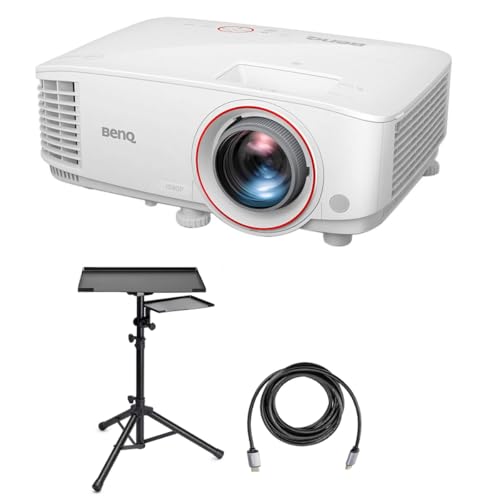
BenQ TH671ST WUXGA Full HD Home Entertainment DLP Projector for Gaming with Short Throw, 3000 Lumens Bundle with Laptop Stand and Accessory Tray, HDMI 2.0 Cable
INCLUDED – TH671ST Projector, remote, power cord, VGA cable, lens cover, user manual CD, quick start guide, BenQ…
As an affiliate, we earn on qualifying purchases.
As an affiliate, we earn on qualifying purchases.