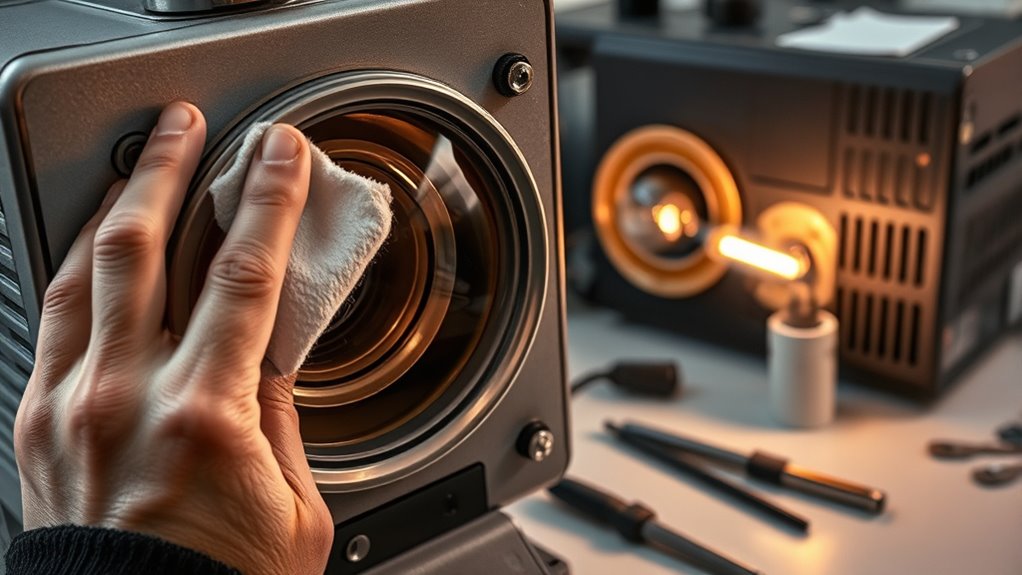

To keep your projector performing well, regularly clean its lenses with a soft, lint-free cloth to remove dust and smudges. Check and vacuum air filters and vents to prevent overheating and maintain airflow. Replace the lamp promptly when brightness diminishes or images look washed out, as this extends the device’s life. Keeping the environment dust-free and following a cleaning schedule helps improve longevity. Stay tuned for more tips to guarantee ideal projector maintenance.

Get business pricing on your home office setup
- Business-only prices and quantity discounts
- Tax-exempt purchasing
- Multiple users, one account, clear invoices
Key Takeaways
- Regularly clean the projector lens with a soft, lint-free cloth to remove smudges and dust for clear image quality.
- Vacuum or blow out air filters and vents periodically to prevent dust buildup and overheating.
- Monitor lamp brightness and replace the bulb promptly when images appear dull or washed out.
- Keep the projector in a dust-free, cool environment to extend lamp life and maintain optimal performance.
- Follow manufacturer guidelines for cleaning frequency and bulb replacement to ensure safe and effective maintenance.
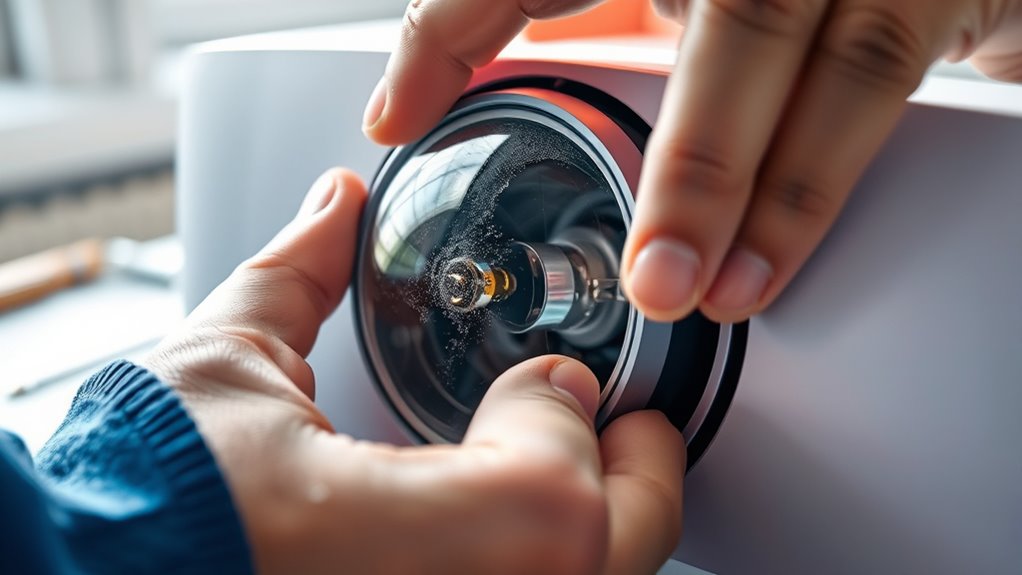
Have you ever wondered why your projector’s image quality diminishes over time? One of the main reasons is due to the lamp’s lifespan. Over months or years of regular use, the bulb gradually loses brightness, which can make your images look dull and washed out. To keep your projector functioning at its best, it’s essential to pay attention to the lamp’s condition and replace it when necessary. But before that, establishing a proper cleaning schedule can greatly extend the life of your projector and maintain excellent image quality.
Regular cleaning and timely lamp replacement keep your projector’s image bright and sharp.
A consistent cleaning schedule is key. Dust, dirt, and fingerprints tend to accumulate on the lens and air vents, which can reduce brightness and cause overheating. Regularly cleaning the lens with a soft, lint-free cloth removes smudges and dust that obstruct the light path. You should also gently vacuum or blow out the air filters and vents every few months to prevent dust buildup inside the device. Doing so ensures proper airflow and cooling, which directly affects the lamp’s lifespan. When dust is left unchecked, it can cause the projector to overheat, shortening the bulb’s life and risking damage to internal components.
Pay attention to the projector’s usage patterns. If you use it daily or for extended periods, you might need to clean the lens and filters more frequently—perhaps once a month. Conversely, if your usage is sporadic, a bi-monthly or quarterly cleaning schedule might suffice. The goal is to keep the internal environment free of debris and maintain consistent airflow, which helps the lamp burn evenly and last longer. Additionally, keeping the projector in a dust-free, cool environment will also help prolong its lamp lifespan and reduce the frequency of bulb replacements. Understanding the importance of proper projector maintenance can help you optimize performance and extend the life of your device.
Products Worth Considering

LEVOIT Vital Pet Smart Air Purifier

Levoit Core 600S-P Smart Air Purifier for Large Rooms

Blueair Blue Pure 211i Max Air Purifier for Large Rooms
As an affiliate, we earn on qualifying purchases.
Frequently Asked Questions
How Often Should I Replace My Projector’s Air Filters?
You should replace your projector’s air filters every 6 to 12 months, depending on the air filter lifespan and usage. Regularly inspect the filters for dust and debris, and if they appear dirty sooner, replace them sooner. Following a consistent replacement schedule helps keep your projector running smoothly and prevents overheating. Keep an eye on performance, and don’t wait too long to swap out filters for peak operation.
Can I Use Household Cleaning Products on Projector Lenses?
You shouldn’t use household cleaners on your projector lenses because they can cause lens damage. Household cleaning products often contain harsh chemicals that can scratch or degrade the lens coating. Instead, use a microfiber cloth and a lens cleaner specifically designed for electronics. Gently wipe the lens without applying excessive pressure, and avoid sprays directly on the lens to keep it clear and in good condition.
What Signs Indicate My Projector Bulb Needs Replacing?
You’ll notice signs of bulb failure when your projector’s image dims, becomes flickery, or shows uneven brightness. If the projector’s bulb lifespan is nearing its end—typically around 2000-5000 hours—these signs become more frequent. You might also hear unusual noises or see a warning message. Don’t overlook these indicators; replacing the bulb promptly ensures your projector continues performing well and prevents sudden outages.
Is It Safe to Open the Projector Casing Myself?
You shouldn’t bite off more than you can chew when it comes to opening your projector casing. For safe opening, always unplug your projector and wait for it to cool down completely. If you’re unsure, consult the manufacturer’s instructions or a professional. Opening the casing yourself can void warranties or cause damage if not done correctly, so proceed with caution and prioritize safety to avoid unnecessary risks.
How Do I Reset the Projector’s Lamp Usage Timer?
To reset the projector’s lamp usage timer after a lamp replacement, you typically access the menu, navigate to the maintenance or setup section, and select the “Reset Lamp Timer” option. Make sure you’ve correctly installed the new bulb before resetting. Consult your projector’s manual if you can’t find the option, as the process varies by model. Resetting the timer guarantees accurate tracking for future lamp replacements.
Conclusion
Now that you know how to clean your projector’s lenses and replace the bulbs, you’re all set to keep it running smoothly. Regular maintenance not only extends its lifespan but also guarantees sharp, bright images every time you use it. Think about how a well-maintained projector can transform your movie nights or presentations. Isn’t it worth taking a few minutes now to prevent bigger problems later? Keep your projector in top shape and enjoy crystal-clear visuals every time.