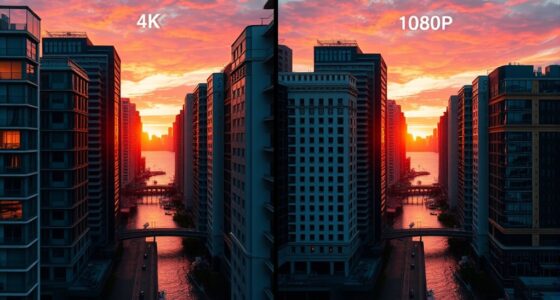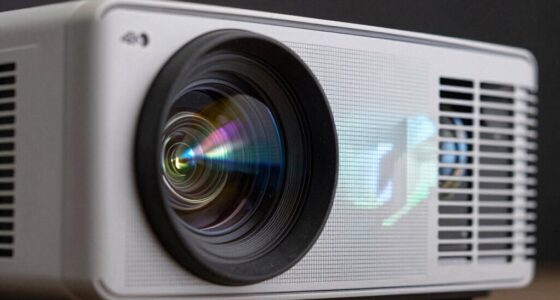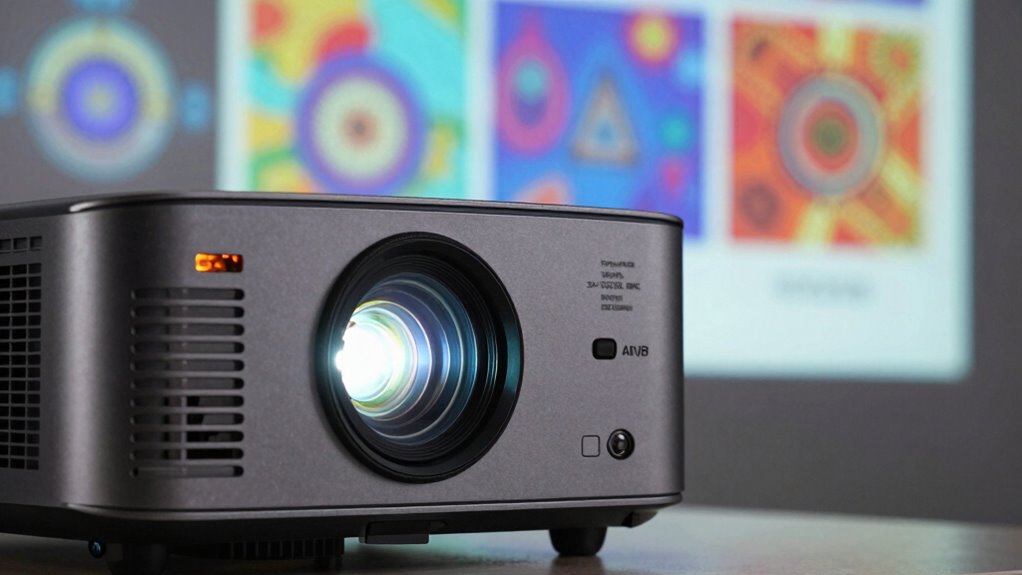
Native resolution on a projector is the actual number of pixels it can display without needing to scale or interpolate the image. It directly affects the clarity, sharpness, and details of your projected content. When your device’s resolution matches the original content, your images will look crisp and clear, with no distortion. Choosing the right native resolution is essential for maximum quality. Keep going to discover how this impacts your viewing experience and projector options.

Get business pricing on your home office setup
- Business-only prices and quantity discounts
- Tax-exempt purchasing
- Multiple users, one account, clear invoices
Key Takeaways
- Native resolution is the exact pixel count the projector can display without scaling.
- It determines the clarity, sharpness, and detail of projected images.
- Matching content resolution with native resolution ensures optimal picture quality.
- Higher native resolutions, like 4K, provide more detail for immersive viewing.
- It influences compatibility and setup, affecting overall projection quality.
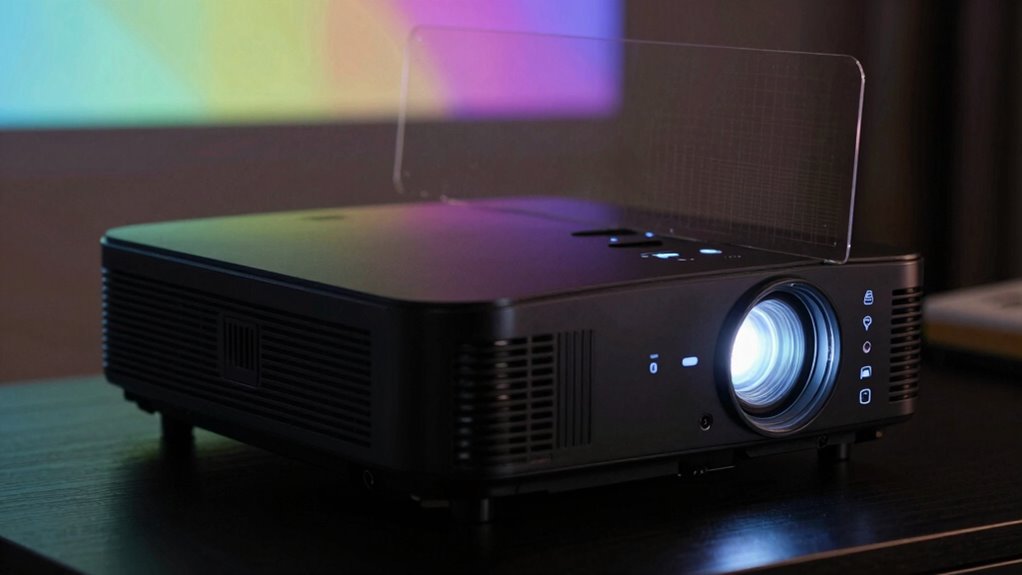
Understanding what native resolution means on a projector is key to choosing the right one for your needs. Native resolution refers to the exact number of pixels the projector’s imaging chip can display without any scaling or interpolation. This resolution directly impacts the projection quality because it determines how detailed and clear the image will appear on your screen. When you select a projector with a resolution that matches your content, you guarantee sharpness, clarity, and vibrant details, making your viewing experience much more enjoyable. Additionally, color accuracy plays a vital role in ensuring that the projected images look natural and true to life. Pixel accuracy is a core aspect of native resolution. It means that each pixel on the projector’s chip corresponds directly to a pixel on the projected image. When the resolution is native, the projector displays the content in its original quality, avoiding blurriness or distortion caused by scaling. If you connect a device with a higher resolution than the projector’s native one, the image gets scaled down, which can compromise projection quality. Conversely, if the source has a lower resolution, the image might look pixelated or blurry, especially on larger screens. That’s why understanding native resolution helps you achieve the best possible image clarity and sharpness, guaranteeing every detail looks crisp and accurate. Matching resolution between your device and projector is crucial for optimal image quality. Choosing a projector with a higher native resolution generally improves projection quality, especially for high-definition content like 4K movies, detailed presentations, or gaming. For instance, a 1080p projector (Full HD) will produce sharper images than a 720p model, but a 4K projector offers even greater detail and clarity. Keep in mind, however, that higher resolutions often come at a higher cost and may require more powerful hardware to support the output. If you’re primarily projecting simple presentations or videos, a lower resolution might suffice, but for immersive viewing or professional work, investing in a higher native resolution ensures you get the most from your content. Furthermore, understanding resolution compatibility is essential to ensure your device and projector work seamlessly together for optimal image quality. Being aware of your content resolution needs can help you select the right projector to match your typical viewing material. In addition, selecting a projector with an appropriate native resolution can also influence your overall setup and compatibility with other devices.
As an affiliate, we earn on qualifying purchases.
Frequently Asked Questions
How Does Native Resolution Affect Projector Brightness?
Native resolution doesn’t directly affect projector brightness, but it impacts image sharpness and pixel clarity. When your projector has a higher native resolution, it produces sharper, clearer images because each pixel displays more detail. Conversely, a lower resolution can make images look pixelated or blurry, especially on larger screens. So, while brightness stays the same, a higher native resolution enhances overall picture quality, making visuals more vivid and sharp.
Can a Higher Resolution Improve Image Quality on a Lower-Resolution Projector?
A higher resolution can’t truly improve image quality on a lower-resolution projector because of pixel limitations. Think of trying to paint a detailed masterpiece with a broad brush—no matter how much you enlarge the canvas, the brush’s size restricts detail. Image scaling might make the picture appear larger, but a resolution upgrade is essential for sharp, crisp visuals. Without it, you’re mainly enlarging a blurry image.
Is Native Resolution More Important Than Contrast Ratio?
Native resolution is more important than contrast ratio when it comes to image clarity because it determines the projector’s true display capacity. You’ll notice better sharpness and detail without relying on image scaling, which can cause distortions. While contrast ratio affects color depth and black levels, a higher native resolution provides Resolution flexibility, ensuring your images stay crisp and clear. Prioritizing native resolution guarantees a sharper, more accurate picture overall.
How Do I Determine the Native Resolution of My Projector?
You determine your projector’s native resolution by checking the user manual, product specifications, or the manufacturer’s website. Look for details related to the projection aspect, such as 16:9 or 4:3, and resolution scaling options. The native resolution is the fixed pixel count it projects best, so understanding this helps you avoid image distortion or quality loss. Use this info to select content that matches or scales well with your projector’s native resolution.
Does Native Resolution Impact Projector Compatibility With Devices?
Think of native resolution as the secret handshake between your projector and devices. Yes, it impacts projector compatibility because mismatched resolutions can lead to poor image quality or the need for frequent projector calibration. To confirm your setup shines, check your device’s output and your projector’s native resolution. This way, you guarantee seamless screen compatibility, providing crisp images and avoiding unnecessary adjustments or distortions during your presentations or movie nights.
Full HD projector with high native resolution
As an affiliate, we earn on qualifying purchases.
As an affiliate, we earn on qualifying purchases.
Conclusion
Understanding native resolution is like tuning a musical instrument—you get the pure, clear note without any distortion. When you choose a projector with the right native resolution, your images and videos come through crisp and vibrant, bringing your content to life just like a perfectly played melody. So, pay attention to this key detail, and you’ll guarantee your visual experience stays harmonious and sharp, no matter what you’re projecting.
As an affiliate, we earn on qualifying purchases.
portable projector for presentations
As an affiliate, we earn on qualifying purchases.
As an affiliate, we earn on qualifying purchases.
Fall Picks
fall essentials
As an affiliate, we earn on qualifying purchases.