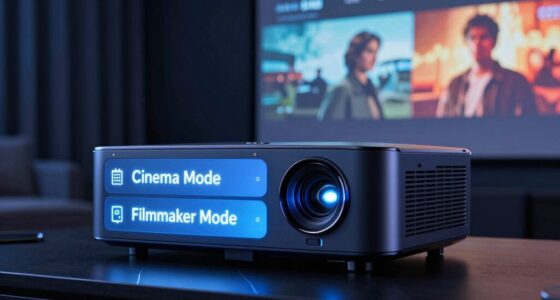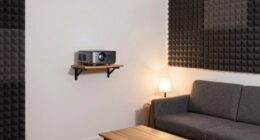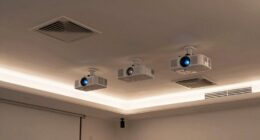
To fight washout caused by ambient light, you should increase your projector’s lumens to make images brighter and more visible, especially in well-lit rooms. Using an Ambient Light Rejecting (ALR) screen can also markedly improve contrast by reflecting the projector light directly back to you and reducing glare from external sources. If you manage lighting and screen choices wisely, you’ll enjoy vibrant, sharp images even in bright environments. Keep exploring to learn how to optimize your setup further.
Key Takeaways
- Increasing projector lumens can improve contrast and visibility in ambient light but may cause glare if too high.
- ALR screens reflect projector light directly to viewers, reducing washout from ambient light.
- Controlling room lighting and reducing natural light enhances contrast and prevents screen glare.
- Proper balance between projector brightness and ambient light conditions maximizes image clarity.
- Combining ALR screens with adequate lumens counteracts washout, maintaining vibrant, sharp images in bright environments.
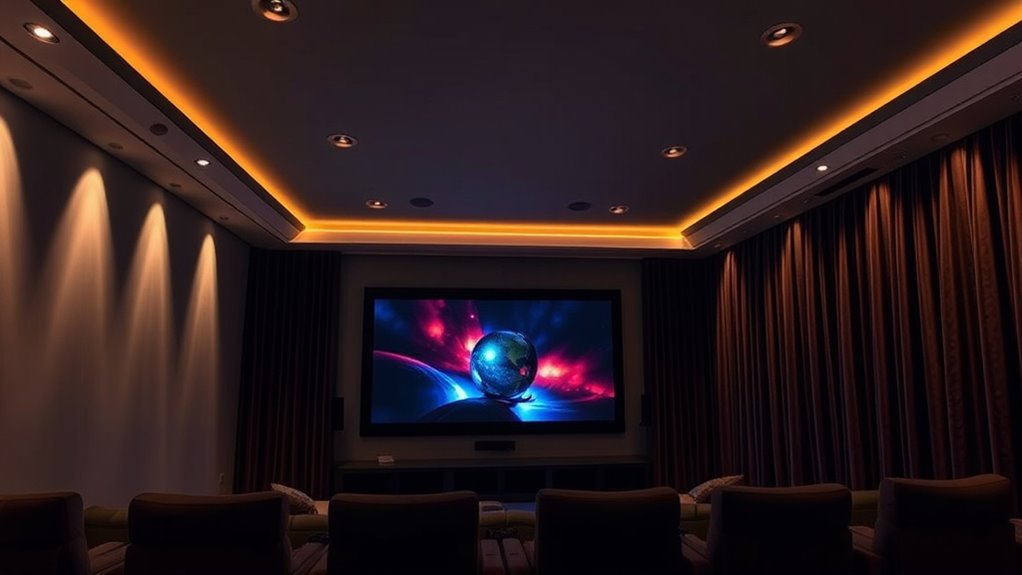
Have you ever noticed how the lighting in a room affects the way your screen looks? It’s a common experience—bright ambient light can wash out images, making details hard to see and colors dull. One of the main culprits is screen glare, which occurs when light reflects off your screen’s surface, creating bright spots that distract from what you’re trying to watch or work on. To combat this, you need to consider both the ambient light levels and your screen’s projection brightness. The goal is to strike a balance where the screen remains clear and vibrant without being overwhelmed by surrounding light.
When ambient light is too high, it diminishes contrast, making darker scenes appear washed out and reducing overall image clarity. This makes it difficult to distinguish details, especially in movies or presentations with subtle shading. Increasing your screen’s projection brightness can help, but only up to a point. If your projector or display isn’t bright enough, even the highest settings won’t prevent the image from fading into the ambient light. That’s where specialized solutions like Ambient Light Rejecting (ALR) screens come into play. These screens are designed to minimize the impact of ambient light, reflecting light from the projector directly back to you while absorbing or blocking the ambient light that causes glare and washout.
Using an ALR screen makes a significant difference because it enhances the contrast ratio, which is vital for vibrant, detailed images. It helps your projector’s brightness shine through the ambient conditions, allowing you to enjoy clearer images even in well-lit rooms. However, simply installing an ALR screen isn’t enough—pair it with a projector that provides adequate lumens for your environment. If your projector’s lumens are too low, the image will appear dim regardless of the screen quality. Conversely, if it’s too bright, it might cause eye strain or create glare issues, especially if your room has reflective surfaces.
Adjusting your room’s lighting is also essential. Using dimmable lights or controlling natural light sources can make a noticeable difference. The less ambient light hitting your screen, the better your contrast and projection brightness will perform. Keep in mind, the key is to create a balanced environment where your screen’s brightness and the room’s lighting complement each other. By understanding how ambient light impacts contrast and investing in the right technology, like ALR screens and appropriate lumens, you can enjoy a vibrant, sharp picture without interference or washout, no matter how bright the room gets. Additionally, controlling ambient light is crucial for maintaining optimal viewing conditions and preventing washout.
Ambient Light Rejecting (ALR) projector screen
As an affiliate, we earn on qualifying purchases.
As an affiliate, we earn on qualifying purchases.
Frequently Asked Questions
How Does Room Size Affect Ambient Light Management?
Room size directly impacts how you manage ambient light, as larger spaces require more effective lighting control to prevent washout. Longer or wider rooms, with bigger room dimensions, often need additional window treatments or controlled lighting to reduce glare and enhance contrast. You should consider installing adjustable lighting and ALR screens to optimize image quality, ensuring consistent viewing experiences regardless of room size. Proper lighting control adapts to your space, making your setup more effective.
Can Window Treatments Improve Projector Image Quality?
Yes, window treatments can improve projector image quality by reducing glare and controlling ambient light. Installing window coverings like blackout curtains or shades helps block unwanted sunlight, minimizing washout and enhancing contrast. These solutions enable you to enjoy clearer, brighter images, especially in rooms with large windows or bright surroundings. By effectively managing glare reduction, your projector setup delivers a better viewing experience with vivid colors and sharp details.
What Are the Best Projector Placement Tips for Bright Rooms?
To get the best projector placement in bright rooms, position your projector at the ideal angle to reduce glare and maximize image clarity. Use a high-gain screen to enhance brightness and contrast, fighting washout caused by ambient light. Make certain the projector is centered and aligned properly with the screen, avoiding reflections, and adjust the angle if needed. Proper placement ensures vibrant images even in well-lit environments.
How Do Screen Materials Impact Contrast and Brightness?
Screen materials markedly impact contrast and brightness through their coatings and reflectivity. You should choose screens with matte coatings to reduce glare and enhance contrast, especially in bright rooms. High reflectivity materials bounce more light back to you, making images brighter, but can also cause washout if ambient light is excessive. Opt for screens with controlled reflectivity and specialized coatings to balance brightness and contrast effectively in your environment.
Are There Portable Solutions for Controlling Ambient Light?
Think of portable screens as your beacon in bright environments. They come with built-in ambient light reducers, making them perfect for controlling ambient light on the go. These solutions are lightweight, easy to set up, and effective at minimizing washout. Whether you’re outdoors or in a well-lit room, portable screens help you maintain clear, vibrant visuals, ensuring you enjoy a crisp viewing experience wherever you are.
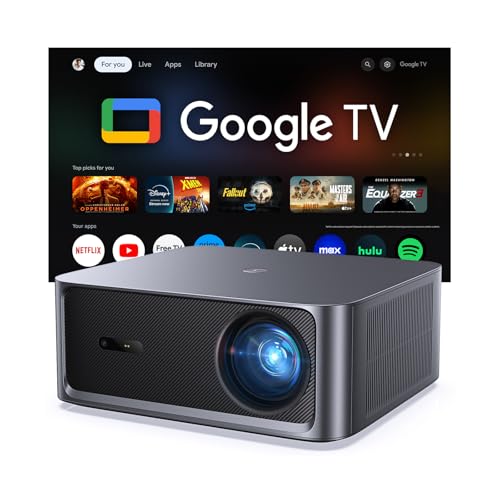
HAPPRUN 3000 ANSI Lumens Outdoor Projector with Official Google TV
- Built-in Google TV: Access 1,000+ streaming apps instantly
- Bright 3000 ANSI Lumens: Vivid images in day or night
- Supports 4K with HDR10+: Cinematic visuals with high contrast
As an affiliate, we earn on qualifying purchases.
As an affiliate, we earn on qualifying purchases.
Conclusion
Think of your screen as a canvas, and ambient light as the weather outside. When the sun’s too bright, your artwork washes out; when it’s just right, your colors pop and contrast stands tall. By using ALR and adjusting lumens, you’re like a skilled gardener, pruning away unwanted glare to let your display flourish. Master these tools, and you’ll create a viewing experience as vibrant and clear as a perfect day—no matter what the environment throws at you.
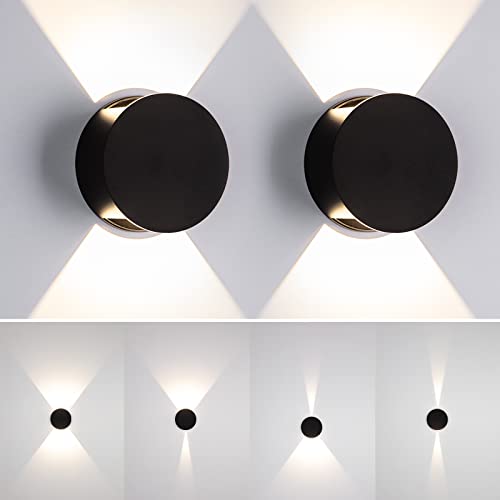
Tubicen Wall Sconce Set of 2 Black Round LED Wall Lights Beam-Adjustable
- Eye-Catching Modern Design: Sleek contemporary wall sconce with up & down lighting
- Dimmable Brightness: Stepless dimming from 100% to 10%
- Adjustable Light Beam: Removable diffuser for beam angle control
As an affiliate, we earn on qualifying purchases.
As an affiliate, we earn on qualifying purchases.
![[360°Adjustable Stand & 2000 ANSI] VOPLLS Upgrade 4K Projector with WiFi and Bluetooth, Auto Focus Keystone & 1080P Portable, Smart Outdoor Projector with Adjustable Stand for Home Bedroom (Black)](https://m.media-amazon.com/images/I/31xYCev3aYL._SL500_.jpg)
[360°Adjustable Stand & 2000 ANSI] VOPLLS Upgrade 4K Projector with WiFi and Bluetooth, Auto Focus Keystone & 1080P Portable, Smart Outdoor Projector with Adjustable Stand for Home Bedroom (Black)
- Sleek and Portable Design: Compact, lightweight, stylish projector
- Instant 4K Clarity: Auto focus and keystone correction
- 360° Adjustable Stand: Tool-free, rotatable projection stand
As an affiliate, we earn on qualifying purchases.
As an affiliate, we earn on qualifying purchases.