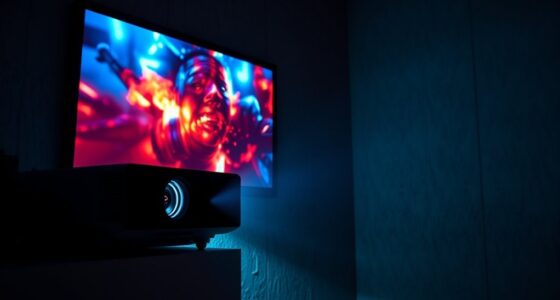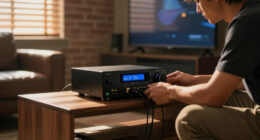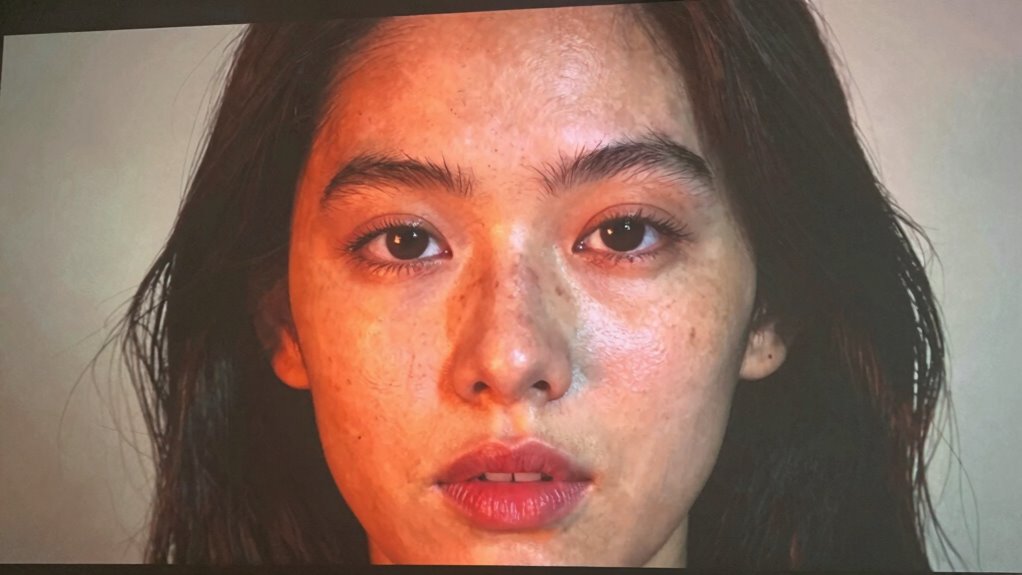

Skin tones may look off on your projector due to incorrect calibration, improper color settings, or environmental lighting that distorts colors. Dull, overly warm, or cool hues happen when brightness, contrast, or color temperature aren’t adjusted properly. Using preset modes without fine-tuning can also cause issues. To fix this, calibrate your projector with proper tools, adjust settings for natural hues, and control ambient light. Keep exploring how to achieve the best skin tone accuracy.

Get business pricing on your home office setup
- Business-only prices and quantity discounts
- Tax-exempt purchasing
- Multiple users, one account, clear invoices
Key Takeaways
- Incorrect projector color calibration can cause skin tones to appear unnatural; regular calibration helps correct this.
- Adjust brightness, contrast, and color temperature settings to better match natural skin hues.
- Ambient lighting conditions can distort color perception; controlling environmental light improves accuracy.
- Use specialized calibration tools and color profiles tailored for realistic skin tones for precise adjustments.
- Fine-tuning individual color channels ensures skin tones look natural and true to life.
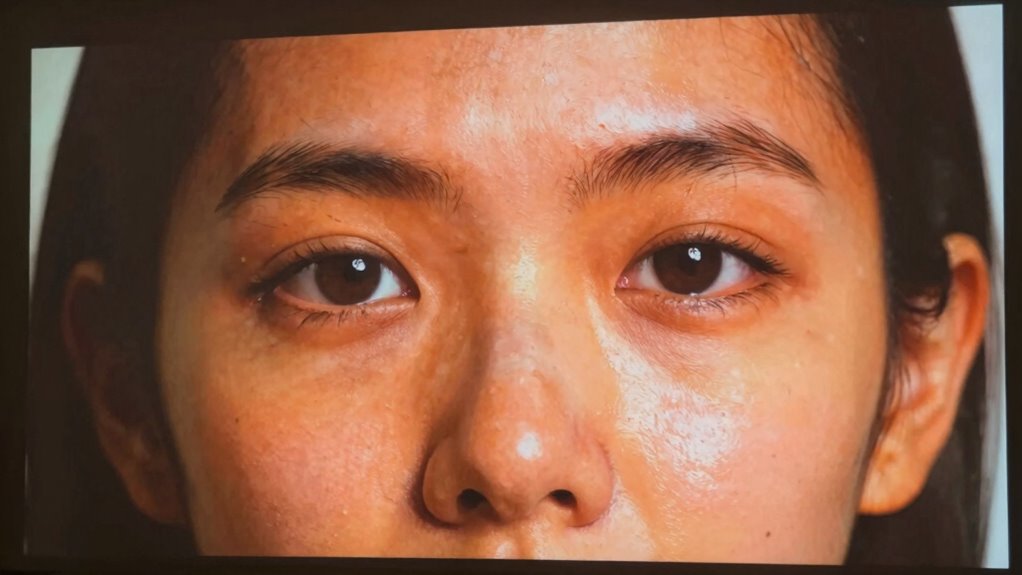
When projecting images of people, achieving accurate skin tones can be challenging, but it’s essential for creating natural and realistic visuals. One common reason skin tones appear off is because your projector’s color calibration isn’t properly set. If the colors look dull, too warm, or overly cool, it’s likely due to incorrect projector settings. To fix this, start by adjusting the projector’s color calibration to match the true hues of skin tones. Many projectors come with preset modes, but for the most natural results, you’ll want to fine-tune the individual color levels—especially red, green, and blue—until the skin appears lifelike. You don’t need to be a professional colorist; just a little patience and careful adjustment will help you get more accurate tones.
Proper projector settings are key to resolving skin tone issues. First, ensure that your projector’s brightness and contrast are set appropriately for your environment, as overly bright or dark settings can distort color perception. Once those are dialed in, focus on the color temperature. Most projectors allow you to choose between warm, neutral, or cool settings. For realistic skin tones, a neutral or slightly warm setting often works best. If your projector has advanced color management options, use those to tweak individual color channels further. Many projectors also feature a skin tone setting or a dedicated color profile—if available, activate it, as these are designed to enhance natural-looking skin hues. Additionally, ambient lighting conditions can significantly influence how colors appear, so controlling the lighting environment will help in achieving more accurate results. Understanding color calibration and how it impacts overall image quality is crucial for consistently good results. Using specialized calibration tools can further help in attaining the most accurate color reproduction. Incorporating color profiles tailored for skin tones can also provide an extra boost in accuracy.
projector color calibration tools
As an affiliate, we earn on qualifying purchases.
As an affiliate, we earn on qualifying purchases.
Frequently Asked Questions
Can Projector Settings Permanently Improve Skin Tone Accuracy?
Yes, projector settings can permanently improve skin tone accuracy through proper color calibration and software adjustments. When you calibrate your projector correctly, it adjusts the color output to match true skin tones consistently. Using calibration tools or software, you can fine-tune the colors, ensuring skin tones look natural every time. Regular calibration helps maintain accuracy, preventing color drift over time and guaranteeing a more realistic image quality.
Do Different Projector Brands Handle Skin Tones Differently?
Yes, different projector brands handle skin tones differently due to variations in color calibration and projector technology. Some brands prioritize accurate color reproduction, while others may have less precise calibration settings. You should compare models and look for those with advanced color calibration features, as they can better reproduce natural skin tones. Ultimately, understanding each brand’s technology helps you select a projector that renders skin tones more accurately and consistently.
How Does Ambient Lighting Affect Skin Tone Perception on Projectors?
Ambient lighting can subtly influence your perception of skin tones on a projector, making colors appear warmer or cooler. When ambient reflections or bright room lighting are present, they can distort the projector’s color temperature, leading to less accurate skin tones. To improve this, reduce ambient reflections by dimming lights or controlling room brightness, which helps the projector maintain its intended color temperature, ensuring natural, true-to-life skin tones.
Are There Specific Color Profiles Recommended for Accurate Skin Tones?
You should use specific color profiles designed for accurate skin tone reproduction, like Rec. 709 or sRGB, to guarantee natural skin tones. Perform thorough color calibration on your projector, focusing on skin tone adjustment, to fine-tune settings for true-to-life colors. Regular calibration helps maintain accuracy, especially under varying ambient lighting conditions. This approach ensures your projector displays skin tones realistically, enhancing overall picture quality and viewer experience.
Can Projector Screen Material Influence Skin Tone Appearance?
Your projector screen material can definitely influence how skin tones appear, just like a mirror can reflect colors differently. The right material reflection plays a key role in accurate color calibration. Matte screens tend to diffuse light evenly, preserving natural skin tones, while glossy surfaces might cause glare and color shifts. Choosing the appropriate material helps guarantee your projected skin tones look realistic and true to life.
best calibration software for projectors
As an affiliate, we earn on qualifying purchases.
As an affiliate, we earn on qualifying purchases.
Conclusion
So, if your skin tones look off on your projector, don’t worry—you can fix it. Adjust the color settings or use calibration tools to make your images look natural. Think of it like tuning a paint palette until the skin hues match real life—once you get it right, everyone will look their best on screen. Remember, a little tweaking goes a long way in bringing true-to-life skin tones to your projects.
As an affiliate, we earn on qualifying purchases.
ambient light control for projectors
As an affiliate, we earn on qualifying purchases.
As an affiliate, we earn on qualifying purchases.
Fall Picks
fall essentials
As an affiliate, we earn on qualifying purchases.