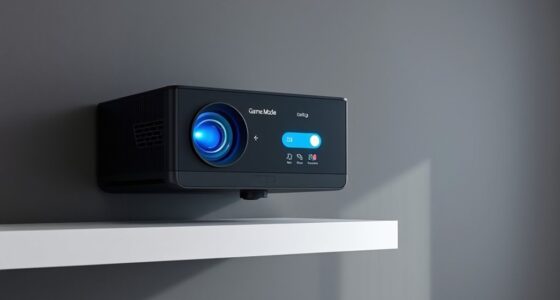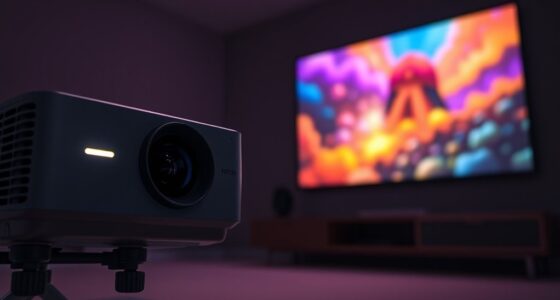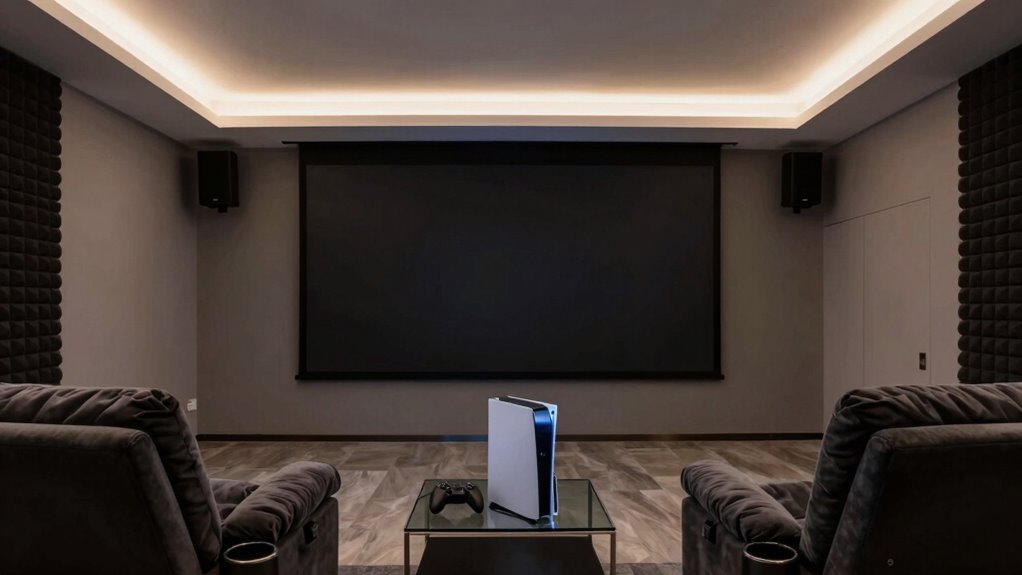
To build a low-lag projector gaming room, start by setting up adjustable, indirect lighting to reduce glare and eye strain. Use blackout curtains to block ambient light and create a comfortable, dark environment. Incorporate soundproofing materials like foam panels and seal gaps to minimize noise and echo. Position furniture to improve acoustics and guarantee your projector has a high refresh rate for smooth visuals. If you want to learn how to perfectly combine these elements, keep exploring for effective tips.

Get business pricing on your home office setup
- Business-only prices and quantity discounts
- Tax-exempt purchasing
- Multiple users, one account, clear invoices
Key Takeaways
- Choose a projector with high refresh rates and low input lag for smooth gameplay.
- Optimize room lighting with dimmable, indirect lights to prevent glare and reduce eye strain.
- Implement soundproofing with acoustic panels and sealing gaps to minimize external noise and echo.
- Arrange furniture and soft furnishings to absorb sound and enhance audio clarity.
- Control ambient light and noise distractions for a focused, immersive gaming environment.
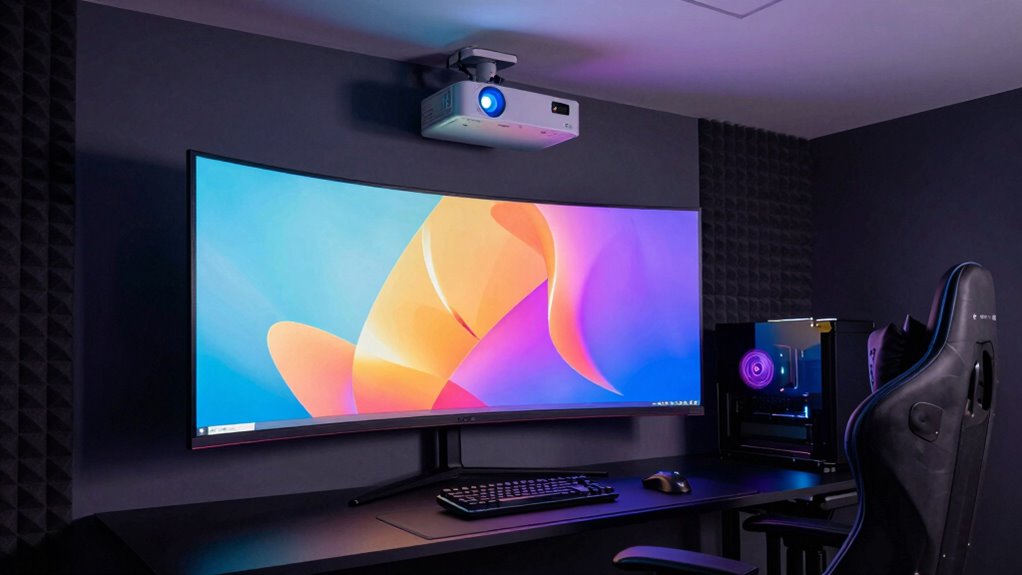
Start with your lighting setup. Proper lighting can prevent glare and reflections on the projector screen, which can cause eye strain and affect image quality. Opt for adjustable, indirect lighting options like dimmable LED strips or wall-mounted sconces that can be controlled easily, allowing you to set the perfect ambiance for different gaming sessions. Avoid harsh overhead lights or bright windows that cause glare, as they can wash out your projector image. Consider blackout curtains or shades if you have windows, ensuring that ambient light doesn’t interfere with your screen brightness. Good lighting not only improves visibility but also reduces eye fatigue during long gaming sessions, contributing to a more comfortable experience overall.
Use adjustable, indirect lighting to prevent glare and reduce eye strain during long gaming sessions.
Soundproofing techniques are equally essential. Projector gaming rooms tend to be larger and may have more sound reflections, which can lead to echo and muddled audio. To keep sound from leaking out and to prevent external noises from disrupting your gameplay, use soundproofing materials like acoustic foam panels on the walls and ceiling. These absorb excess sound waves, creating a clearer and more immersive audio environment. Additionally, sealing gaps around doors and windows with weather stripping or door sweeps can block noise infiltration. If you have neighbors or live in a noisy area, investing in a good-quality soundproof door can make a big difference. For audio clarity, consider using a high-quality sound system with soundproofing in mind, ensuring that every explosion or dialogue is crisp and precise without disturbing others nearby. Incorporating high refresh rates into your projector setup can further improve motion smoothness and reduce lag during fast-paced games. Additionally, selecting the right soundproofing techniques can significantly improve the overall audio experience and prevent distractions caused by external noise. Paying attention to the environmental noise in your space and choosing appropriate soundproofing methods can greatly enhance your gaming immersion.
Furthermore, optimizing your room’s acoustic environment by positioning furniture and soft furnishings can help absorb sound reflections and reduce echo. Integrating the right lighting setup with effective soundproofing techniques creates a gaming environment optimized for low latency and high immersion. These elements work together to eliminate distractions, reduce delays caused by environmental noise or poor lighting conditions, and allow you to focus entirely on your game. With careful planning and execution, your projector gaming room will become a sanctuary where smooth visuals and pristine sound elevate your gaming to the next level. The effort you put into these details directly correlates with your overall experience, making every gaming session more enjoyable and less frustrating.
high refresh rate projector for gaming
As an affiliate, we earn on qualifying purchases.
As an affiliate, we earn on qualifying purchases.
Frequently Asked Questions
What Types of Projectors Have the Lowest Input Lag?
You should choose DLP projectors for the lowest input lag, as they typically deliver faster response times ideal for gaming. To optimize your experience, calibrate your projector for minimal lag and guarantee your gaming chair offers ergonomic support, reducing strain during long sessions. These adjustments help you achieve smoother gameplay, making your projector gaming room more responsive and comfortable, without sacrificing image quality or timing precision.
How Do Ambient Light Conditions Affect Projector Gaming?
Think of your gaming room as a battlefield; ambient lighting is the fog that can obscure your vision. Too much ambient light causes light interference, washing out images and delaying responses. To stay victorious, control ambient lighting by dimming or blackout curtains. This reduces light interference, ensuring your projector’s image stays sharp and vibrant, so you can react swiftly and stay ahead in the game.
Can I Use a 4K Projector for Gaming?
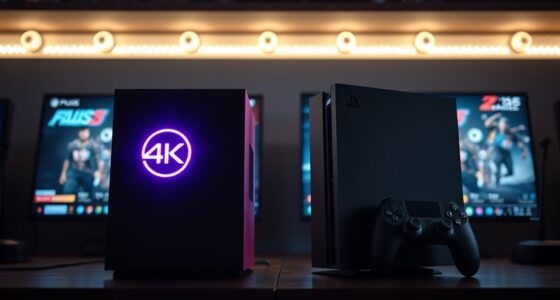
Yes, you can use a 4K projector for gaming. Modern projection technology delivers stunning, detailed visuals, enhancing your gaming experience. Just make sure your gaming seating is comfortable and positioned correctly for ideal viewing. Keep in mind, a 4K projector may introduce slight lag, so look for models with low input lag features. Proper setup and choosing a projector with fast response times will maximize your gaming immersion.
What Sound Setup Is Best for a Low-Lag Gaming Room?
Like a symphony in perfect harmony, your sound setup should be clear and responsive. Use soundproofing techniques to minimize external noise and echo, creating a focused gaming environment. Place speakers strategically—centered and at ear level—to guarantee immersive sound without lag. Consider a quality surround sound system or soundbar with low latency. This setup enhances your gaming experience, making every explosion or whisper feel immediate and lifelike.
How to Prevent Screen Tear and Latency Issues?
To prevent screen tear and latency issues, you should focus on proper screen calibration and matching your projector’s refresh rate with your gaming device. Adjust the display settings to guarantee the refresh rate is synchronized, reducing tearing. Calibrate the screen for ideal color and response time, which minimizes latency. Using features like V-Sync or G-Sync can also help, ensuring smooth gameplay without lag or visual artifacts.
dimmable LED strip lights for gaming room
As an affiliate, we earn on qualifying purchases.
As an affiliate, we earn on qualifying purchases.
Conclusion
Creating a low-lag gaming room is totally doable, even if you think you need expensive gear. Focus on quality but affordable projector options, optimize your room for minimal lag, and don’t forget to test everything before gaming sessions. Some might worry about setup complexity, but with patience, you’ll have a smooth, immersive experience. Just stay dedicated, and you’ll enjoy lightning-fast gameplay right in the comfort of your own space.
As an affiliate, we earn on qualifying purchases.
blackout curtains for gaming room
As an affiliate, we earn on qualifying purchases.
As an affiliate, we earn on qualifying purchases.
Halloween Picks
halloween
As an affiliate, we earn on qualifying purchases.