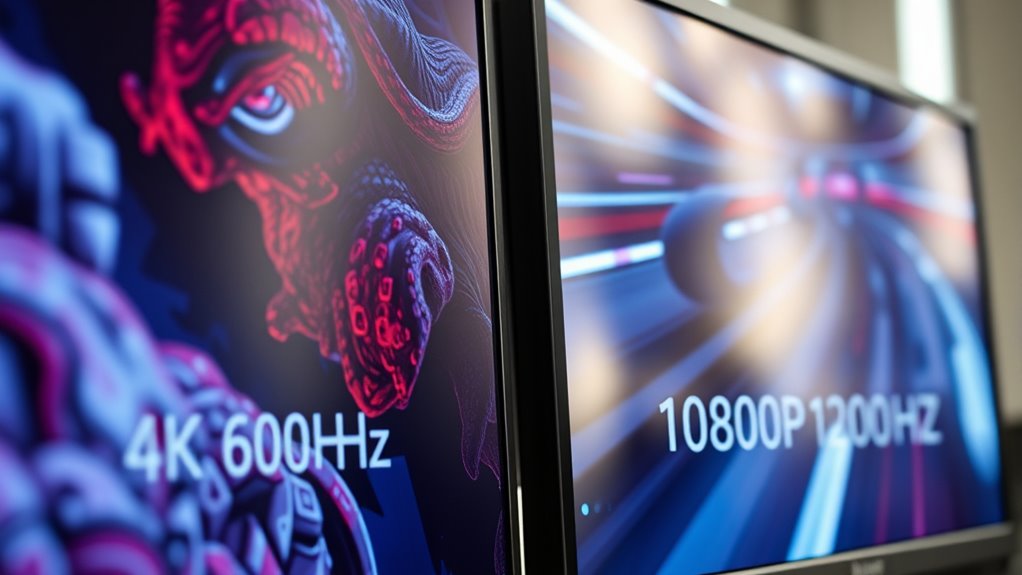

If you want sharper visuals and more detail, 4K at 60Hz is your best choice, especially on larger screens and for immersive gaming. However, if smooth motion and quick reactions are more important, 1080p at 120Hz offers better clarity in fast-paced genres like FPS or racing. Your decision depends on whether you prioritize visual fidelity or motion clarity. Keep exploring to discover the best setup for your gaming preferences.

Get business pricing on your home office setup
- Business-only prices and quantity discounts
- Tax-exempt purchasing
- Multiple users, one account, clear invoices
Key Takeaways
- 4K at 60Hz offers sharper, more detailed visuals, ideal for immersive and visually rich gaming experiences.
- 1080p at 120Hz provides smoother motion, enhancing responsiveness in fast-paced games like shooters or racing titles.
- Larger screens benefit more from 4K resolution to prevent pixelation and maximize visual clarity.
- Higher refresh rates improve motion clarity but may sacrifice some visual detail compared to higher resolution.
- The best choice depends on your gaming style, screen size, and whether visual fidelity or motion smoothness is a priority.
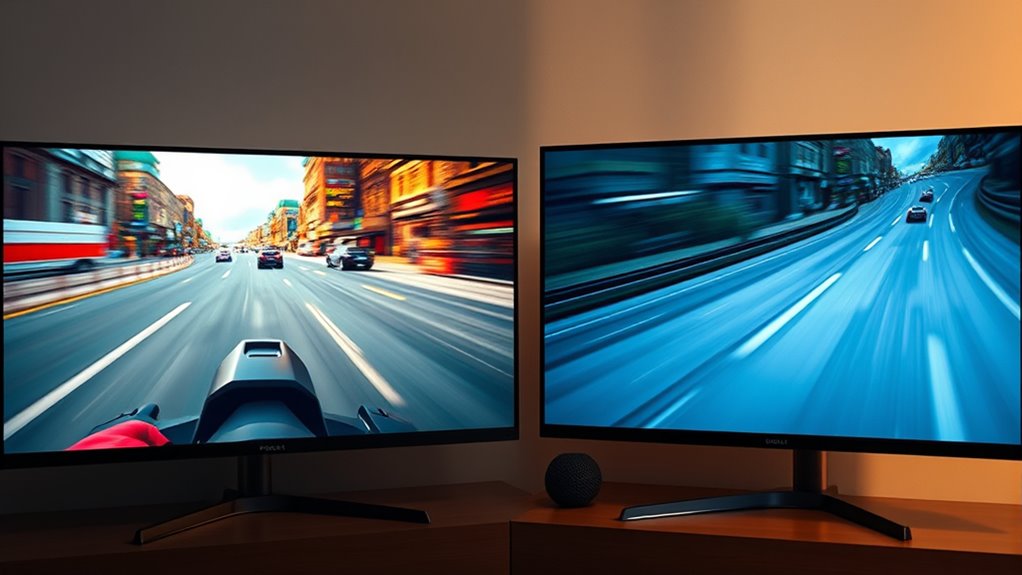
When choosing between 4K 60Hz and 1080p 120Hz displays, understanding how resolution and refresh rate impact your gaming and viewing experience is vital. One of the first considerations is HDR gaming, which can greatly enhance visual quality, especially on larger screens. If you’re gaming on a big screen, a higher resolution like 4K provides sharper images, more detailed textures, and a more immersive experience. The increased pixel density makes game worlds feel more vibrant and lifelike, especially when paired with HDR support. On the other hand, a 1080p display with a 120Hz refresh rate can still deliver excellent visual clarity, but the lower resolution might make distant objects less detailed on larger screens. If screen size is a major factor, think about how much detail you want to see and whether HDR gaming can compensate for the resolution difference. Larger screens benefit from 4K resolution because it prevents pixelation and maintains image sharpness at close viewing distances, making HDR effects pop more vividly. Conversely, if you prefer a smaller monitor or TV, the difference between 4K and 1080p becomes less noticeable, and the higher refresh rate could be more advantageous for smoother gameplay. Additionally, understanding the display resolution capabilities helps you optimize your setup for your specific gaming environment and preferences. Your choice also depends on how you prioritize visual fidelity versus motion clarity. With HDR gaming, the enhanced contrast and color range bring more realism and depth, making high-resolution screens more compelling for story-driven or visually rich titles. If you mainly play fast-paced games like first-person shooters or racing games, the refresh rate is vital. In this case, 1080p at 120Hz will give you smoother motion and reduce motion blur, giving you an edge in fast reactions. When considering screen size, remember that larger displays show more detail but can also highlight the limitations of lower resolutions. If you’re gaming on a 55-inch or bigger screen, 4K with HDR can make a noticeable difference, especially when playing in a well-lit room where color and contrast matter. Ultimately, your ideal choice hinges on your gaming habits, preferred genres, and viewing environment. If you value sharp, detailed visuals and plan to sit close to a large screen, 4K HDR gaming is likely the better fit. But if you prioritize fluid motion and fast response times, especially on smaller screens, then a 1080p display with a 120Hz refresh rate might serve you better. Balancing screen size, resolution, and refresh rate ensures you get the most immersive and responsive gaming experience tailored to your setup.
As an affiliate, we earn on qualifying purchases.
Frequently Asked Questions
How Does Refresh Rate Affect Gaming Latency?
A higher refresh rate reduces gaming latency by updating the screen more often, making motion appear smoother and minimizing motion blur. This means your inputs are reflected faster, lowering input lag. With a 120Hz display, you’ll notice quicker response times and less blurring during fast movements, giving you a competitive edge. Conversely, a lower refresh rate can cause more motion blur and delay, making gameplay feel less responsive.
Can My Current Hardware Support 4K 60HZ?
Your hardware can support 4K 60Hz if it has compatible hardware components and display ports. Check if your graphics card and connections, like HDMI 2.0 or DisplayPort 1.4, support 4K at 60Hz. If your hardware meets these requirements, you’re good to go. Otherwise, you might need an upgrade or different cables to guarantee smooth 4K 60Hz performance.
Is There a Noticeable Difference in Visual Quality?
Yes, you’ll notice a difference in visual quality. 4K provides higher visual clarity, making images sharper and more detailed, especially in immersive games. It also offers better color accuracy, enhancing the richness and realism of visuals. In contrast, 1080p at 120Hz delivers smoother motion, but with less detail and color depth. Your choice depends on whether you prioritize crisp visuals or ultra-smooth gameplay.
Which Resolution Is Better for Competitive Gaming?
For competitive gaming, 1080p with 120Hz offers a clearer advantage due to faster refresh rates and lower resolution differences, making motion smoother and reactions quicker. You’ll notice less input lag, giving you a competitive edge. While 4K 60Hz provides better visual quality, the higher refresh rate of 1080p makes it the smarter choice for fast-paced, precision gameplay where responsiveness matters most.
Do Higher Resolutions Require More Powerful Graphics Cards?
Higher resolutions definitely demand more powerful graphics cards because of increased rendering workload. As resolution scales up, your system needs better graphics card requirements to maintain smooth performance. If you game at 4K, expect lower frame rates unless you invest in high-end hardware. Lower resolutions like 1080p are easier on your GPU, providing higher frame rates, especially with higher refresh rates. So, choose based on your hardware and desired gaming experience.
As an affiliate, we earn on qualifying purchases.
Conclusion
Choosing between 4K 60Hz and 1080p 120Hz is like picking between a stunning painting and a fast-moving race. If you crave breathtaking visuals and detail, 4K at 60Hz will immerse you in a vivid world. But if smooth, responsive gameplay is your priority, 1080p at 120Hz is your best bet. Ultimately, it’s about matching your gaming style—select the resolution and refresh rate that align with your passion and let your gaming experience shine.
As an affiliate, we earn on qualifying purchases.
gaming monitor with high refresh rate
As an affiliate, we earn on qualifying purchases.
As an affiliate, we earn on qualifying purchases.
Columbus Day / Indigenous Peoples' Day Picks
long weekend sales
As an affiliate, we earn on qualifying purchases.