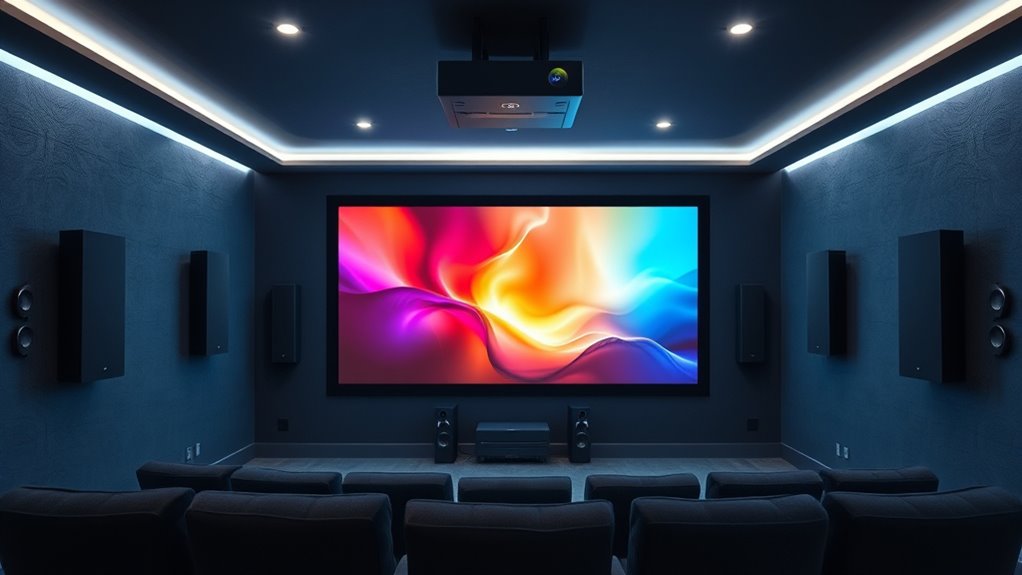
To set up surround sound for your home theater projector, start by evaluating your space and planning speaker placement at ear level, using an equilateral triangle setup for the best sound imaging. Select a system suited to your room size and budget, incorporating front, surround, and subwoofers for a balanced experience. Proper calibration and troubleshooting ensure smooth performance. With the right setup techniques, you’ll achieve immersive audio—great details await if you continue exploring!
Key Takeaways
- Assess room size and shape to determine optimal speaker placement and acoustic treatments.
- Choose suitable speaker types and configure positions at ear level, forming an equilateral triangle with seating.
- Use calibration tools or auto-calibration features to balance speaker levels and ensure even sound distribution.
- Incorporate wireless speakers and soundproofing techniques to enhance flexibility and sound clarity.
- Connect audio sources directly to the receiver and fine-tune settings for seamless, immersive surround sound.
Assessing Your Space and Planning Your Layout
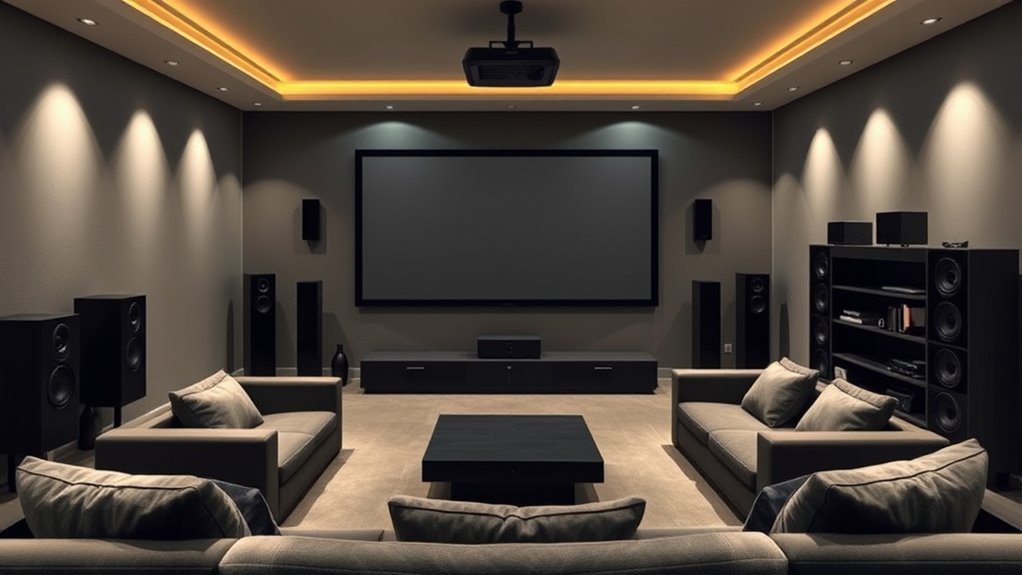
Before setting up your surround sound system, it’s essential to assess your space carefully. Start by measuring your room dimensions to understand the available space and how it will impact speaker placement. Larger rooms may require more powerful speakers or additional acoustic treatments to prevent echo and sound distortion. Consider the shape and layout of your room, noting any furniture or obstacles that might obstruct sound waves. Acoustic treatments, like rugs, curtains, or wall panels, can improve sound quality by reducing reflections and absorbing excess echo. Planning your layout early ensures that your speakers will be ideally positioned for the best surround sound experience. A well-thought-out space helps you avoid future adjustments and maximizes your home theater’s performance. Additionally, understanding your room acoustics can help you optimize speaker placement and acoustic treatments for an immersive audio experience.
Choosing the Right Surround Sound System
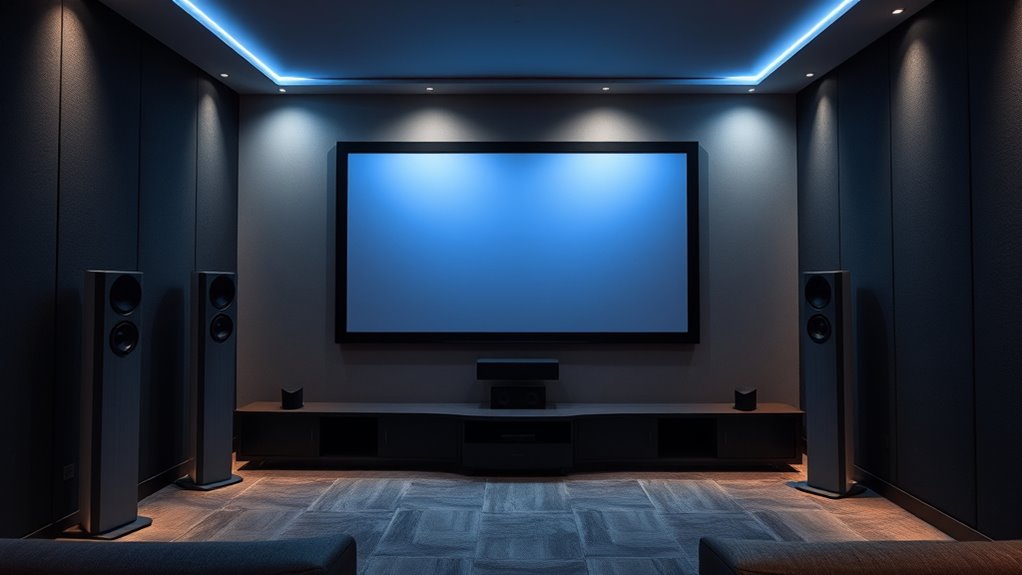
Selecting the right surround sound system is crucial for creating an immersive home theater experience, and your choice depends on your room size, budget, and audio preferences. Wireless options offer flexibility and cleaner setups, eliminating the need for extensive cabling. If you choose wireless speakers, make sure your system supports reliable connectivity to prevent dropouts. Soundproofing techniques, like adding rugs, thick curtains, or acoustic panels, help reduce sound leakage and improve audio clarity. Consider a system with a clear balance of speakers to fill your space evenly, whether it’s a compact room or a large area. Budget-conscious options can still deliver quality sound, especially with wireless setups that simplify installation. Additionally, understanding the contrast ratio of your speakers and components can help you achieve richer sound quality and better dynamic range, enhancing your overall viewing experience. Ultimately, selecting a compatible system that fits your room and listening habits will guarantee an ideal home theater experience.
Selecting the Ideal Speaker Types for Your Setup
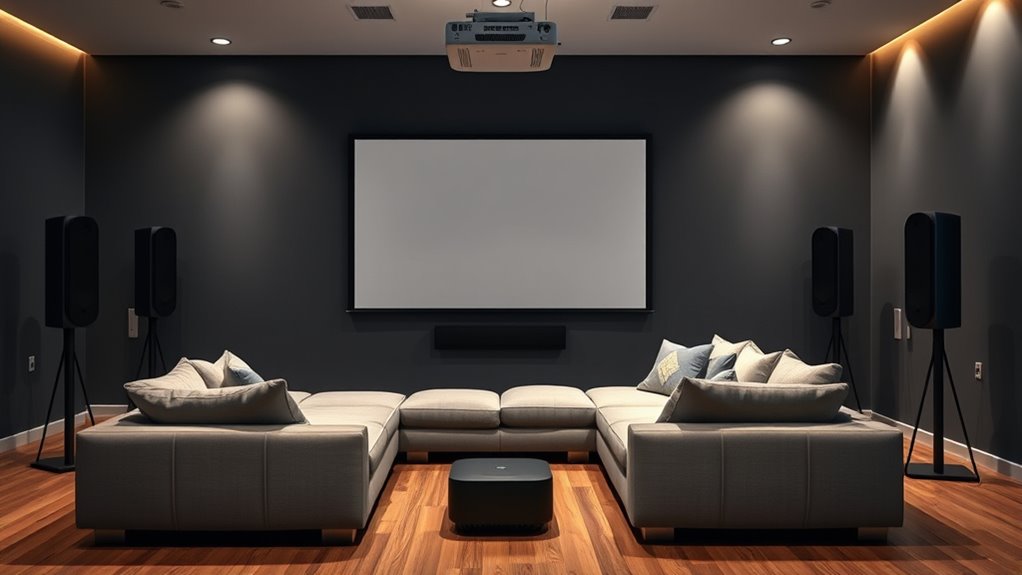
Choosing the right speaker types starts with understanding how placement affects sound quality. You need to select speakers that work well together and fit your room layout. By considering both placement strategies and compatibility, you can create a balanced and immersive home theater experience. Additionally, understanding the different speaker types helps in selecting the most suitable options for your setup.
Speaker Placement Strategies
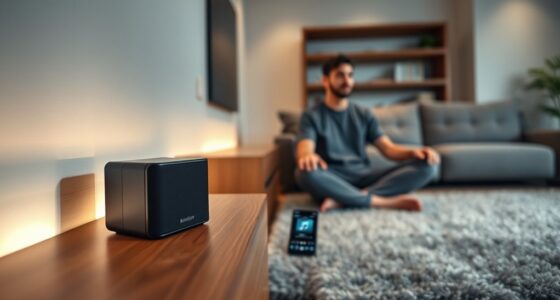
To create an immersive surround-sound experience, you need to pick the right speakers for your space. Proper speaker placement starts with considering speaker height; placing speakers at ear level ensures clear sound and accurate imaging. For surround speakers, position them slightly above or below ear level, depending on room acoustics, to avoid sound reflections that can muddy audio. Room acoustics play a crucial role in how sound travels; soft furnishings and wall treatments can help control reflections and improve clarity. Keep front left and right speakers at ear level, and angle surround speakers toward your seating area. Avoid placing speakers too close to walls or corners, which can cause unwanted bass boom or echo. Thoughtful placement enhances sound quality and immerses you fully in your home theater experience. Additionally, incorporating soundproofing techniques can minimize external noise interference, further enriching your audio environment.
Choosing Compatible Speaker Types
Picking the right speaker types for your home theater setup can considerably enhance your audio experience. Compatibility considerations are key to guarantee seamless integration with your existing equipment. Different speaker types serve unique roles: bookshelf speakers deliver clear front sound; floor-standing speakers provide full-range audio; and surround speakers envelop you in immersive sound. Your choice depends on room size, budget, and desired audio quality. Additionally, understanding speaker placement can further optimize your sound environment.
Proper Placement of Speakers for Optimal Sound
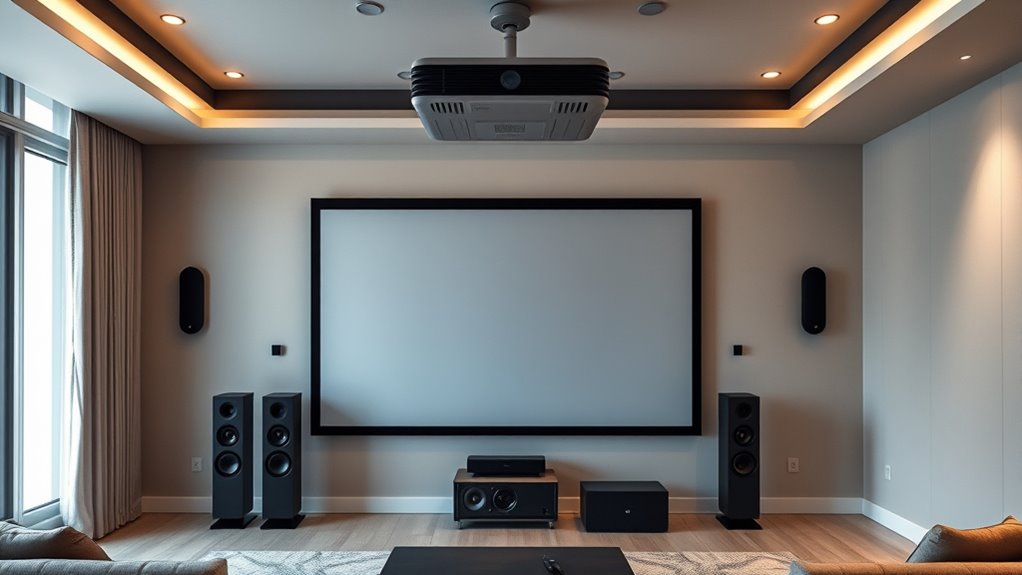
To get the best sound, you need to carefully position your speakers for proper stereo balance and angles. Make sure they’re at ear level when you’re seated, and consider how height affects the overall experience. Additionally, zone your surround sound correctly to create an immersive listening environment.
Stereo Balance and Angles
Achieving balanced and immersive sound relies heavily on the proper placement of your speakers. To optimize stereo balance, position your left and right speakers at ear level and equidistant from your listening position. Adjust the speaker angles so they face directly toward you, creating an even sound field. This ensures that sound from each speaker reaches your ears simultaneously, enhancing clarity and depth. Keep the speakers slightly angled inward, forming an equilateral triangle with your seating area. Avoid placing speakers too close to walls or corners, as this can cause unwanted reflections and muddiness. Proper stereo balance and thoughtful speaker angles are essential for a natural, well-rounded audio experience that complements your home theater setup. Additionally, consider the speaker placement, as it significantly influences overall sound quality and immersion.
Height and Ear Level
Ensuring your speakers are positioned at ear level is essential for delivering clear and natural sound. Proper speaker height, or ear level positioning, allows you to experience dialogue and effects as if they were happening directly around you. When speakers are too high or low, sound can seem disconnected or muffled, reducing immersion. Adjust your front left and right speakers so their tweeters are aligned with your ears when seated. If you have surround speakers, aim to keep them at or slightly above ear level for ideal sound distribution. Remember, consistent speaker height creates a balanced soundstage, making your home theater experience more realistic and engaging. Proper ear level positioning is a simple yet crucial step toward achieving the best audio performance from your setup. Additionally, incorporating wooden accents can enhance the overall acoustics and aesthetic of your home theater environment.
Surround Sound Zoneing
Proper placement of your surround sound speakers substantially impacts the overall audio experience. Zoneing ensures sound is evenly distributed, immersing you in the action. Position speakers around the room, considering decorative accents and acoustic treatments to enhance clarity. Use the table below as a guide:
| Speaker Type | Placement | Tips |
|---|---|---|
| Front Left/Right | Slightly above ear level, angled toward seat | Use decorative accents to hide cables |
| Center | Directly above or below screen | Keep at ear level for dialogue clarity |
| Surround | Slightly behind and to the sides at ear level | Acoustic treatments improve sound diffusion |
Proper zoneing maximizes sound accuracy and prevents dead spots, creating a seamless home theater experience. Additionally, exploring remote hackathons can inspire innovative audio solutions or setups through virtual collaboration.
Connecting Your Audio Components
Connecting your audio components is a crucial step in setting up a surround-sound system for your home theater projector. First, decide whether to use wired connections or wireless connectivity. Wired options, such as speaker cable management, guarantee a stable connection, but require careful organization to avoid clutter. Use high-quality speaker cables and keep them neatly routed along walls or behind furniture. If you prefer a cleaner look, explore wireless connectivity options, which eliminate cable clutter and simplify setup. Confirm your receiver supports wireless streaming and follow manufacturer instructions to pair devices securely. Properly connecting each component guarantees clear audio and minimizes interference. Taking time to organize cables and choose the right connection type creates a seamless, immersive sound experience for your home theater. Additionally, understanding the importance of audio component compatibility ensures all devices work harmoniously for optimal sound quality.
Calibrating and Tuning Your Surround Sound System
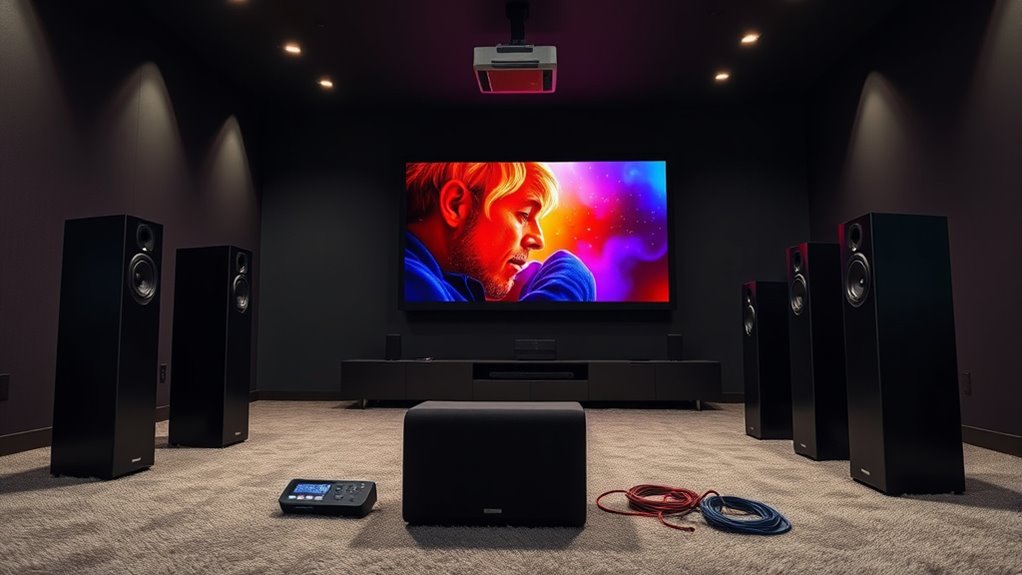
Once you’ve connected all your audio components, the next step is to calibrate and tune your surround sound system to achieve ideal performance. Start with speaker calibration by using a sound meter or receiver auto-calibration feature to set proper volume levels for each speaker. This ensures balanced sound distribution across your setup. During audio tuning, listen for consistency and clarity, adjusting speaker distances and crossover settings as needed. Fine-tuning may involve tweaking equalizer settings or adjusting the speaker phase to eliminate any sound discrepancies. Proper calibration and audio tuning enhance your home theater experience, providing immersive, accurate surround sound. Take your time to make precise adjustments, and test with familiar content to verify your system’s performance. Remember that retail hours today list can help you plan your shopping or service appointments if you need to purchase new audio equipment.
Integrating Surround Sound With Your Home Theater Projector
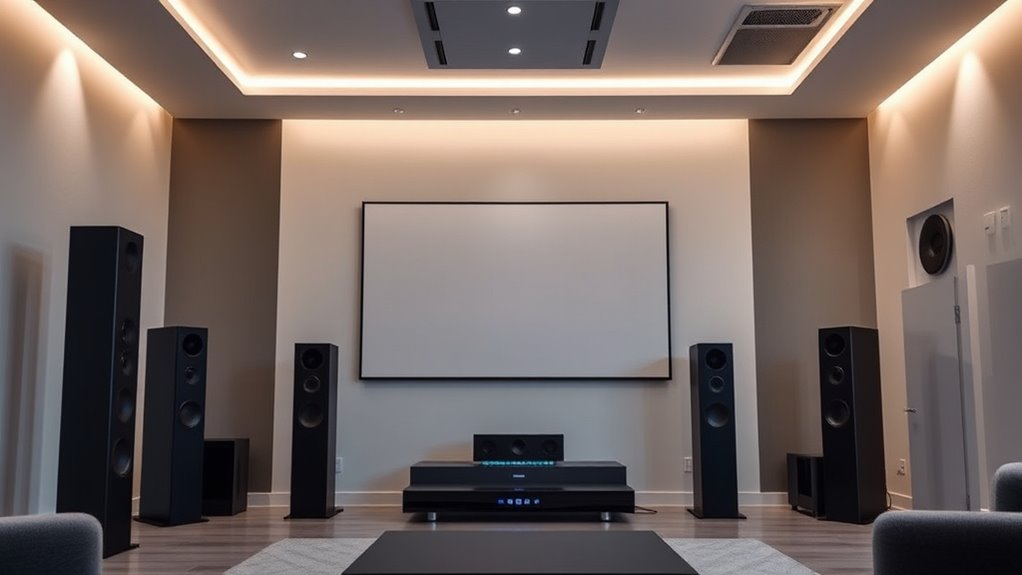
After calibrating your surround sound system, the next step is seamlessly integrating it with your home theater projector setup. To achieve this, consider these key steps:
Once calibrated, integrate your surround sound smoothly with your projector setup for optimal home theater experience.
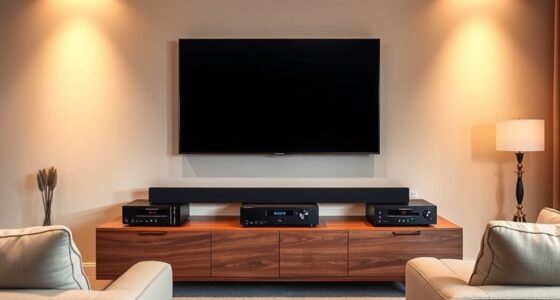
- Position your speakers carefully, ensuring they align with your projector’s viewing area and minimize reflections.
- Use acoustic treatments to absorb unwanted echoes and improve sound clarity.
- Implement soundproofing techniques, like door seals or bass traps, to prevent noise leakage.
- Connect your audio sources directly to your receiver, ensuring compatibility and ideal sound distribution.
Troubleshooting Common Setup Issues
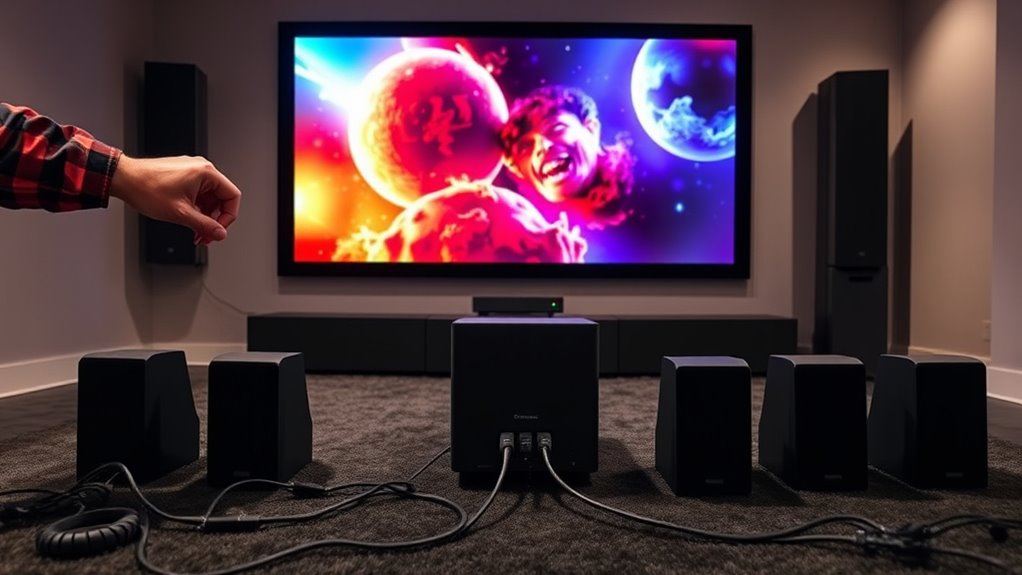
Even with careful planning, setup issues can still arise when integrating your surround sound system with your home theater projector. One common problem is speaker incompatibilities, where certain speakers may not match the system’s power or impedance ratings, causing sound distortions or no sound at all. Wiring issues are another frequent culprit; loose or improperly connected cables can lead to audio dropouts or imbalance between speakers. To troubleshoot, double-check all connections, ensuring each wire is securely connected and matches the correct input and output terminals. Verify that your speakers are compatible with your receiver’s specifications. If you experience sound issues, test each speaker individually to identify possible wiring faults. Correcting these problems often restores proper surround sound and improves your overall viewing experience.
Enhancing Your Experience With Additional Audio Features
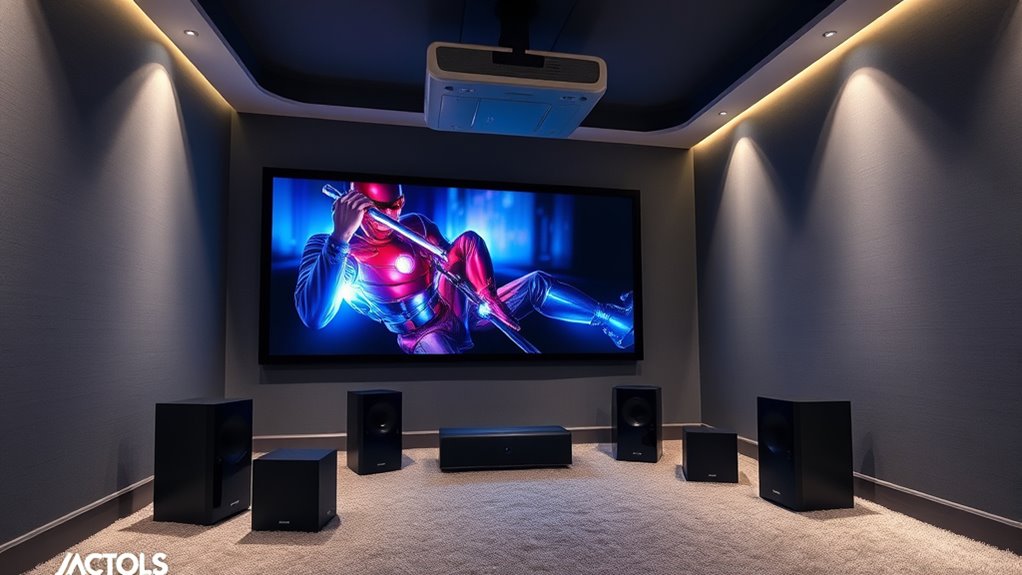
Building on your successful setup and troubleshooting efforts, adding advanced audio features can substantially elevate your home theater experience. Consider these options:
- Use wireless speakers to create a flexible, clutter-free sound system that can be positioned for ideal surround sound.
- Implement soundproofing techniques to minimize external noise and keep your audio immersive.
- Upgrade to a soundbar with multiple channels for richer, more detailed audio without complicated wiring.
- Add a subwoofer for deep bass that enhances action scenes and music.
These enhancements give your setup a more dynamic, surround-sound feel. Wireless speakers offer convenience, soundproofing improves clarity, and new components heighten immersion, transforming your viewing into a true cinematic experience.
Frequently Asked Questions
How Can I Improve Sound Clarity in a Large Room?
To improve sound clarity in a large room, focus on strategic speaker placement; position speakers at ear level and evenly around the seating area. Add acoustic treatments like rugs, curtains, or panels to reduce echo and sound reflections. This combination ensures clearer audio, enhances dialogue, and enriches your home theater experience by managing sound waves effectively and minimizing unwanted reverberations.
What Safety Precautions Should I Take During Installation?
During installation, prioritize electrical safety by turning off power before working on outlets or wiring. Use proper cable management to keep cables organized and prevent tripping hazards. Confirm all connections are secure and avoid overloading circuits. Keep liquids away from electrical components, and follow manufacturer instructions carefully. Wearing gloves and using insulated tools can also enhance safety. These precautions help protect you and ensure a smooth, safe setup process.
Can I Upgrade My System Later Without Rewiring?
Think of your system as a living organism—you can upgrade it later without rewiring by choosing wireless upgrades and flexible speaker placement. Wireless tech acts like a secret passage, letting you add or move speakers effortlessly. With strategic placement, you won’t need to tear through walls or floors. This way, your home theater evolves smoothly, keeping your audio landscape dynamic and clutter-free, just like a well-orchestrated symphony.
How Does Room Acoustics Affect Surround Sound Quality?
Room acoustics considerably impact your surround sound quality. Proper acoustic treatments, like rugs, curtains, and diffusers, reduce echo and improve clarity. Additionally, strategic speaker placement ensures sound reaches your ears evenly, creating a more immersive experience. When you optimize both acoustic treatments and speaker placement, you’ll notice clearer dialogue, richer sound effects, and better overall audio quality, making your home theater truly come alive.
Is It Necessary to Use a Dedicated AV Receiver?
Think of an AV receiver as the conductor of your home theater orchestra; skipping it can lead to chaos. While not always necessary, a dedicated AV receiver simplifies setup, guarantees compatibility issues are minimized, and offers better sound management. However, consider cost considerations—high-end models can be pricey. If you plan a basic setup, some soundbars or powered speakers might suffice, but for ideal surround sound, a dedicated AV receiver is usually worth the investment.
Conclusion
By carefully planning your surround sound setup, you’ll create an immersive home theater experience that truly brings movies to life. Did you know that properly calibrated audio can increase viewer engagement by up to 35%? So, take your time with placement, calibration, and integration, and enjoy the rich, cinematic sound that transforms your space. With the right setup, you’ll feel like you’re right in the middle of the action every time you watch.