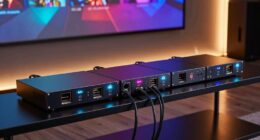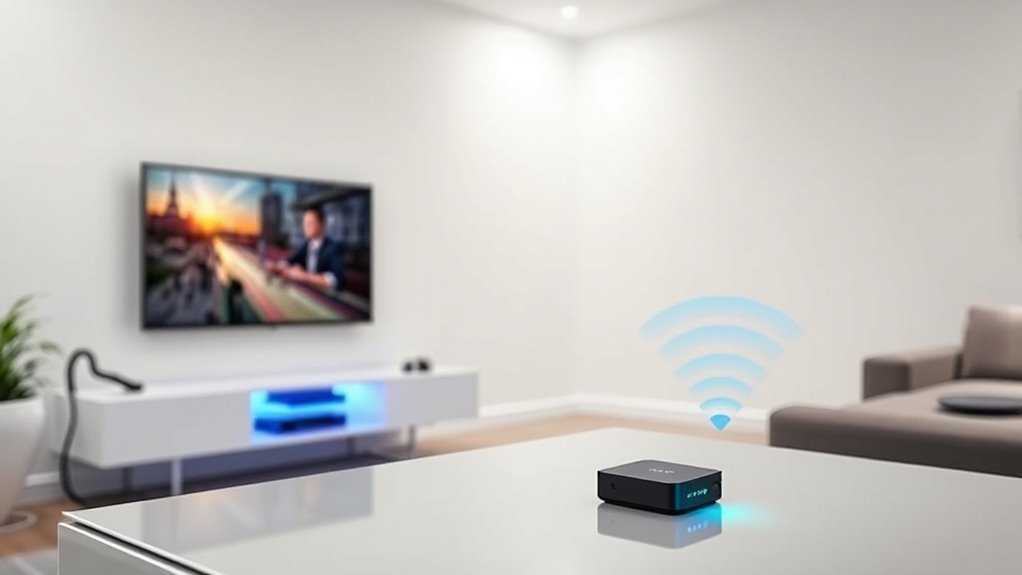

Wireless HDMI may seem straightforward, but hidden costs can arise from signal interference, battery replacements, and environmental factors. Interference can cause flickering or lost connections, requiring you to reposition or upgrade equipment. Frequent battery changes or recharges add to ongoing expenses and potential disruptions during use. Maintaining quality and sync involves continuous adjustments and possibly investing in better devices. Stay with us to discover practical tips on managing these hidden costs and keeping your setup reliable.

Get business pricing on your home office setup
- Business-only prices and quantity discounts
- Tax-exempt purchasing
- Multiple users, one account, clear invoices
Key Takeaways
- Environmental interference can cause signal disruptions, leading to additional costs for equipment upgrades or repositioning.
- Frequent battery replacements or external power solutions increase ongoing expenses and may cause device downtime.
- Maintaining signal quality often requires investing in higher-end transmitters with interference mitigation features.
- Adjusting device placement and troubleshooting interference can incur hidden costs and time investments.
- The need for continuous monitoring and upgrades reduces the initial cost savings of wireless HDMI systems.
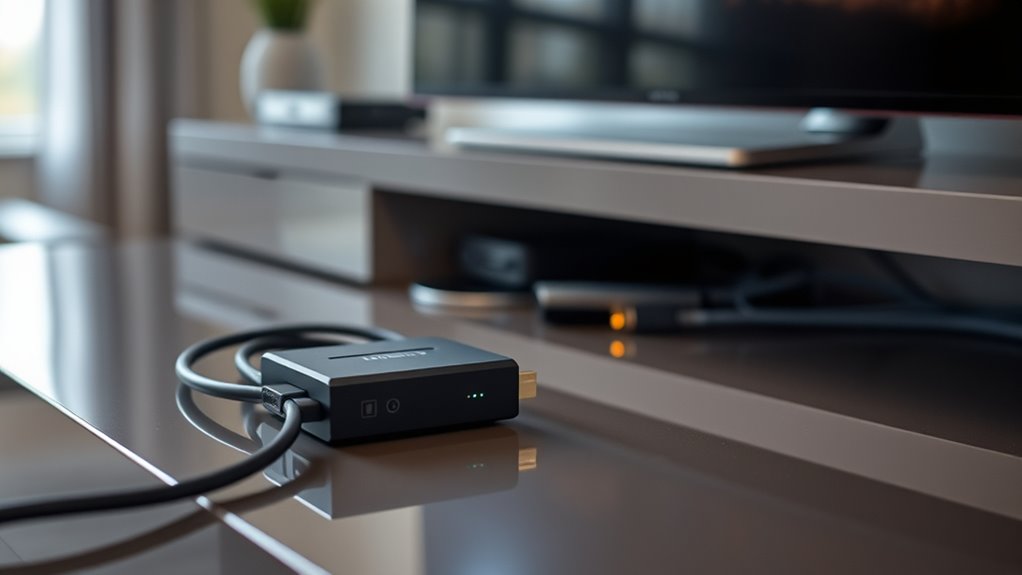
While wireless HDMI offers the convenience of cable-free connectivity, many users overlook the hidden costs that can quickly add up. One of the most common issues you’ll face is signal interference. Wireless signals are vulnerable to disruptions from other electronic devices, Wi-Fi networks, and even physical obstacles like walls or furniture. This interference can cause flickering screens, lag, or a complete loss of connection, forcing you to troubleshoot or reposition your setup repeatedly. It’s easy to assume that a simple wireless transmitter will work seamlessly, but in reality, the environment plays a significant role in signal stability. To maintain quality and avoid frustrating interruptions, you might need to invest in higher-end transmitters with better interference mitigation or reposition your devices strategically. This adds to the overall cost of your wireless HDMI setup, making it less of a bargain and more of an ongoing expense.
Battery life is another critical factor that often catches users off guard. Unlike wired connections, wireless HDMI transmitters rely on batteries, which means you need to keep an eye on power levels. If you frequently use your device for extended periods, you may find yourself constantly recharging or replacing batteries. This ongoing maintenance can add up over time, especially if you opt for cheaper models with shorter battery spans. Some transmitters come with rechargeable batteries, but they may still require frequent recharging during intense use. Others use disposable batteries, which means ongoing purchases. Poor battery life can also lead to unexpected disconnects during important presentations or gaming sessions, disrupting your experience and forcing you to pause and recharge. To mitigate this, you might invest in models with longer-lasting batteries or consider external power sources, but again, these choices come at an additional cost. Additionally, product compatibility can impact your overall experience, as not all wireless HDMI devices are equally adaptable to different setups or environments.
In essence, while wireless HDMI promises freedom from cables, the hidden costs related to signal interference and battery life can diminish its convenience. You may find yourself spending more on better equipment or constantly managing power and interference issues, which can undermine the initial savings. Maintaining quality and syncing your devices properly requires ongoing attention, and the expenses don’t end once you make the purchase. Instead, they continue as you adapt your setup to ensure a smooth, reliable connection. Recognizing these hidden costs upfront helps you make smarter decisions, so you can enjoy wireless HDMI without surprise expenses or compromised performance down the line.
wireless HDMI transmitter with interference mitigation
As an affiliate, we earn on qualifying purchases.
As an affiliate, we earn on qualifying purchases.
Frequently Asked Questions
How Does Interference Affect Wireless HDMI Performance?
Radio interference can considerably affect your wireless HDMI performance by causing signal degradation. When other devices emit radio signals, they disrupt your HDMI transmitter, leading to poor image quality, lag, or even complete signal loss. To maintain ideal performance, keep your wireless HDMI system away from common sources of radio interference like Wi-Fi routers, microwaves, and cordless phones. Regularly check for interference and reposition your devices if needed.
Are There Compatibility Issues With Different Devices?
Yes, you might face device compatibility issues with wireless HDMI systems. Some devices may not work seamlessly due to different standards or ports. To avoid this, check compatibility before purchasing and keep your firmware updated, as manufacturers often release updates that improve device support and fix bugs. Ensuring compatibility and updating firmware helps you maintain a smooth, high-quality connection across various devices.
What Are the Long-Term Maintenance Costs?
You’ll face ongoing costs related to battery longevity, as wireless HDMI devices need frequent recharges or replacements, which can add up over time. Additionally, upgrade expenses may arise if newer models offer better performance or compatibility, prompting you to buy new units. These maintenance costs can become significant, especially if you use your wireless HDMI system extensively or want to stay current with the latest technology.
Can Wireless HDMI Handle Multiple Screens Simultaneously?
Sure, wireless HDMI can handle a multi-screen setup and simultaneous streaming, but don’t be surprised if your devices start playing a game of “who’s the boss” with signal strength. It’s technically possible, yet the more screens you add, the more you risk lag, interference, or sync issues. So, while it’s fun to imagine seamless multi-screen magic, you might find yourself juggling more than just content.
How Secure Is Wireless HDMI Transmission From Hacking?
Wireless HDMI transmission offers decent security, but you’re still vulnerable to hacking vulnerabilities. Many devices use encryption protocols like WPA2 or WPA3, which help protect your signal from interception. However, if these protocols are outdated or weak, hackers could potentially access your data. To stay safe, guarantee your wireless HDMI devices use the latest encryption standards and change default passwords regularly. This reduces the risk of unauthorized access and keeps your content secure.
long-lasting rechargeable wireless HDMI batteries
As an affiliate, we earn on qualifying purchases.
As an affiliate, we earn on qualifying purchases.
Conclusion
Now that you’re aware of the hidden costs of wireless HDMI, you can make smarter choices to protect your investment. While it might seem like a steal at first, remember that every rose has its thorn. By understanding potential pitfalls and maintaining your setup properly, you won’t be caught off guard when issues arise. Keep your eyes open and don’t let small problems snowball—being prepared means you won’t be caught between a rock and a hard place.
external power solutions for wireless HDMI devices
As an affiliate, we earn on qualifying purchases.
As an affiliate, we earn on qualifying purchases.
As an affiliate, we earn on qualifying purchases.
Columbus Day / Indigenous Peoples' Day Picks
long weekend sales
As an affiliate, we earn on qualifying purchases.