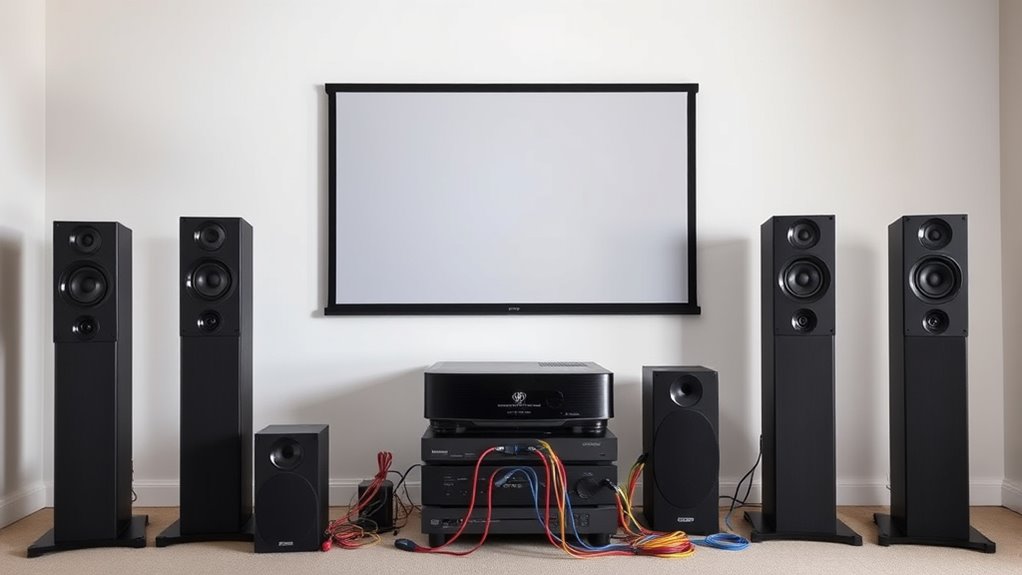

To get true 5.1 or 7.1 surround sound from your projector, you need to guarantee your sources support these formats and connect them properly. Use HDMI ARC or eARC for full multi-channel audio or an external audio extractor if your projector lacks the right options. Connect your AV receiver, soundbar, or speaker system with quality cables, and then calibrate and set up your system for ideal sound. Continue exploring how to achieve the best setup.
Key Takeaways
- Ensure your projector supports multi-channel audio outputs or supports HDMI ARC/eARC for advanced audio transfer.
- Use an external AV receiver or audio extractor to process 5.1/7.1 signals if the projector lacks native multi-channel support.
- Connect source devices (like Blu-ray players) directly to the AV receiver for optimal multi-channel audio transmission.
- Use high-quality HDMI cables to transmit multi-channel audio from sources to the projector or audio receiver.
- Configure audio settings on your source device and projector to output multi-channel surround sound formats like Dolby Digital 5.1 or DTS:X.
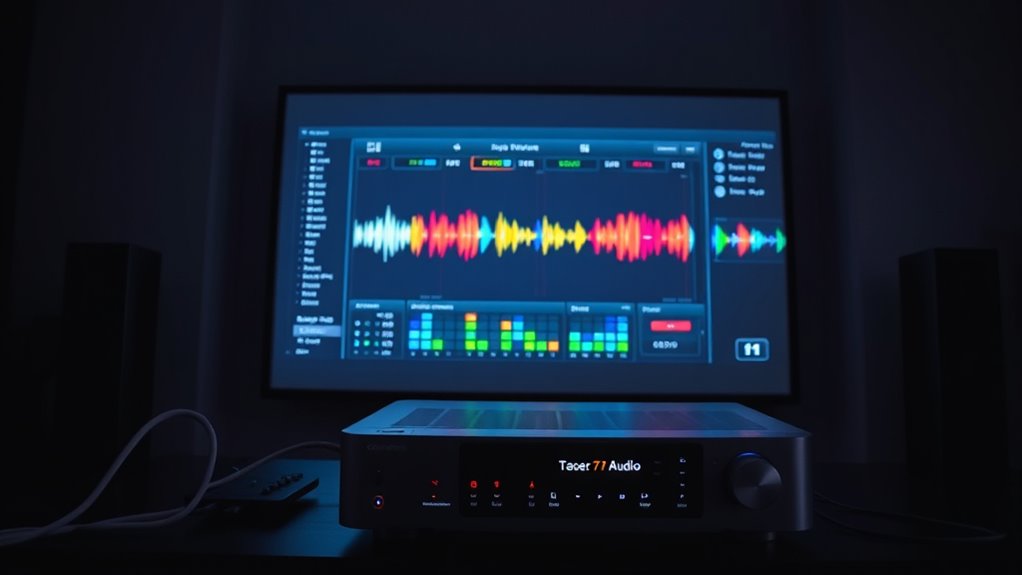
If you want to enhance your home theater experience, adding multi-channel audio to your projector setup can make a significant difference. It transforms your viewing from a simple visual event into an immersive sensory experience. To achieve this, you’ll need to focus on proper audio calibration and soundbar integration. These steps guarantee your sound system delivers clear, balanced, and surround sound that complements the visuals perfectly.
First, consider how you’ll set up your audio calibration. Proper calibration is essential because it balances the sound levels from each speaker, creating a cohesive surround sound environment. Use an auto-calibration microphone if your AV receiver offers one, as it simplifies the process and provides precise adjustments. During calibration, focus on setting speaker distances, levels, and crossover points. This fine-tuning ensures that sounds come from the right directions and at appropriate volumes, making your movies and games more engaging. Remember, a well-calibrated system minimizes echo, muddiness, and uneven sound distribution, so take your time and follow the calibration instructions carefully. Additionally, understanding how multi-channel audio formats work can help you optimize your setup for the best immersive experience.
Proper audio calibration balances sound levels for immersive surround sound.
Next, think about how to integrate your soundbar with your projector setup. Soundbars are a popular choice for enhancing audio because they are space-efficient and easy to connect. Many soundbars support multi-channel audio formats like Dolby Digital 5.1 or DTS:X, which are vital for true surround sound. To get the most out of your soundbar, connect it directly to your AV receiver or source device with high-quality cables, such as HDMI ARC or eARC, if available. This direct connection ensures you’re transmitting the full multi-channel audio signal without degradation. If your soundbar has multiple inputs, choose the one that supports multi-channel audio, and configure your sources accordingly. Proper soundbar integration allows you to enjoy rich, immersive sound without cluttering your room with multiple speakers.
Additionally, make certain your projector supports audio output options compatible with your sound system. Some projectors have built-in audio outputs or support HDMI audio extraction, which makes connecting to a receiver or soundbar straightforward. If your projector lacks these features, consider using an external audio extractor or a compatible AV receiver that can handle multi-channel audio signals from your source devices.
5.1 surround sound AV receiver
As an affiliate, we earn on qualifying purchases.
As an affiliate, we earn on qualifying purchases.
Frequently Asked Questions
Can All Projectors Support 5.1 or 7.1 Audio Formats?
Not all projectors support 5.1 or 7.1 audio formats due to projector limitations and audio compatibility issues. You need to check the specifications because many projectors only handle stereo sound. If you want multi-channel audio, look for models with built-in support or external audio output options like HDMI ARC or optical outputs. Always verify compatibility before buying to guarantee your setup delivers the immersive sound experience you want.
What Cables Are Needed for Multi-Channel Audio Setup?
You need the right cables to unlock immersive multi-channel sound. Typically,, you’ll require HDMI cables, which support high-quality audio formats like Dolby Digital and DTS, ensuring connector compatibility. For older setups, optical or coaxial digital audio cables might suffice, but they can limit channels. Be prepared to check your projector’s input options and match cable types carefully; missing the right ones could silence your surround sound experience.
How Do I Configure My Projector for Surround Sound?
To configure your projector for surround sound, start by connecting your multi-channel source with the correct cables. Then, access your projector’s audio settings to enable multi-channel output. Perform audio calibration to balance speaker levels and guarantee clear sound. Proper speaker placement is essential—position your speakers around your viewing area for suitable surround effects. Adjust settings until you achieve a seamless, immersive audio experience.
Is External Audio Processing Required for Multi-Channel Audio?
Yes, external audio processing is often necessary for multi-channel audio. Your projector might not have built-in support for advanced surround sound formats, so you’ll need external equipment like an AV receiver or an audio processor. This gear handles the audio processing, distributing the signals correctly to your surround speakers. Make sure your sources and cables support the desired audio formats to guarantee seamless multi-channel sound.
Can I Connect Multiple Sources to a Single Projector for Surround Sound?
Yes, you can connect multiple sources to a single projector for surround sound by using audio signal splitting and source switching. You’ll need an AV receiver or a switcher that handles multiple inputs, allowing you to switch between sources easily. The audio signal splitter distributes the sound, so your projector receives the correct multi-channel audio. Just make certain your projector supports the surround sound formats you intend to use.
HDMI ARC eARC audio extractor
As an affiliate, we earn on qualifying purchases.
As an affiliate, we earn on qualifying purchases.
Conclusion
Now that you know how to get 5.1 or 7.1 surround sound from your projector, you’re practically transforming your space into a private cinema. With the right setup, your movies will sound so immersive, you might forget you’re in your living room! Don’t let audio limitations hold you back—embrace multi-channel audio and experience entertainment on a level that’s almost too good to be true. Get ready for sound that will blow your mind!
home theater soundbar with Dolby Digital 5.1
As an affiliate, we earn on qualifying purchases.
As an affiliate, we earn on qualifying purchases.
high-quality HDMI cables for surround sound
As an affiliate, we earn on qualifying purchases.
As an affiliate, we earn on qualifying purchases.