Optimize your projector experience by learning how to use DLNA, AirPlay, and Chromecast for seamless streaming—discover the setup tips and tricks you need.
Browsing Category
Audio & Integration
116 posts
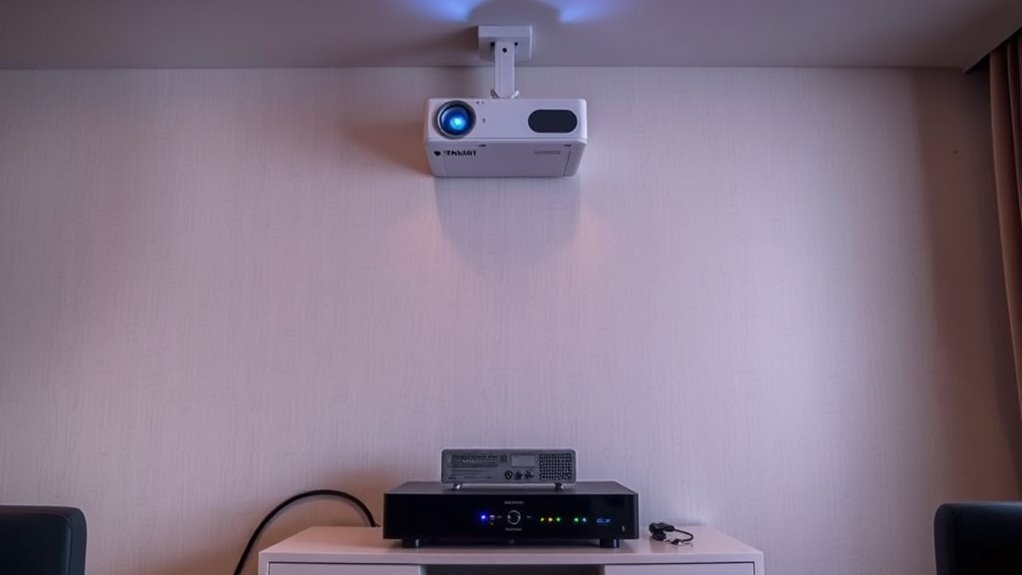
Integrating Projectors With Cable/Satellite Boxes: AV Tips
Navigating the integration of projectors with cable or satellite boxes can be complex; discover essential AV tips to ensure a seamless setup.
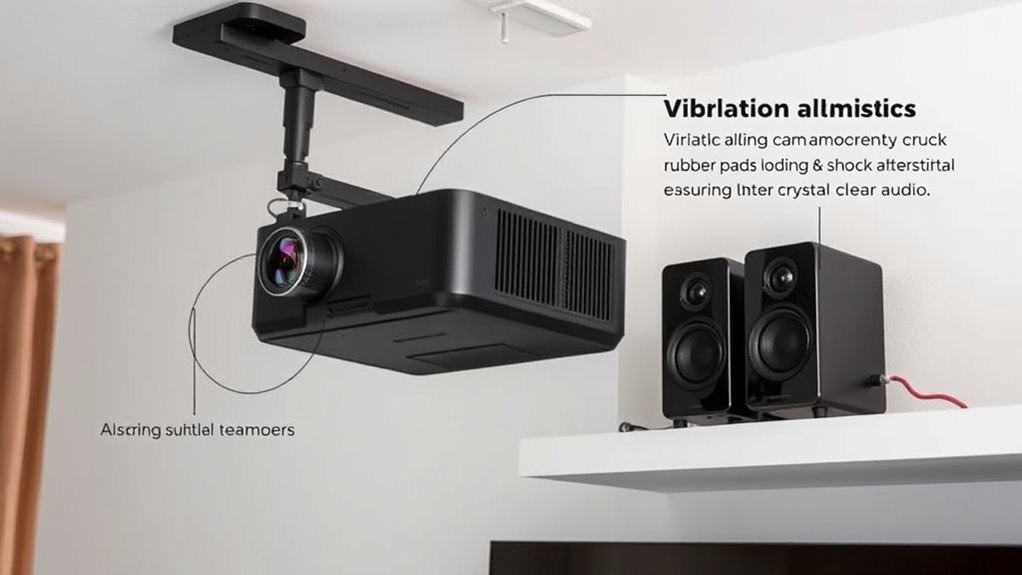
Projector Mount and Sound: Reducing Vibrations for Clear Audio
Boost your projector’s sound clarity by reducing vibrations—discover essential tips to enhance stability and prevent audio issues.
Surround Sound Calibration: Ensuring Audio Matches the Big Screen
Optimize your surround sound setup to perfectly match your big screen, and discover how calibration transforms your home theater experience.
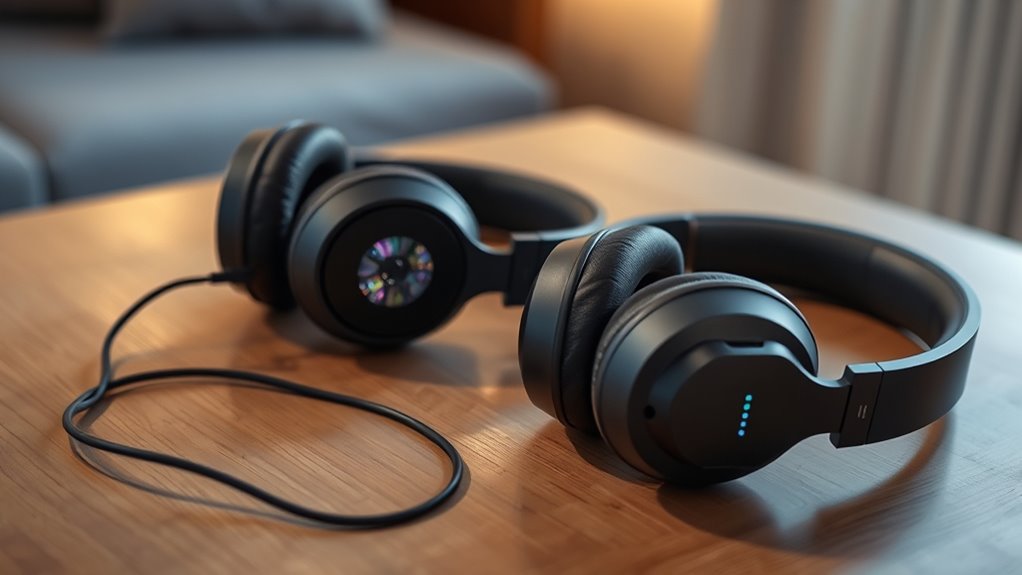
Headphones With Projectors: Wired and Wireless Options for Private Listening
Unlock the potential of immersive audio and visuals with headphones featuring projectors—discover which option best suits your private entertainment needs.
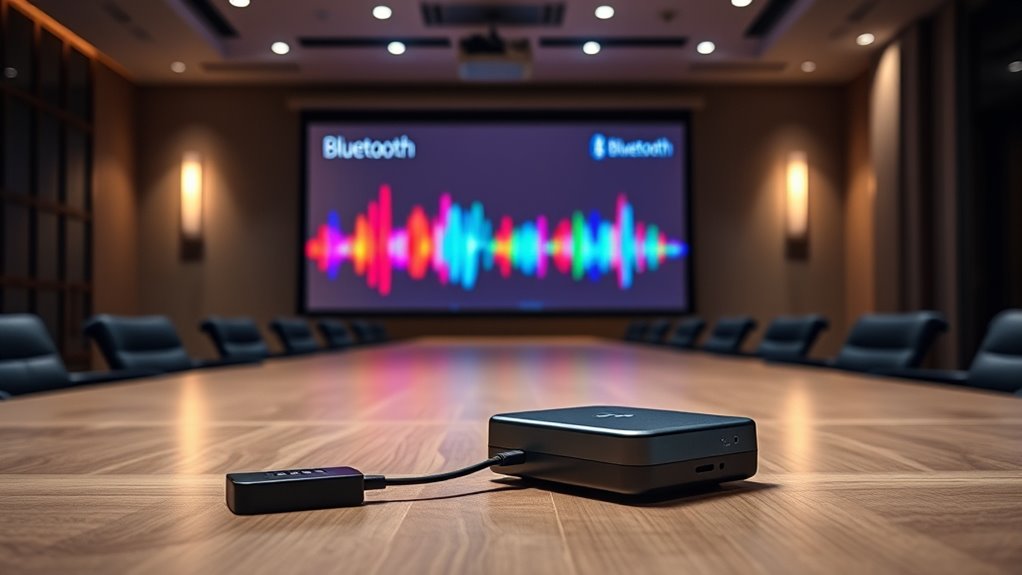
Streaming Audio From Projectors: Using Bluetooth Transmitters or Receivers
Streaming audio from projectors is simple with Bluetooth transmitters or receivers, but discovering the best method for your setup can elevate your sound experience.
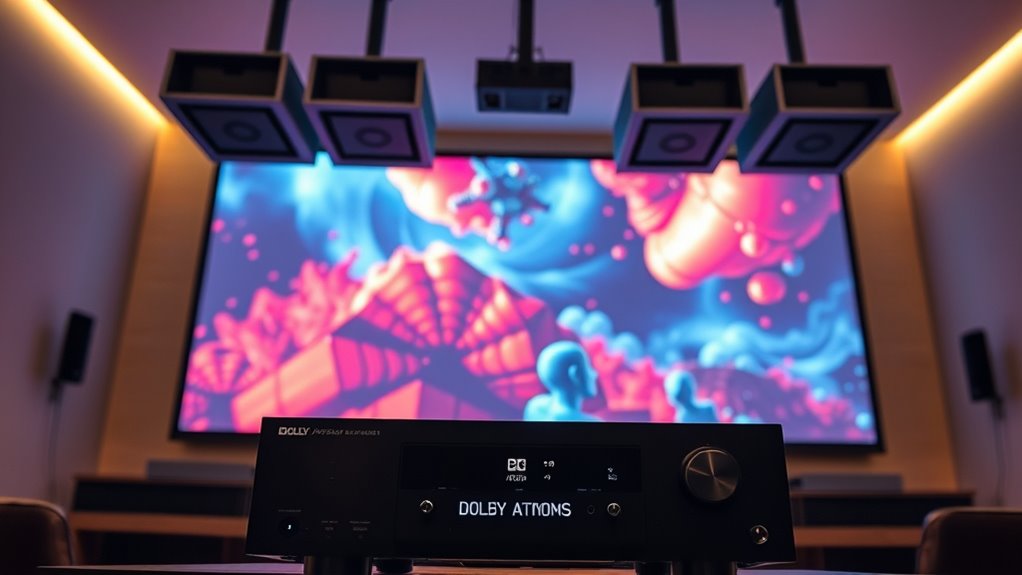
ARC Vs Earc: Unlocking True Dolby Atmos in Projector Setups
With the right connection, you can unlock true Dolby Atmos in your projector setup—discover why eARC surpasses ARC for immersive sound.
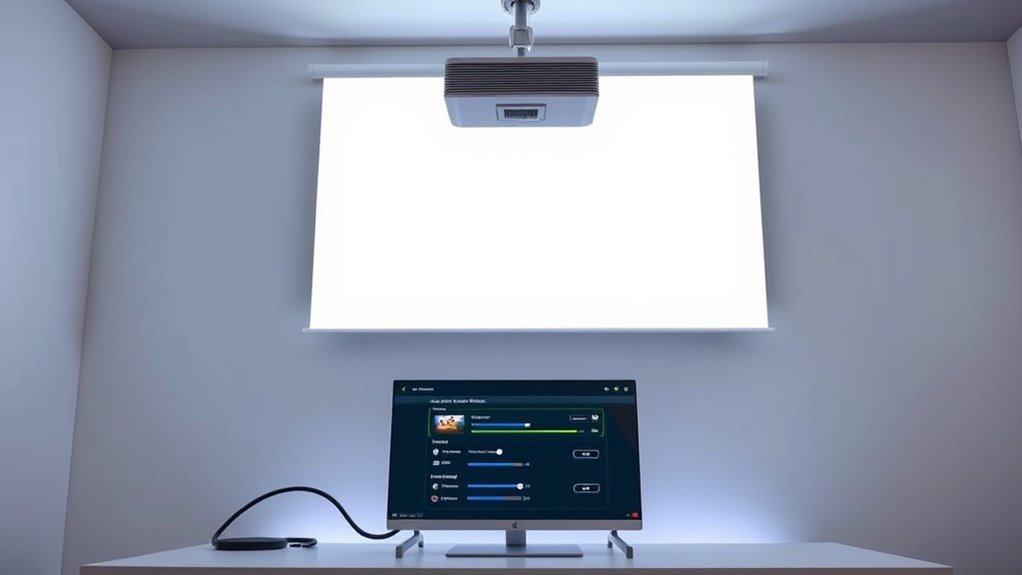
Projector and PC Integration: Settings for Video and Audio via HDMI
Seamlessly connect your PC to a projector via HDMI by adjusting video and audio settings—discover essential tips to ensure perfect integration.
Quick Wins: Cleaner Cable Setup for Your Projector in 15 Minutes
Narrowing down your cables quickly can transform your projector setup—learn the simple tricks that make a big difference in just 15 minutes.
Quick Wins: Better Sound for Your Projector in 15 Minutes
Optimize your projector’s sound in just 15 minutes and discover simple tweaks that can transform your viewing experience—continue reading to learn how.