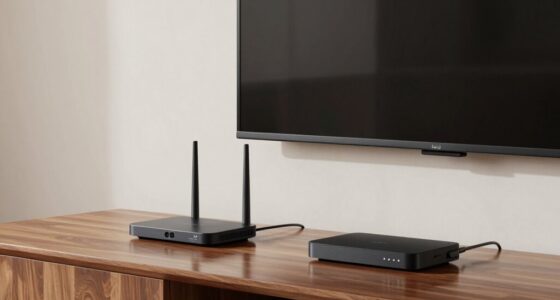

If you want to access true Dolby Atmos in your projector setup, eARC is your best choice over ARC. While ARC can send basic audio, it’s limited in bandwidth and can’t handle high-quality, uncompressed audio formats like Atmos or DTS:X. eARC supports higher bandwidth, allowing you to enjoy immersive, high-fidelity sound without compression. To get the most out of your system, confirm your devices support eARC, and you’ll discover how much better your audio experience can be.

Get business pricing on your home office setup
- Business-only prices and quantity discounts
- Tax-exempt purchasing
- Multiple users, one account, clear invoices
Key Takeaways
- eARC offers higher bandwidth (up to 37 Mbps) necessary for transmitting uncompressed Dolby Atmos audio, unlike ARC’s limited capacity.
- To unlock true Dolby Atmos in projector setups, use HDMI 2.1-compatible devices supporting eARC.
- Proper high-quality HDMI cables are essential to ensure reliable communication and full audio format support.
- ARC restricts audio to basic formats; eARC enables immersive, uncompressed Dolby Atmos and DTS:X experiences.
- Compatibility between projector, sound system, and cables determines whether true Dolby Atmos can be achieved through eARC.
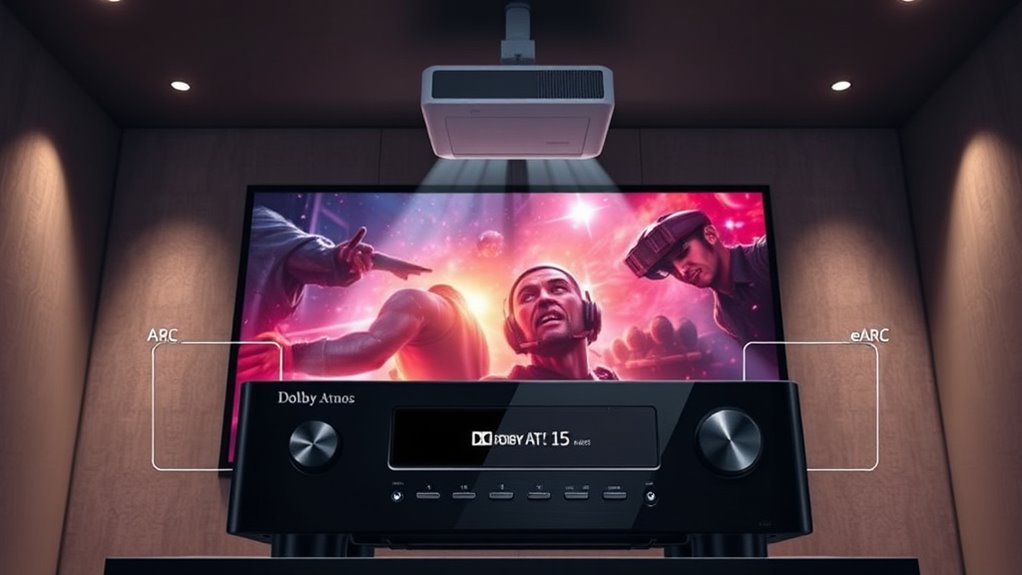
When choosing between ARC and eARC, understanding their differences can considerably improve your audio experience. Both are designed to transmit audio signals from your projector to soundbars or AV receivers, but they operate quite differently, particularly in terms of HDMI bandwidth and compatibility. ARC, or Audio Return Channel, has been around since HDMI 1.4 and offers a straightforward way to send audio back from your display to your audio device. However, it’s limited in bandwidth—typically around 1 Mbps—meaning it can handle standard audio formats like Dolby Digital and DTS but struggles with high-resolution audio like Dolby Atmos or uncompressed PCM. This limitation can lead to compatibility issues, especially when you’re trying to enjoy the latest audio formats or use advanced features. Understanding HDMI standards is crucial because device support varies depending on the HDMI version and specifications.
eARC, or enhanced Audio Return Channel, is a significant upgrade introduced with HDMI 2.1. It provides much higher HDMI bandwidth—up to 37 Mbps—enabling it to transmit high-bitrate audio signals, including Dolby Atmos, DTS:X, and uncompressed 5.1 or 7.1 surround sound. This means you can experience richer, more immersive audio when using eARC-compatible devices, making it ideal for home theater setups where audio quality matters. But to enjoy these benefits, you need to guarantee your projector, soundbar, or AV receiver supports eARC. Compatibility issues can arise if your devices are not compatible, especially with older models that only support ARC. You might find that some devices only support one or the other, which can limit your options or force you into compromises.
Another key consideration is HDMI bandwidth. Since eARC offers considerably more bandwidth than ARC, it can handle more complex audio streams without compression or loss of quality. If you’re aiming for true Dolby Atmos or other high-fidelity formats, eARC is the way to go. But if your setup only supports ARC, you’ll be limited to basic audio formats, and your ability to unlock the full potential of Dolby Atmos in your projector setup could be hindered. Additionally, compatibility issues can also relate to cable quality and HDMI versions—using an older or lower-quality HDMI cable may prevent proper communication between devices, regardless of whether they support ARC or eARC. Proper cable quality and matching HDMI standards are essential for optimal performance.
Products Worth Considering

Samsung 65-Inch The Frame Pro Neo QLED 4K TV (2026) Bundle with Modern Brown Bezel, HDMI Cables, and Home Theater Guide

Bose TV Speaker Compact Soundbar with Bluetooth and HDMI-ARC, Black

Bose TV Speaker (2nd Gen) Compact Soundbar
As an affiliate, we earn on qualifying purchases.
Frequently Asked Questions
Can My Existing Cables Support Earc Without Replacement?
Your existing cables might support eARC if they’re high-speed HDMI with Ethernet, but it’s not guaranteed. Check the specifications for cable compatibility; older or lower-quality cables may lack the bandwidth needed for eARC’s enhanced features. If they don’t meet these standards, an upgrade becomes necessary to access true Dolby Atmos and ensure seamless audio. Always verify your cables’ capabilities before attempting to enable eARC on your setup.
Is Earc Compatible With All HDMI Ports on My Projector?
Your projector’s HDMI port may not all support eARC, so check its HDMI compatibility first. Typically, only the HDMI port labeled “ARC” or “eARC” supports the audio upgrade needed for true Dolby Atmos. Using an unsupported port won’t deliver the full audio experience, so consult your projector’s manual or specifications. Upgrading to an eARC-compatible port guarantees you access the best audio quality possible for your setup.
How Do I Know if My Receiver Supports Earc?
Picture yourself as a modern-day explorer, discovering if your receiver supports eARC. To find out, check the model number or specifications online. Look for HDMI compatibility with eARC, and make sure your receiver has the latest firmware updates, as manufacturers often add eARC support via updates. If unsure, consult the user manual or contact the manufacturer. Staying current with firmware updates guarantees you’re accessing the full potential of your setup.
Will Upgrading to Earc Improve My Audio Quality Significantly?
Upgrading to eARC can markedly improve your audio quality, especially if you use high-bitrate formats like Dolby Atmos or DTS:X. You’ll notice clearer, more immersive sound with less lag and better synchronization. The upgrade benefits include enhanced audio fidelity and seamless connectivity, ensuring you get the most out of your home theater setup. If your receiver supports eARC, it’s definitely worth upgrading for a richer, more cinematic experience.
Are There Any Specific Settings Needed to Enable Earc on Devices?
Yes, to enable eARC on your device, you need to check HDMI compatibility and update your device firmware. Make sure your HDMI port supports HDMI 2.1, as eARC requires this standard. Then, go into your device settings and enable eARC or Audio Return Channel. Updating the firmware guarantees your device recognizes eARC features and works correctly. Without these steps, you won’t fully access the benefits of eARC, including high-quality Dolby Atmos sound.
Conclusion
Think of ARC and eARC as your gateway to a world of immersive sound, like a bridge connecting your projector to Dolby Atmos. Choosing eARC is like upgrading that bridge to a highway, allowing your sound system to deliver richer, more detailed audio. So, don’t settle for a narrow path—embrace the expansive highway of eARC, and let your home theater become a true cinematic adventure where every sound surrounds you like an epic story unfolding.