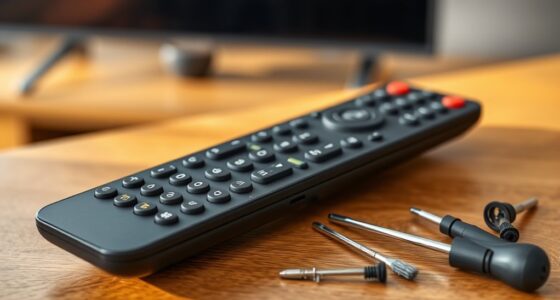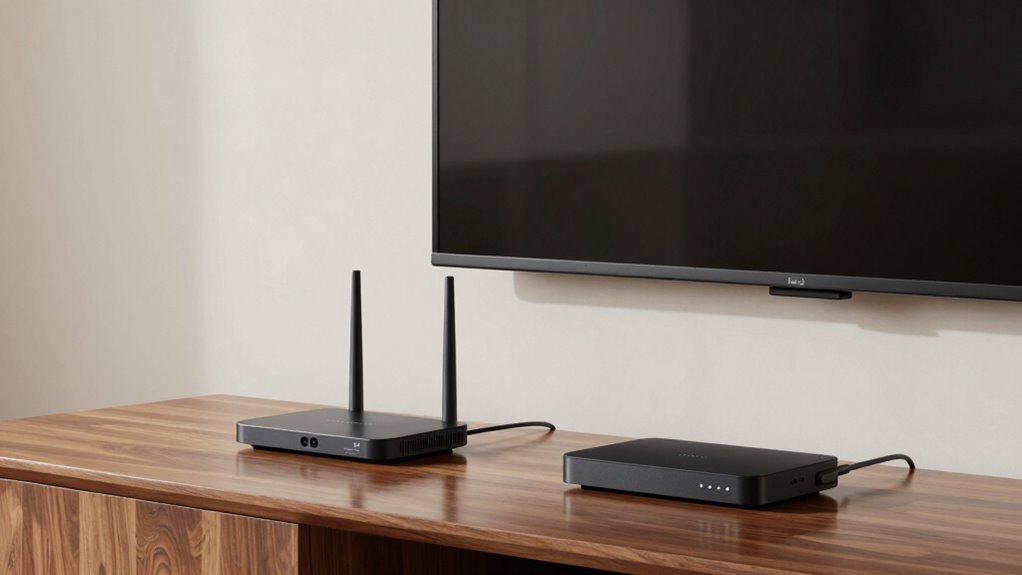
Wireless HDMI sounds great because it offers convenience, but there are important limitations to take into account. You might face interference from other wireless devices, leading to flickering or dropped signals, especially in crowded spaces. Latency can cause delays during gaming or live shows, and range can be restricted by walls or obstacles. It’s also more expensive and sometimes tricky to set up, with compatibility issues. If you want to understand how to get the best performance, there’s more you should know.

Get business pricing on your home office setup
- Business-only prices and quantity discounts
- Tax-exempt purchasing
- Multiple users, one account, clear invoices
Key Takeaways
- Wireless HDMI can experience interference from nearby devices like Wi-Fi routers and microwaves, affecting signal stability.
- Expect slight latency, which may impact gaming, live sports, or remote control responsiveness.
- Range limitations and obstacles like walls or furniture can weaken or disrupt the wireless signal.
- Higher costs and potential compatibility issues make setup more complex compared to traditional HDMI cables.
- Environmental factors and space size require careful planning to maintain a reliable and high-quality connection.
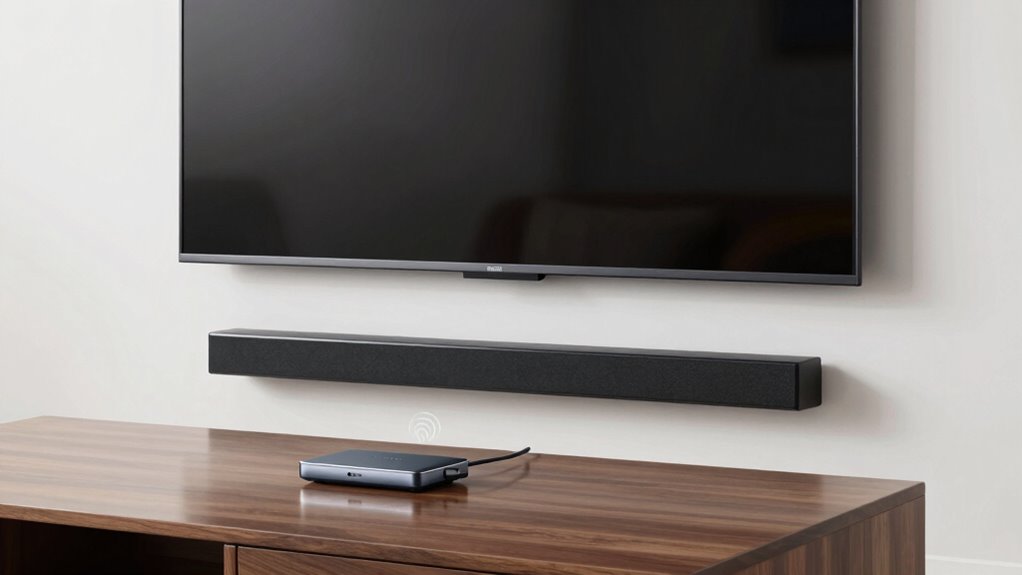
Wireless HDMI may seem like the perfect solution for clutter-free entertainment, but before you make the switch, it’s important to understand the potential pitfalls. One of the main concerns with wireless HDMI is wireless interference, which can disrupt your signal unexpectedly. Devices like Wi-Fi routers, Bluetooth gadgets, cordless phones, and even microwave ovens operate on similar frequencies, making interference common. When this happens, your picture or audio quality might suffer, resulting in flickering screens, pixelation, or dropped connections. If you live in a crowded area with many wireless signals, you could find it challenging to maintain a stable connection, especially during important moments like movie nights or gaming sessions.
Another issue to contemplate is signal latency. When you opt for wireless HDMI, there’s often a slight delay between what you do and what you see on the screen. This “latency” can be barely noticeable in casual viewing, but it becomes a significant problem if you’re into fast-paced gaming or live sports. You might notice a lag between your remote commands or gaming controller inputs and on-screen reactions, causing frustration or even affecting your gameplay. This delay is caused by the time it takes for the wireless signal to transmit and process, which isn’t an issue with traditional wired HDMI cables. Additionally, some wireless systems may also compromise color accuracy, impacting the overall visual experience.
Furthermore, wireless HDMI systems generally have a limited range. You might be able to get a clean signal across a small apartment or a single room, but once you move further away or try to go through walls or furniture, the signal can weaken or cut out entirely. This range limitation means you’ll need to be strategic about your setup, and it might restrict where you place your devices. Some systems also lack signal stability in challenging environments, making troubleshooting more complex. Also, environmental factors such as wireless interference can further reduce performance, making the setup less reliable. It’s also worth noting that environmental obstacles can exacerbate these issues, especially in larger or more complex spaces. If you’re planning to use wireless HDMI in a large space, you could find yourself constantly adjusting or troubleshooting to maintain a stable image.
Furthermore, wireless HDMI can be more expensive than traditional cables, especially when you factor in the cost of the transmitter and receiver units. These systems often require additional setup and troubleshooting, which can be frustrating if you’re not technically inclined. Plus, compatibility issues may arise, as not all wireless HDMI devices work seamlessly with every TV or media player.
Wireless HDMI transmitter and receiver kit
As an affiliate, we earn on qualifying purchases.
As an affiliate, we earn on qualifying purchases.
Frequently Asked Questions
Does Wireless HDMI Support 4K or Higher Resolutions?
Yes, wireless HDMI can support 4K or higher resolutions, but your experience depends on factors like wireless interference and signal stability. You need a high-quality system that minimizes interference from other devices, ensuring a smooth, crisp image. Keep in mind, higher resolutions demand stronger signals and stable connections. If your environment has lots of Wi-Fi or Bluetooth devices, it might affect performance. Choose a reliable transmitter and receiver for the best results.
How Much Does a Wireless HDMI System Typically Cost?
A wireless HDMI system usually costs between $100 and $500, depending on features and brand options. Think of it as a spectrum—affordable models from lesser-known brands versus premium options from established names. When you do a price comparison, you’ll see that investing a bit more often means better range and higher resolution support. Consider your needs carefully to find a system that balances cost and performance perfectly.
Can Wireless HDMI Work Through Walls or Obstacles?
Wireless HDMI can struggle with wall penetration and obstacle interference. Thick walls, metal, or multiple barriers weaken the signal, causing interruptions or reduced quality. You might find that it works well in open spaces but faces challenges when transmitting through solid obstacles. To improve performance, consider placing the transmitter and receiver closer together, reducing obstacles, or using a system with a stronger signal to handle wall penetration better.
What Is the Typical Latency With Wireless HDMI Connections?
Wireless HDMI typically has a latency of about 1 to 3 milliseconds, making it suitable for most video content. However, interference issues from other wireless devices can cause slight delays or signal drops. Keep in mind, battery life can also impact your experience—longer usage may drain batteries faster, especially if the device doesn’t have efficient power management. Overall, expect minimal latency, but be aware of potential interference and battery concerns.
Is Wireless HDMI Compatible With All Devices?
Wireless HDMI isn’t a one-size-fits-all solution; it’s like fitting a key into the right lock. You need to check device compatibility, as not all gadgets support wireless HDMI connections. Plus, signal interference from other wireless devices can disrupt performance. Before buying, verify your devices are compatible and consider potential interference issues to enjoy seamless streaming without frustrations or interruptions.
As an affiliate, we earn on qualifying purchases.
Conclusion
Before you jump into wireless HDMI, consider the possibility that the technology isn’t foolproof. Some say it’s just a matter of time before interference or lag becomes a real issue, ruining your viewing experience. But what if, with the right setup, those problems could be minimized? Keep an open mind—wireless HDMI could be the future, but only if you’re willing to do your homework and choose the right system. Don’t rush in blindly; your perfect setup might be closer than you think.
Wireless HDMI interference blocker
As an affiliate, we earn on qualifying purchases.
As an affiliate, we earn on qualifying purchases.
Wireless HDMI gaming lag reduction
As an affiliate, we earn on qualifying purchases.
As an affiliate, we earn on qualifying purchases.
Fall Picks
fall essentials
As an affiliate, we earn on qualifying purchases.