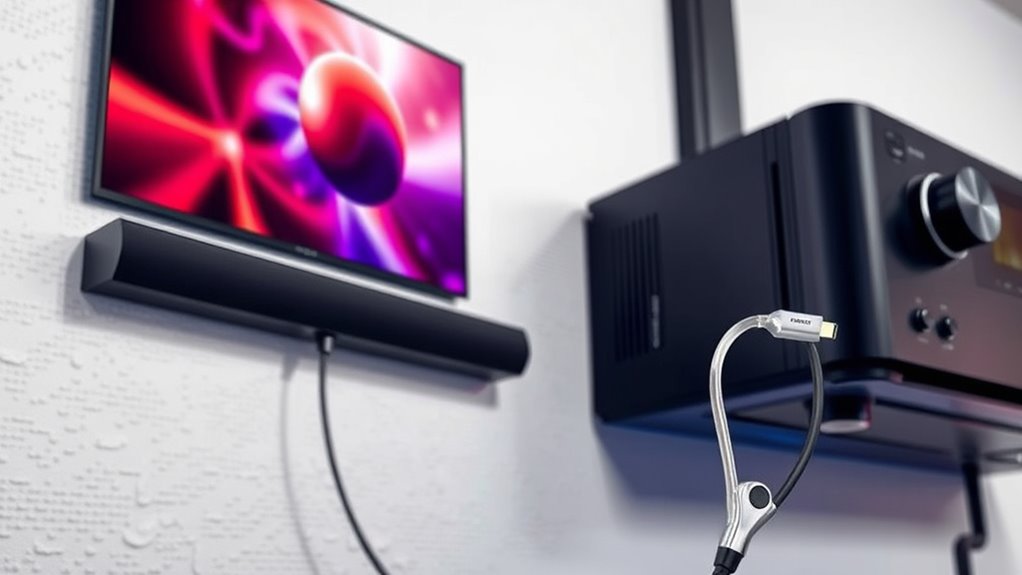

If you want the best sound quality from your projector, HDMI ARC is typically your top choice because it supports higher bandwidth formats like Dolby Atmos and DTS:X, offering richer audio and easier setup with fewer cables. Optical audio is simpler and works well for basic surround sound, but it doesn’t handle advanced formats or audio control. To find out which option suits your system and get the most out of your sound experience, keep exploring the differences.

Get business pricing on your home office setup
- Business-only prices and quantity discounts
- Tax-exempt purchasing
- Multiple users, one account, clear invoices
Key Takeaways
- HDMI ARC supports higher bandwidth formats like Dolby Atmos, offering richer, more immersive sound than optical.
- Optical is simpler and reliable for short distances but lacks support for advanced audio formats.
- HDMI ARC allows for easier remote control integration and fewer cables in your setup.
- Both methods provide high-quality digital audio, but HDMI ARC is better for complex surround sound systems.
- Check device compatibility to determine whether optical or HDMI ARC best suits your projector and audio equipment.
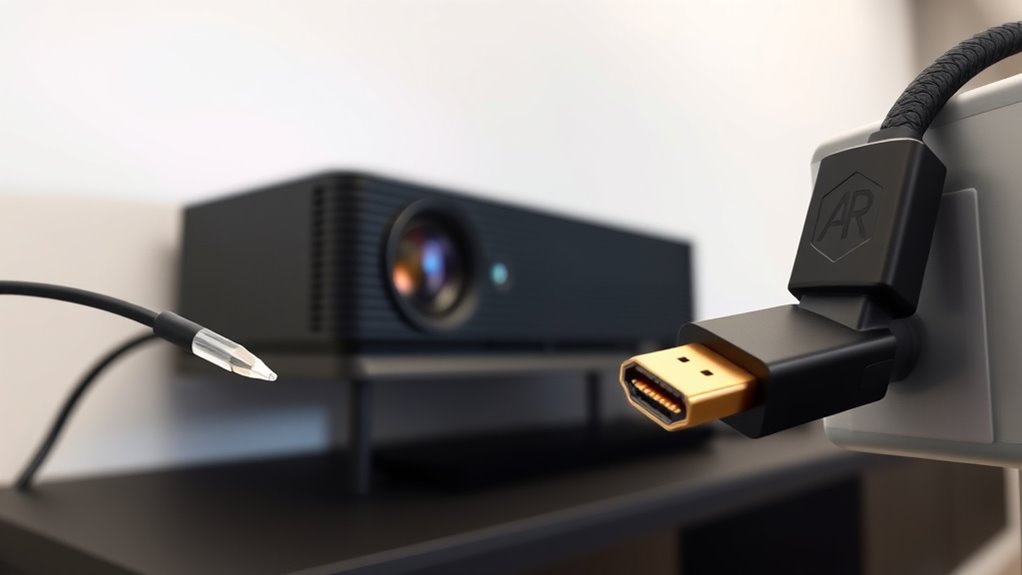
Optical audio, also known as Toslink, transmits digital signals via fiber optic cables. It’s been a popular choice for years because it delivers clear, high-quality sound without interference from electrical noise. If surround sound is a priority, optical can support formats like Dolby Digital and DTS, which are often enough for immersive audio. However, optical cables are limited in bandwidth, so they can’t support newer, more advanced surround sound formats like Dolby Atmos or DTS:X. Another key factor is cable compatibility—optical cables are straightforward and only connect in one way, so you’ll want to ensure your projector and audio receiver or soundbar have optical inputs. They’re generally easy to set up and are less susceptible to signal degradation over short distances, making them a reliable option.
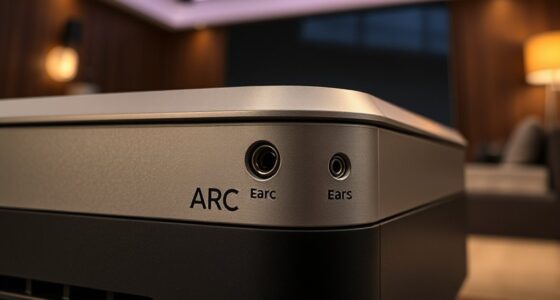
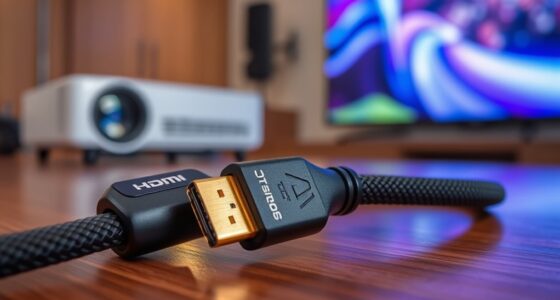
HDMI ARC (Audio Return Channel), on the other hand, is designed to carry both audio and video signals over a single cable. It’s more versatile because it supports higher bandwidth formats, including Dolby Atmos and DTS:X, which means you can enjoy richer, more detailed surround sound. When you connect your projector and sound system with HDMI ARC, you often get a cleaner setup since fewer cables are involved. The main thing to keep in mind is cable compatibility—your devices need to support HDMI ARC functionality, which is common in modern equipment but worth double-checking. HDMI ARC also allows for easier control, as you can use a single remote to manage both your projector and audio device, simplifying your entertainment setup.
Additionally, resources and tools available for audio setup can help optimize your connection choices to suit your specific needs and devices.
Frequently Asked Questions
Can I Use Both Optical and HDMI ARC Simultaneously?
You can connect both optical and HDMI ARC simultaneously, but most devices only support one active audio output at a time. Using both can give you dual audio channels, but watch out for potential audio sync issues. Keep in mind that cable length matters—longer cables may degrade signal quality. To avoid confusion and maintain sound quality, choose the connection that best suits your setup and equipment compatibility.
Which Connection Offers Better Compatibility for Older Devices?
You’ll find optical audio offers better compatibility for older devices, as many legacy systems support it without requiring advanced features. HDMI ARC, on the other hand, is more modern and often needs compatible hardware. If you’re considering wireless alternatives, they can provide flexible device compatibility, especially if your older devices lack HDMI or optical inputs. Ultimately, choose based on your device’s inputs and whether you want a straightforward, reliable connection.
Do Optical and HDMI ARC Support Surround Sound Formats?
Yes, optical and HDMI ARC support surround sound formats, but with limitations. Optical can handle Dolby Digital and DTS, providing decent surround sound, but it doesn’t support higher-resolution formats like Dolby Atmos or DTS:X. HDMI ARC, on the other hand, supports more advanced audio formats, including Dolby Atmos and DTS:X, offering richer, more immersive surround sound. So, if you want the best audio experience, HDMI ARC is the better choice for surround sound formats.
Is There Any Audio Delay When Using Optical or HDMI ARC?
You might notice some audio delay with optical or HDMI ARC, especially if your device has higher audio latency. HDMI ARC generally offers better connection stability and lower latency, making it ideal for syncing sound with visuals. Optical can sometimes introduce slight delays, but both options usually provide a seamless experience unless your setup has compatibility issues. Adjusting audio delay settings can help improve sync if needed.
How Do I Troubleshoot Sound Issues With These Connections?
You might notice sound issues if your cable quality is poor or devices aren’t fully compatible. First, check all connections and ensure cables are securely plugged in. Test with different cables to rule out damage. Verify your devices support the connection type you’re using. Adjust audio settings on your projector and source device. If problems persist, update firmware or try resetting your devices. Good cable quality and compatibility are key to clear sound.
Conclusion
When choosing between optical audio and HDMI ARC, think about your setup and future-proofing. HDMI ARC is like upgrading from a trusty horse-drawn carriage to a sleek, modern Tesla—offering more features and flexibility. Optical audio still gets the job done, but if you want richer sound and easier device control, HDMI ARC is your best bet. So, don’t be left in the dust—embrace the future of home audio, just like the Roaring Twenties revolutionized jazz.
Halloween Picks
halloween
As an affiliate, we earn on qualifying purchases.