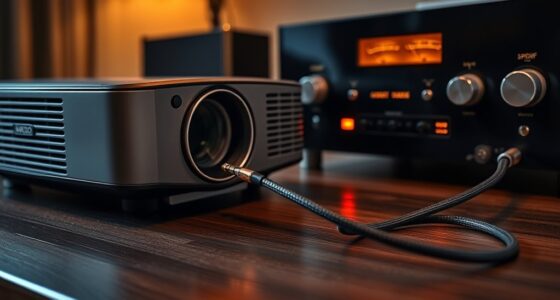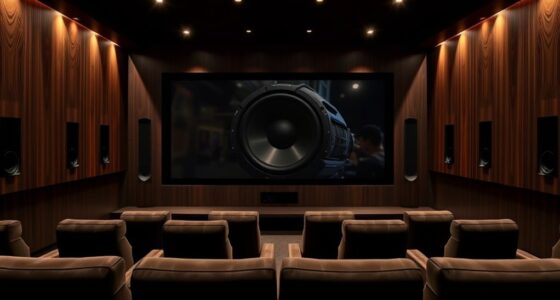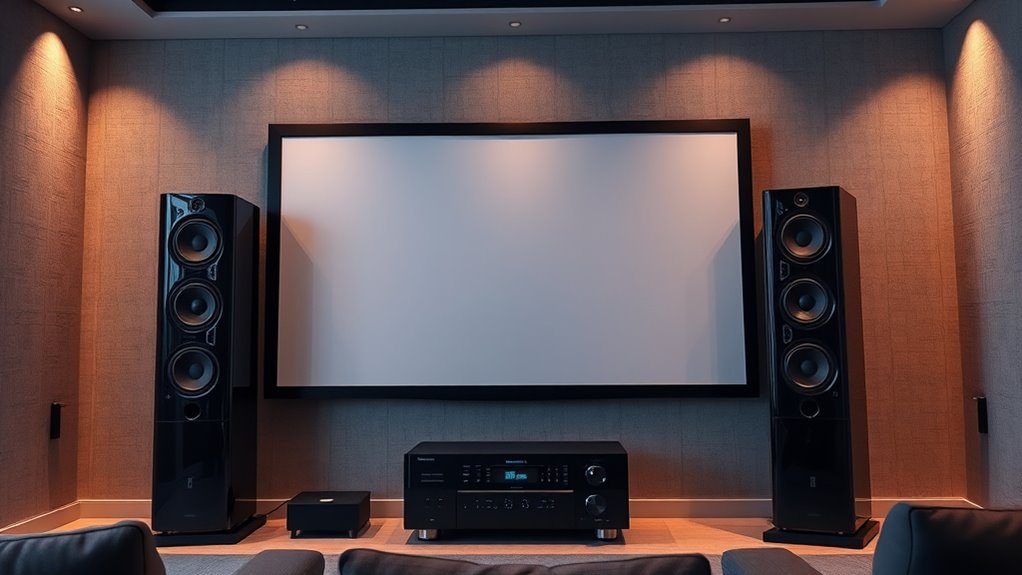

To achieve balanced AV, start by matching your speaker system to your projector through proper placement and calibration. Position your front speakers at ear level and slightly inward for a stereo image, while placing surround speakers behind or beside your seating area. Use automated calibration tools to fine-tune sound levels, delay, and EQ, accounting for your room’s acoustics. Keep experimenting with adjustments, and you’ll discover how to create a seamless, immersive home theater experience.

Get business pricing on your home office setup
- Business-only prices and quantity discounts
- Tax-exempt purchasing
- Multiple users, one account, clear invoices
Key Takeaways
- Match speaker placement and calibration to room acoustics for balanced sound and clear dialogue.
- Use automatic room correction tools to fine-tune speaker levels, delay, and equalization.
- Position front speakers at ear level and align the center channel with the screen for seamless imaging.
- Experiment with subwoofer placement to achieve deep bass without rattling or overpowering other speakers.
- Regularly recalibrate your system to maintain optimal sound balance as room conditions change.
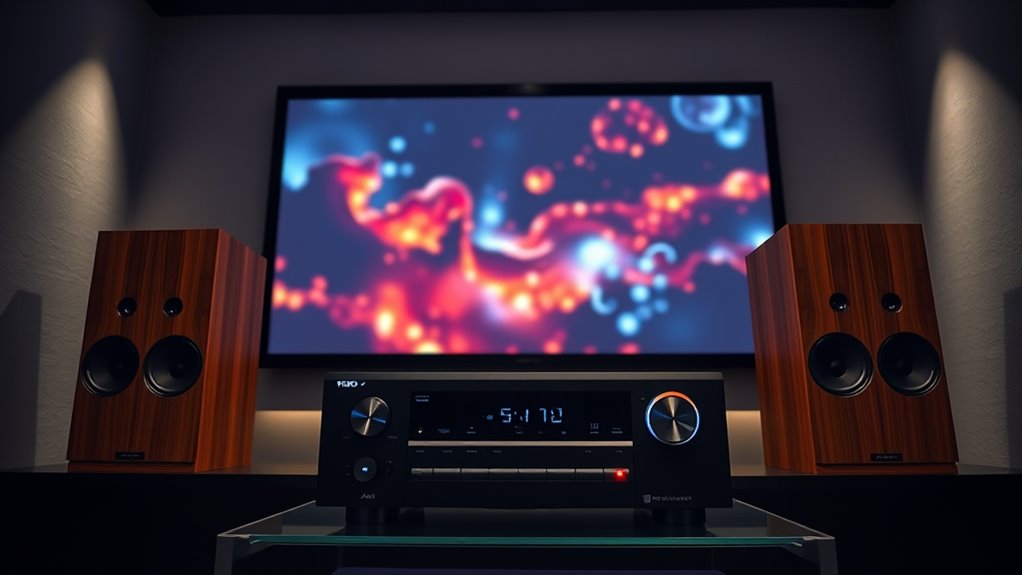
Choosing the right speaker system for your projector is essential to create a seamless and immersive viewing experience. When you pair a projector with properly calibrated speakers, your content comes alive with balanced sound that complements the visuals. The first step is understanding how audio calibration plays a role in achieving this harmony. Audio calibration involves fine-tuning your speaker system to match the acoustics of your space and the specific features of your projector. This process ensures that sound levels are consistent, dialogue is clear, and bass or treble frequencies aren’t overpowering or underwhelming. Many modern AV receivers and speaker systems come with automatic calibration tools—such as microphone-based room correction—to simplify this process. Using these tools, you can quickly adjust volume levels, speaker delay, and equalization settings to create a balanced sound profile.
However, calibration alone isn’t enough. Proper speaker placement is equally critical in delivering a high-quality audio experience. You want your speakers positioned so that sound reaches your ears at the right time and with the right intensity. Typically, front left and right speakers should be placed at ear level, equidistant from your seating area, and angled slightly inward to create a stereo image. The center channel should be directly above or below your projector, aligned with the screen’s center, to anchor dialogue and on-screen action. Surround speakers should be positioned slightly behind and to the sides of your seating area, at ear level or slightly above, to envelop you in sound without creating dead zones or echoes. Subwoofers, on the other hand, are more flexible but should be placed where they can deliver deep bass without rattling or overwhelming other speakers. Additionally, understanding the importance of contrast ratio helps in selecting a projector that complements your sound setup by providing deeper blacks that enhance perceived image quality.
Once your speakers are in position, it’s time for audio calibration. Run your calibration process, making adjustments as needed to account for room acoustics and speaker placement. Small tweaks can make a big difference, whether it’s reducing bass boominess or enhancing dialogue clarity. Remember, both speaker placement and calibration are iterative processes—don’t be afraid to experiment until you find the perfect balance. When done correctly, your projector’s visuals and the sound system work in harmony, transforming your space into a true home theater. By paying attention to these details, you’ll enjoy crystal-clear dialogue, immersive surround sound, and a viewing experience that feels both natural and exhilarating.
Frequently Asked Questions
How Do Room Acoustics Affect Speaker and Projector Pairing?
Room acoustics markedly influence your speaker and projector pairing by affecting sound clarity and image quality. High reverberation causes echo, muddling sound, while poor sound absorption allows noise and reflections to interfere, reducing audio precision. You should choose speakers that compensate for room acoustics, like those with directional sound, and consider acoustic treatments to minimize reverberation and absorption issues, ensuring a balanced AV experience.
What Are the Signs of Mismatched Speaker and Projector Setups?
Did you know that 65% of AV setups suffer from audio issues due to mismatched components? Signs of a mismatch include poor sound clarity, uneven volume, or delayed audio compared to visuals. If your audio calibration feels off or speaker positioning isn’t optimized, you’ll notice these problems. Addressing these signs early helps guarantee your projector and speaker system work harmoniously, delivering a balanced, immersive experience.
Can I Upgrade My Speakers Without Changing My Projector?
Yes, you can upgrade your speakers without changing your projector. Just verify the new speaker upgrade is compatible with your current projector’s audio output and overall system. Check the speaker’s power handling and impedance to match your setup, and consider the room size and acoustics for ideal sound. By selecting compatible speakers, you’ll enhance your audio experience without the need for a projector upgrade.
What Budget Options Exist for High-Quality AV Matching?
You can find budget-friendly options that offer affordable high-quality solutions for AV matching. Look for brands that specialize in cost-effective yet reliable speakers, such as Polk Audio or Yamaha. Consider purchasing refurbished or open-box units to save even more. Also, explore package deals that bundle speakers with amplifiers or receivers, ensuring balanced sound without breaking the bank. These options help you upgrade your AV system affordably while maintaining excellent audio quality.
How Do Different Projector Types Influence Speaker Placement?
Different projector types influence speaker placement because their design impacts sound calibration and absorption. For instance, short-throw projectors often sit closer to walls, making precise speaker calibration essential to prevent sound absorption issues. Conversely, large traditional projectors require more space, allowing flexible speaker positioning. Understanding these differences helps you optimize sound, ensuring balanced AV by adjusting speaker placement to counteract any sound absorption or calibration challenges posed by your projector type.
Conclusion
As you settle into your perfect viewing nook, imagine the crystal-clear sound wrapping around you like a warm embrace, perfectly balanced with your vivid visuals. When you match your speaker system to your projector, every scene feels alive, every whisper and explosion hits just right. It’s not just about watching; it’s about immersing yourself in a seamless, harmonious audiovisual experience that transforms your space into a private cinema, inviting you to lose yourself in every moment.
Halloween Picks
halloween
As an affiliate, we earn on qualifying purchases.