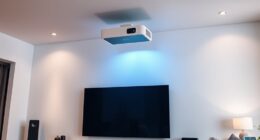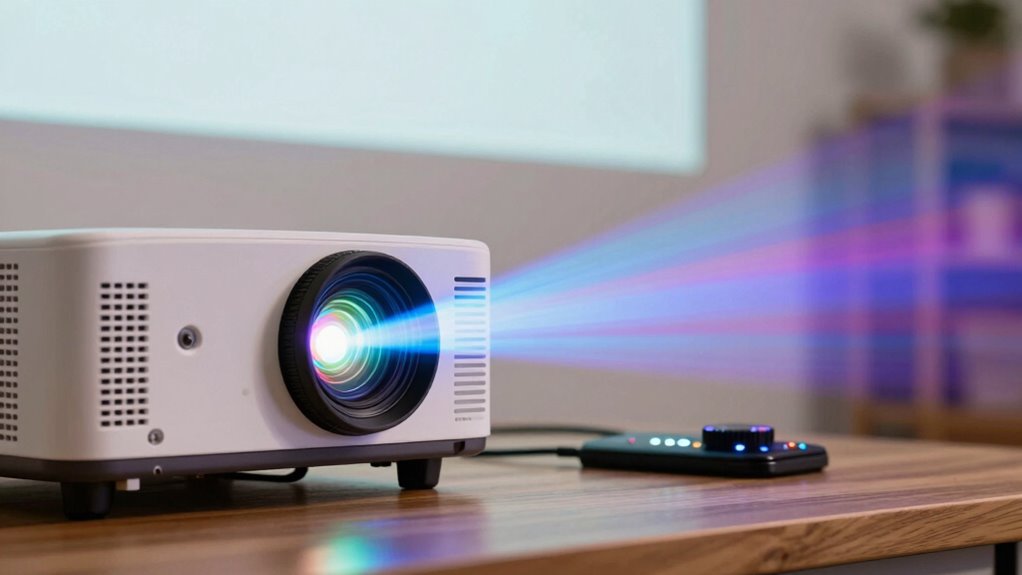

To improve your projector’s color without hiring a professional, start by ensuring your lamp is bright and functioning well, replacing it if needed. Keep your screen clean and free of dust or scratches, and consider upgrading to a high-gain surface for richer hues. Adjust your projector settings, experimenting with modes like Vivid or Cinema, and fine-tune contrast and saturation. Controlling ambient light also boosts color accuracy. If you want to discover more easy tips, there’s plenty more you can do.

Get business pricing on your home office setup
- Business-only prices and quantity discounts
- Tax-exempt purchasing
- Multiple users, one account, clear invoices
Key Takeaways
- Regularly replace or clean the projector lamp to maintain brightness and vibrant colors.
- Clean the screen surface with a microfiber cloth to enhance image clarity and contrast.
- Adjust projector settings like color mode, contrast, and saturation for optimal color vibrancy.
- Control ambient lighting to prevent washout and improve color accuracy.
- Calibrate the projector using built-in tools or software to ensure accurate color reproduction.
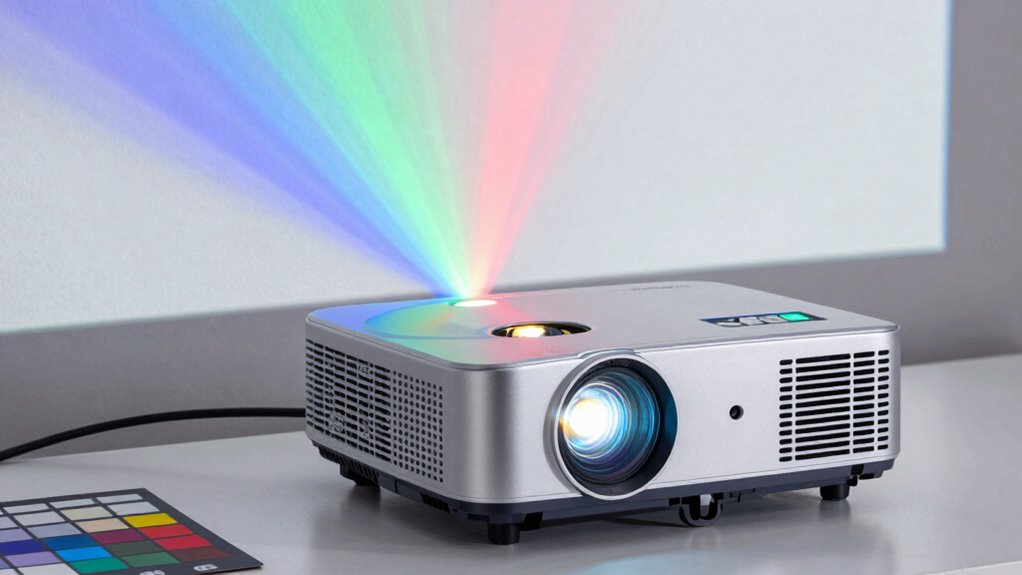
Are your projector images lacking vibrancy and true-to-life colors? If so, you’re not alone. Many people struggle with dull or washed-out images, but the good news is that you can often fix this without hiring a professional. The first step is to understand that your projector’s performance depends heavily on its components and setup. One key factor is the projector lamp lifespan. Over time, the lamp’s brightness diminishes, leading to duller colors and reduced image quality. If your projector lamp is nearing the end of its lifespan, replacing it can instantly restore brightness and color accuracy. It’s a relatively simple fix and one that can make a considerable difference in how vibrant your images appear.
Replacing your projector lamp can instantly restore brightness and true-to-life colors.
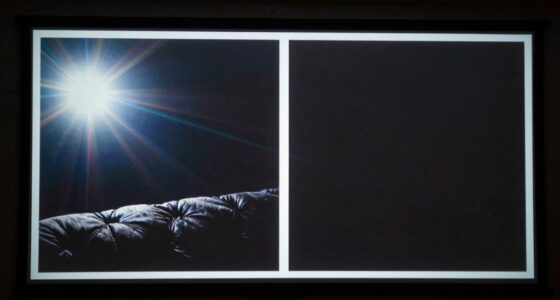
In addition to the lamp, paying attention to your screen surface quality is vital. A dull or dirty screen can greatly impact color clarity and contrast. If your screen is dusty, smudged, or scratched, the colors won’t pop the way they should. Cleaning your screen surface gently with a microfiber cloth or using a screen cleaner designed for projection screens can help improve image quality. Also, consider the type of screen surface you’re using. Matte surfaces tend to diffuse light, which can dull colors, whereas high-gain or glossy screens reflect more light and can enhance color vibrancy. Upgrading your screen surface or properly maintaining it can make a noticeable difference in the richness of your projected images. Ensuring your screen surface quality is optimal is an often overlooked but crucial factor. Additionally, selecting the right projection environment, such as controlling ambient light, can further enhance color accuracy and vibrancy in your setup. Being aware of ambient light conditions and how they influence projection quality can help you make better adjustments for vibrant images.
Another way to boost color quality is to optimize your projector’s settings. Many projectors come with color modes—such as Standard, Vivid, Cinema, or Presentation—that affect how colors are rendered. Experiment with these modes to find the one that best enhances color vibrancy for your environment. Adjusting the contrast, brightness, and color saturation can further fine-tune the image to look more true-to-life. Be cautious not to overdo it, as excessive adjustments can lead to unnatural colors or washed-out images. Additionally, understanding the importance of lamp lifespan and how it impacts image quality can help you schedule timely replacements to maintain optimal color performance. Regularly reviewing these settings and making adjustments based on your viewing environment can significantly improve your overall experience. Proper calibration, including color accuracy, ensures your projector displays images as intended, making the viewing experience more immersive.
As an affiliate, we earn on qualifying purchases.
Frequently Asked Questions
Can Adjusting Brightness Affect Color Accuracy?
Adjusting brightness can influence your projector’s color accuracy, but it mainly affects the image’s lightness, not the color temperature or calibration. To improve color accuracy, you should focus on tweaking the color temperature and performing color calibration. These adjustments help guarantee colors appear natural and true to life. So, while brightness impacts overall image brightness, fine-tuning color temperature and calibration are key for accurate, vibrant colors.
What Are the Best DIY Calibration Tools?
Think of DIY calibration tools as your trusty paintbrushes in an artist’s hand, helping you perfect your colors. You can use free apps like ColorMunki Smile or Datacolor SpyderX to enhance color accuracy. These tools act as guides, helping you fine-tune your projector’s settings. With patience, you’ll see your images come alive with vibrant, true-to-life hues, all without the need for a professional.
How Often Should I Recalibrate My Projector?
You should recalibrate your projector every 3 to 6 months to maintain ideal color temperature and image quality. Regular calibration ensures consistent performance, especially if you notice color shifts or image dullness. Factors like room lighting and projector usage can affect calibration frequency. By staying on top of these adjustments, you’ll keep your projector’s color accurate and vibrant, enhancing your viewing experience without needing professional help.
Does Ambient Lighting Impact Color Quality?
Yes, ambient lighting impacts color quality because ambient contrast and light interference can wash out projector colors. Bright or uneven lighting reduces the contrast between colors, making images look dull or inaccurate. To improve color quality, control ambient light by dimming or blocking sources of light interference. Keeping the room darker enhances contrast, ensuring colors appear vibrant and true to life, even without professional calibration.
Can Projector Bulb Age Change Color Display?
Yes, a projector bulb’s age can change the color display. As the bulb ages, its color temperature shifts, causing colors to appear duller or off-tone. To maintain accurate colors, you should regularly check and clean the lens, ensuring it’s free of dust and smudges. Replacing an old bulb with a new one restores proper color temperature, helping your projector display vibrant, true-to-life colors consistently.
As an affiliate, we earn on qualifying purchases.
Conclusion
You don’t need to be a tech expert to improve your projector’s color. With simple adjustments like tweaking the color settings, cleaning the lens, and calibrating your projector regularly, you can enjoy vibrant, accurate images. Imagine watching a movie where the greens are lush and the reds pop—no professional needed. These small steps make a big difference, ensuring your projector displays stunning visuals every time without extra cost or hassle.
As an affiliate, we earn on qualifying purchases.
projector color calibration tools
As an affiliate, we earn on qualifying purchases.
As an affiliate, we earn on qualifying purchases.
Fall Picks
fall essentials
As an affiliate, we earn on qualifying purchases.