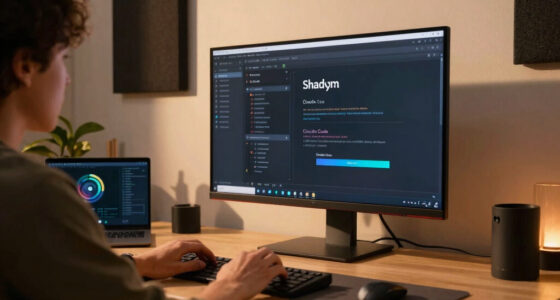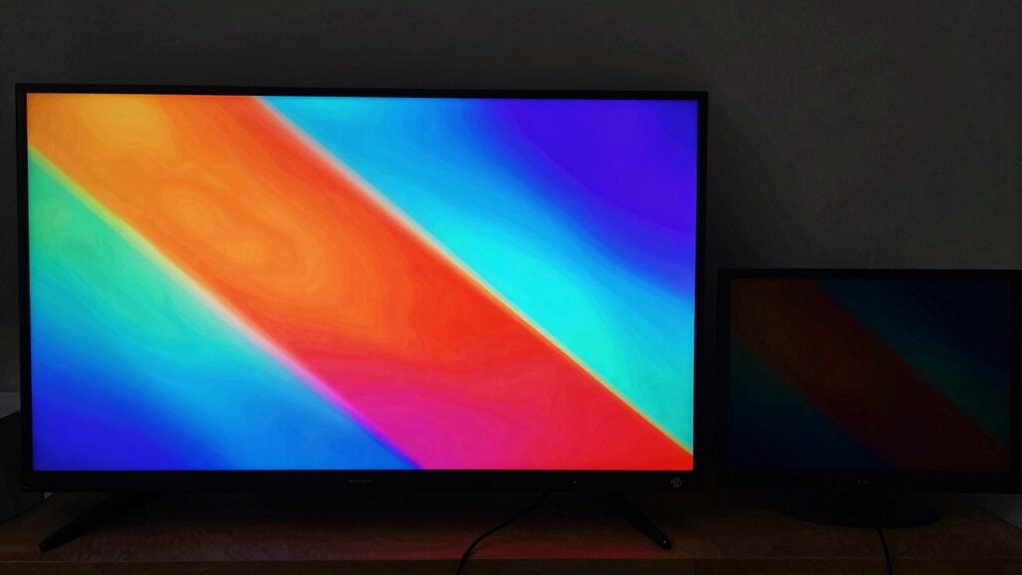
As screen size increases, your perception of brightness and contrast can change because larger displays need advanced light management and high-quality panel technology to maintain image clarity. Wide viewing angles help multiple viewers see better, but off-center angles may reduce brightness and contrast. The panel type, such as IPS or OLED, plays a big role in preserving color and contrast across bigger screens. If you’re curious how these factors work together to improve your viewing experience, you’ll find it explained further below.

Get business pricing on your home office setup
- Business-only prices and quantity discounts
- Tax-exempt purchasing
- Multiple users, one account, clear invoices
Key Takeaways
- Larger screens require more powerful backlighting to maintain brightness across the entire display.
- Wider viewing angles in bigger screens can cause perceived brightness and contrast to diminish off-center.
- Panel type, such as IPS or TN, influences how size impacts color accuracy and contrast consistency.
- Uniform light management in high-quality displays helps preserve contrast and brightness on larger surfaces.
- Manufacturing quality ensures consistent brightness and contrast across larger displays, reducing hotspots and unevenness.
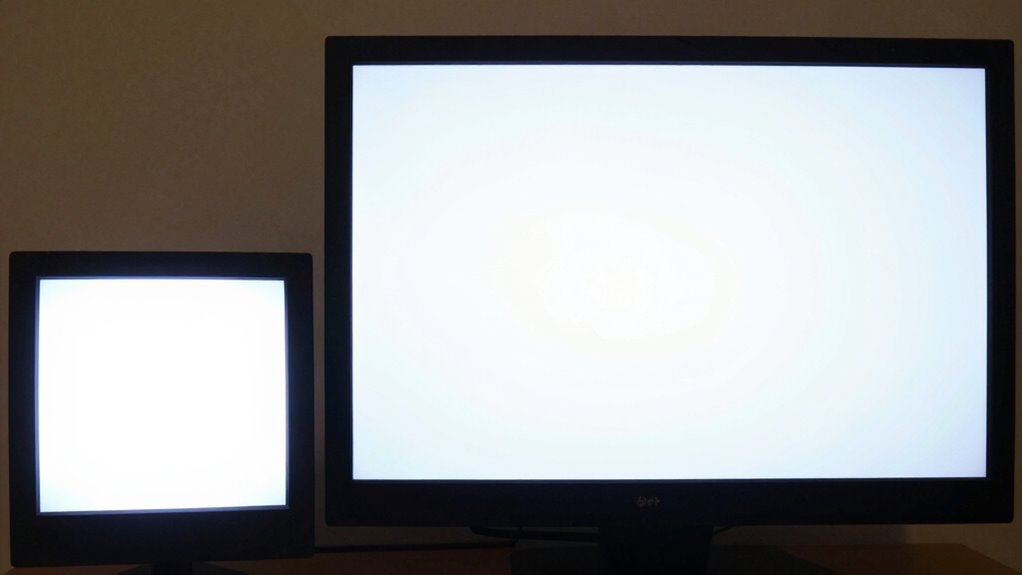
Have you ever wondered how the size of a screen influences its brightness and contrast? It’s a common question, especially as screens grow larger for gaming, streaming, or work. When you increase the size of a display, several factors come into play that affect how bright and contrasted the image appears to you. One key element is the viewing angle, which becomes increasingly important as screens get bigger. Larger screens often have wider viewing angles, meaning more people can see the display clearly from different positions, but this can sometimes lead to diminished perceived brightness and contrast at certain angles. The way a screen’s panel type manages light and color also impacts how size influences your viewing experience. Some panel types, like IPS, are known for better color accuracy and wider viewing angles, ensuring that even on large screens, brightness and contrast stay consistent from various perspectives. Conversely, TN panels have narrower viewing angles, so if you’re viewing a large TN screen from an off-center position, you may notice a drop in brightness or contrast, making images look dull or washed out. Additionally, light management techniques in high-quality projectors and displays further influence how size impacts image quality. The backlight technology used in larger displays also plays a crucial role in maintaining contrast and brightness levels across the entire surface.
The size of the screen also affects how you perceive contrast because larger displays tend to require more powerful backlighting to maintain brightness levels across the entire surface. Without sufficient backlight or a high-quality panel type, the contrast ratio can suffer, especially in darker scenes. Larger screens often have more uniform backlighting, but if they don’t, you might see hotspots or uneven brightness that reduce contrast. Additionally, manufacturing quality of the display influences how well the screen handles these variations, as higher-quality displays are more likely to maintain consistent brightness and contrast across larger surfaces. Furthermore, manufacturing processes have advanced to improve uniformity in large displays, which helps preserve image quality. As you choose a larger screen, it’s essential to consider both the viewing angle and panel type. An ideal large display combines a panel with wide viewing angles and high contrast capabilities, like OLED or high-end IPS panels. This combination ensures that regardless of your position or the size of the screen, you’ll enjoy bright images with rich contrast. Understanding how different panel types manage light is crucial for making an informed choice. So, when evaluating a new display, don’t just look at the size — pay attention to the panel type and how it manages light and color across different viewing angles. Doing so will help you select a screen that delivers the brightness and contrast quality you want, no matter how big it is.
As an affiliate, we earn on qualifying purchases.
Frequently Asked Questions
Does Screen Size Impact Color Accuracy?
Yes, screen size can impact color accuracy. Larger screens often require more precise color calibration to maintain consistency across the display, as variations can become more noticeable. You should regularly calibrate your display to guarantee color consistency, especially if you work with color-sensitive tasks. Smaller screens tend to hide minor discrepancies more effectively, but regardless of size, proper calibration helps achieve true color accuracy and a better viewing experience.
How Does Ambient Lighting Influence Perceived Brightness?
Ambient lighting drastically influences how bright your screen appears. In bright environments, your perception of brightness drops by up to 50%, making glare reduction essential. Excessive ambient reflection from lights or windows can wash out display details, reducing contrast. To improve visibility, minimize ambient reflection with matte screens or anti-glare filters. Adjusting screen brightness and positioning your device to avoid direct light sources also helps maintain ideal perceived brightness.
Are Larger Screens More Energy-Efficient?
Larger screens generally consume more energy because they require more power to light up the increased surface area. The energy consumption of a screen scales with its size, meaning bigger displays tend to use more electricity, especially at higher brightness settings. However, advanced technology like OLEDs can improve efficiency. So, while bigger screens are usually less energy-efficient, choosing energy-saving features and smaller sizes can help reduce overall power use.
Does Screen Resolution Affect Brightness Perception?
Think of your screen as a painter’s canvas—resolution shapes its vividness. Higher resolution, with greater pixel density, makes colors pop and details sharper, enhancing brightness perception. Proper display calibration ensures these pixels glow uniformly, preventing dullness or glare. So, yes, resolution greatly influences how bright and contrast-rich your display feels, guiding your eyes through a vivid visual journey where every pixel dances with clarity and luminance.
How Does Viewing Distance Affect Contrast Perception?
Viewing distance directly influences your contrast perception by affecting viewing angles and glare. When you sit closer, glare may increase, reducing contrast, while sitting farther away can improve your view by minimizing glare and widening viewing angles. Properly adjusting your distance helps reduce glare, offering clearer contrast. Maintain a comfortable distance to optimize the contrast perception, ensuring minimal glare and better viewing angles for a more vibrant and detailed display experience.
As an affiliate, we earn on qualifying purchases.
Conclusion
As you step back and consider your screen choices, remember that size isn’t just a number—it’s the canvas on which brightness and contrast dance. Larger screens demand more light to keep images vivid, like a sunlit sky craving the clouds’ shade. Smaller screens, however, whisper subtlety, hiding shadows behind their intimate glow. Choosing the right size is like tuning an instrument—you craft a symphony of clarity and contrast that resonates with your viewing experience, turning pixels into pure visual poetry.
wide viewing angle computer monitor
As an affiliate, we earn on qualifying purchases.
As an affiliate, we earn on qualifying purchases.
As an affiliate, we earn on qualifying purchases.
Fall Picks
fall essentials
As an affiliate, we earn on qualifying purchases.