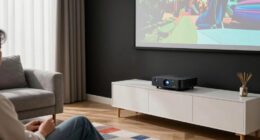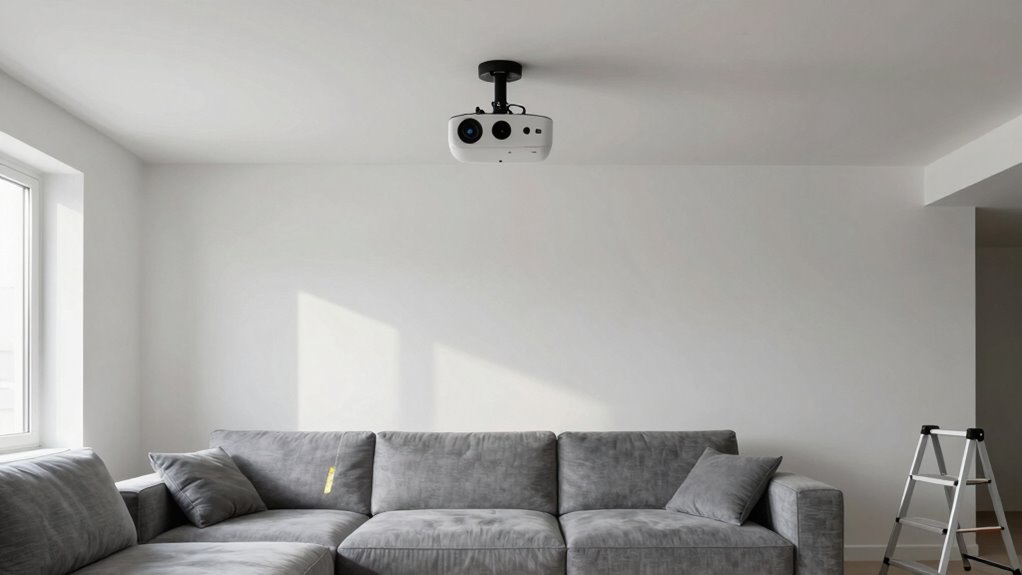

To plan your projector placement before furniture limits your options, start by measuring the distance from your ceiling mount to the screen and test different positions with temporary setups. Make certain the projector aligns directly onto the screen and is high enough for easy access and safety. Consider room layout, lighting, and furniture placement beforehand to avoid distortions or glare. If you keep exploring, you’ll discover more tips to get your setup just right.
Key Takeaways
- Measure optimal projection distance and screen placement before finalizing furniture arrangement.
- Use temporary setups to test projector positioning and image quality beforehand.
- Plan ceiling or wall mounts early to avoid obstructing future furniture placement.
- Ensure projector alignment for clear images before fixing in permanent position.
- Assess room lighting and furniture layout to prevent glare and shadows during testing.
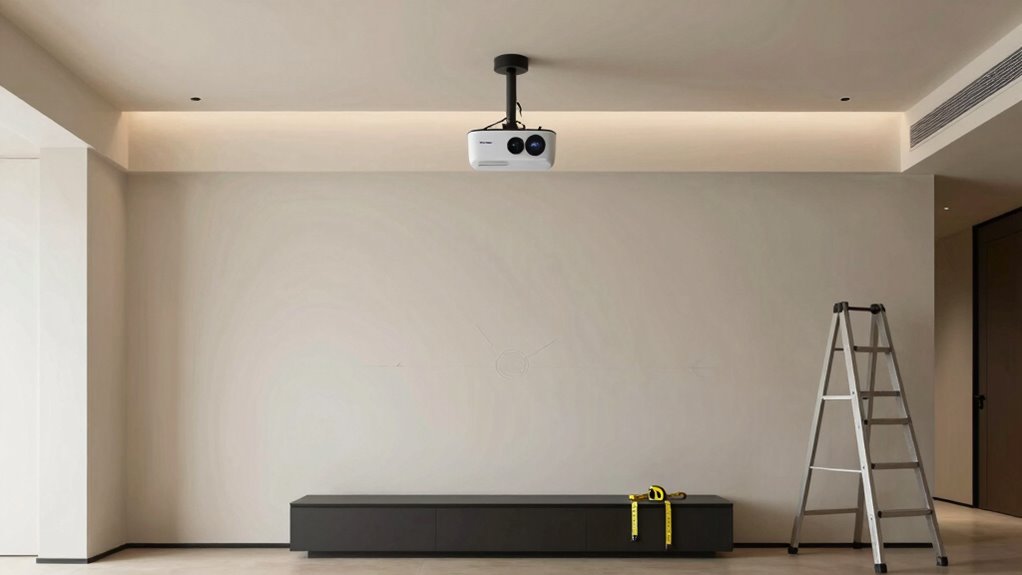
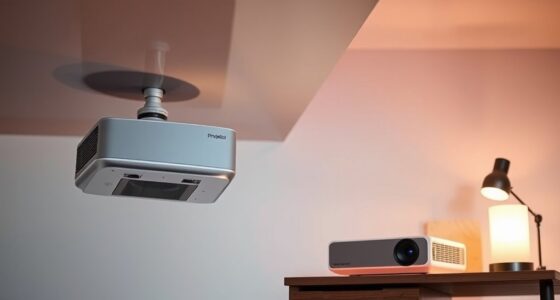
Have you ever struggled to find the perfect spot for your projector? It can feel like a puzzle, especially when furniture arrangements or room layouts start to limit your options. Before you commit to a specific location, it’s vital to think about how you’ll position your projector for the best screen viewing. One of the best ways to do this is by considering ceiling mounts. Ceiling-mounted projectors offer flexibility in placement, freeing up valuable space and providing a clean, unobstructed view. When planning your setup, think about where the projector will hang and how its beam will hit the screen. You want to guarantee the projector is aligned correctly and that the image is sharp and properly proportioned. Keep in mind that ceiling mounts allow you to adjust the projector’s angle and position easily, which can be a real game-changer if you need precise screen positioning. Additionally, understanding the emerging trends in digital publishing can inspire innovative ways to plan and visualize your setup. Incorporating advanced projection technologies can also help you optimize your room for the best possible viewing experience.
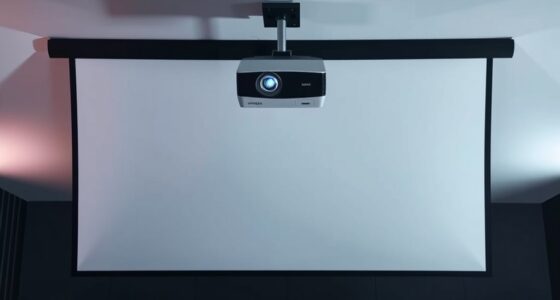
Before installing any hardware, measure your room carefully. Determine the distance from where the projector will hang to the screen — this is vital for achieving the right image size and clarity. Once you know the ideal projection distance, you can decide on the ceiling mount’s placement. You’ll want to avoid mounting it too close to walls or windows that might cause glare or shadows, and guarantee it’s high enough to stay out of the way but still within reach for adjustments. Proper room measurement techniques can help you avoid errors that could impact your viewing experience. Screen positioning is equally important—think about the height and angle of the screen itself. You don’t want to strain your neck or have to sit at awkward angles to enjoy your viewing experience. Ideally, the center of the screen should be at eye level when seated, and the projector should be aligned to project directly onto it without distortions.
Planning your projector placement early helps you avoid the frustration of having to move everything later. Consider how the room’s layout affects your options—furniture, lighting, and even the shape of your space. With ceiling mounts, you gain the advantage of a flexible setup, but only if you plan ahead. Remember to test different positions if possible, using a temporary setup before permanently installing your projector. That way, you can confirm the image quality, screen positioning, and overall comfort of your viewing angle. Thinking about these details upfront guarantees you won’t be locked into a bad spot once your furniture is in place, giving you the freedom to enjoy your home theater just the way you want it.
As an affiliate, we earn on qualifying purchases.
Frequently Asked Questions
How Do I Account for Future Furniture Changes in Projector Placement?
To account for future furniture changes, you should plan your projector placement with flexibility in mind. Consider potential furniture rearrangement and how your future layout might evolve. Place the projector where it can easily be adjusted or repositioned if furniture moves. Use adjustable mounts or movable stands, and avoid fixed installations. This way, your setup remains adaptable, ensuring the best viewing experience even after your furniture setup changes.
What Are the Best Tools for Measuring Optimal Projector Distance?
Imagine you’re calibrating your projector for movie night, and you need precise distance measurement. A laser distance meter is your best tool for this. It helps with projection calibration by accurately measuring the ideal projector distance, ensuring proper focus and sharp images. Use it to fine-tune lens adjustment, avoiding blurry visuals. This way, you confidently set your projector’s placement before furniture arrangements lock you in, preventing future repositioning hassles.
How Can I Hide Projector Cables Effectively?
To hide projector cables effectively, focus on cable concealment and wire management. Use cable raceways or conduit along walls to hide wires and keep them tidy. You can also run cables behind furniture or under rugs for a cleaner look. Consider using wireless options where possible, and secure cables neatly with clips or ties. Proper wire management not only improves aesthetics but also prevents tripping hazards.
What Lighting Conditions Affect Projector Image Quality?
Ever wondered why your projector image isn’t crystal clear? Ambient light can wash out the picture, making it hard to see details, especially in bright rooms. To improve quality, you should control ambient light sources and keep curtains or blinds closed during viewing. Also, make sure your screen brightness matches the lighting conditions. By managing ambient light and adjusting screen brightness, you’ll get a sharper, more vibrant image every time.
How Do I Prevent Glare or Reflections on the Screen?
To prevent glare or reflections on the screen, you should optimize your screen brightness and control ambient light. Keep the projector and screen away from windows or bright light sources, and use curtains or blinds to reduce ambient light. Adjust your projector’s brightness settings to match room lighting, ensuring the image isn’t washed out. Position the projector and screen at angles that minimize glare, creating a clear, comfortable viewing experience.
As an affiliate, we earn on qualifying purchases.
Conclusion
Planning your projector placement now means you can enjoy a clear, unobstructed view later—free from the frustration of furniture blocking your screen. Think of it as setting the stage before the performance begins; a little foresight saves you from rearranging furniture or sacrificing comfort. When you prioritize proper placement, your movie nights become effortless, and your space feels more inviting. So, take the time to plan now, and enjoy the uninterrupted entertainment you deserve.
projector screen with adjustable height
As an affiliate, we earn on qualifying purchases.
As an affiliate, we earn on qualifying purchases.
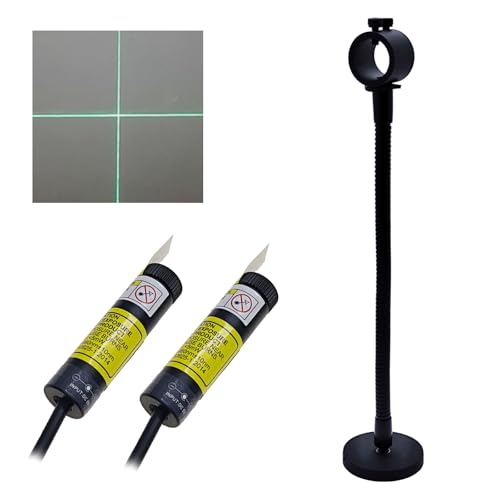
Sewing Guide Light Green Cross Light Module Generator Projector Replacable USB for Heat up Screen Printing Placement Fabric Cloth Sewing Alignment
- Application Areas: Garment, quilting, heat press, sewing
- Adjustable Cross Line: Width can be customized
- Removable Cross Light: Replaceable and portable
As an affiliate, we earn on qualifying purchases.
As an affiliate, we earn on qualifying purchases.