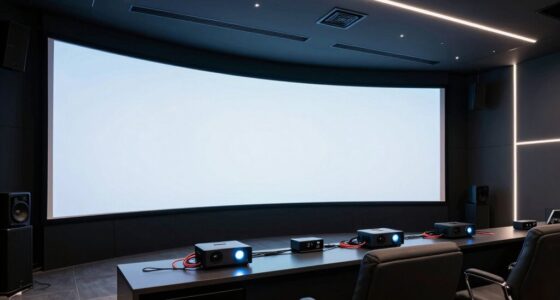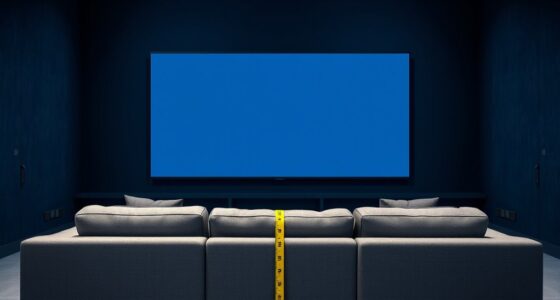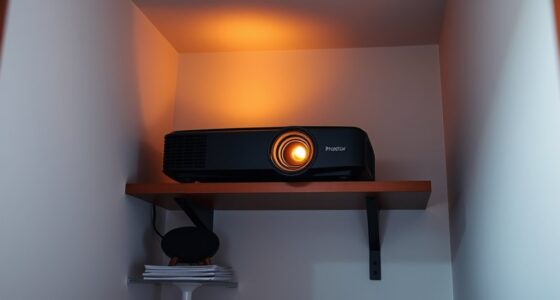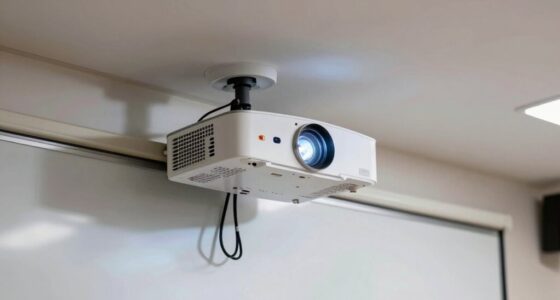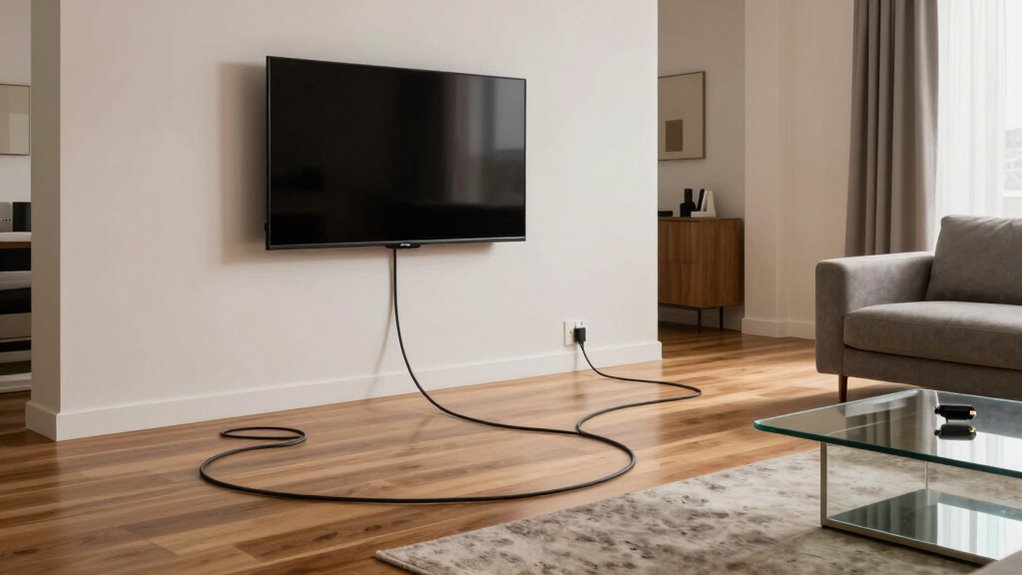
Long HDMI runs change everything about placement because longer cables weaken the signal, leading to picture quality issues like color distortion or loss. You need to take into account device spacing and plan your setup carefully to prevent physical stress on the cable, which can cause internal damage. High-quality, shielded cables and additional equipment like extenders help maintain a strong connection. To truly guarantee ideal performance, some careful planning is essential—all the details I’ll explore next.
Key Takeaways
- Longer HDMI cables require rethinking device placement to avoid signal degradation and physical stress.
- Extended runs often need additional equipment like extenders or boosters for reliable signal transmission.
- Increased cable length makes proper routing and shielding essential to prevent interference and maintain quality.
- Physical stress from bending or stretching longer cables can damage internal wiring, affecting performance.
- Longer HDMI setups demand higher cable quality and careful planning to ensure consistent picture and sound quality.
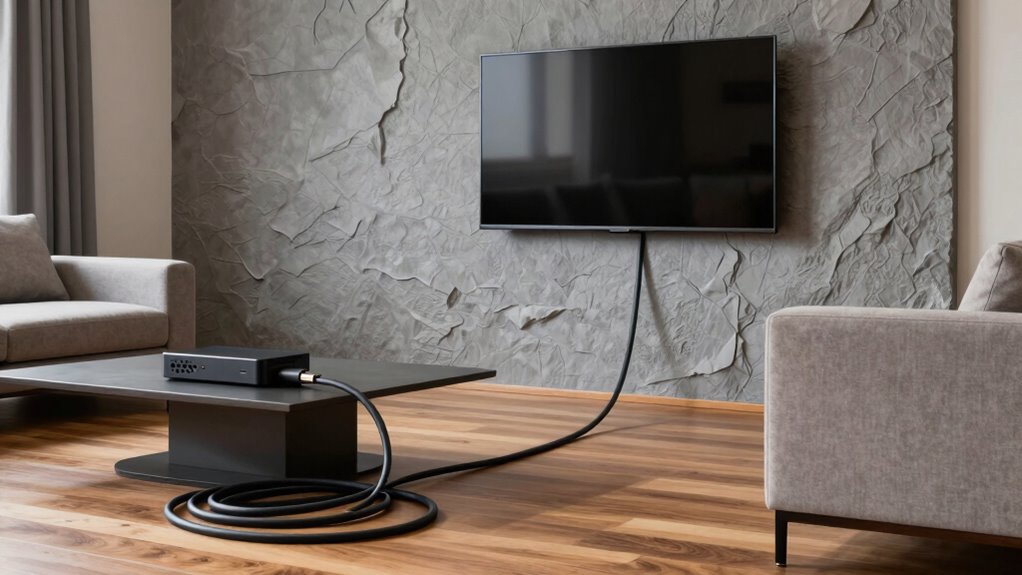
When you extend your HDMI cable beyond the standard lengths, it fundamentally alters how you think about placing your devices. No longer can you simply connect your TV and media player close together and expect perfect quality. Longer runs introduce challenges that demand careful consideration, especially regarding cable durability and signal degradation. The longer the cable, the more you risk issues that can affect your viewing experience. You need to understand that cable durability becomes critical. As the length increases, the physical quality of the cable plays a bigger role. Cheaper cables might not withstand the wear and tear or could be prone to internal damage that compromises signal transmission. Investing in high-quality, well-shielded cables can help guarantee longevity and reduce the risk of failure when your setup requires a longer run. Additionally, ensuring proper shielding can protect your signal from external interference, which becomes more problematic over extended distances.
Signal degradation becomes an unavoidable concern with extended HDMI cables. As the length increases, the signal has to travel farther, which can weaken the signal quality before it reaches your display. This weakening manifests as reduced picture clarity, color distortion, or even complete signal loss. You might find that an extra few feet causes noticeable deterioration, making it essential to choose cables designed for longer distances. Active HDMI cables, signal boosters, or extenders are often necessary to maintain a clean, strong signal over extended runs. Without these tools, you’ll likely experience frustrating interruptions or subpar visuals. Properly managing these components and understanding their compatibility with your devices is essential to maintaining overall system performance.
Placing your devices becomes a strategic task with long HDMI runs. You can’t just stick your media box behind your TV and forget about it. Instead, you need to plan for a cable route that minimizes physical stress and interference. Longer cables are more prone to tangling, bending, or stretching, which can damage the internal wiring over time. Proper cable management and choosing cables with reinforced connectors help preserve both cable durability and signal integrity. Additionally, you’ll need to think about power sources for active extenders or boosters, which might mean adding outlets or extra wiring to your setup. Planning your setup carefully can also prevent potential interference issues, ensuring a more reliable connection.
Ultimately, long HDMI runs change the game. They demand attention to cable quality, proper routing, and extra equipment to keep your picture sharp and your setup reliable. Instead of relying on a simple connection, you become more aware of how physical and technical factors impact your entertainment experience. By understanding these elements, you can make smarter choices about device placement and ensure your long HDMI runs deliver the quality you expect, without sacrificing durability or picture clarity. Recognizing the importance of signal integrity helps you choose the right equipment and setup for optimal performance.

Highwings 8K Long HDMI Cable 20FT/6M 48Gbps, 2.1 High Speed HDMI 8K60Hz 4K120Hz 144Hz eARC HDR HDCP 2.2 2.3 Compatible for Gaming, PS5 and Monitor
Top Technology—-8K@60HZ: This 8K Ultra High Speed HDMI Cable uses the most cutting-edge technology, is compatible with 8K@60HZ…
As an affiliate, we earn on qualifying purchases.
As an affiliate, we earn on qualifying purchases.
Frequently Asked Questions
Can I Extend HDMI Runs Without Signal Degradation?
Yes, you can extend HDMI runs without signal degradation by using quality cables with proper shielding. Cable shielding helps prevent signal interference, which is vital over long distances. Additionally, consider active HDMI extenders or signal boosters to maintain picture quality. Always choose well-shielded cables designed for long-distance use, as they reduce interference and guarantee your signal stays strong and clear, no matter how long your HDMI run is.
What Are the Best Cables for Long HDMI Distances?
Imagine you’re a knight in shining armor, and your HDMI cable is your trusty steed. For long distances, choose high-quality cables with excellent cable shielding to prevent interference. Look for HDMI cables that emphasize signal integrity, such as those with active components or fiber optics. These features guarantee your video stays sharp and clear, even over extended runs. Trust me, investing in the right cable makes all the difference.
Do Long HDMI Cables Affect Picture Quality?
Long HDMI cables can affect picture quality if they’re not of good quality. You might notice signal interference causing pixelation or color issues, especially with cheaper cables. To avoid this, choose cables with better cable durability and shielding to prevent signal degradation over distance. High-quality, well-shielded long HDMI cables help maintain clear picture quality, ensuring your setup works seamlessly without losing resolution or experiencing lag.
How Do HDMI Amplifiers or Boosters Work?
They say, “A chain is only as strong as its weakest link.” HDMI amplifiers or boosters work by strengthening the HDMI signal, preventing degradation over long distances. You should place the booster close to the source device to guarantee a clear signal, then run the boosted signal to your display. Proper booster placement is key to maintaining picture quality and avoiding signal loss during extended HDMI runs.
Are Wireless HDMI Options Reliable for Long Distances?
Wireless HDMI options can be reliable for long distances if you prioritize stable wireless signals and minimize signal interference. You need to choose devices with strong wireless stability features and operate them in environments with minimal interference from Wi-Fi, Bluetooth, or other electronic devices. While they work well in many setups, keep in mind that obstacles or interference could cause signal drops, affecting picture quality and connection consistency.

8K HDMI Booster Repeater, Active Signal Amplifier HDMI 2.1 Extender Supports 8K@60Hz / 4K@240Hz, Extends HDMI 1080P Up to 50m for PS5, Xbox Series, Projector, HDCP 2.3 with USB-C Power Port
✅ 8K HDMI Signal Booster & Range Extender – This active HDMI repeater and extender features a built-in…
As an affiliate, we earn on qualifying purchases.
As an affiliate, we earn on qualifying purchases.
Conclusion
So, with these ultra-long HDMI cables, your entire setup transforms into a flexible, boundary-breaking universe. No longer are you confined to fixed positions or awkward cable stretches—you become the master of your space, crafting a perfect viewing experience anywhere in the room. It’s not just about placement; it’s about unlocking your creativity and redefining your environment. Embrace the long HDMI revolution, and watch your world expand beyond what you ever thought possible.

LEENUE 8K HDMI Extension Cable 1FT, HDMI 2.1 Extender Support 8K@60Hz 4K@120Hz, High Speed 48Gbps HDMI Male to Female Adapter Cord Compatible with TV Stick Laptop HDTV Projector
Extend HDMI Connection: This HDMI extension cable is compatible with all standard HDMI devices, which can extend the…
As an affiliate, we earn on qualifying purchases.
As an affiliate, we earn on qualifying purchases.
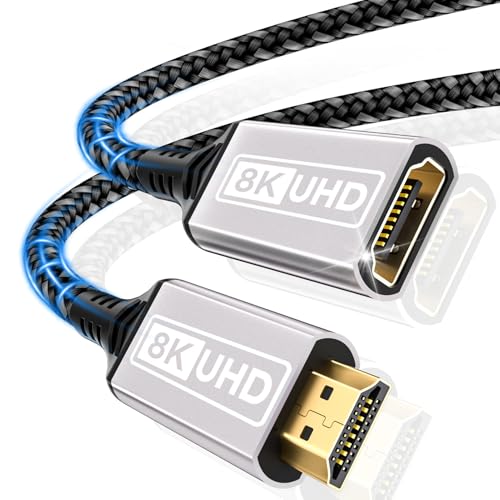
HDMI Extender,cable 3.28FT(1M)10K 8K@60HZ 4K@120HZ/144HZ HDMI 2.1 extension cable male to female 48Gbps ultra high speed UHD eARC HDCP 2.3 Dynamic HDR10+ Compatible with TV Stick,HDTV,PS5 PS4
HDMI Extender Cable: HDMI extension cable HDMI 2.1,backward compatible with HDMI 2.0b,2.0a,1.4,1.3,1.2,1.1. Compared with HDMI cable 2.0,the bandwidth…
As an affiliate, we earn on qualifying purchases.
As an affiliate, we earn on qualifying purchases.