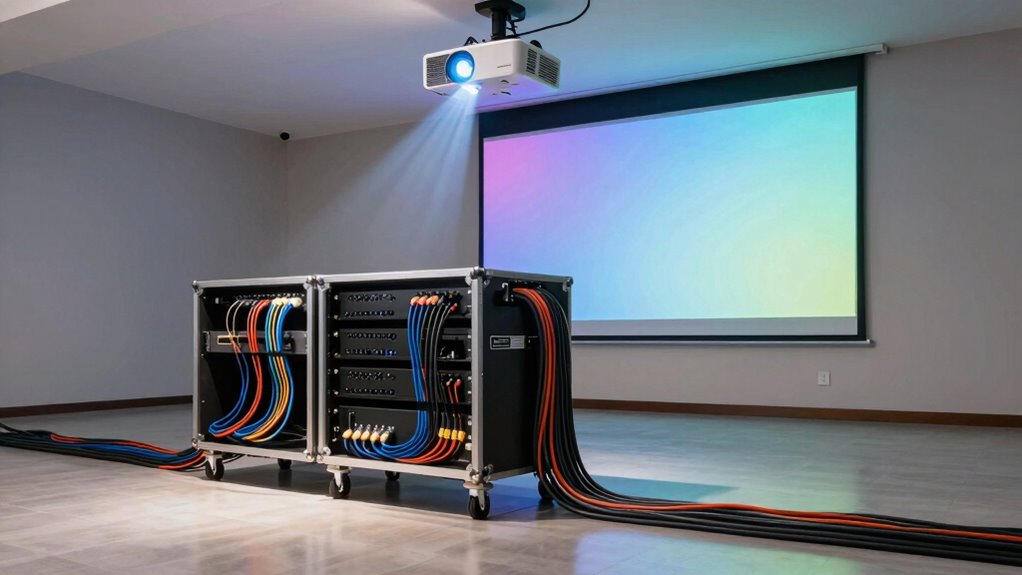
To route audio effectively from your distant equipment rack to the projector, use wireless transmitters and receivers to avoid long cable runs and trip hazards. You can connect wireless transmitters directly to your audio sources, then send signals to receivers near the projector. For multiple speakers, employ high-quality splitters to distribute the sound without losing quality. Ensuring compatibility and testing your setup will keep the audio clear and synchronized. Keep going to explore more helpful tips.
Key Takeaways
- Use wireless audio transmitters and receivers to eliminate long cable runs between the equipment rack and projector.
- Implement audio splitters to distribute sound to multiple speakers if needed.
- Ensure wireless devices support the required audio formats and have strong frequency range to prevent dropouts.
- Test the entire setup beforehand to optimize placement and minimize latency or interference issues.
- Consider powered speakers for improved sound quality and ensure compatibility with your audio sources.
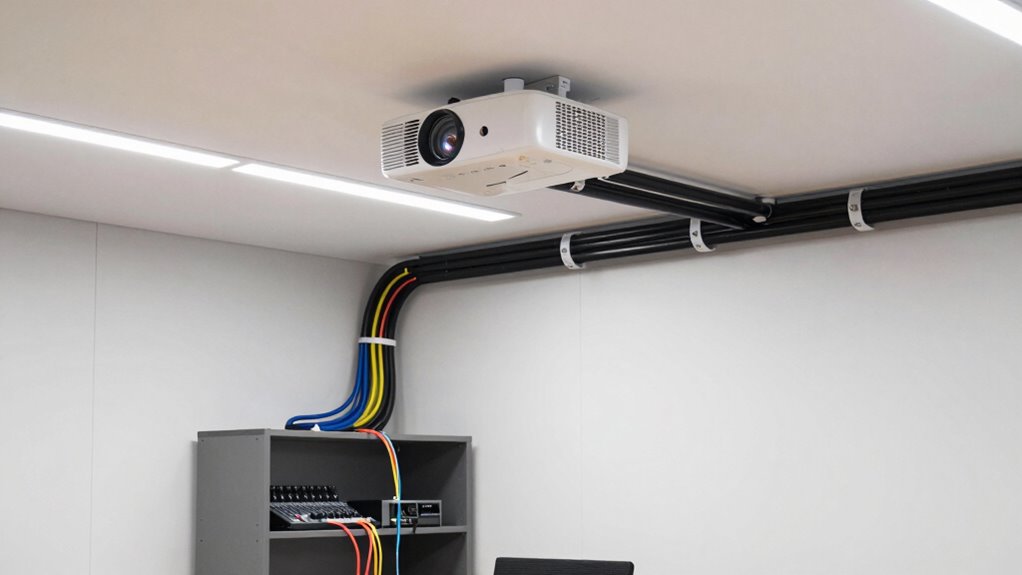
When setting up a projector in a distant location, routing audio effectively becomes vital to guarantee clear sound for your audience. If your equipment rack is far from the projector, you can’t rely on the built-in audio cables alone. Instead, you’ll need to explore wireless solutions and clever wiring techniques to ensure the sound reaches everyone clearly. Wireless transmitters are your best bet for transmitting audio signals over long distances without the clutter of long cables. They connect directly to your audio source, such as a microphone or mixer, and send the signal wirelessly to a receiver near your projector or speakers. This setup minimizes cable runs and reduces tripping hazards, making your setup safer and more flexible.
Once you’ve established a wireless connection, you’ll want to guarantee the audio gets distributed properly to multiple speakers, especially in large venues. Here, audio splitters come into play. An audio splitter takes a single audio input and divides it into multiple outputs, allowing you to connect several speakers or amplifiers simultaneously. This is vital if your audience is spread out or if you want to maintain high sound quality across the entire space. Combining wireless transmitters with high-quality audio splitters gives you a robust, scalable solution for distant audio routing. Additionally, understanding audio signal distribution can help you optimize your setup for clarity and consistency.
However, it’s important to choose your wireless transmitter carefully. Look for one with a strong frequency range and minimal latency, so your audio stays synchronized with your visuals. Also, verify that it supports the necessary audio formats for your equipment. When connecting your transmitter, ensure it’s compatible with your audio source—whether it’s a mixer, computer, or media player. For the splitters, select a device that supports the number of outputs you need, and ensure it maintains audio fidelity across all connections. Understanding regional flavors and how they influence sound quality can help when selecting equipment suited for specific environments. Additionally, considering the interference environment can prevent potential disruptions during your presentation.
To further improve clarity, consider using powered speakers connected through the splitters. This ensures your sound isn’t weak or distorted, especially when dealing with long cable runs or wireless interference. It’s also wise to conduct a thorough audio testing session before your event to identify and resolve potential issues. Keep in mind that even with wireless transmitters, some environments can cause interference, so testing your setup beforehand is vital. Fine-tuning the placement of the transmitter and receiver can considerably reduce audio lag or dropouts.
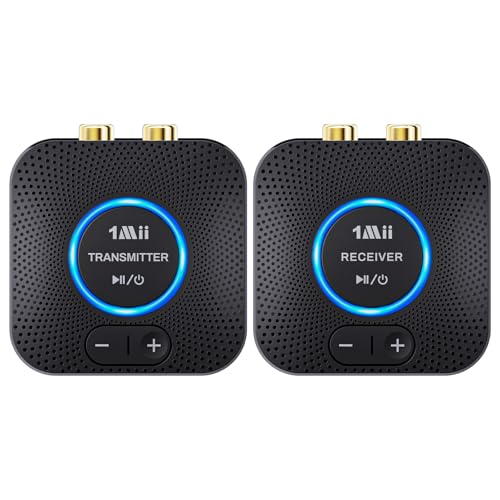
1Mii 2.4GHz Wireless Audio Transmitter Receiver Set (1 TX+1 RX) for TV, 262Ft/80M Long Range 25ms Low Latency with AUX RCA in/Out, Wireless Audio Adapter for TV PC Powered Speaker Amplifier Soundbar
- Quick and Stable Connection: Automatic pairing with indicator light
- Dual Audio Output Support: AUX and RCA simultaneous output
- Long Range Wireless: 262 feet (80 meters) range
As an affiliate, we earn on qualifying purchases.
As an affiliate, we earn on qualifying purchases.
Frequently Asked Questions
What Types of Long-Distance Audio Cables Are Best?
For long-distance audio, wireless transmitters are your best bet, offering flexibility and ease of setup without clutter. If you prefer cables, opt for balanced XLR or TRS cables, which reduce noise and maintain sound quality over long runs. Proper cable management helps prevent interference and damage, ensuring reliable audio. Both options keep your setup tidy and efficient, letting you focus on your presentation without worrying about sound issues.
How Do I Prevent Signal Degradation Over Long Runs?
Think of your audio signal as a delicate message carried across a vast canyon. To prevent signal degradation, make certain you use high-quality cables with excellent shielding, much like a sturdy bridge that withstands the elements. Keep runs as short as possible, and consider using active repeaters or signal boosters to maintain audio signal integrity. Proper cable shielding and careful routing protect your sound, so your message arrives clear and strong.
Can Wireless Audio Solutions Replace Wired Connections?
Wireless alternatives can effectively replace wired connections for audio transmission, especially in setups where running cables is impractical. You get the convenience of quick setup and reduced clutter, making your space more flexible. However, make certain you choose high-quality wireless solutions that minimize latency and interference. While they work well for many applications, for critical audio, wired connections might still offer better reliability and sound quality.
What Are the Best Power Options for Remote Audio Equipment?
You should use reliable power distribution units to guarantee consistent power supply for your remote audio equipment. Incorporate audio signal boosters to maintain sound quality over long distances, preventing signal degradation. These power options help you manage multiple devices efficiently, reduce noise, and prevent power surges. By combining proper power distribution with signal boosters, you’ll guarantee your audio remains clear and uninterrupted, even when your equipment is far from the main rack.
How Do I Troubleshoot Audio Delays or Latency Issues?
Did you know that audio delay issues can cause up to a 200ms latency, making conversations sound out of sync? To troubleshoot, first check your cables and connections for any damage or loose ports. Then, examine your audio settings or digital signal processor (DSP) for latency problems. Reducing buffer size or updating firmware can also improve audio delay issues. Always test after adjustments to guarantee smooth, synchronized sound.
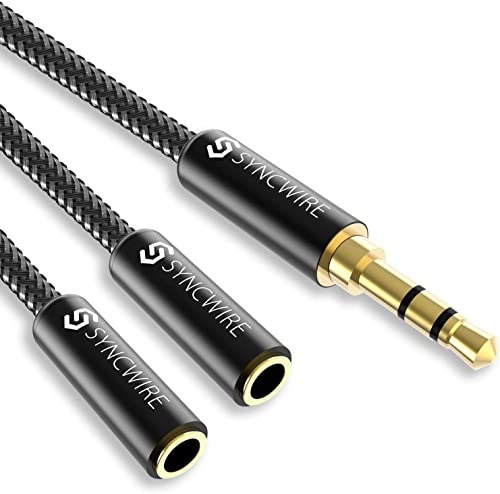
Headphone Splitter, Syncwire Nylon-Braided 3.5mm Extension Cable Audio Stereo Y Splitter (Hi-Fi Sound), Male to 2 Ports Female Headset Splitter for Apple, Samsung, Tablets & More (No Mic)
- Universal Compatibility: Works with iPhone, Samsung, tablets, and more
- High-Quality Audio: 24K gold-plated connectors for clear sound
- Durable Design: Double shielding for interference protection
As an affiliate, we earn on qualifying purchases.
As an affiliate, we earn on qualifying purchases.
Conclusion
Certainly! Here’s the modified text with alternative words replacing only “In conclusion” and “ensure”:
—
Ultimately, effectively routing audio over long distances guarantees your projector’s sound remains clear and synchronized. Did you know that balanced audio cables can reduce noise interference by up to 60%? This makes them ideal for setups where the equipment rack is far from the projector. By choosing the right cables and audio amplification methods, you’ll enjoy seamless audio quality, keeping your presentations professional and engaging without any frustrating sound issues.

100W Powerful Voice Amplifier with 2 Wireless Microphones S99
- Powerful 100W Sound Output: Clear, deep bass with wide projection
- Multiple Connectivity Options: Bluetooth, USB, TF, Aux, and echo functions
- Wired Microphone Compatibility: Supports 3.5mm and 6.35mm jacks, guitar ports
As an affiliate, we earn on qualifying purchases.
As an affiliate, we earn on qualifying purchases.

Phenyx Pro Wireless Microphone System, Dual Wireless Mics,w/ 2 Handhelds, Auto Scan,2×100 UHF Frequencies,328ft Range,Dynamic Microphone for Singing, Karaoke, Church(PTU-71-2H)
- Enhanced Signal Reliability: Auto Scan for interference-free channels
- Multiple Frequencies: 2×100 UHF frequencies for multi-mic use
- Long Range Operation: Up to 328 feet line of sight
As an affiliate, we earn on qualifying purchases.
As an affiliate, we earn on qualifying purchases.