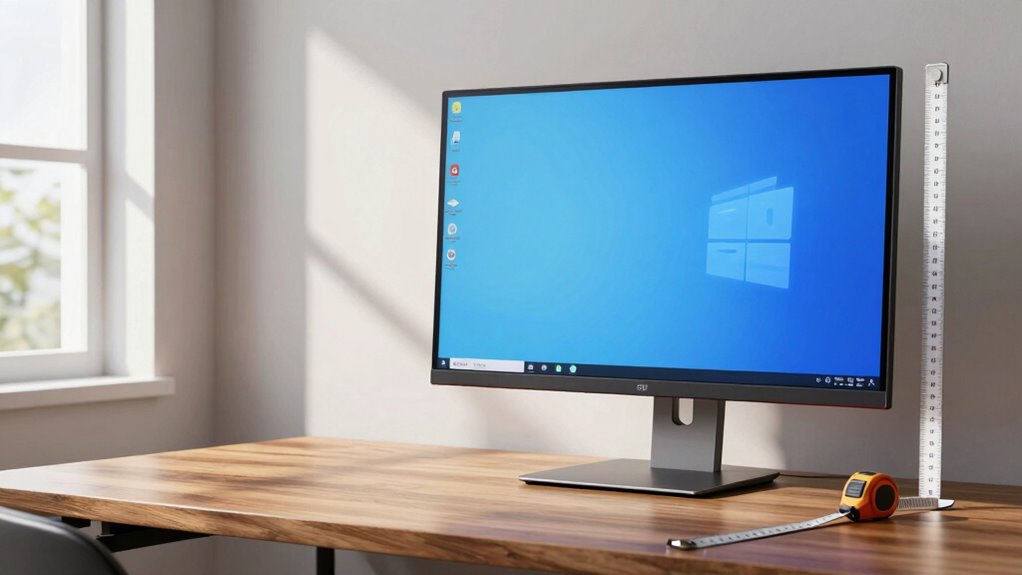

To calculate the ideal screen height for comfortable viewing, first measure your eye level when seated with relaxed shoulders. Make certain the top of your monitor aligns with or is just below this eye level, so your gaze naturally hits the middle to upper third of the screen. Use adjustable stands or risers to fine-tune the height as needed. Maintaining this setup helps prevent neck strain and boosts comfort; further details can guide you to perfect your workspace.

Get business pricing on your home office setup
- Business-only prices and quantity discounts
- Tax-exempt purchasing
- Multiple users, one account, clear invoices
Key Takeaways
- Measure your eye level when seated comfortably, ensuring your eyes gaze at the middle to upper third of the screen.
- Adjust the monitor so the top edge aligns with or is slightly below your eye level for optimal ergonomic positioning.
- Use adjustable stands or risers to fine-tune the monitor height to match your eye level precisely.
- Consider screen resolution; higher resolutions allow sitting slightly farther without losing detail, influencing height adjustment.
- Regularly check and modify the monitor height to maintain a neutral neck position and enhance long-term comfort.
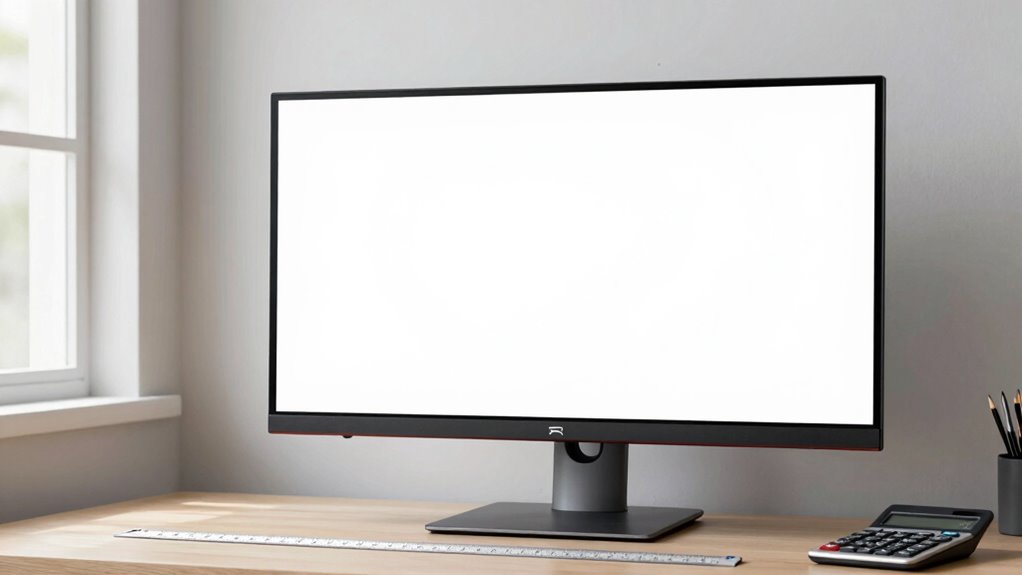
When setting up your screen for comfortable viewing, calculating the right height is essential to reduce eye strain and improve your overall experience. Achieving the correct height begins with understanding how your screen resolution influences the optimal viewing position. Higher resolutions, like 4K, allow you to sit slightly farther away without losing detail, but they also require you to position your screen at eye level to prevent neck strain. The goal is to establish ergonomic positioning, where the top of your screen is roughly at or just below eye level, so you avoid tilting your head up or down. This minimizes muscle fatigue and helps sustain focus during long periods of work or leisure.
Proper screen height at eye level minimizes neck strain and enhances comfort during extended use.
To start, measure the height of your eye level when you’re seated comfortably, with your back straight and shoulders relaxed. Your eyes should naturally gaze at the middle to upper third of the screen, depending on your tasks. For typical desk setups, this means adjusting your monitor so that the top edge aligns with your eye level, or just slightly below. If your monitor has adjustable height, use this feature to fine-tune its position. If not, consider risers or stands to elevate the screen. Remember, the goal is to create a setup where your neck remains in a neutral position, neither tilted forward nor backward, which helps maintain ergonomic positioning. Properly positioning your screen can also help prevent visual discomfort over time.
Next, factor in your screen resolution when calculating the precise height. A higher resolution provides sharper images, so sitting at the right distance and height ensures you can fully appreciate the details without straining your eyes. If your screen is larger or has a higher resolution, you might need to adjust the distance slightly, but always keep the top of the screen aligned with your eye level. Proper alignment of your screen with your eye level is a fundamental ergonomic principle that promotes comfort and reduces strain. This prevents unwanted neck movement and promotes a natural line of sight. Proper alignment also reduces eye fatigue, since your eyes won’t have to constantly refocus or strain to read text or view images. Additionally, understanding ergonomic principles can further enhance your workspace setup and prevent discomfort over time. Maintaining awareness of visual ergonomics can help you make informed adjustments for long-term comfort.
Finally, remember that your setup should be adaptable. As you change tasks or work for extended periods, small adjustments in height or distance may become necessary. Regularly check your posture and make sure your screen remains at an ergonomic height. By paying attention to your screen resolution and positioning your monitor at eye level, you’ll create a comfortable viewing environment that minimizes strain and maximizes productivity.
As an affiliate, we earn on qualifying purchases.
Frequently Asked Questions
What Is the Ideal Viewing Distance for Different Screen Sizes?
Your ideal viewing distance depends on screen size considerations to prevent eye strain. For smaller screens (up to 24 inches), sit about 1.5 to 2.5 feet away. Larger screens (above 40 inches) should be viewed from 3 to 6 feet. Staying within these ranges helps you enjoy clear images without squinting or neck strain, ensuring eye strain prevention while maintaining an immersive viewing experience.
How Does Screen Resolution Affect Comfortable Viewing Height?
Screen resolution impacts your comfortable viewing height because higher resolutions display sharper images, encouraging you to sit closer without eye strain. Proper color calibration enhances visual clarity, reducing eye fatigue. If your resolution is low or colors aren’t well calibrated, you might need to adjust the screen height to avoid neck strain or eye discomfort. Keep your screen at a suitable height, with calibrated colors and appropriate resolution, to minimize eye strain and guarantee comfortable viewing.
Are There Ergonomic Guidelines for Monitor Placement?
Yes, ergonomic guidelines recommend placing your monitor to promote proper posture alignment and reduce eye strain. Keep the top of the screen at or slightly below eye level, about an arm’s length away. Position the monitor directly in front of you, avoiding glare and reflections. This setup helps you maintain a neutral neck position, minimizes eye strain, and encourages good posture, making your workspace more comfortable and healthier over time.
How Do Lighting Conditions Influence Screen Height Choice?
Lighting conditions greatly influence your screen height choice. If your ambient lighting is bright, you’ll want to adjust your monitor slightly lower to reduce glare and eye strain. Conversely, in dim environments, a higher screen position can prevent neck strain. Proper screen height, combined with glare reduction techniques, guarantees your eyes stay comfortable and minimizes fatigue, regardless of lighting conditions. Adjusting your monitor accordingly helps create a suitable viewing experience.
Can Adjustable Stands Improve Viewing Comfort?
Adjustable stands can substantially improve your viewing comfort by allowing you to maintain an ergonomic posture. With an adjustable stand, you can easily set your monitor to the ideal height and tilt, reducing neck and eye strain. This flexibility guarantees your eyes are level with the top of the screen, and the monitor tilt helps minimize glare. Overall, adjustable stands promote healthier, more comfortable viewing sessions.
As an affiliate, we earn on qualifying purchases.
Conclusion
So, after all this math, you’d think choosing the perfect screen height would be a hassle, right? Turns out, it’s surprisingly simple—just follow the guidelines and trust your eyes. Irony alert: the secret to comfortable viewing isn’t some fancy calculator but actually paying attention to what feels right for you. So go ahead, adjust that screen, and enjoy your perfect setup—because sometimes, the best view is just a little bit of common sense away.
As an affiliate, we earn on qualifying purchases.
As an affiliate, we earn on qualifying purchases.
Columbus Day / Indigenous Peoples' Day Picks
long weekend sales
As an affiliate, we earn on qualifying purchases.