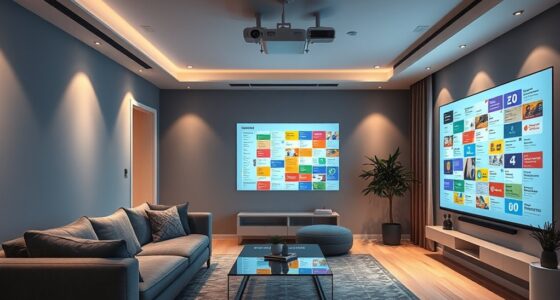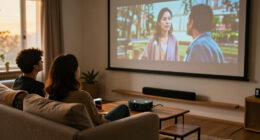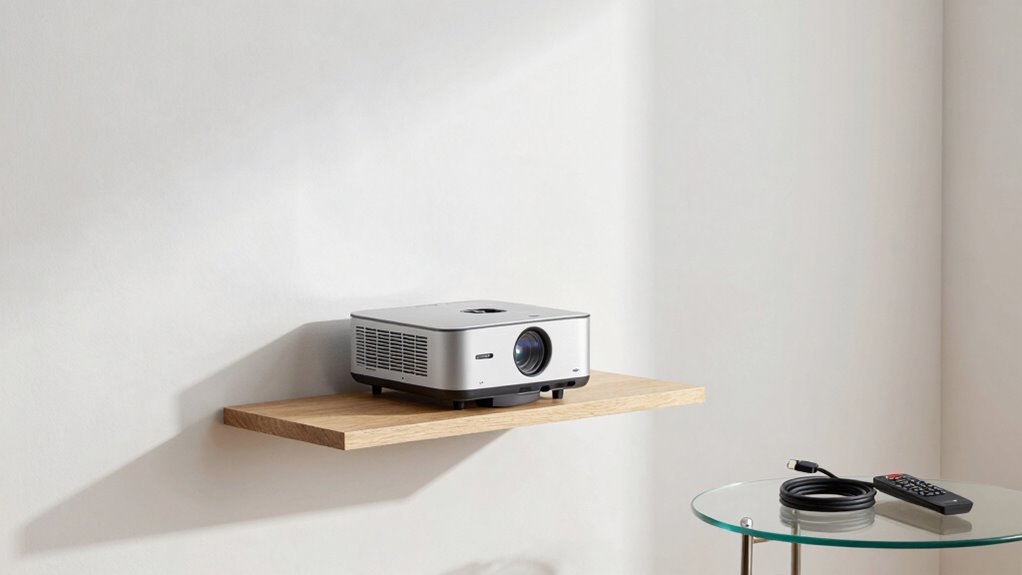
To plan your projector placement in a rental apartment, consider using temporary mounts like suction cups or adhesive pads to avoid wall damage, or opt for portable screens on flexible stands. Place the projector on sturdy surfaces and elevate it for clear projection, while positioning the screen at the right distance for your projector’s throw ratio. Keep cords organized and avoid windows or light sources for better image quality. For practical tips to optimize your setup, keep exploring.

Get business pricing on your home office setup
- Business-only prices and quantity discounts
- Tax-exempt purchasing
- Multiple users, one account, clear invoices
Key Takeaways
- Check apartment rules and landlord permissions before installing any fixtures or permanent mounts.
- Use temporary, damage-free mounting options like suction cups or adhesive pads for ceiling or wall placement.
- Choose portable screens and flexible placement to adapt to different room layouts without permanent fixtures.
- Position the projector on stable surfaces and elevate it appropriately to achieve optimal projection.
- Organize cables and utilize wireless connectivity to maintain a tidy, safe, and efficient setup.
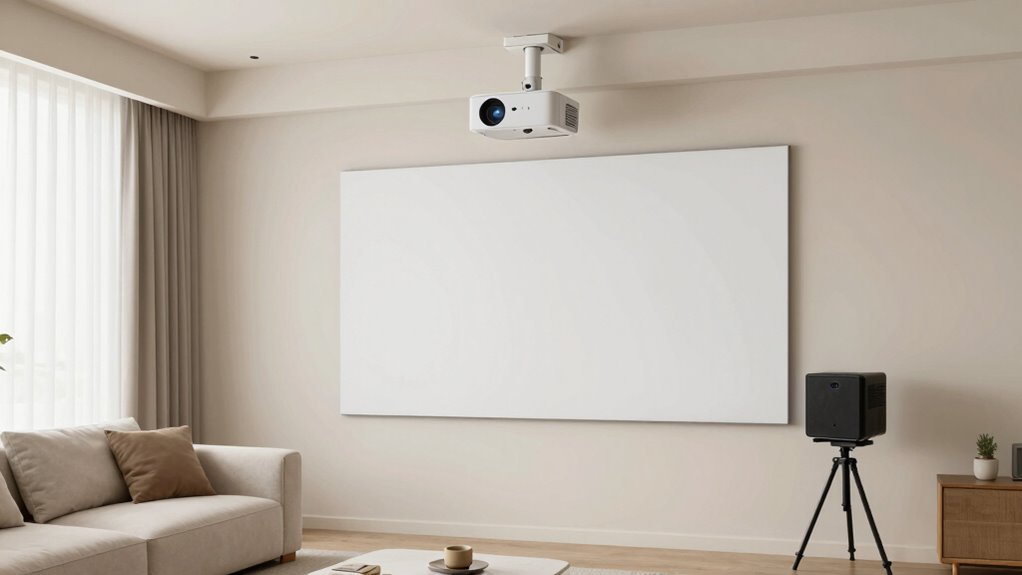
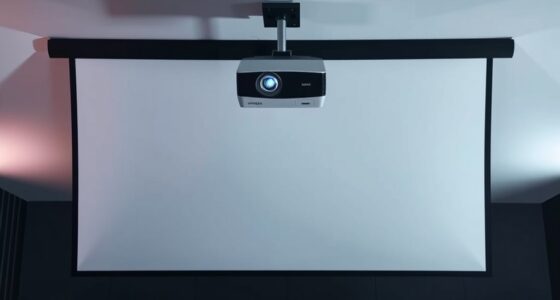
Planning where to place your projector in a rental apartment can seem tricky, especially with restrictions on wall mounting and permanent changes. You want a setup that’s flexible, easy to move, and doesn’t damage the walls or ceilings. One effective way to do this is by considering ceiling mounting options if your landlord permits it. Ceiling mounts provide a stable, unobtrusive way to position your projector, freeing up space and giving you a professional look. However, since many rentals restrict drilling or permanent fixtures, you might need to look for ceiling mounts designed for temporary or no-drill installation. These mounts often use suction cups or adhesive pads that hold firmly without damaging surfaces. Just make sure to check your apartment rules before installing anything permanent.
Consider temporary, no-drill ceiling mounts with suction cups or adhesive pads to avoid damage and stay rental-friendly.
If ceiling mounting isn’t an option, portable screens become your best friend. You can set them up in different spots depending on your living situation and room layout. Portable screens come in various styles—tripod, pull-down, or foldable models—that are easy to deploy and store away when not in use. They eliminate the need for wall installation and give you the freedom to change your setup frequently. When choosing a portable screen, look for something lightweight but sturdy, with a smooth surface that enhances picture quality. These screens can be placed on desks, tables, or even the floor, so you can adapt to different spaces and avoid permanent fixtures. Additionally, many portable screens use quick-setup technology to make assembly even faster and more convenient. Incorporating projector throw ratios into your planning can help ensure your setup fits well within your room dimensions.
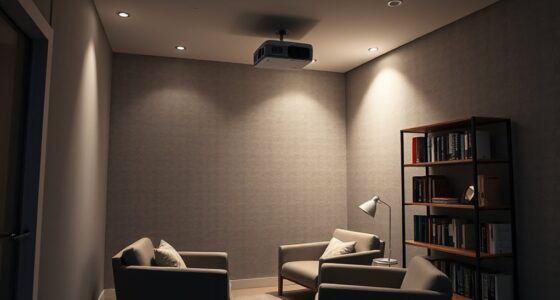
To maximize your space and avoid damage, consider placing your projector on a stable surface like a bookshelf or a dedicated table. Elevate the projector to the right height, aiming it at your screen or wall. If you’re using a portable screen, position it at a comfortable viewing distance that matches your projector’s throw ratio. Be mindful of light sources and window placements, as glare can affect your viewing experience. For flexible viewing options, some projectors support wireless connections, allowing you to switch between different devices and locations easily. Keep cords organized with clips or cable management tools to prevent tripping hazards and keep your area tidy. Additionally, understanding smart furniture options can help you create a versatile and space-efficient setup that adapts to your needs.
temporary projector ceiling mount with suction cups
As an affiliate, we earn on qualifying purchases.
As an affiliate, we earn on qualifying purchases.
Frequently Asked Questions
Can I Mount a Projector on the Wall Without Damaging It?
Yes, you can wall mount a projector without damaging it if you use damage prevention methods. Opt for a sturdy mount designed for projectors, and make sure to install it properly, following the manufacturer’s instructions. Avoid drilling unnecessary holes or using overly strong adhesives. Using removable mounting solutions, like brackets or hooks, helps prevent damage and keeps your rental apartment safe, ensuring your projector stays secure without harming the wall.
How Do I Hide Cables in a Rental Apartment?
You can hide cables in your rental apartment using simple cable management and concealment solutions. Use adhesive cable clips or cord covers along baseboards or walls to keep cords organized and out of sight. Consider furniture like entertainment centers or decorative boxes to hide power strips. Velcro straps help bundle cables, reducing clutter. These solutions are renter-friendly, non-damaging, and make your space look tidy without risking damage or violating lease terms.
What Is the Ideal Distance Between Projector and Screen?
The ideal distance between your projector and screen depends on your setup. For the best picture, keep the projector around 1.5 to 2.5 times the diagonal size of your screen. Consider room lighting—bright rooms may need a shorter distance and higher lumen projector for clarity. Remember, size matters, so measure carefully. When it comes to projector placement, it’s all about striking a balance—don’t put all your eggs in one basket.
Are Portable Projectors Suitable for Permanent Setup?
Portable projectors can be suitable for a permanent setup if you choose a light model with a manageable projector weight, making installation easier. Consider power source options—some portable projectors run on batteries, eliminating the need for constant power outlets, while others require a steady connection. If you prioritize portability and flexibility, a lightweight model with versatile power options might work well, but make sure it’s securely mounted for long-term use.
How Do I Prevent Projector Glare on Windows?
To prevent projector glare on windows, you should use window treatments like blackout curtains or blinds that block out light effectively. These options help reduce glare and improve picture quality. Additionally, consider placing your projector away from direct sunlight and adjusting its angle to minimize reflections. Implementing glare reduction techniques like window treatments guarantees a clearer viewing experience, making your setup more comfortable and enjoyable.
portable projector screen tripod
As an affiliate, we earn on qualifying purchases.
As an affiliate, we earn on qualifying purchases.
Conclusion
Planning your projector placement might seem tricky, especially in a rental, but it’s totally doable with some creativity. Don’t let worries about damage hold you back—using temporary solutions like stands or removable mounts can keep your space flexible and damage-free. Imagine cozy movie nights or epic gaming sessions right in your apartment, all without risking your security deposit. With a little planning, you can enjoy a fantastic viewing experience anytime, worry-free.
no drill projector mount adhesive pads
As an affiliate, we earn on qualifying purchases.
As an affiliate, we earn on qualifying purchases.
As an affiliate, we earn on qualifying purchases.
Halloween Picks
halloween
As an affiliate, we earn on qualifying purchases.