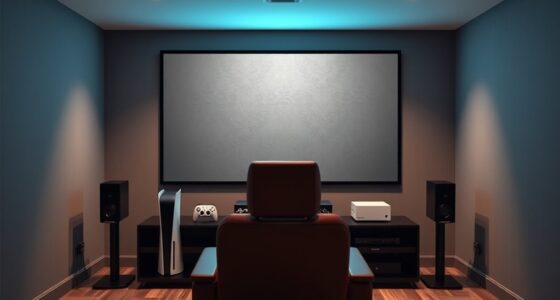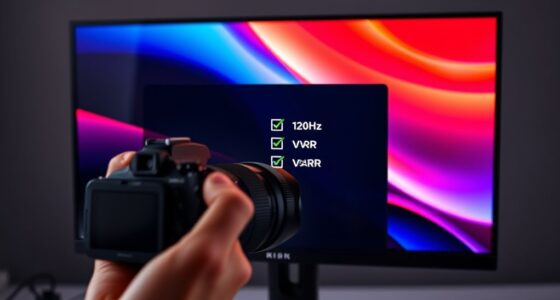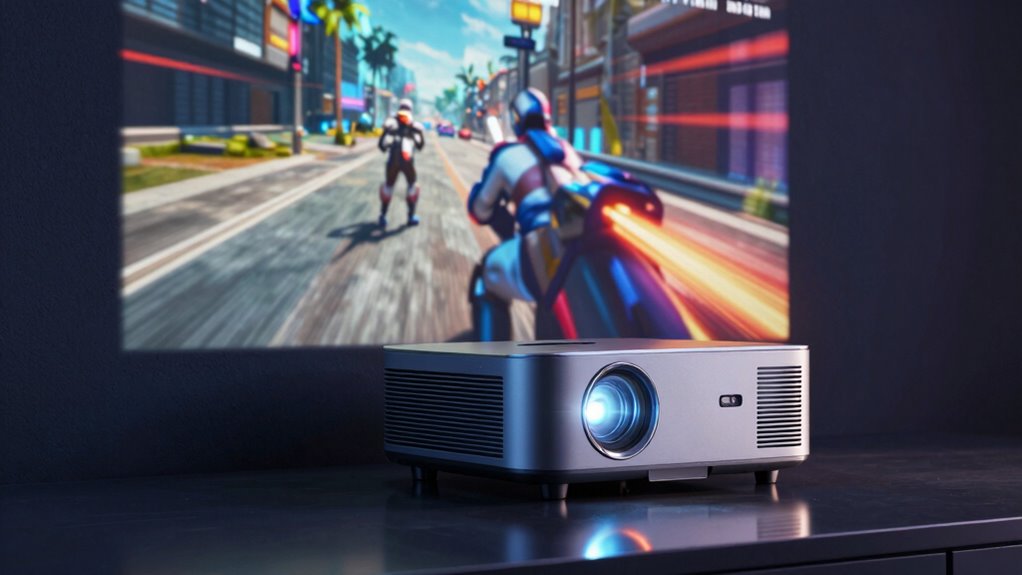
To make a projector feel responsive for console gaming, focus on minimizing input lag and latency so your commands feel immediate. Choose a projector with a dedicated gaming mode, which disables unnecessary processing that can cause delays. Opt for higher refresh rates and quick signal handling to guarantee fast-moving visuals stay smooth. Using quality HDMI cables and proper setup can also cut down on delay. Keep these factors in mind, and you’ll discover how to boost your gaming experience even further.

Get business pricing on your home office setup
- Business-only prices and quantity discounts
- Tax-exempt purchasing
- Multiple users, one account, clear invoices
Key Takeaways
- Low input lag and fast response times minimize delay between controller input and on-screen action.
- Gaming-specific modes disable unnecessary processing to reduce latency.
- High refresh rates ensure smoother motion and quicker visual updates.
- Quality signal processing and modern HDMI standards improve real-time responsiveness.
- Proper setup, including high-quality cables and minimal signal interference, enhances overall responsiveness.
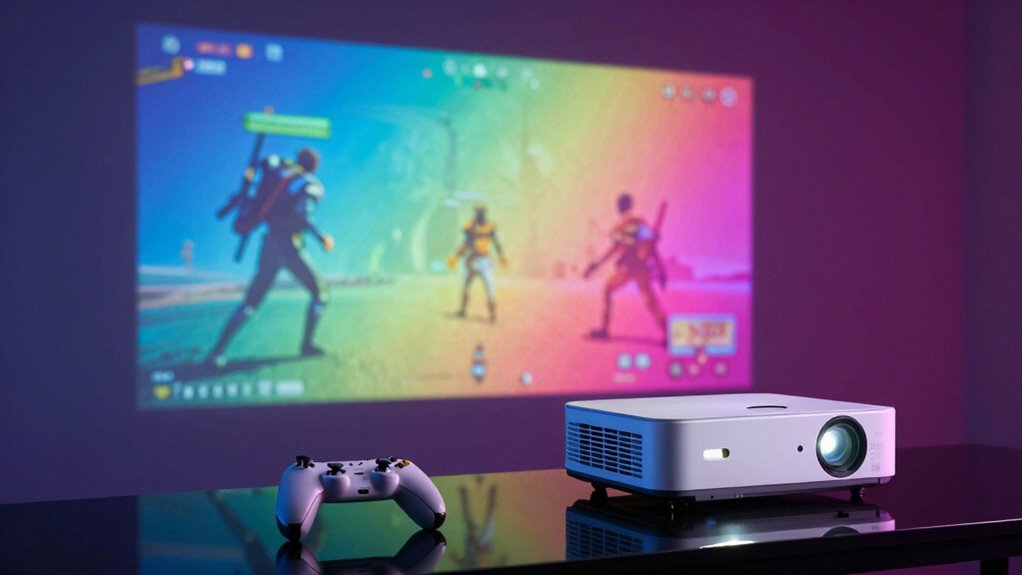
Have you ever wondered what makes a projector feel truly responsive when gaming on your console? The answer lies in how quickly the image appears in relation to your actions, which directly impacts your gaming experience. One of the most critical factors here is latency issues, especially input lag. Input lag refers to the delay between pressing a button on your controller and seeing the corresponding action on the screen. The lower the input lag, the more seamless and responsive your gameplay feels. If your projector has high latency issues, even the most skilled player will notice a lag between their commands and what happens on the screen, leading to frustration and missed opportunities in fast-paced games.
Low input lag is essential for a responsive, seamless gaming experience on your projector.
To guarantee your projector feels responsive, you need to prioritize models that offer low input lag. Look for projectors explicitly designed with gaming in mind, as these often feature faster processing times to reduce latency. Many gaming-specific projectors incorporate technology that minimizes delay, giving you a more immediate and natural connection between your controller and the action on screen. You should also pay attention to the projector’s refresh rate and how it handles motion. Higher refresh rates can help smooth out fast-moving visuals, making gameplay feel more fluid and less choppy, which complements low latency for an overall responsive experience.
Another aspect that influences responsiveness is how the projector processes signals. Some projectors, especially those with complex image enhancement features, may introduce additional processing time, increasing latency. To avoid this, opt for models with a dedicated gaming mode. This mode often disables unnecessary processing to cut down on delays, allowing you to enjoy quicker response times. Additionally, consider the input options; ensure your projector has HDMI ports compatible with your console and supports the latest standards, which can also help reduce lag. Improving signal processing efficiency can further enhance overall responsiveness. It is also beneficial to stay informed about AI-driven technology that can optimize image rendering and reduce latency in real-time. Implementing proper setup techniques, such as optimizing your connection placement, can also make a noticeable difference in reducing latency. Furthermore, understanding and managing projector technology differences, like DLP versus LCD, can impact how quickly images are rendered and displayed, influencing overall responsiveness.
Finally, the connection quality itself plays a crucial role. Using high-quality HDMI cables and keeping your setup tidy ensures stable, high-bandwidth data transfer, preventing any potential lag caused by poor signal quality. When all these factors align—low input lag, minimal latency issues, high refresh rate, and a dedicated gaming mode—you’ll notice a marked difference in how responsive your projector feels. This responsiveness makes gameplay feel more natural and immersive, giving you that competitive edge or simply making your gaming sessions more enjoyable. Ultimately, choosing the right projector setup can turn your console gaming into a smooth, immediate experience that keeps you fully engaged.
gaming projector with low input lag
As an affiliate, we earn on qualifying purchases.
As an affiliate, we earn on qualifying purchases.
Frequently Asked Questions
How Does Projector Lag Compare to TV Lag for Gaming?
Projector lag usually exceeds TV lag, which can affect your gaming experience. You might notice more motion blur and input delay with a projector, making gameplay less responsive. Audio delay can also be more pronounced, disrupting immersion. To minimize these issues, look for projectors with low input lag and fast response times. Keep in mind, TVs generally provide quicker response, making them a better choice for competitive gaming.
Can Projector Resolution Affect Gameplay Responsiveness?
Absolutely, resolution clarity can feel like a game-changer, even making your gameplay seem faster and more immersive. Higher resolution reduces pixelation, offering sharper images that help you react quicker. Keep in mind, screen size impacts responsiveness too—larger screens can introduce slight delays, but when combined with high resolution, your gaming experience becomes remarkably fluid. So, the right resolution and screen size work together to make your gameplay feel almost instinctive.
What Input Ports Are Best for Gaming Projectors?
For gaming projectors, HDMI ports are your best bet, especially HDMI 2.0 or higher, because they support higher resolutions and refresh rates, reducing lag. Opt for a projector with multiple input ports to connect different devices easily. Consider screen size compatibility to guarantee immersive gameplay without strain. Also, look for models with good sound quality, so you don’t need extra speakers, enhancing your overall gaming experience.
Do High Dynamic Range (HDR) Features Impact Responsiveness?
HDR impact doesn’t directly enhance responsiveness, but it improves visual quality by delivering richer colors and better contrast. This visual enhancement can make gameplay feel more immersive, indirectly boosting your perception of responsiveness. While HDR features don’t reduce input lag or increase frame rates, responsiveness enhancement comes from low latency and fast processing. So, focus on these aspects alongside HDR for a smoother, more responsive gaming experience.
How Important Is Projector Brightness for Gaming Sessions?
Projector brightness is vital for immersive gaming, especially in rooms with ambient lighting. A brighter projector ensures vivid visuals without washing out details, making gameplay more engaging. Additionally, high brightness levels support better sound synchronization, as clearer images reduce lag between audio and visuals. If your gaming environment has ambient lighting, prioritize a projector with high lumens to maintain responsiveness and visual clarity, enhancing your overall gaming experience.
4K gaming projector with high refresh rate
As an affiliate, we earn on qualifying purchases.
As an affiliate, we earn on qualifying purchases.
Conclusion
So, next time you’re dazzled by a projector’s sleek display and think you’ve found your gaming soulmate, remember: responsiveness isn’t just about low latency and quick refresh rates. It’s also about pretending you’re not secretly annoyed when your hero gets hit because of a lag spike. In the end, whether your projector feels like an extension of your reflexes or a stubborn obstacle, at least you can laugh—preferably before throwing the controller.
gaming mode projector for console
As an affiliate, we earn on qualifying purchases.
As an affiliate, we earn on qualifying purchases.
HDMI high-speed cable for gaming projector
As an affiliate, we earn on qualifying purchases.
As an affiliate, we earn on qualifying purchases.
Halloween Picks
halloween
As an affiliate, we earn on qualifying purchases.