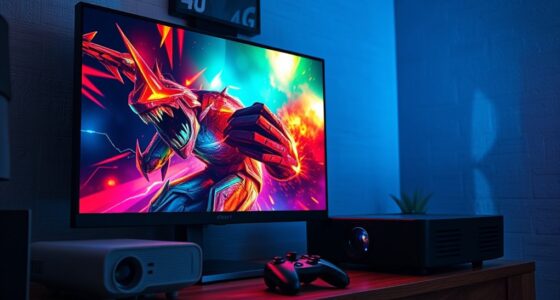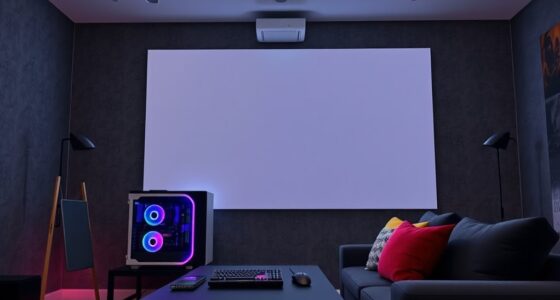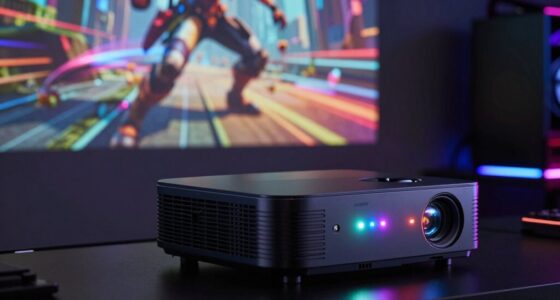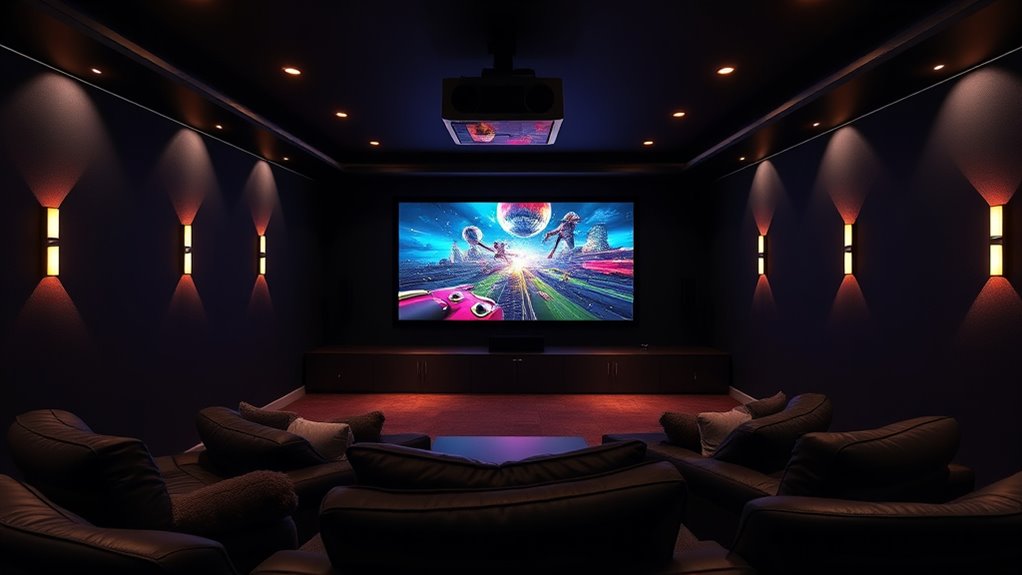

Projector game mode boosts response times and reduces lag, making it ideal for fast-paced games like FPS or racing. Use it during competitive or quick-action gameplay to get a smoother, more responsive experience. However, avoid activating it during movie nights or casual viewing, as it can cause less vibrant colors, flickering, or picture quality issues. To discover how to maximize your gaming setup and when to switch modes, keep exploring more details.
Key Takeaways
- Use Projector Game Mode for fast-paced games like FPS and racing to minimize latency and enhance responsiveness.
- Avoid using Game Mode during movie nights or casual viewing to preserve color accuracy and picture quality.
- Activate Game Mode when you need quick response times, but disable if flickering or color distortions occur.
- Turn off Game Mode in bright environments with high ambient light, as it may reduce its effectiveness.
- Select standard display settings outside gaming to ensure optimal image clarity and visual experience.
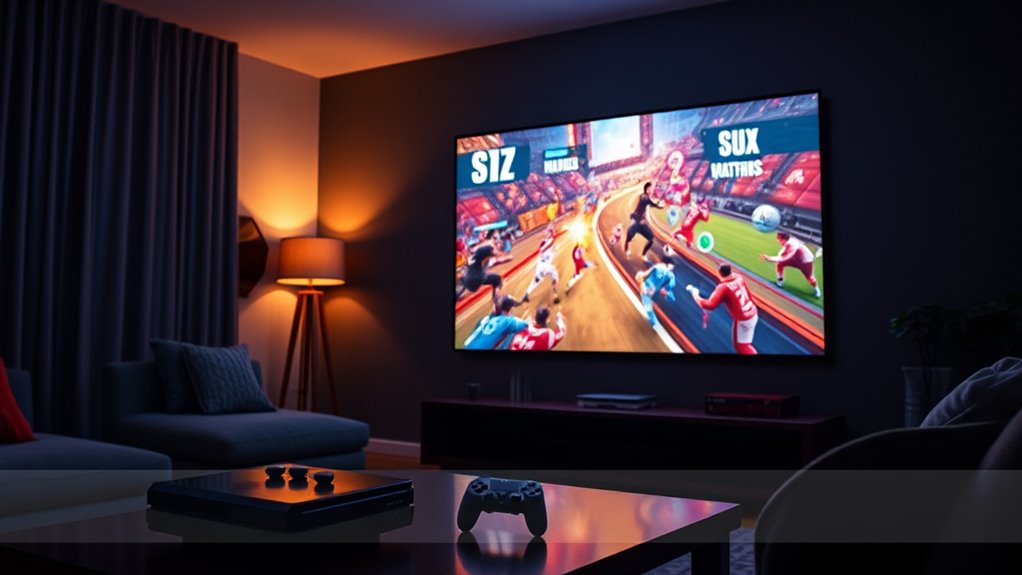
Projector Game Mode transforms your projector into an immersive gaming hub by optimizing display settings and integrating interactive features. When you activate this mode, it adjusts the projector’s projection techniques and game mode settings to deliver a smoother, more responsive gaming experience. The main goal is to minimize latency, enhance image clarity, and create a more engaging environment for your gameplay. By fine-tuning the projection techniques, the projector can reduce input lag and improve motion handling, giving you a competitive edge. The game mode settings typically include adjustments like increased refresh rates, enhanced contrast, and sharper visuals, all designed specifically for gaming.
When you’re ready to play, enabling Game Mode is straightforward. Many projectors have a dedicated button or menu option that allows you to toggle this setting quickly. Once activated, the projector shifts into a mode that prioritizes fast response times over aesthetic enhancements like color accuracy or HDR effects. This means your game visuals will be delivered with minimal delay, allowing you to react faster to in-game events. It’s especially useful for fast-paced genres such as first-person shooters or racing games, where every millisecond counts. The projection techniques employed often involve altering the image processing pipeline—reducing post-processing effects that add latency—to guarantee your input translates into on-screen action immediately.
Additionally, some projectors can utilize high refresh rate technology to further improve responsiveness during gaming. However, it’s important to recognize when to use game mode settings and when to avoid them. Turn on Game Mode when you’re about to engage in competitive or fast-action gaming. Conversely, avoid using it during movie nights or casual viewing, as the adjustments made for gaming can sometimes compromise picture quality. Colors may appear less vibrant, and certain visual effects might be muted to prioritize speed. Additionally, if your projector lacks advanced calibration options, the default game mode could result in less accurate colors or contrast, affecting your overall viewing experience outside of gaming.
Keep in mind that some projectors may have limitations with their projection techniques and game mode settings. Not all models can reduce latency effectively or maintain high image quality simultaneously. If you notice flickering, color distortions, or a significant drop in picture quality, it might be better to disable game mode. Also, consider the environment—if ambient light is high, the benefits of game mode might be less noticeable, and you could prefer to stick with standard settings for a better visual experience.

HAPPRUN Native 1080P Projector, Bluetooth Home Theater Movie Projector with Built-in Speaker, Compatible with Smartphone, HDMI, Fire Stick, PS5, Indoor & Outdoor Use -With Google TV System
[ Built-in Official Licensed Google TV ] - Without additional equipment, the smart projector can directly access Netflix,...
As an affiliate, we earn on qualifying purchases.
Frequently Asked Questions
Can Projector Game Mode Be Used for Outdoor Gaming Sessions?
Yes, you can use projector game mode for outdoor gaming sessions, but keep in mind its outdoor compatibility depends on environmental factors. Bright sunlight or glare can wash out the image, so it’s best to use it in shaded areas or at dusk. Make sure your projector has a high lumen rating for better visibility outdoors. Also, protect it from weather elements like rain or dew to avoid damage and enjoy a smooth gaming experience.
Does Projector Game Mode Affect the Projector’s Lifespan?
Did you know that projector game mode can slightly impact projector durability? Using it excessively may lead to increased heat and wear, raising maintenance requirements over time. While it doesn’t drastically shorten lifespan if used occasionally, prolonged use might accelerate aging. To keep your projector in top shape, balance game mode use with proper maintenance, like cleaning filters and ensuring proper ventilation. This helps extend its longevity and performance.
Is Projector Game Mode Suitable for All Types of Games?
Projector game mode isn’t suitable for all types of games. It works best for fast-paced, action, or sports titles where lower latency improves gameplay. However, game compatibility can vary, and some games may not benefit from this mode. Additionally, setup complexity might increase, requiring you to adjust settings for ideal performance. If your game doesn’t need ultra-low latency, sticking to standard mode might be a better choice.
How Does Ambient Lighting Impact Projector Game Mode Performance?
Ambient lighting can considerably impact your projector game mode performance by reducing contrast and clarity. Studies show that even moderate ambient light decreases perceived contrast by up to 50%. To optimize your gaming experience, minimize ambient lighting whenever possible, as it enhances contrast and color accuracy. This results in sharper images and more vibrant visuals, making your gameplay more immersive and enjoyable. Always aim for a darker environment for the best projector game mode performance.
Can Projector Game Mode Be Disabled Easily During Gameplay?
Yes, you can disable projector game mode easily during gameplay. Most projectors offer disable settings that let you turn off the mode quickly. Look for a quick toggle or shortcut in the menu, remote, or settings menu to switch it off without interrupting your game. This way, you maintain control and can adapt the display settings to your preferences instantly, enhancing your overall gaming experience.

Aurzen Roku TV Smart Projector with Wifi and Bluetooth, Roku TV Built-in, 1080P FHD, DoIby Audio, Auto Focus & Keystone, Zoom, Movie Portable Outdoor Mini Projector for Soccer Football Game, White
A Roku account and internet connection are required for activation (Creating an account is free). Note: Power Supply:...
As an affiliate, we earn on qualifying purchases.
Conclusion
Now that you know when to activate or avoid projector game mode, you’re practically a gaming projector legend. Using it at the right moments can transform your gaming experience into an epic adventure—like having a superpower that makes every detail pop! Just remember, overusing it can turn your screen into a chaotic mess. So, wield this mode wisely, and watch your gameplay reach legendary status without turning your room into a digital battlefield!

Amazon Fire TV Stick 4K Plus (newest model) with AI-powered Fire TV Search, Wi-Fi 6, stream hundreds of thousands of movies and shows, free & live TV, find shows faster with Alexa+
Advanced 4K streaming - Elevate your entertainment with the next generation of our best-selling 4K stick, with improved...
As an affiliate, we earn on qualifying purchases.

Amazon Fire TV Cube, with AI-powered Fire TV Search, Hands-free streaming device, find shows faster with Alexa+, Wi-Fi 6E, 4K Ultra HD
Our fastest-ever streaming media player - Brings lightning-fast app starts with an octa-core processor and is 2X as...
As an affiliate, we earn on qualifying purchases.