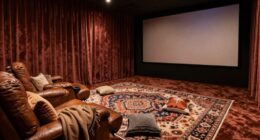
To make certain everyone in a multi-row setup can see the screen clearly, you need to calculate the correct throw distance for your projector based on your room size and screen dimensions. Proper placement guarantees that images are bright, undistorted, and evenly distributed across all rows. Choosing the right projector type and managing ambient light also help improve visibility. Keep exploring to learn how to optimize your setup for the best viewing experience.
Key Takeaways
- Calculate the appropriate throw distance based on screen size and projector type to ensure clear visibility for all rows.
- Use proper projector placement to achieve uniform image coverage across multiple seating rows without distortion.
- Choose the right projector lumens and screen size to maintain brightness and clarity in multi-row setups.
- Minimize ambient light and control room lighting to enhance image visibility for viewers in all rows.
- Select either short-throw or long-throw projectors depending on room size and seating arrangement to optimize viewing angles.
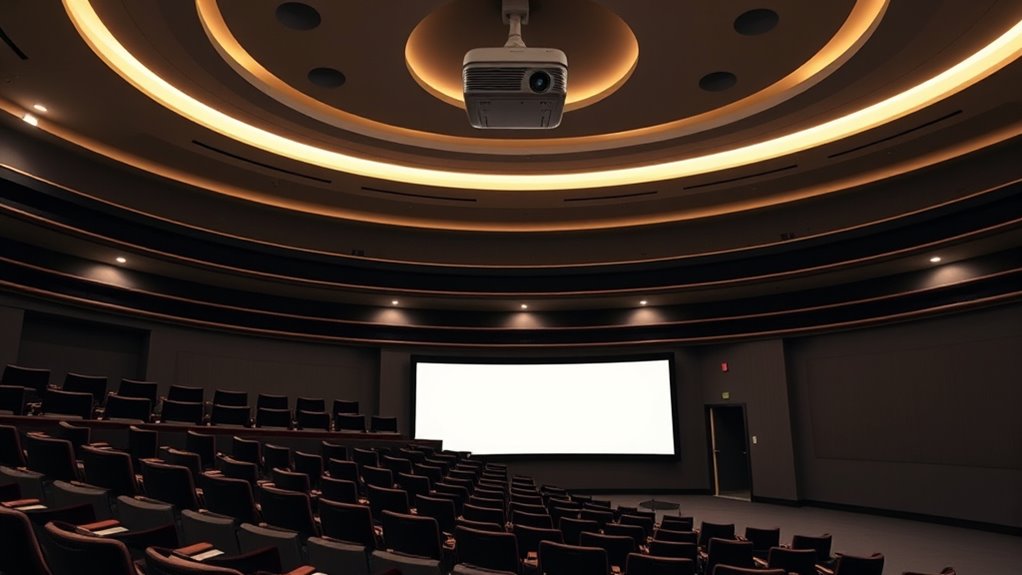
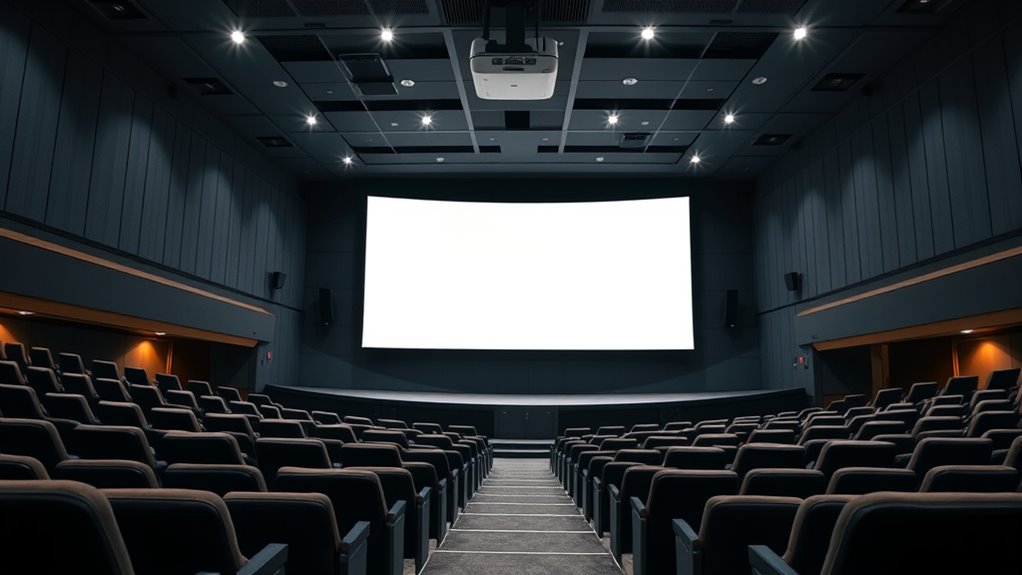
When setting up a multi-row seating arrangement for a large screening room or auditorium, projector throw distance becomes a vital factor. You need to guarantee that every seat has a clear, bright image without distortion or loss of quality. The key elements influencing this are the screen size and ambient light. Larger screens require the projector to be placed at a specific distance to fill the display properly, which is known as the throw distance. If you place the projector too close, the image might be too small or distorted; too far, and the image risks becoming too dim or blurry. By calculating the correct throw distance based on your screen size, you can certify that each row receives a crisp, properly scaled image. Additionally, understanding the contrast ratio helps ensure the images remain vivid and detailed, especially in darker scenes. Ambient light plays a significant role in projector placement and image quality. In rooms with high ambient light, you’ll need a projector with higher lumens to maintain a bright, vivid picture. When ambient light is excessive, even the best projector might struggle to produce a clear image, especially on larger screens. To counter this, you should consider using curtains, wall coverings, or lighting controls to minimize ambient light exposure during screenings. This way, you improve the contrast and color accuracy of the projected image, guaranteeing everyone in the room can see comfortably without squinting or straining.
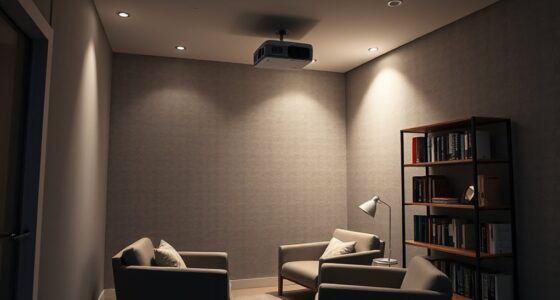
In multi-row setups, the projector’s placement becomes even more vital, as you want to guarantee no part of the audience is left with a compromised view. Proper throw distance calculations help you position the projector to cover the entire screen uniformly. You need to factor in the projector type—short-throw or long-throw—to optimize placement. Short-throw projectors are ideal for smaller rooms with limited space, allowing you to place the projector close to the screen, reducing shadows and glare. Long-throw projectors are better suited for larger venues where the projector must be placed farther away, but they demand precise calculations to avoid image distortion and uneven illumination across the screen.
Ultimately, understanding how screen size and ambient light influence throw distance allows you to set up a room where everyone gets a great viewing experience. You’ll want to measure your space carefully, choose a projector with the right lumens for your ambient conditions, and select a screen size that complements your projector’s capabilities. When these factors align, your multi-row seating arrangement will deliver clear, bright images to every viewer, making your screenings enjoyable and professional.
projector throw distance calculator
As an affiliate, we earn on qualifying purchases.
As an affiliate, we earn on qualifying purchases.
Frequently Asked Questions
How Does Projector Placement Affect Image Quality in Multi-Row Setups?
You should carefully position your projector to optimize image quality in multi-row setups. Proper placement guarantees the projector maintains the correct screen size and avoids distortion. Keep it at the right distance and angle, and regularly calibrate it to adjust for brightness, contrast, and keystone effects. This way, everyone gets a clear, sharp image, regardless of their seat’s distance from the screen.
What Are the Best Projector Types for Multi-Row Seating Arrangements?
Did you know that 4K projectors are becoming the top choice for multi-row seating? You should opt for ultra-short throw or high-lumen projectors with high resolution to maintain image quality across large screen sizes. These projectors reduce shadows and make sure everyone sees a clear, sharp image. Prioritize models with adjustable lens shift and keystone correction to optimize placement and get the best viewing experience for all seats.
How Can I Prevent Shadows From Obstructing the View?
To prevent shadows obstructing the view, you should use ceiling mounts for your projector to keep it out of the way. Position the projector centrally and consider screen masking to improve visibility and reduce distractions. Make sure your seating is arranged so viewers aren’t blocking the light path, and avoid placing objects in front of the projector’s beam. These steps will help guarantee a clear, unobstructed view for everyone.
What Is the Ideal Projector Throw Distance for Large Rooms?
For large rooms, aim for a projector throw distance that covers your screen size comfortably, typically between 1.5 to 2.5 times the screen width. Make certain your projector has sufficient brightness, around 3,000 lumens or higher, to maintain clear images across the distance. Adjust the throw distance to match your screen size, and select a projector with suitable brightness to avoid dim visuals, especially in well-lit environments.
How Do Ambient Lighting Conditions Impact Projector Visibility?
Ambient light directly impacts your projector visibility by reducing screen contrast and washing out images. When there’s too much ambient light, your projector struggles to display clear, vibrant visuals, making it hard for everyone to see. To improve visibility, control ambient light levels—use curtains or dim the lights—and choose projectors with high lumen output. This way, your audience enjoys sharp, bright images regardless of lighting conditions.
![Smart Projector 4K [VIDAA Live TV & 36W Dolby & Voice Control] with WiFi6 and Bluetooth, Short Throw Projector Compatible with Netflix, AI Auto Focus, HDR10, Home Theater Proyector for Outdoor Movies](https://m.media-amazon.com/images/I/51LPK2IYH0L._SL500_.jpg)
Smart Projector 4K [VIDAA Live TV & 36W Dolby & Voice Control] with WiFi6 and Bluetooth, Short Throw Projector Compatible with Netflix, AI Auto Focus, HDR10, Home Theater Proyector for Outdoor Movies
- Fast VIDAA Smart OS: Smooth, reliable, app-rich smart TV experience
- Built-in 1000+ Live TV Channels: Includes movies, sports, news, regional content
- AI Content Recommendations: Personalized app and content suggestions
As an affiliate, we earn on qualifying purchases.
As an affiliate, we earn on qualifying purchases.
Conclusion
When planning your multi-row seating setup, remember that choosing the right projector throw distance is vital for clear visibility. Did you know that 85% of viewers say picture clarity impacts their engagement? By carefully selecting your projector’s placement, you guarantee everyone gets a great view, no matter where they sit. So, take the time to optimize your setup—your audience will thank you for it, and you’ll create a more enjoyable viewing experience for all.

ViewSonic LS740HD 1080P Laser Projector, 5500 Lumens, Full HD Home Theater
- Brightness: 5500 Lumens for Bright Images
- Resolution: Full HD 1080p Clarity
- Zoom: 1.3x Optical Zoom
As an affiliate, we earn on qualifying purchases.
As an affiliate, we earn on qualifying purchases.
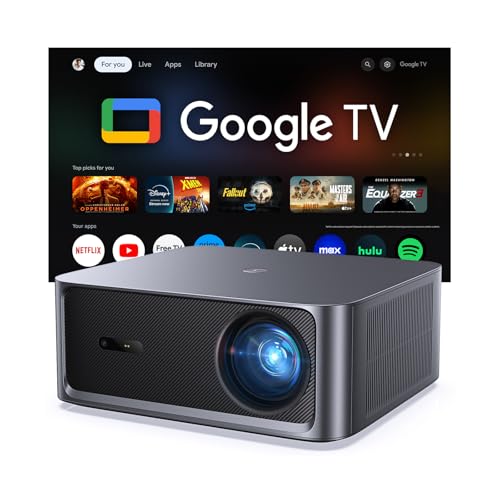
HAPPRUN 3000 ANSI Lumens Outdoor Projector with Official Google TV
- Built-in Google TV: Access 1,000+ streaming apps instantly
- Bright 3000 ANSI Lumens: Vivid images in day or night
- Supports 4K with HDR10+: Cinematic visuals with high contrast
As an affiliate, we earn on qualifying purchases.
As an affiliate, we earn on qualifying purchases.