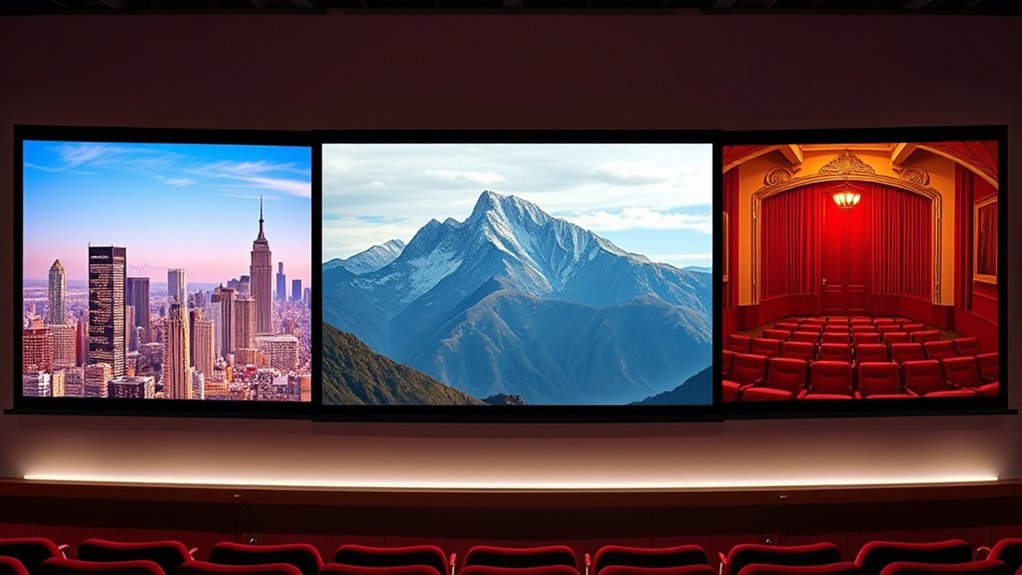
When choosing a projector aspect ratio, consider how different formats will impact your viewing experience. 16:9 is perfect for everyday content, offering a balanced and familiar look that fits most modern media. 2.35:1 creates a cinematic, immersive feel, ideal for films with grand visuals. 4:3 provides a more square shape, suited for nostalgic or vintage content. Each ratio shapes your story differently—discover which suits your needs best as you continue exploring these options.
Key Takeaways
- 16:9 is the standard for most modern projectors, ideal for versatile content like movies, presentations, and streaming.
- 2.35:1 provides an ultra-wide cinematic experience, perfect for immersive films and grand visual storytelling.
- 4:3 offers a more square image, suitable for older content or projects emphasizing vertical space and intimacy.
- Choosing between ratios depends on your content type; 16:9 is most common, while 2.35:1 enhances cinematic feel, and 4:3 suits vintage or specific artistic styles.
- Consider projector compatibility and screen size when selecting an aspect ratio for optimal viewing and minimal black bars.
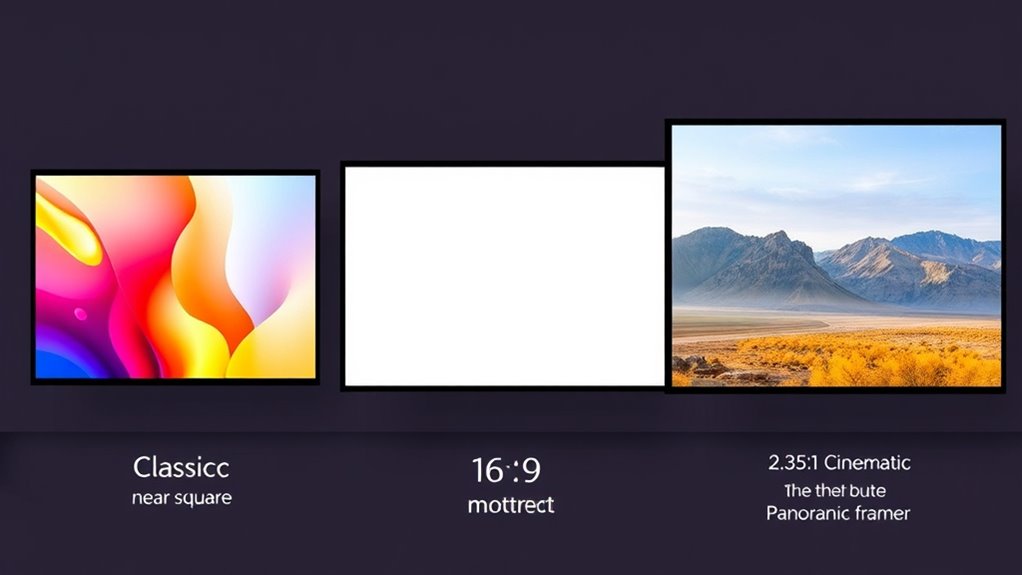
Screen aspect ratios determine the shape and proportions of a display, directly affecting how images and videos appear. When you choose an aspect ratio, you’re fundamentally deciding how wide or tall your screen will be, which influences the overall viewing experience. This decision is especially important for film composition and visual storytelling, as the aspect ratio sets the framework within which scenes are crafted. Different ratios evoke distinct moods and styles, guiding your audience’s perception and emotional response.
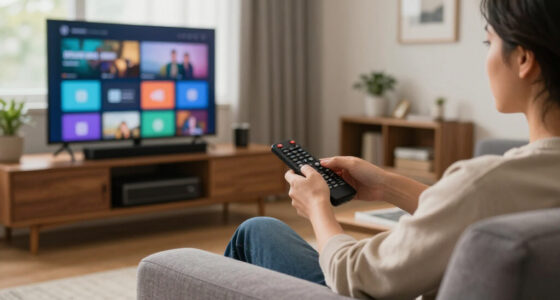
For example, the common 16:9 ratio, often used in modern televisions and computer monitors, offers a balanced, versatile format suitable for a wide range of content. It’s ideal for casual viewing, streaming, and gaming, providing enough horizontal space to incorporate multiple subjects or actions without feeling cramped. When it comes to film composition, 16:9 allows filmmakers to create visually appealing shots that maintain a natural look, but it might limit the scope of more cinematic, expansive scenes. It’s a practical choice that supports clear storytelling, particularly for content that prioritizes clarity and ease of viewing.
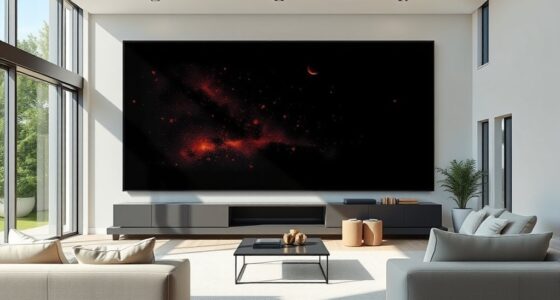
On the other hand, the 2.35:1 aspect ratio, also called CinemaScope or anamorphic, is widely recognized for its ultra-wide format, often used in feature films. This ratio accentuates a cinematic feel, immersing viewers in sweeping landscapes or grand action sequences. If you’re projecting a movie or creating a visual storytelling experience that aims to evoke grandeur and awe, this ratio is your go-to. It emphasizes film composition by allowing you to craft more dynamic, layered shots with a focus on depth and scale. This wide format can enhance storytelling by drawing viewers into a more immersive world, making every scene feel epic and significant.
Then there’s the 4:3 ratio, once the standard for television and early computer screens. This more square-like format suits content that benefits from a more contained, focused view. If you’re projecting older films or presenting content where vertical space matters more—like portraits or certain documentary shots—the 4:3 ratio can be effective. It influences film composition by encouraging tighter framing and more centered subjects, which can be particularly useful for storytelling that emphasizes intimacy or detail. While less common today, 4:3 still finds relevance for specific applications where a traditional or nostalgic aesthetic is desired.
Choosing between these aspect ratios depends on your goals: whether you’re prioritizing cinematic grandeur, versatility, or a classic look. Each ratio shapes how the story is told visually and how the audience perceives it, making the choice critical for impactful visual storytelling.
projector screen aspect ratio 16:9
As an affiliate, we earn on qualifying purchases.
As an affiliate, we earn on qualifying purchases.
Frequently Asked Questions
How Do Aspect Ratios Affect Viewing Comfort?
Aspect ratios notably impact your visual comfort and can reduce viewer fatigue. A wider aspect ratio like 2.35:1 offers a more cinematic experience, making scenes more immersive, but it may cause more eye strain if not properly calibrated. Conversely, 4:3 and 16:9 are more familiar and comfortable for extended viewing, minimizing fatigue. Choosing the right aspect ratio ensures you enjoy your content comfortably without straining your eyes.
Which Aspect Ratio Is Best for Gaming?
For gaming, a 16:9 aspect ratio is your best choice, offering ideal aspect ratio compatibility with most games and ensuring smooth visuals. It enhances gaming immersion by providing a widescreen experience without stretching or black bars. While 2.35:1 offers a cinematic feel, it may not be compatible with all titles, and 4:3 can limit your view. Stick with 16:9 for a seamless gaming experience.
Can a Projector Switch Aspect Ratios Easily?
Switching aspect ratios on a projector is like turning a kaleidoscope—quick, but sometimes with a twist. Most projectors allow you to change aspect ratios through remote controls or menus, but it can cause lens distortion if not calibrated properly. For smooth shifts, you’ll need to adjust aspect ratio calibration settings. While it’s doable, keep in mind that frequent changes might require fine-tuning to maintain picture quality.
How Do Aspect Ratios Influence Screen Size Options?
Aspect ratios directly influence your screen size options, affecting how wide and tall your display can be without image distortion. A wider ratio like 2.35:1 offers a more cinematic look but limits screen width options, while 16:9 provides more flexibility for various content. Choosing the right aspect ratio guarantees your screen width matches your space, preventing distortion and optimizing your viewing experience.
Are There Industry Standards for Aspect Ratios?
You might wonder if industry standards exist for aspect ratios, and they do—though they’ve evolved considerably over time. The aspect ratio evolution reflects changing technology and viewer preferences, leading to widely accepted standards like 16:9 for HDTVs and 2.35:1 for cinema. These standards guide manufacturers and content creators, ensuring compatibility and ideal viewing experiences, but they’re flexible enough to adapt to new innovations in display technology.

Elite Screens Aeon 125" Fixed Frame Projector Screen AR125WH2-WIDE
- Screen Size: 125-inch diagonal, 2.35:1 aspect ratio
- Color Accuracy: ISF Certified for accurate colors
- Viewing Area: 49" H x 115" W
As an affiliate, we earn on qualifying purchases.
As an affiliate, we earn on qualifying purchases.
Conclusion
Understanding aspect ratios helps you choose the right projector screen for your needs. While 16:9 offers versatility for most content, 2.35:1 delivers a cinematic experience, and 4:3 suits vintage or specific applications. Don’t worry if it feels overwhelming—consider your primary use and space. Remember, selecting the right ratio enhances your viewing, making movies, presentations, or gaming more immersive. Ultimately, the best choice depends on your preferences, not just technical specifications.
4:3 projector screen for vintage content
As an affiliate, we earn on qualifying purchases.
As an affiliate, we earn on qualifying purchases.
projector screen with adjustable aspect ratio
As an affiliate, we earn on qualifying purchases.
As an affiliate, we earn on qualifying purchases.