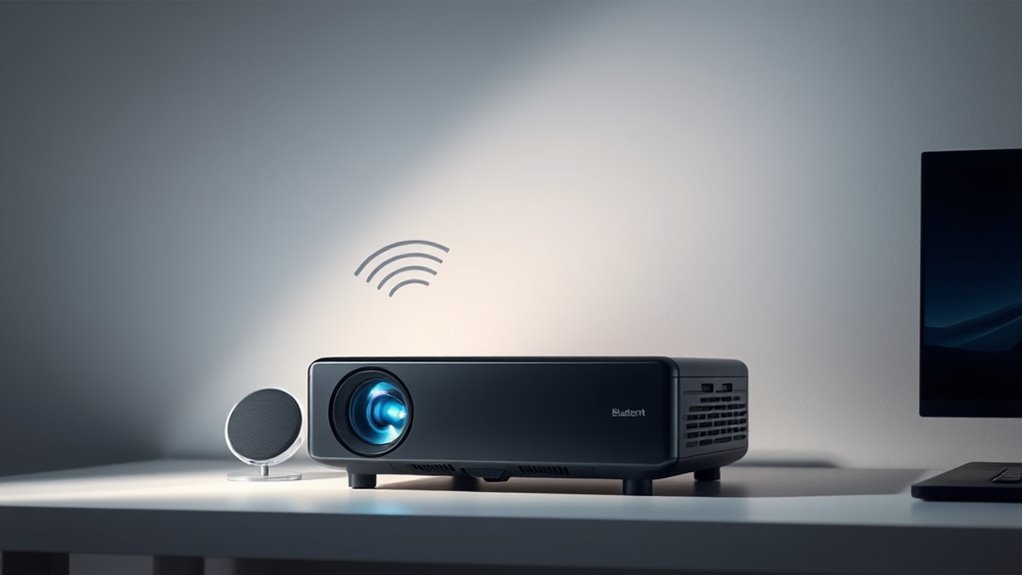

To fix Bluetooth lag and quality issues on your projector, make sure both support Bluetooth 4.0 or higher and low-latency codecs like aptX LL or AAC. Pair your devices correctly, selecting the right audio output in settings, and use those with compatible codecs. Limiting connected devices and choosing higher-quality audio profiles can improve sync and sound. For the best results, using devices with verified compatibility makes a big difference—keep going to get all the tips you need.
Key Takeaways
- Use Bluetooth 4.0 or higher devices supporting low-latency codecs like aptX LL or AAC.
- Ensure the projector’s Bluetooth is compatible and properly paired with the audio device.
- Select audio output manually if the projector doesn’t automatically route Bluetooth sound.
- Limit connected devices and remove unnecessary pairings to maintain stable connection.
- Update firmware and choose audio devices with compatible low-latency profiles for better sync.
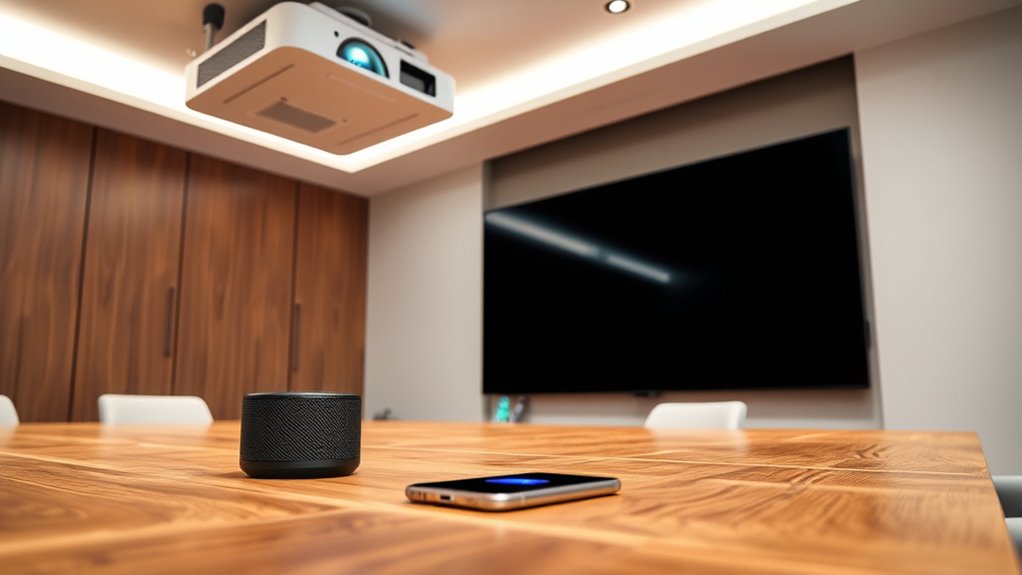
Wireless pairing is generally straightforward, but the quality depends heavily on compatibility and the Bluetooth version your devices support. Most modern projectors have Bluetooth 4.0 or higher, which improves connection stability and power efficiency. To connect, you usually enable Bluetooth on your projector, set it to pairing mode, then select your device from the available list. Once paired, the audio should automatically route through your Bluetooth device. However, keep in mind that some projectors may have limitations on the number of devices they can connect to simultaneously or might require you to select the audio output manually in settings. The audio codecs supported by your devices play a crucial role in determining sound quality and latency. The key to minimizing lag is ensuring your projector and Bluetooth device support low-latency codecs like aptX LL or AAC. If either device only supports basic codecs like SBC, you’ll likely experience noticeable delay, which can ruin the synchronization between video and audio. To avoid this, check the specifications before purchasing your Bluetooth speakers or headphones. Additionally, some projectors feature dedicated audio outputs or support for higher-quality Bluetooth profiles that prioritize low latency. Using these options can drastically improve your experience, making audio sync near-perfect.

1Mii E700 Noise Cancelling Headphones Bluetooth Wireless LDAC Hi-Res, Black
- High-Resolution Wireless Audio: LDAC and aptX HD for premium sound
- All-Day Comfort: Memory foam earcups and lightweight design
- Foldable for Travel: Compact and easy to carry
As an affiliate, we earn on qualifying purchases.
As an affiliate, we earn on qualifying purchases.
Frequently Asked Questions
Can Bluetooth Audio Cause Projector Overheating?
Bluetooth audio itself won’t directly cause your projector to overheat. However, Bluetooth interference from nearby devices can disrupt your audio connection, leading to increased processing as your projector tries to maintain a stable link. This extra processing might generate some heat, but it’s unlikely to cause overheating. To prevent issues, keep Bluetooth devices away from the projector and minimize interference, reducing audio latency and ensuring smooth performance.
Is Bluetooth Audio Compatible With All Projector Brands?
Bluetooth audio compatibility varies depending on your projector’s branding. Not all projector brands support Bluetooth connectivity, so you need to verify if your specific model offers Bluetooth compatibility. If it does, pairing your Bluetooth audio device should be straightforward. However, for some brands, you might need an external Bluetooth transmitter. Always review your projector’s specifications to confirm it supports Bluetooth audio before making any connections.
How Do I Update My Projector’s Bluetooth Firmware?
To update your projector’s firmware for better Bluetooth compatibility, first check the manufacturer’s website or user manual for specific instructions. Usually, you’ll download the latest firmware update file and transfer it via USB or network connection. Follow the on-screen prompts to complete the firmware update. Regular updates help guarantee your projector maintains peak Bluetooth performance, reducing lag and improving audio quality.
Can Multiple Bluetooth Devices Connect Simultaneously to a Projector?
Imagine trying to host a dance party with all your Bluetooth devices competing for space on a tiny dance floor—that’s what connecting multiple devices to a projector feels like. Most projectors have device limitations, meaning only one Bluetooth device at a time, and pairing challenges make it tricky to switch between them. So, no, you typically can’t connect multiple Bluetooth devices simultaneously without sacrificing connection stability or quality.
What Is the Typical Battery Life for Bluetooth Audio Adapters?
You can expect a typical Bluetooth audio adapter’s battery life to range between 8 to 15 hours, depending on its battery lifespan and power consumption. Most adapters are designed for moderate use and feature rechargeable batteries, so you’ll want to keep an eye on their power consumption to maximize playback time. To guarantee uninterrupted audio, consider carrying a portable charger or selecting an adapter with a longer-lasting battery.

Ultra Pro Bluetooth Transmitter Receiver, Wireless Adapter for Airplane/TV
- Flight Compatible Adapter: Includes dual-prong adapter for all aircraft
- Long Battery Life: 20 hours playback with fast USB-C charging
- Quick Dual Pairing: Connects two devices in under 3 seconds
As an affiliate, we earn on qualifying purchases.
As an affiliate, we earn on qualifying purchases.
Conclusion
So, next time your projector’s Bluetooth audio lags or sounds like a robot, just remember—you’re not alone in this high-tech soap opera. With a little patience (and maybe some fancy gadgets), you can tame the beast. Until then, enjoy the cinematic experience of watching your favorite films with a soundtrack that’s perfectly synchronized—if only in your dreams. Who knew that syncing audio and video could be such a wild adventure?

Anker soundcore 2 Portable Bluetooth Speaker, Stereo Sound, IPX7
- Waterproof Design: IPX7 waterproof protection for outdoor use
- Long Battery Life: Up to 24 hours of playback
- Powerful Stereo Sound: 12W output with enhanced bass
As an affiliate, we earn on qualifying purchases.
As an affiliate, we earn on qualifying purchases.

SOOMFON Bluetooth 5.3 Transmitter Receiver for TV to 2 Headphones
- Dual Connection & Auto Reconnection: Connects two devices simultaneously with auto reconnect
- Extended Bluetooth Range: Stable connection up to 10-30 meters
- User-Friendly LCD Display: Clear status indicators for easy monitoring
As an affiliate, we earn on qualifying purchases.
As an affiliate, we earn on qualifying purchases.