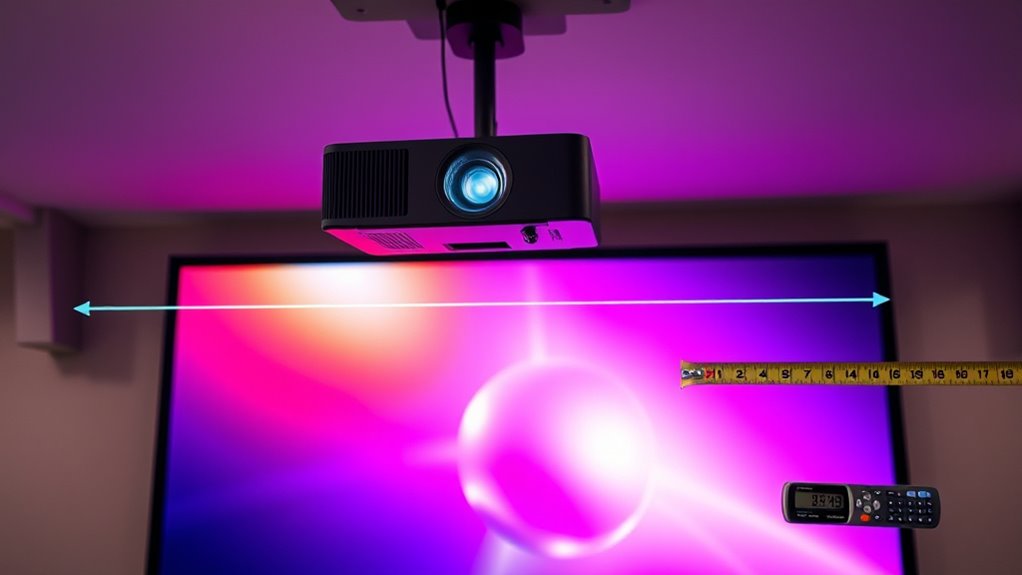

To understand throw ratio and calculate your projector’s distance and screen size, start by knowing its throw ratio number, like 1.5:1. This means for every foot of screen width, you’ll need 1.5 feet of distance from the projector. Multiply the screen width by the throw ratio to get the ideal placement distance. By mastering this, you’ll optimize your setup for clear images and proper sizing—keep exploring, and you’ll find more tips to perfect your projection.
Key Takeaways
- Throw ratio is the ratio of projector-to-screen distance to image width, e.g., 1.5:1 means 1.5 feet away per foot of screen width.
- To calculate projector distance, multiply desired image width by the throw ratio.
- To determine screen size, divide the projector distance by the throw ratio.
- Adjust lens zoom and focus controls to fine-tune image size and clarity based on the calculated setup.
- Consider ambient light and projector lumen output when positioning to ensure bright, clear images.
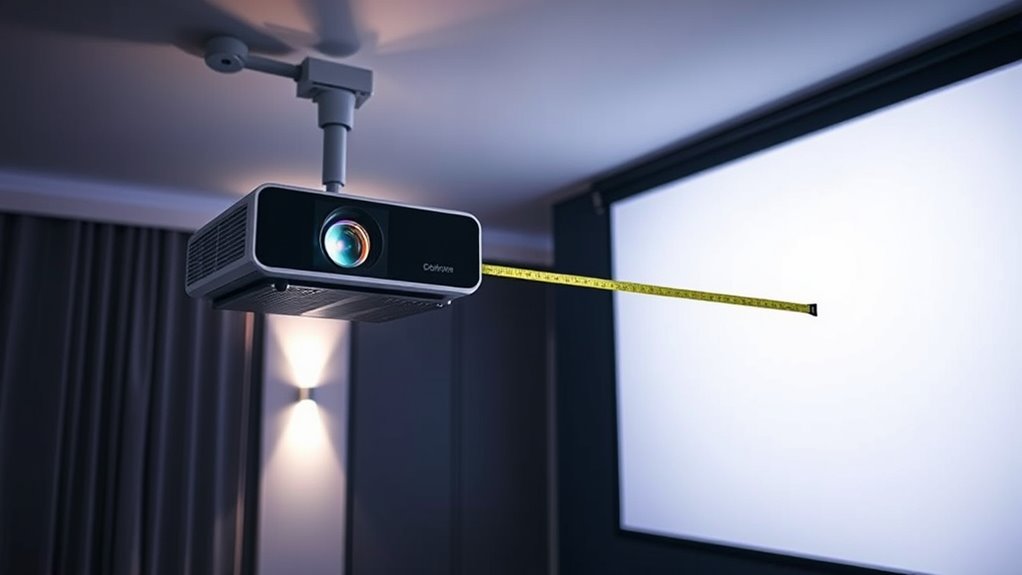
Understanding throw ratio is crucial when selecting a projector, as it determines how large an image can be projected from a specific distance. This measurement helps you figure out whether your space can accommodate the screen size you want without the need for complicated adjustments or repositioning. Fundamentally, the throw ratio is a ratio of the distance between the projector and the screen to the width of the projected image. For example, a throw ratio of 1.5:1 means that for every foot of screen width, the projector needs to be 1.5 feet away. Knowing this ratio helps you plan where to place your projector for ideal display size and clarity. Additionally, understanding the relationship between essential oils for projection setup, such as how ambient light affects image quality, can guide you in optimizing your viewing environment.
When setting up your projector, lens adjustment plays a key role in fine-tuning the image. Most projectors come with zoom and focus features that allow you to modify the lens to achieve a sharp, correctly sized picture. If you know your throw ratio, you can position the projector at the right distance and then use lens adjustments to perfect the image. This flexibility is especially useful in spaces where the projector can’t be placed directly in front of the screen or has to be mounted at an angle. Proper lens adjustment ensures the image isn’t distorted or blurry, which can be particularly noticeable if ambient light levels are high.
Ambient light greatly impacts your viewing experience and should influence your projector choices. High ambient light can wash out the image, making it appear dimmer and less vibrant. To counter this, selecting a projector with a higher lumen output is wise, especially if your space has large windows or overhead lighting. Even then, understanding throw ratio helps you position the projector in a way that minimizes the effects of ambient light — for instance, placing it closer to the screen may make the image brighter and easier to see. Additionally, using lens adjustments, such as adjusting the zoom or keystone correction, can help maximize the image quality in less-than-ideal lighting conditions.
![[4K Support/Auto Focus/360°Adjustable Stand]Smart-Mini-Projector with WiFi 6 and Bluetooth5.2, Native 1080P Portable Projector, Dolby Audio, iWIMIUS Outdoor Movie Proyector Compatible with Netflix](https://m.media-amazon.com/images/I/41abnpw34JL._SL500_.jpg)
[4K Support/Auto Focus/360°Adjustable Stand]Smart-Mini-Projector with WiFi 6 and Bluetooth5.2, Native 1080P Portable Projector, Dolby Audio, iWIMIUS Outdoor Movie Proyector Compatible with Netflix
- 360° Rotating Stand: Adjusts projection angle freely
- Built-In Streaming Apps: Access Netflix, YouTube, Prime Video
- Supports 4K & HDR10: Enhanced visuals with rich colors
As an affiliate, we earn on qualifying purchases.
As an affiliate, we earn on qualifying purchases.
Frequently Asked Questions
How Does Ambient Light Affect Projector Throw Ratio?
Ambient light doesn’t change your projector’s throw ratio, but it impacts your viewing experience. Bright rooms with lots of ambient light can wash out the image, especially on screens with low gain. To counteract this, you might choose a screen with higher gain, which reflects more light and enhances contrast. So, while ambient light doesn’t alter the throw ratio, it influences screen visibility and the overall picture quality.
Can I Change the Throw Ratio of My Existing Projector?
Your existing projector’s throw ratio is usually fixed, but you can often change the image size with an adjustable lens. This lens lets you fine-tune the distance and screen size, turning your setup into a precision instrument. However, if your projector has a fixed ratio, you can’t alter it directly. Instead, consider repositioning or upgrading to a model with an adjustable lens for more flexibility.
What Is the Impact of Lens Shift on Throw Distance?
Lens shift allows you to adjust your projector’s image vertically or horizontally without changing its position, which impacts your projector alignment. It reduces the need to alter throw distance because you can fine-tune the image placement internally. This feature offers flexibility, making it easier to achieve perfect screen alignment while maintaining the ideal throw distance, ensuring a clear, correctly positioned image without repositioning the entire setup.
How Does Projector Placement Affect Image Quality?
Think of your projector like a camera—placement affects the clarity and sharpness of the image. If you position it at the right projector angle, you get a larger screen size without distortion. Moving it too close or too far can cause blurriness or pixelation, reducing image quality. For crisp visuals, guarantee proper placement, considering both distance and angle, to optimize your screen size and overall viewing experience.
Are There Different Throw Ratios for Short-Throw and Ultra Short-Throw Projectors?
Yes, short-throw and ultra short-throw projectors have different throw ratios, which depend on lens placement. A short-throw projector has a lower throw ratio, allowing it to project a large image from a short distance, while an ultra short-throw has an even lower ratio for very close placement. You need to calibrate your projector correctly, adjusting lens placement, to guarantee ideal image quality and proper screen size.

Aurzen Roku TV D1R Smart Portable Outdoor Projector with WiFi and Bluetooth
- Activation Requirement: Roku account and internet needed
- Streaming Platform: Access to top streaming apps and channels
- User Interface: Simple, intuitive home screen and remote
As an affiliate, we earn on qualifying purchases.
As an affiliate, we earn on qualifying purchases.
Conclusion
Now that you understand throw ratio, you can confidently plan your projector setup for the perfect image size. Did you know that the average home projector throw ratio ranges from 1.5 to 2.5? This means you can set up your projector at just 8 to 12 feet to get a 100-inch screen. With this knowledge, you’ll enjoy a cinematic experience right in your own living room. Happy projecting!

Mdbebbron 120 inch Projector Screen 16:9 Foldable Anti-Crease Portable Projector Movies Screens for Home Theater Outdoor Indoor Support Double Sided Projection
- Portable and Foldable Design: Lightweight, compact, easy to carry and store
- Versatile Usage: Suitable for home, office, outdoor, and events
- Anti-Crease and High-Quality Material: Made of durable polyester for clear, bright projection
As an affiliate, we earn on qualifying purchases.
As an affiliate, we earn on qualifying purchases.

HDYEGIOU 3.0 inch Bi Projector Lens with Silver Shrouds,Universal Projector Lens for Car Retrofit,Focus Beam with Sharp Cut Off Line,Hi/Lo Beam
- Perfect Beam Pattern: Sharp cut-off line, no blind spots
- Easy Non-destructive Installation: Threaded-shaft mount compatible with H4/H7/9005/9006
- Super Bright Output: 120W, 20,000LM for enhanced visibility
As an affiliate, we earn on qualifying purchases.
As an affiliate, we earn on qualifying purchases.