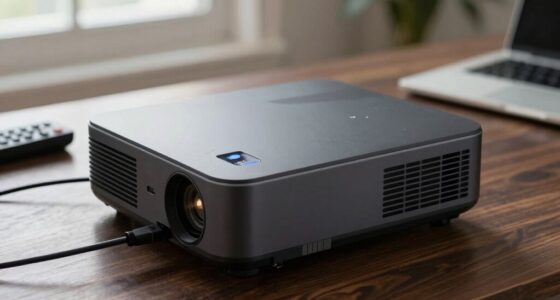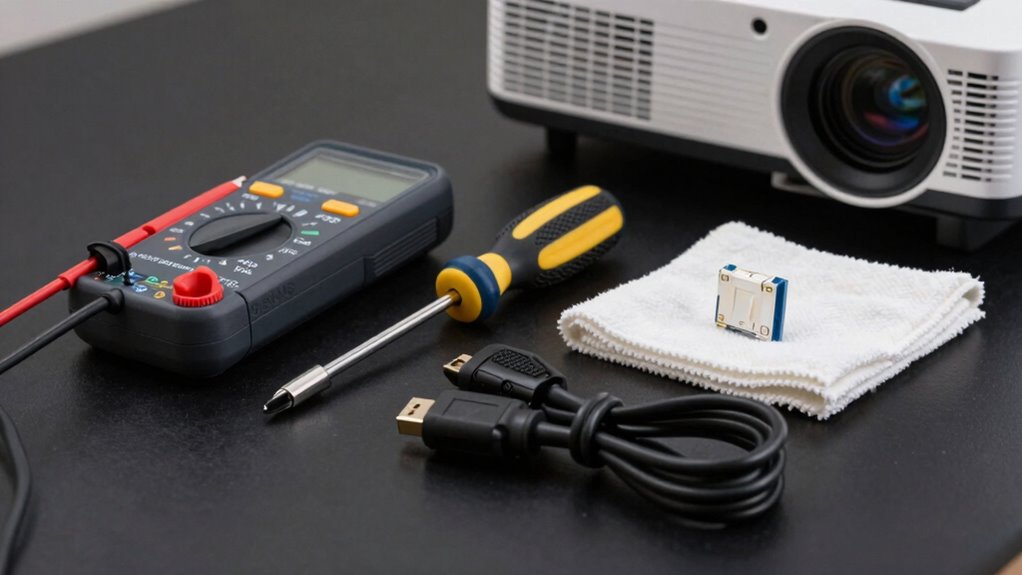

To keep your projector running smoothly, you should have a troubleshooting kit that includes essential cleaning supplies, basic tools, and replacement parts like lamps and cables. A small screwdriver set, microfiber cloth, compressed air, and a backup power cord are must-haves. Also, keep a troubleshooting guide handy to quickly diagnose issues like flickering or no signal. Having these tools ready saves time and prevents costly repairs—stick around to discover more tips for maintaining your projector in top shape.

Get business pricing on your home office setup
- Business-only prices and quantity discounts
- Tax-exempt purchasing
- Multiple users, one account, clear invoices
Key Takeaways
- Essential cleaning supplies like microfiber cloths and compressed air to prevent dust buildup and overheating.
- Basic tools and replacement parts such as screwdrivers, backup cables, and spare lamps for quick repairs.
- Diagnostic resources including troubleshooting guides, firmware update USBs, and maintenance checklists.
- Electrical testing tools like multimeters to verify power and internal component functionality.
- A proactive maintenance strategy focusing on regular cleaning, inspections, and prompt issue resolution.
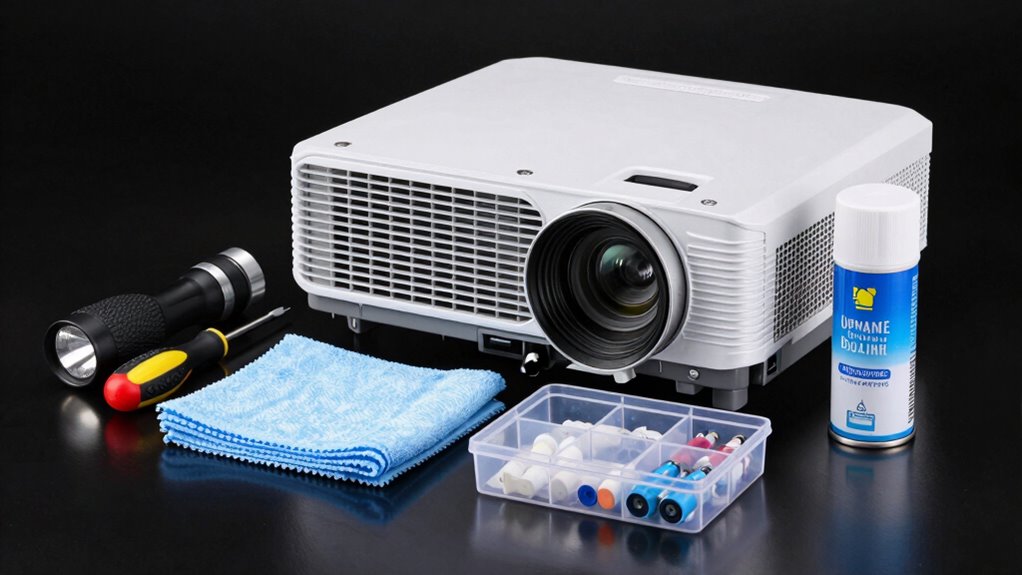
When your projector isn’t working as expected, having a troubleshooting kit can save you time and frustration. Whether you’re preparing for an important presentation or movie night, unexpected issues can disrupt your plans. With the right tools and supplies on hand, you can quickly diagnose and fix common projector issues, guaranteeing you stay on schedule and avoid costly service calls. A well-stocked troubleshooting kit is an essential part of projector maintenance, especially because many common projector problems are simple to resolve with basic equipment. Regular cleaning and proper setup can also prevent issues related to Free Floating components, ensuring your projector remains in optimal condition. Start with a microfiber cloth and compressed air. Dust and smudges are among the most frequent culprits in projector problems, affecting image clarity and causing overheating. Regular cleaning with these supplies keeps your projector in prime condition and prevents many issues from developing. Next, include a small screwdriver set for opening the projector casing if needed. Some problems, like loose connections or misaligned parts, require a gentle tightening or adjustment. Always remember to unplug the device before opening it, and handle internal components carefully. A spare power cord and HDMI or VGA cables are also vital. Faulty or damaged cables can easily cause connectivity issues, resulting in no image or distorted display. Having backups ready means you can quickly swap out a problematic cable without hunting down replacements. Additionally, consider including a spare lamp or bulb if your projector uses a replaceable light source. Lamp failure is a common projector issue, especially in older models, and having a spare on hand can save you from prolonged downtime. A troubleshooting guide or manual tailored to your projector model can be a lifesaver, providing step-by-step instructions for diagnosing problems like flickering images, color issues, or no signal errors. If your projector offers software or firmware updates, keep a USB drive handy to update the firmware if troubleshooting guides recommend it. Performing regular maintenance can also help prevent issues before they occur, preserving your projector’s lifespan. This includes cleaning filters, checking cooling fans, and inspecting internal components periodically. In some cases, internal components may require professional repair, so knowing when to seek expert assistance is helpful. Finally, include a basic multimeter to check electrical connections if you suspect power issues or internal component failures. Having this toolkit ready means you’re prepared to handle typical problems efficiently. Regular projector maintenance, combined with this troubleshooting kit, minimizes the risk of prolonged outages and guarantees your device performs smoothly. When issues arise, rather than waiting for professional help, you can troubleshoot confidently, saving money and maintaining productivity. This proactive approach keeps your projector functioning flawlessly, making sure your visual presentations or entertainment aren’t interrupted by avoidable technical problems.
As an affiliate, we earn on qualifying purchases.
Frequently Asked Questions
How Often Should I Update My Projector’s Firmware?
You should update your projector’s firmware whenever updates are available. Firmware updates often include essential software improvements that enhance performance, fix bugs, and add new features. Check your projector’s settings or manufacturer’s website regularly, ideally every few months, to guarantee you’re running the latest version. Staying updated helps prevent issues and keeps your projector functioning smoothly, providing the best viewing experience.
Can a Dirty Lens Cause Image Distortion?
A dirty lens can definitely cause image distortion, affecting your image clarity. When you notice fuzzy or blurry images, it’s time for lens cleaning. Use a soft, lint-free cloth and appropriate cleaning solution to gently remove dust and smudges. Regular lens cleaning helps maintain sharp, clear visuals and prevents distortion, ensuring your projector performs at its best. Don’t forget to handle the lens carefully to avoid scratches.
What’s the Best Way to Prevent Projector Overheating?
Think of your projector as a race car—keeping it cool is key to winning. To prevent overheating, guarantee proper ventilation maintenance and regularly clean vents to prevent dust buildup. Check that the cooling system is functioning efficiently, and avoid placing the projector in enclosed or hot areas. Using a fan or cooling pad can also help dissipate heat. Stay vigilant, and your projector will run smoothly mile after mile.
How Do I Replace a Projector Lamp Safely?
To replace a projector lamp safely, first turn off the projector and unplug it, allowing it to cool for at least 30 minutes. Carefully open the lamp compartment, avoiding touching the new bulb’s glass with your fingers to prevent damage. Use gloves or a cloth for bulb safety, and gently remove the old lamp. Insert the new lamp securely, close the compartment, and restart the projector to guarantee proper operation.
Why Is My Projector Making Strange Noises?
If your projector’s making strange noises, you should check for sound dampening and noise reduction options first. The noises might be caused by dust buildup, a loose fan, or worn-out parts. Turn off the projector, clean filters and vents, and guarantee all components are secure. If noise persists, consider using noise reduction accessories or professional maintenance to minimize disturbances and extend your projector’s lifespan.
As an affiliate, we earn on qualifying purchases.
Conclusion
Having a troubleshooting kit on hand can save you time and frustration when your projector faces issues. With 87% of users experiencing technical problems at some point, being prepared makes all the difference. Keep essential tools like a remote, spare bulb, and cleaning supplies nearby. By doing so, you’ll quickly resolve common problems and enjoy uninterrupted viewing. Stay ready, and your projector will always be ready to impress.
As an affiliate, we earn on qualifying purchases.
As an affiliate, we earn on qualifying purchases.
Columbus Day / Indigenous Peoples' Day Picks
long weekend sales
As an affiliate, we earn on qualifying purchases.