
When deciding whether to repair or replace your projector, consider its age, the severity of the problem, and repair costs versus a new model. Minor issues like lens cleaning or bulb replacement are often worth fixing, but serious problems or frequent repairs may mean it’s time for a replacement. Also, evaluate if the device meets your current needs for quality and features. Keep in mind that understanding your options can help you make the best choice. If you’re interested, you’ll find more helpful tips below.

Get business pricing on your home office setup
- Business-only prices and quantity discounts
- Tax-exempt purchasing
- Multiple users, one account, clear invoices
Key Takeaways
- Assess the severity of the problem: minor issues may be repairable; serious malfunctions often require replacement.
- Compare repair costs with the price of a new projector; if repairs exceed 50%, replacement is advisable.
- Consider the projector’s age and usage frequency; older or heavily used models may be more cost-effective to replace.
- Evaluate if the current device meets your visual needs and has up-to-date features; outdated models may warrant replacement.
- Perform regular maintenance to prevent issues and extend the lifespan, reducing the need for urgent repairs or replacement.
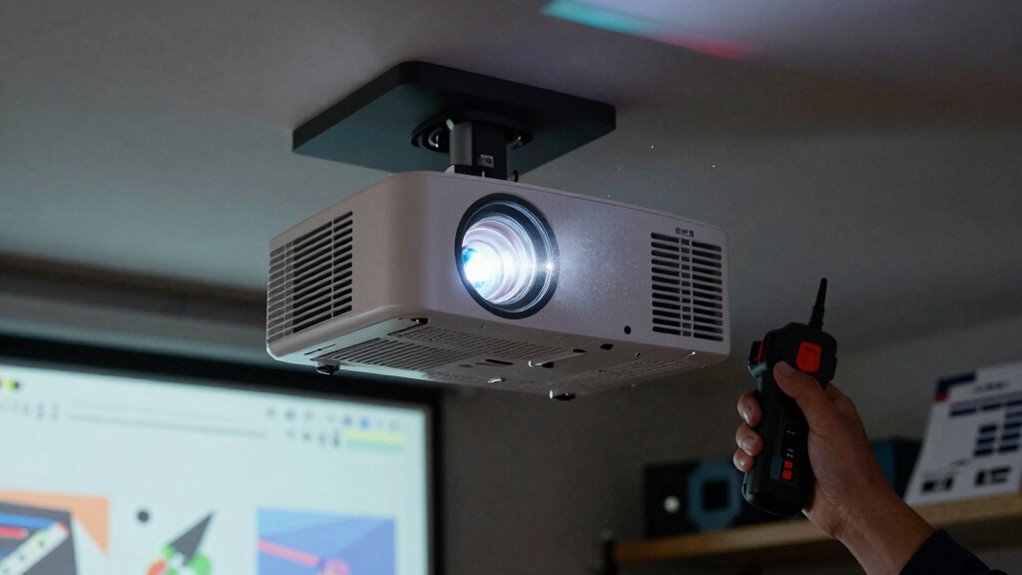
When your projector starts acting up, it can be difficult to determine whether a repair will fix the problem or if it’s time to replace the device altogether. To make an informed decision, you need to consider a few key factors. Start with some basic maintenance tips to keep your projector running smoothly. Regularly clean the air filters and vents to prevent overheating, and handle the lamp carefully, as it’s often the first component to fail. Keeping your projector well-maintained can extend its lifespan and delay the need for replacement, saving you money in the long run.
Next, evaluate the nature of the problem. Is it a minor issue like a blurry image, which might be resolved with a simple lens adjustment or cleaning? Or is it a more serious malfunction, such as persistent flickering, no image at all, or frequent shutdowns? If the problem appears to be hardware-related, check if replacing parts like the lamp or fan can restore functionality. Be aware that some repairs are straightforward and affordable, especially if your device is still under warranty. However, if you’re facing multiple issues or recurring problems, repairs may become costly and less effective over time. Recognizing signs of hardware failure early can help prevent further damage and potentially extend your projector’s useful life. In some cases, understanding how water damage impacts electronic components is crucial for assessing repair options.
Assess whether the issue is minor like blurriness or serious like flickering or no image for better repair decisions.
Additionally, evaluating the cost of replacement compared to repair costs can help clarify your best course of action. This brings you to the critical step: cost analysis. Compare the expense of repairing your projector versus buying a new one. Repair costs include parts, labor, and potential downtime, which can add up quickly. If repairs cost more than 50% of the price of a new projector, it’s often more economical to replace it. Also, consider the age of your device. A projector over five years old might be nearing the end of its useful life, and investing in repairs could be just delaying the inevitable. Newer models typically offer better resolution, energy efficiency, and additional features that may justify the initial investment.
Lastly, think about how often you use your projector and for what purpose. If you rely on it daily for presentations or large gatherings, investing in a new device with updated technology might be worthwhile. On the other hand, if it’s used infrequently or for casual viewing, repairing a minor issue could suffice. Additionally, understanding the importance of color accuracy and contrast ratio can help determine whether your current projector still meets your visual needs. Keep in mind that modern projectors often include digital enhancements that improve image quality and user experience. Ultimately, the decision hinges on balancing maintenance tips, the severity of the problem, and a thorough cost analysis. Taking these steps ensures you make a practical choice that aligns with your needs and budget, rather than rushing to replace or repair without considering all factors.
Products Worth Considering

Levoit Eleva 300X HEPA Air Purifier for Home and Bedroom

Hisense 85 U6 Pro Series Mini-LED ULED 4K UHD HDR Gaming AI Smart Fire TV (85U6SF Pro)

Samsung 85 M80H Series Mini LED 4K Smart TV (2026)
As an affiliate, we earn on qualifying purchases.
Frequently Asked Questions
How Long Should a Projector Last Before Considering Replacement?
A projector typically lasts about 5,000 to 10,000 hours of use, depending on its quality and maintenance. When your projector reaches its projected lifespan and starts showing signs of decline—like dim images, frequent repairs, or outdated technology—it’s time to evaluate replacement. Replacement factors also include rising repair costs, outdated features, or better options available. If your projector no longer meets your needs, upgrading guarantees you get maximum performance and value.
Are There DIY Fixes for Common Projector Issues?
Yes, there are DIY troubleshooting steps for common projector issues. For example, if your projector won’t turn on, check the power cable and outlet, and verify the lamp isn’t burnt out. If images are blurry, clean the lens and check the focus settings. For overheating, clean air filters and guarantee proper ventilation. These simple fixes can often resolve issues without professional repair, saving you time and money.
What Is the Typical Cost Difference Between Repair and Replacement?
Imagine weighing a small, manageable repair against the weight of a brand-new projector. Typically, repair expenses are much lower—often a few hundred dollars—compared to replacement costs that can soar over a thousand. The cost comparison reveals that fixing a projector is usually more affordable unless it’s severely damaged or outdated. You’ll save money and extend your device’s life by choosing repairs first, especially for minor issues.
How Can I Prevent Future Projector Problems?
To prevent future projector problems, focus on good maintenance tips and smart usage habits. Regularly clean filters and vents to prevent overheating, and avoid moving the projector while it’s on. Keep it in a dust-free environment and use it within recommended hours to extend its lifespan. Also, turn it off properly and schedule routine check-ups. These habits help guarantee your projector stays in superior condition longer.
When Should I Seek Professional Repair Services?
You should seek professional repair services when you notice persistent issues like image distortion, strange noises, or if the projector won’t turn on. Opt for expert diagnostics to accurately identify problems, especially if your projector is still under warranty coverage. Avoid DIY fixes for complex issues, as professional repair guarantees proper handling, saving you time and preventing further damage. Ultimately, professional help is necessary when basic troubleshooting doesn’t resolve the problem.
Conclusion
In the end, deciding whether to repair or replace your projector is like choosing between a trusty steed and a shiny new chariot. If repairs cost more than a new model, or repairs seem like a quest straight out of a medieval scroll, it’s time to contemplate a replacement. Remember, even the most valiant knight can’t fix a broken sword forever. So, weigh your options carefully, and don’t be afraid to embrace the future—your home theater awaits!