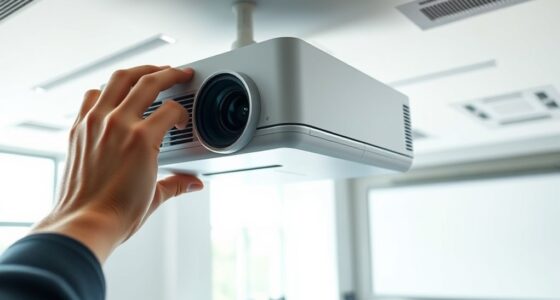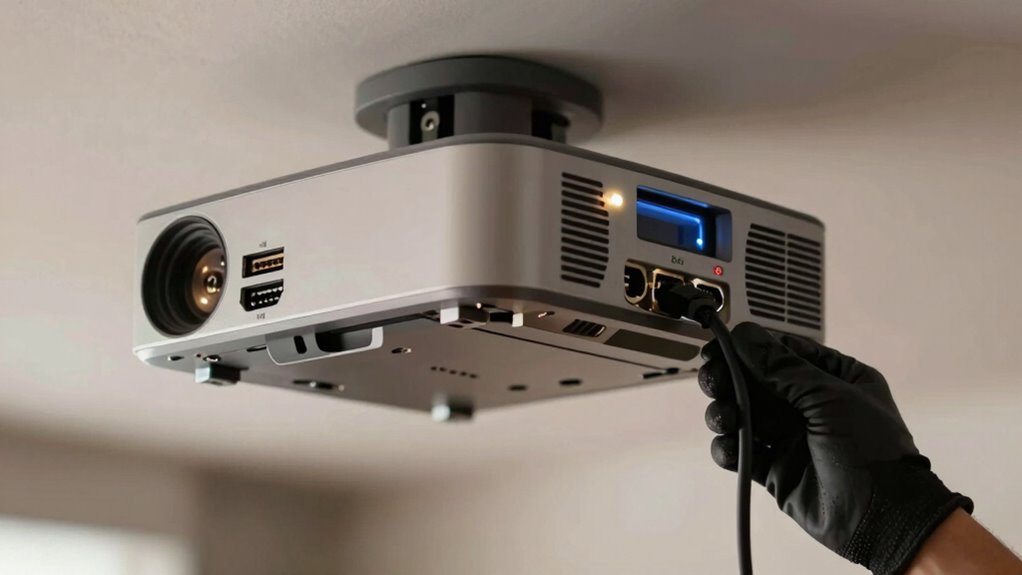
To fix a projector that keeps losing signal, first check that all cables (HDMI, VGA, or AV) are securely connected and not damaged. Try swapping cables or using different ports to spot issues. Restart your projector and source device to reset connections. Make sure your device’s output settings match the projector’s supported resolution and refresh rate. Regular updates and clean connections can prevent future problems. If you want a detailed step-by-step guide, keep exploring your options.

Get business pricing on your home office setup
- Business-only prices and quantity discounts
- Tax-exempt purchasing
- Multiple users, one account, clear invoices
Key Takeaways
- Ensure all cables are securely connected and undamaged; replace faulty cables if needed.
- Switch to different input ports or sources to identify and resolve faulty signal pathways.
- Adjust the projector and source device settings, including resolution and refresh rate, for compatibility.
- Restart both the projector and source device to refresh network and signal connections.
- Regularly update the projector’s firmware and perform maintenance to prevent recurring signal issues.
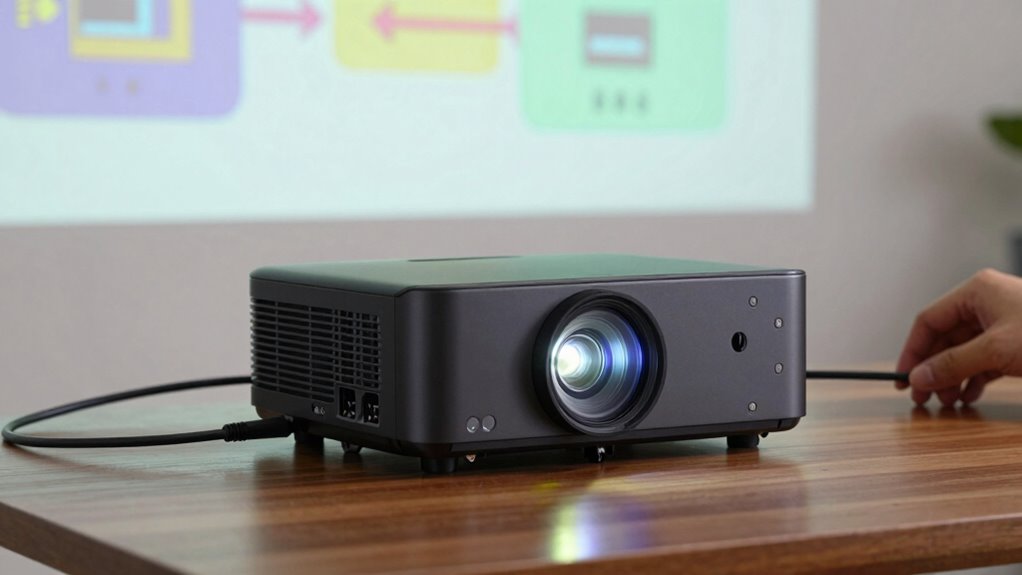
Ever wondered what to do when your projector isn’t working properly? One common issue you might face is a flickering or dim image, which often points to a problem with the projector bulb. The projector bulb is essential for producing a clear, bright picture, and over time, it can weaken or burn out. If your image appears faint, flickers, or has color inconsistencies, replacing the bulb might be the fix. Before you do, turn off the projector and let it cool down, as the bulb can be extremely hot. Carefully open the projector’s cover, following the manufacturer’s instructions, and remove the old bulb. Be cautious not to touch the new bulb with your fingers, as oils can reduce its lifespan. Install the new bulb securely, then close the cover and power it back on. This simple step can often resolve issues like image distortion, where the picture appears warped or skewed, which can sometimes be caused by a failing bulb. If replacing the bulb doesn’t improve the image quality or resolve the distortion, check the projector’s settings. Sometimes, adjustments to the keystone, focus, or aspect ratio can fix the problem. Also, ensure that the projector’s lens is clean and free of dust or smudges, as dirt can cause blurry or distorted images. Use a soft, lint-free cloth and lens cleaner to gently wipe the lens if needed.
Another common cause of image distortion and signal loss is the connection between your projector and the source device. Make sure all cables—HDMI, VGA, or AV—are securely plugged in and undamaged. Loose or frayed cables can cut the signal, resulting in a blank or flickering screen. If the connections seem fine, try swapping out the cables or testing with a different port to rule out faulty hardware. Additionally, check your source device’s output settings; sometimes, incompatible resolution or refresh rate settings can cause signal issues or distorted images. Adjust these settings to match the projector’s supported input specifications. If you’re using a wireless connection, ensure that your device and projector are on the same network and that there’s minimal interference. Restart both the source device and the projector to refresh the connection. Regular projector maintenance and timely software updates can help prevent these issues from recurring and extend the lifespan of your device. Understanding the importance of internal components and their condition can help you identify potential problems early. Being aware of common troubleshooting steps can save you time and frustration when issues arise.
As an affiliate, we earn on qualifying purchases.
Frequently Asked Questions
Can Loose HDMI Cables Cause Signal Loss?
Yes, loose HDMI cables can cause signal loss. When your cable isn’t securely connected, the signal can become unstable, leading to interruptions. Poor cable quality or damaged connectors further worsen this issue. If you’re using wireless connectivity, make certain your device maintains a strong connection. To fix this, check and tighten all HDMI connections, replace low-quality cables, and consider upgrading to higher-grade cables for a more stable signal.
Does Projector Heat Affect Signal Stability?
Yes, projector heat can affect signal stability. When your projector overheats, it may cause internal components to malfunction, leading to issues like signal loss. High ambient temperature and poor air circulation can worsen this problem. Additionally, heat can distort image calibration, making visuals appear blurry or discolored. To prevent this, guarantee proper ventilation, keep the environment cool, and regularly check your projector’s cooling system for peak performance.
How Often Should I Update Projector Firmware?
You should update your projector firmware regularly to keep everything running smoothly. Firmware updates help improve signal stability and fix bugs that could cause connection issues. Aim for at least once a year, or whenever the manufacturer releases a new version. Think of it as tuning up your car — neglecting updates could leave you stranded. Staying current guarantees your projector performs at its best, minimizing signal problems and maximizing your viewing experience.
Can Power Surges Damage Projector Signal Components?
Yes, power surges can damage your projector’s signal components, affecting signal integrity. To protect your device, you should use power surge protection devices, like surge protectors or uninterruptible power supplies (UPSes). These safeguards prevent voltage spikes from harming your projector’s internal circuitry, ensuring stable signal transmission. Regularly checking and maintaining this protection helps preserve your projector’s performance and prolongs its lifespan.
Is It Normal for Projectors to Lose Signal Randomly?
It’s not normal for projectors to lose signal randomly. Sometimes, issues with projection angles or lamp brightness can cause intermittent problems, making it seem like the signal is dropping. Adjusting the projection angles properly and ensuring the lamp brightness is set correctly helps maintain a stable connection. Regularly check your cables and connections too, as loose or damaged ones can contribute to signal loss.
As an affiliate, we earn on qualifying purchases.
Conclusion
To keep your projector performing perfectly, prioritize proper connections, troubleshoot thoroughly, and stay patient. Persistent problems often stem from simple solutions, so don’t panic. By checking cables, updating drivers, and testing sources, you’ll prevent pesky signal problems from disrupting your presentation. Remember, a proactive approach prevents persistent problems, and careful checks create a clear, consistent connection. Stay vigilant, stay vigilant, and enjoy a seamless, signal-strong projector experience every time!
As an affiliate, we earn on qualifying purchases.
As an affiliate, we earn on qualifying purchases.
Columbus Day / Indigenous Peoples' Day Picks
long weekend sales
As an affiliate, we earn on qualifying purchases.