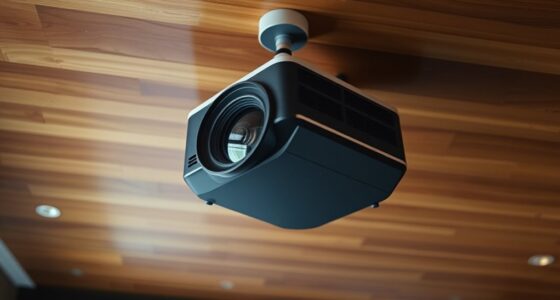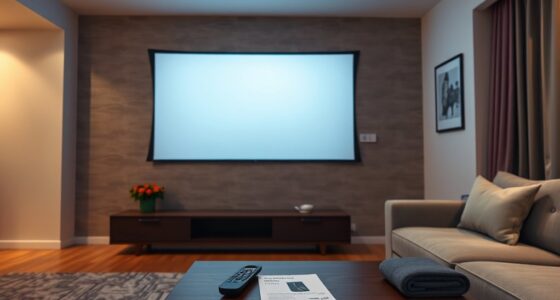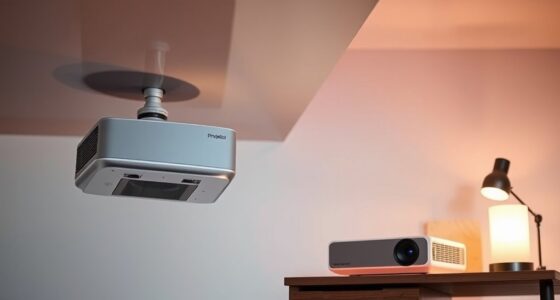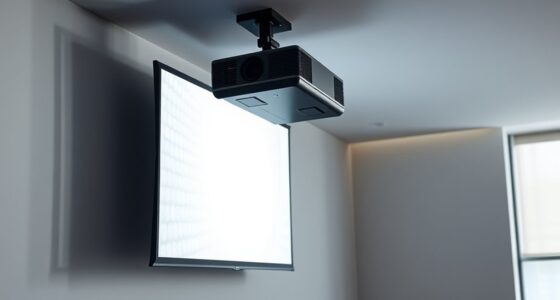
If you want flexible placement for distant projectors, wireless HDMI offers quick setup and a clean look without long cables running through your space, but it may face interference and signal stability issues. Long HDMI cables provide a more reliable connection, especially over larger distances, though they can clutter your environment and be tricky to install neatly. To find the best choice for your needs, consider your environment, installation effort, and the importance of a tidy setup—more details can help you decide.

Get business pricing on your home office setup
- Business-only prices and quantity discounts
- Tax-exempt purchasing
- Multiple users, one account, clear invoices
Key Takeaways
- Wireless HDMI offers easy, quick setup, ideal for flexible projector placement without extensive cable management.
- Long HDMI cables provide stable, high-quality signals suitable for permanent, interference-free installations at distant locations.
- Wireless solutions may face signal interference in busy environments, while long cables are less affected but require careful routing.
- Choose wireless HDMI for dynamic spaces needing frequent repositioning; opt for long cables for consistent, reliable connections.
- Balancing installation effort and signal stability helps determine the best option for flexible projector placement.
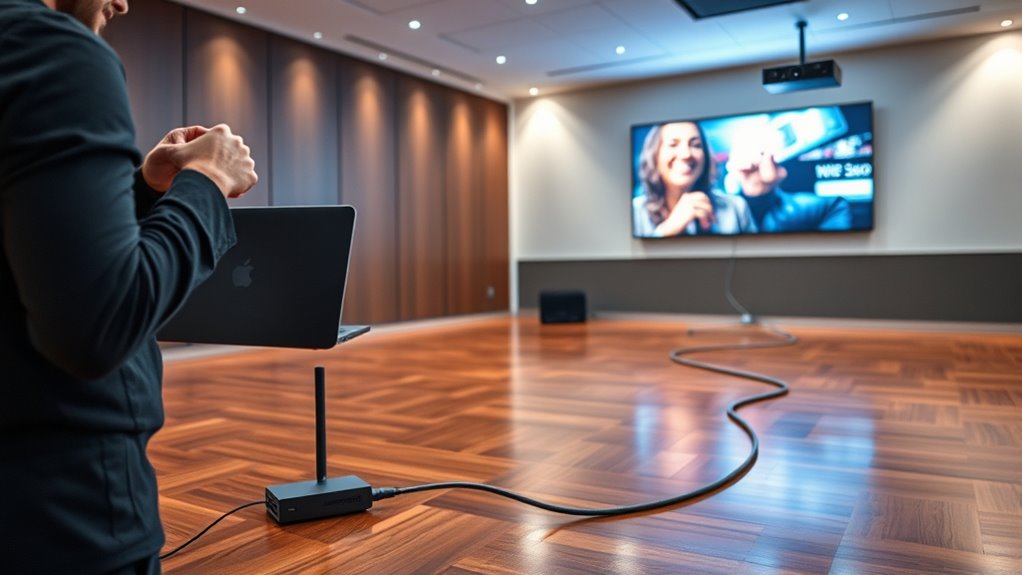
When choosing how to connect your projector, you might wonder whether wireless HDMI or long cables are the better option. One of the key considerations is signal stability. With long cables, especially high-quality HDMI cables, you generally get a more reliable and stable signal, provided the cable is of good quality and properly installed. Long cables tend to minimize interference and signal degradation over distances, ensuring your video and audio are crisp and synchronized. However, as the cable length increases, the installation complexity also rises. Managing long runs can be tricky, requiring cable management solutions, wall mounts, or conduit to keep everything neat and safe. Running cables through walls or ceilings often demands some technical skills, and it might involve extra tools or professional help, adding to the overall hassle. Additionally, the aesthetic appeal of a clean, cable-free space can be significantly improved with wireless options.
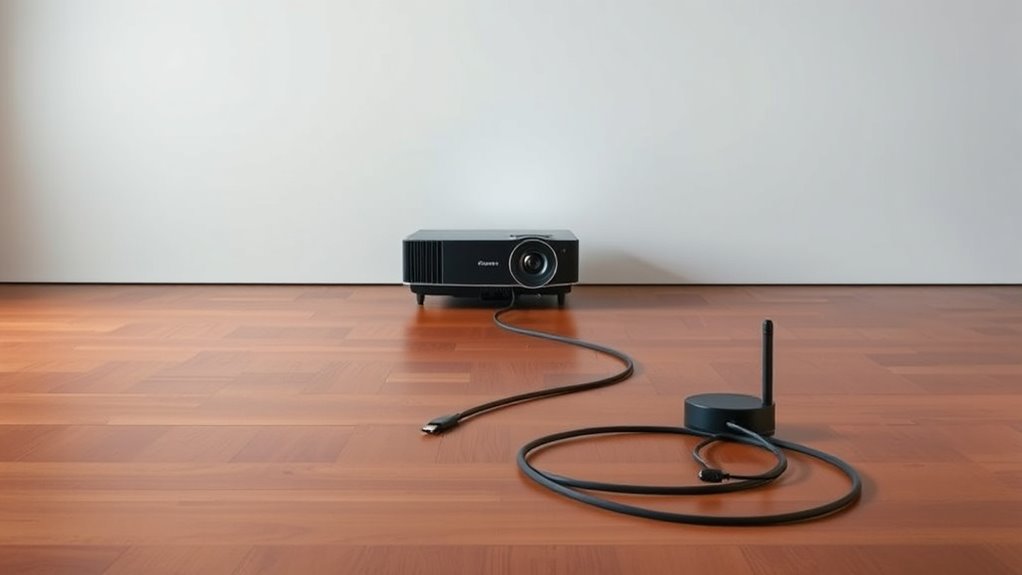
Wireless HDMI, on the other hand, offers a different set of advantages. It eliminates the need for lengthy cable runs, making installation much simpler. You can place your projector freely without worrying about where the cables will go or how to conceal them. Setting up a wireless connection typically involves plugging in a transmitter and receiver, which is straightforward and quick. However, the trade-off is that wireless signals can be more susceptible to interference from Wi-Fi networks, other electronic devices, or physical obstructions. This can sometimes lead to signal drops or latency issues, especially in environments with a lot of wireless traffic or thick walls between the transmitter and receiver. So, while wireless HDMI might seem easier to install initially, maintaining a stable connection could pose challenges depending on your space and interference sources.
Another factor to consider is the environment where you’ll set up your projector. If you have a long, clear space with minimal interference, a long cable might be the most reliable choice for consistent signal quality. Conversely, if your setup involves frequent rearrangements or you prioritize a clean, clutter-free look, wireless HDMI can save you from the mess and hassle of cable management. Ultimately, your decision hinges on balancing the importance of signal stability against installation complexity. Long cables may demand more effort upfront but can offer a more dependable connection for large or complex setups. Wireless HDMI provides flexibility and easier installation, but you need to be aware of potential signal stability issues that might crop up in busy or obstructed environments.
Wireless HDMI transmitter and receiver kit
As an affiliate, we earn on qualifying purchases.
As an affiliate, we earn on qualifying purchases.
Frequently Asked Questions
How Does Signal Interference Affect Wireless HDMI Quality?
Signal interference from radio frequency and electromagnetic interference can markedly degrade wireless HDMI quality. You might experience pixelation, lag, or lost connections when these interferences disrupt the transmission. To minimize issues, keep your wireless HDMI transmitter away from other electronic devices, and consider using interference-resistant equipment. Ensuring a clear, unobstructed signal path helps maintain high-quality video and audio for your distant projector setup.
What Are the Power Requirements for Wireless HDMI Transmitters?
Wireless HDMI transmitters typically require a power source, often via USB or AC adapters. They consume moderate power, which affects battery life if they’re portable. To guarantee smooth operation, you should check the device’s power consumption specs; higher consumption can reduce battery life. If portability matters, consider transmitters with low power draw or options that support rechargeable batteries, so you can maintain reliable performance during your presentations or setups.
Can Wireless HDMI Support 4K or 8K Resolution?
Wireless HDMI can support 4K resolution, but supporting 8K is still emerging. While higher resolutions demand more bandwidth, advanced video compression techniques help transmit detailed images smoothly. You might experience slight latency or compression artifacts at ultra-high resolutions, but for most practical uses, wireless HDMI provides impressive clarity. As technology advances, expect 8K support to become more reliable, making your distant projector setup even more seamless and stunning.
What Is the Typical Latency With Long Cable Setups?
With long cable setups, your latency typically ranges from 1 to 5 milliseconds, but it depends on cable quality and length. Higher-quality cables reduce latency variability and guarantee smoother signals. As the cable length increases, you might notice slight delays, especially if the cable quality isn’t ideal. To minimize latency, choose well-shielded, high-quality cables and keep lengths as short as possible for the best performance.
Are There Compatibility Issues Between Different Projector Brands?
You might encounter brand compatibility issues between different projectors, especially if they use proprietary connectors or incompatible standards. To minimize problems, guarantee both projectors support common HDMI versions and check for firmware updates, which can improve compatibility. Always verify the specifications before connecting devices from different brands, and consider using universal adapters or wireless solutions to ensure seamless integration and ideal performance.
High-quality long HDMI cables for projectors
As an affiliate, we earn on qualifying purchases.
As an affiliate, we earn on qualifying purchases.
Conclusion
Whether you choose wireless HDMI or lengthy cables, flexibility fuels your projector’s potential. Wireless options offer freedom from frays and fuss, fostering a fuss-free setup. Meanwhile, long cables can carry your content confidently across greater gaps. Ultimately, your choice depends on your space and style. With the right route—wireless or wired—you’ll witness wonderful, worry-free presentations. So, weigh your needs, wield your options, and watch your ideas illuminate effortlessly.
Wireless HDMI extender for projector
As an affiliate, we earn on qualifying purchases.
As an affiliate, we earn on qualifying purchases.
Heavy-duty HDMI cables for long distances
As an affiliate, we earn on qualifying purchases.
As an affiliate, we earn on qualifying purchases.
Fall Picks
fall essentials
As an affiliate, we earn on qualifying purchases.