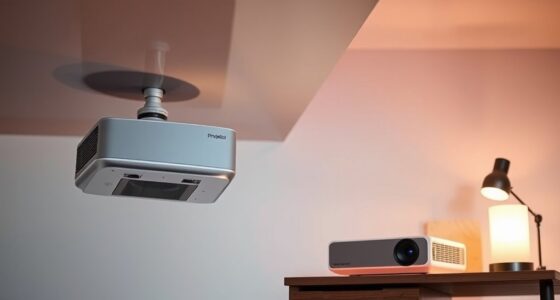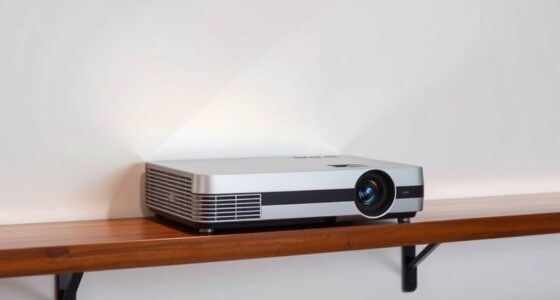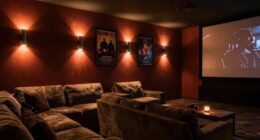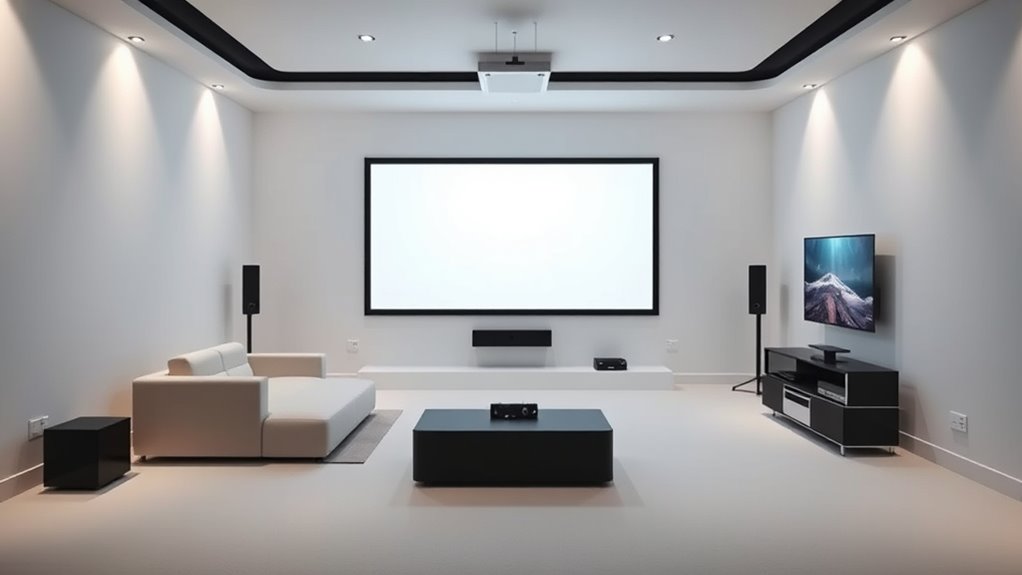
To set up your ultra-short throw projector effectively, position furniture away from the projection area to avoid shadows and blocking the image. Keep speakers and cables organized and out of the way, ensuring they don’t interfere with the projector’s line of sight. Place large objects or furniture in areas that won’t cast unwanted shadows, and choose a clear, unobstructed spot for the projector itself. If you want to maximize your setup, exploring additional tips will guide you through every step.
Key Takeaways
- Keep the projection area clear of large furniture and decorative objects to prevent shadows on the screen.
- Position speakers away from the projection path to avoid blocking or interference with the image.
- Arrange seating facing the wall directly, ensuring unobstructed view and minimal furniture in front of the display.
- Organize cables neatly and securely to prevent clutter that could cast shadows or cause tripping hazards.
- Use low-profile furniture or wall-mounted options near the projection zone to maximize space and reduce obstacles.
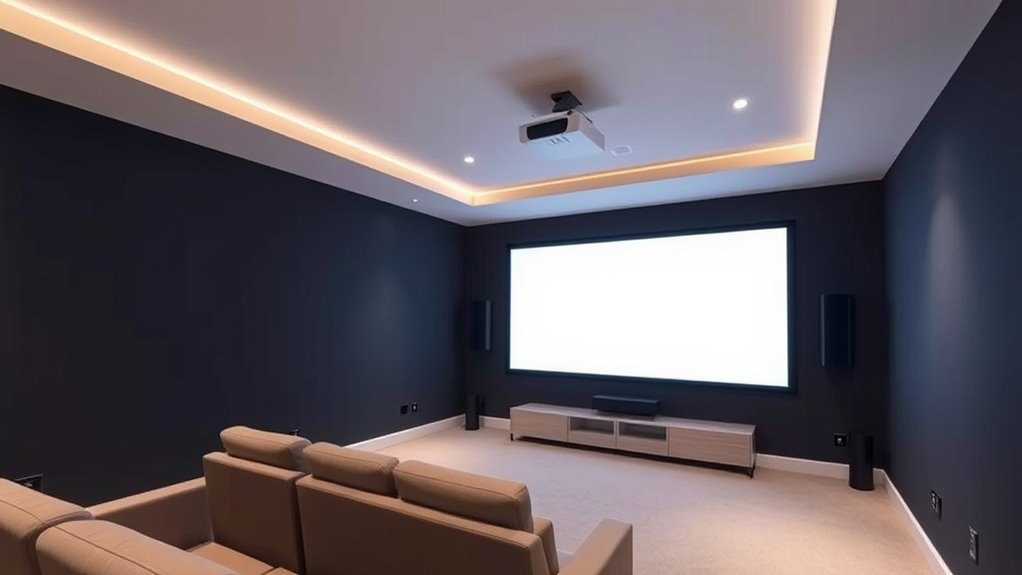
Setting up an ultra-short throw projector is a straightforward process that can transform any room into a home theater or presentation space. However, to get the best image quality, you need to consider the room’s layout carefully. One of the most important factors is selecting the right wall color. Light-colored walls, especially in shades of white or light gray, reflect the projected image better and enhance brightness and clarity. Avoid dark or heavily textured walls, as they absorb light and can diminish image quality. If repainting isn’t an option, consider using a projection screen or a dedicated matte surface to improve the picture’s sharpness and color accuracy.
Choose light-colored walls or a matte surface to maximize projection brightness and clarity.
Another essential aspect is ceiling height. Ultra-short throw projectors are designed to be placed very close to the wall, so the ceiling height influences where you position the projector and the size of the projected image. A ceiling that’s too low might limit the projector’s placement options and create potential obstructions or shadows. Conversely, a higher ceiling provides more flexibility, allowing you to install the projector closer to the wall without interference. When planning your setup, measure your ceiling height carefully and verify there’s enough clearance for the projector’s ideal placement, usually just a few inches from the wall. This guarantees a clear, unobstructed image without the risk of hitting the ceiling or furniture.
Furniture placement is just as vital. You want to keep the area in front of the projector free of large furniture pieces or objects that could cast shadows or block the projection path. Arrange your seating to face the wall directly, maintaining enough distance so viewers aren’t too close or too far from the projected image. Keep in mind that the projector’s throw ratio determines the ideal distance from the wall for the desired image size, so plan your furniture accordingly. Avoid placing tall shelves, cabinets, or decorative items directly in the projection zone, as these can interfere with the image or create unwanted shadows.
Finally, consider speaker placement and other obstacles that might disrupt the viewing experience. Speakers should be positioned to deliver balanced sound without obstructing the projection. To minimize distractions and interference, keep cables organized and out of the way. Also, ensure your room’s soundproofing and acoustic treatment are optimized for an immersive experience. By paying close attention to wall color, ceiling height, furniture, and obstacles, you’ll create a clean, unobstructed environment that maximizes the ultra-short throw projector’s potential and delivers a stunning visual experience.
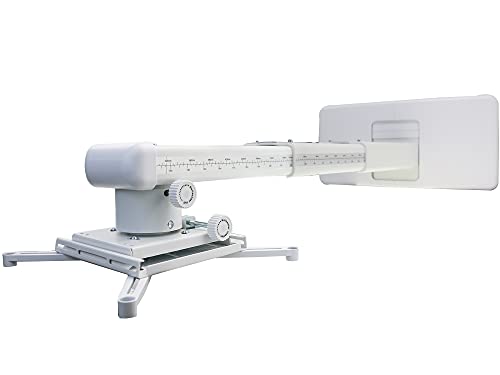
NC Projector Wall Mount with Universal mounting ,Telescopic Bracket Hanger,33lbs Load Capacity,High-Precision Adjustable: (12.8’’-29.13’’),white,(TYYZJ02)
ultra Short Throw Projection,Most sturdy of all, great fine tune knobs, best manual (very very detailed),It has the…
As an affiliate, we earn on qualifying purchases.
As an affiliate, we earn on qualifying purchases.
Frequently Asked Questions
How Can I Optimize Sound Quality With Minimal Furniture?
You can optimize sound quality with minimal furniture by carefully arranging what you have. Position furniture to avoid blocking speaker paths and use soundproofing solutions like rugs, curtains, or acoustic panels to reduce echo and improve clarity. Keep furniture away from walls and corners, and ensure your speakers have a clear line of sight. This setup minimizes obstacles and enhances your audio experience without cluttering your space.
What Are the Best Wall Colors for Ultra-Short Throw Projectors?
You should choose wall color and paint finish that enhance image clarity. Opt for light, matte wall colors like soft whites, light grays, or pastels, as they reflect less light and prevent glare. A matte or eggshell finish is ideal because it reduces reflections, ensuring your ultra-short throw projector’s image stays sharp and vibrant. Avoid glossy or dark colors that can distort or absorb light, degrading picture quality.
Can I Install a Screen on Textured or Patterned Walls?
You can install a screen on textured or patterned walls, but it’s not ideal. Wall texture and uneven paint finish can distort the image quality and make installation tricky. For the best results, choose a smooth wall with a matte or flat paint finish to minimize reflections and surface imperfections. If you must use textured walls, consider applying a drywall primer or a smooth panel behind the screen to improve picture clarity.
How Do I Prevent Glare From Windows or Ambient Light?
You can prevent glare from windows or ambient light by using window treatments like blackout curtains or blinds to block direct sunlight. Position your ultra-short throw projector away from windows and consider installing ambient light control solutions such as dimmable lights or glare-reducing screens. Additionally, use matte or textured wall finishes to reduce reflections, ensuring your screen remains clear and vibrant without distractions from window glare or ambient light.
What Safety Precautions Should I Consider With Projector Placement?
Did you know that improper projector placement can cause electrical hazards or damage? To stay safe, you should secure cables properly to prevent tripping or electrical issues. Keep the projector on a stable surface or mount it securely, and avoid placing it near water or heat sources. Always check that all electrical connections follow safety standards, and use cable management solutions to reduce clutter and hazards. Your safety comes first!

URRED Loveseat Recliner Sofa with Massage and Heat, Power Reclining Loveseat Sofa RV Couch with Console, Home Theater Seating with LED Lights, Bluetooth Speakers, USB, Outlets, Faux Leather, Black
Power Reclining Loveseat: This sofa features push-button control, electrically adjustable footrest and backrest, helping you find the perfect…
As an affiliate, we earn on qualifying purchases.
As an affiliate, we earn on qualifying purchases.
Conclusion
By carefully avoiding furniture and speaker obstacles, you create a sleek, unobstructed space that enhances your ultra-short throw projector’s performance. It’s tempting to fill every corner with décor or bulky furniture, but less truly is more for ideal viewing. Think of your room as a blank canvas—clarity and simplicity bring your entertainment to life. With mindful setup, you’ll enjoy crisp images and immersive sound, proving that sometimes, less truly is more for the perfect home theater experience.

Valerion 120-inch Fixed Frame Projector Screen, 1.3 dB Gain, 80% PQE, 4K/8K Ultra HD, 3D Wall Mount Projector Screen, Works with Long Throw, Short Throw & Ultra Short Throw Projectors
Matte White Screen with 1.3 Gain:Provides enhanced brightness and contrast for superior image quality, ensuring vivid and clear…
As an affiliate, we earn on qualifying purchases.
As an affiliate, we earn on qualifying purchases.
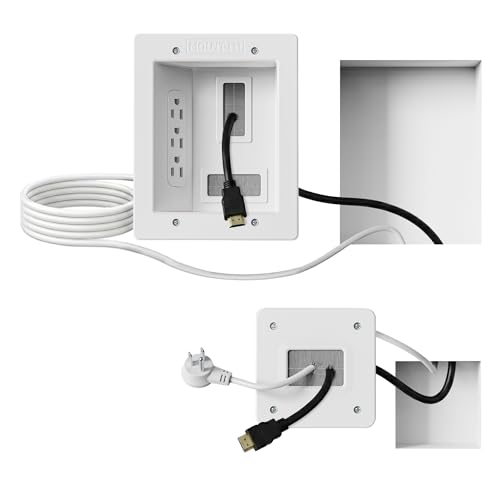
Mount-It! in-Wall TV Cable Management Kit with Recessed Power – Triple Outlet, 9ft Extension Cord and Hand Saw – Easy, Safe TV Outlet Wall Kit and TV Cable Hider Behind Wall
Organized home theater setup – Eliminate messy wires and give your entertainment area a clean, modern look. This…
As an affiliate, we earn on qualifying purchases.
As an affiliate, we earn on qualifying purchases.