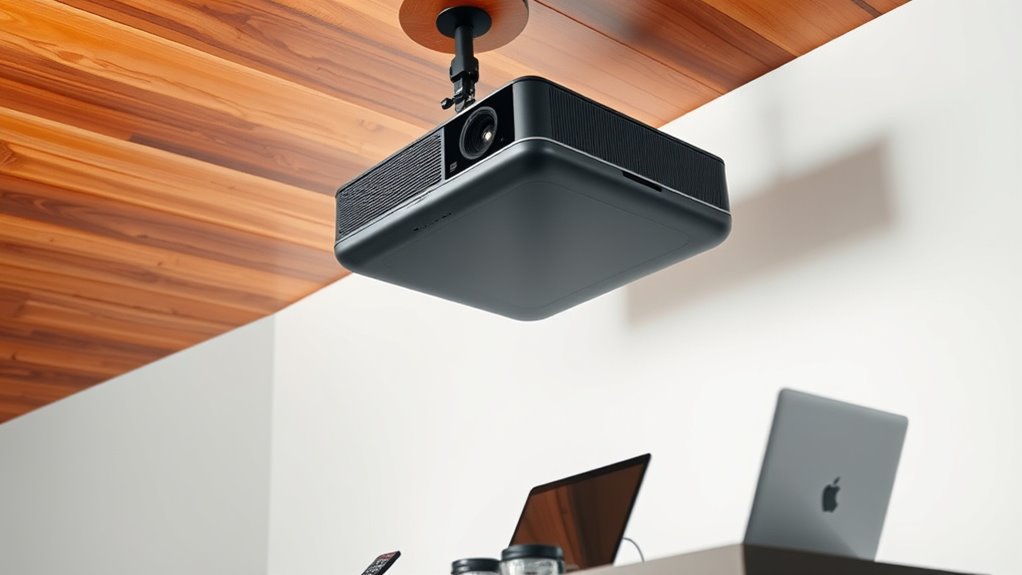

Yes, you can position a projector sideways or at an angle, but how well it works depends on its features. Keystone correction digitally adjusts the image to fix trapezoidal distortion, making angled setups easier but sometimes reducing clarity. Lens shift physically moves the lens to keep the image rectangular without distortion, ideal for more precise placements. Understanding these options helps you set up your projector effectively; keep exploring to find detailed tips and tricks.

Get business pricing on your home office setup
- Business-only prices and quantity discounts
- Tax-exempt purchasing
- Multiple users, one account, clear invoices
Key Takeaways
- Projectors can be angled or placed sideways using keystone correction or lens shift for proper image alignment.
- Keystone correction electronically adjusts trapezoidal distortion but may reduce image quality slightly.
- Lens shift physically moves the lens to position the image without digital distortion, ideal for angled setups.
- Proper mounting and placement ensure a clear, rectangular image even when the projector is at an angle.
- Combining lens shift with keystone correction offers flexible, high-quality angled projection options.
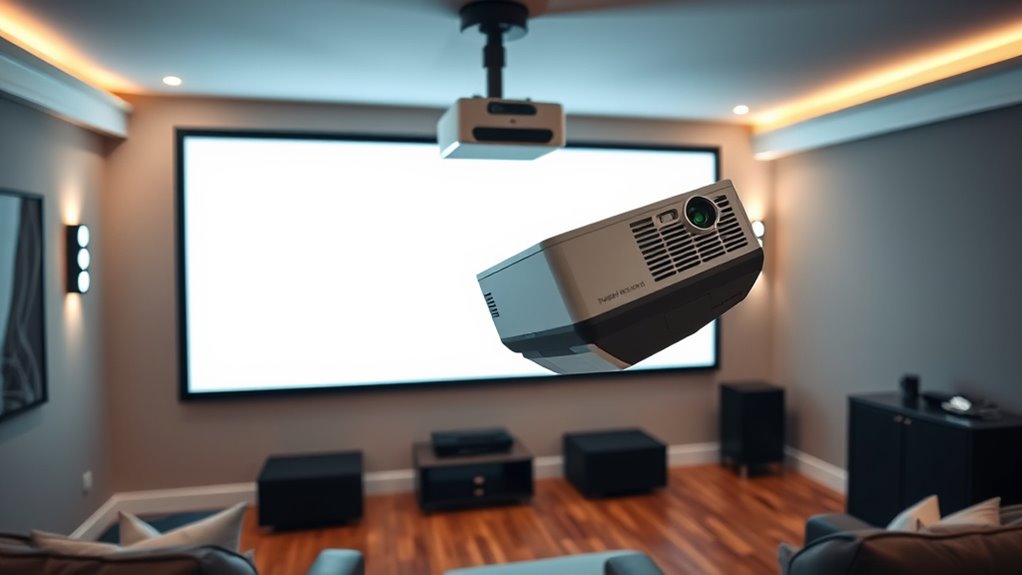
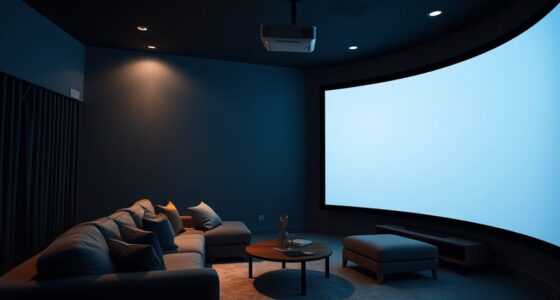
Ever wondered if you can set up a projector sideways or at an angle? The answer is yes, but how you do it depends on your projector’s features and your desired image placement. When you’re positioning a projector at an unconventional angle, the key factors to consider are screen orientation and how the image will be projected onto your surface. Most projectors are designed to be mounted or placed directly in front of the screen, but with some adjustments, you can achieve a side or angled setup without sacrificing image quality.
One common method to handle off-axis projection involves understanding keystone correction. Keystone correction allows you to adjust the image electronically, making a trapezoidal image appear rectangular when the projector isn’t perfectly aligned with the screen. This feature is useful if you plan to set up your projector at an angle or on the side of your room. However, keystone correction isn’t a perfect solution—it can sometimes introduce image distortion or reduce clarity, especially with more aggressive adjustments. So, it’s best used for minor angling rather than extreme positioning.
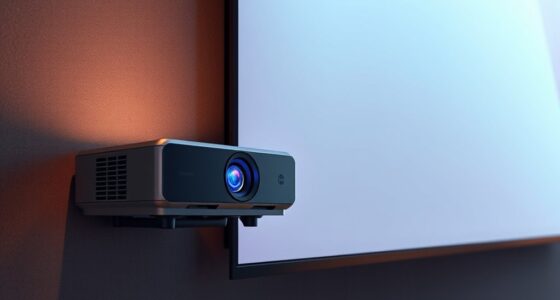
Alternatively, if you want a more precise and stable image, look for a projector with lens shift capabilities. Lens shift physically moves the lens to adjust the image position without distorting the picture. This feature allows you to change the screen orientation and image placement without relying on digital correction. With lens shift, you can position your projector at an angle or even above or below the screen, and still get a perfectly rectangular image. This makes it ideal for setups where maintaining image quality is critical or where wall space is limited.
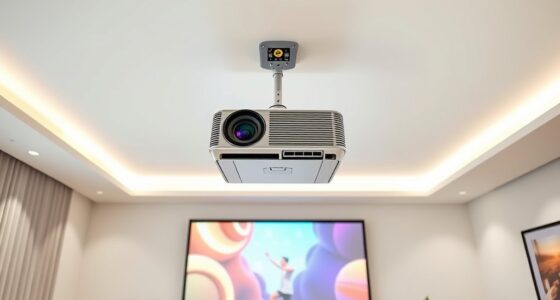
Keep in mind, the physical placement of your projector influences the overall screen orientation. If you’re mounting the projector on the side wall or ceiling, you’ll need to ensure it supports the type of correction or lens shift you require. Also, consider the throw distance and the size of the projected image—angled setups often require more planning to ensure your image fits well and remains clear. Additionally, understanding bulb maintenance can help ensure your projector remains functional during extended angled use, especially as misaligned setups might lead to more frequent adjustments or maintenance needs.
Frequently Asked Questions
Do All Projectors Support Keystone Correction?
Not all projectors support keystone correction, especially those designed for fixed mounting options. If your projector lacks this feature, you’ll likely face image distortion when mounting at an angle. Keystone correction helps fix this by adjusting the image digitally, but it can sometimes reduce picture quality. Check your projector’s specs before choosing a mounting method to verify it offers keystone correction if you plan to install it at an angle.
How Does Lens Shift Differ From Digital Keystone?
Imagine the perfect image suddenly warped—lens shift is your secret weapon against that. Unlike digital keystone, which adjusts the image electronically and can cause distortion, lens shift physically moves the lens for precise alignment without compromising picture quality. This means you can position your projector at various angles without sacrificing clarity, giving you seamless control over your display’s image and minimizing distortion—keeping your setup clean and picture perfect.
Can Angled Projection Affect Image Quality?
Angled projection can affect image quality by causing distortion, making the picture appear stretched or skewed. However, it doesn’t necessarily ruin your viewing experience if you use features like lens shift or digital keystone correction. These tools give you setup flexibility, allowing you to adjust the image without compromising quality. Keep in mind that extreme angles might still introduce some distortion, so moderate adjustments work best.
Are Some Projector Mounts Better for Angled Setups?
You’ll want the right mounting options to navigate installation challenges smoothly. Some projector mounts are better suited for angled setups, offering flexible adjustments and sturdy support. Fixed mounts might struggle, causing shaky images, while adjustable mounts let you tilt and shift effortlessly, like turning a dial on a well-tuned instrument. Choosing the right mount guarantees your projection stays sharp and steady, even when you’re working with tricky angles.
What Are the Risks of Projecting at an Angle?
Projecting at an angle can cause image distortion and alignment challenges, making your picture appear skewed or uneven. You risk losing image quality and clarity, which can frustrate your viewing experience. Additionally, it might strain your setup, requiring frequent adjustments. To avoid these issues, consider using keystone correction or a lens shift, but remember that excessive angles still pose risks of compromised image integrity and increased setup complexity.
Conclusion
So, whether you’re angling your projector or turning it sideways, think of it like steering a boat—you can navigate with some adjustments. Keystone correction and lens shift are your steering wheels, helping you get a clear, straight image without hassle. Just remember, like a skilled sailor, knowing your options means you can set your projector anywhere and still enjoy a perfect picture. With the right setup, your viewing experience will be smooth sailing.
Halloween Picks
halloween
As an affiliate, we earn on qualifying purchases.