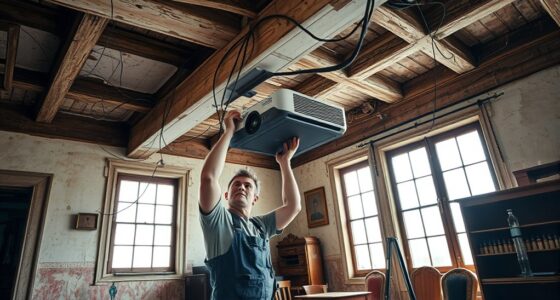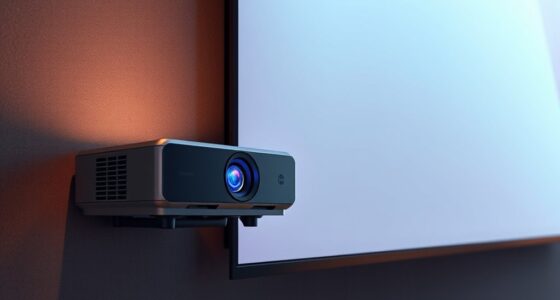
Keystone correction is a digital feature that adjusts distorted images caused by projector angles, making them appear rectangular on the screen. You should use it when your projector isn’t perfectly aligned and the image looks trapezoidal, helping fix the distortion quickly. However, avoid relying on it for severe angles or excessive correction, as it can reduce image sharpness and distort proportions. To learn more, discover how proper setup and physical adjustments can improve your projection quality.

Get business pricing on your home office setup
- Business-only prices and quantity discounts
- Tax-exempt purchasing
- Multiple users, one account, clear invoices
Key Takeaways
- Keystone correction digitally adjusts distorted images caused by projector angles, ensuring they appear rectangular on the screen.
- Use keystone correction for quick fixes during setup when physical repositioning isn’t feasible or convenient.
- Avoid excessive correction, as it can reduce image sharpness and distort proportions, degrading picture quality.
- Proper physical placement of the projector minimizes the need for correction and results in clearer, more accurate images.
- Advanced projectors with AI can automatically optimize image alignment, reducing reliance on digital keystone correction.
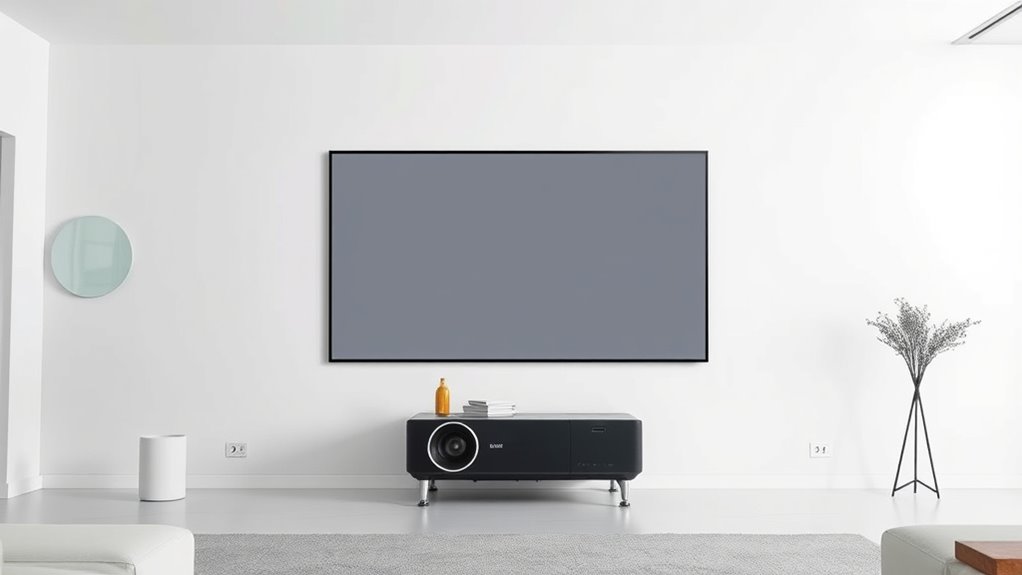
Keystone correction is a feature that helps you fix distorted images projected onto a screen, ensuring they appear properly rectangular. When you’re setting up your projector, you want the image to be sharp, clear, and correctly aligned. But sometimes, due to the projector’s position or the angle at which it’s aimed, you encounter image distortion—specifically, a trapezoidal shape instead of a perfect rectangle. This is where keystone correction comes into play, allowing you to adjust the image digitally so it appears properly aligned without needing to reposition the projector physically.
During your projector setup, you might notice that the projected image isn’t perfectly square, especially if the projector is placed at an angle rather than directly in front of the screen. Instead of repositioning the device, many projectors offer keystone correction options, either manual or automatic. These features work by digitally stretching or compressing parts of the image to counteract the skew caused by the projection angle. As a result, you can achieve a rectangular image that fills your screen evenly, improving the overall viewing experience.
If your projected image isn’t square, use keystone correction to digitally fix the distortion and achieve a proper rectangle.
However, it’s important to recognize when to use keystone correction and when to avoid it. While it’s a handy tool for quick fixes, relying on it too much can lead to image quality issues, such as loss of sharpness or slight blurriness, especially if the correction is significant. If you’re dealing with severe distortion, it’s often better to adjust the projector’s physical position—like moving it closer or further from the screen, or changing its height—rather than relying solely on digital correction. Excessive keystone adjustment can also result in uneven image proportions, making content look unnatural or distorted.
Another thing to keep in mind is that some projectors allow for trapezoidal correction in only one direction—either vertical or horizontal—while others offer both. This flexibility can help you fine-tune the image more precisely, but it’s best used as a supplementary adjustment rather than the primary solution. When you’re setting up your projector, aim for the most straightforward projector setup possible to minimize the need for keystone correction. Proper placement reduces image distortion from the start, preserving picture quality and making your viewing more enjoyable. Additionally, advances in AI processing power are enabling smarter automatic adjustments that can improve projection quality with less manual intervention.
As an affiliate, we earn on qualifying purchases.
Frequently Asked Questions
Can Keystone Correction Improve 4K Projector Images?
Yes, keystone correction can improve your 4K projector images by fixing image distortion caused by improper projector placement. It adjusts the image shape, making it look properly aligned on your screen. However, for ideal clarity, you should calibrate your projector first, as excessive keystone correction can reduce image quality. Use it as a quick fix, but don’t rely on it as a substitute for proper projector calibration.
Does Keystone Correction Affect Projector Brightness?
Keystone correction can dim your projector’s image considerably, and it’s like trying to see through fog. When you use it to fix image distortion, it often causes brightness reduction because the projector adjusts the image shape, sacrificing some light output. So, if you want a bright, crisp picture, only use keystone correction when necessary, and try to position your projector to minimize the need for correction.
Is Keystone Correction Necessary for Outdoor Projections?
You probably don’t need keystone correction for outdoor projections during mountain camping if your projector is set up on a level surface facing the screen directly. It’s most useful when your outdoor setup involves uneven terrain or angled surfaces, which can distort the image. Use keystone correction sparingly, as overusing it can reduce image quality. Aim for a level, stable setup to get the best picture without unnecessary adjustments.
How Does Keystone Correction Impact Image Sharpness?
Keystone correction can slightly reduce image sharpness and clarity because it adjusts the image digitally, often stretching or compressing pixels. While it improves the overall shape and alignment, expect a minor sharpness loss, especially if used excessively. To maintain ideal image clarity, use keystone correction sparingly and try to position your projector properly. This way, you achieve sharpness enhancement without sacrificing too much image detail.
Can Keystone Correction Fix Lens Distortion Permanently?
A stitch in time saves nine, so don’t expect keystone correction to fix lens distortion permanently. It’s designed for image correction during display, not for fixing lens imperfections. While it can improve the shape of your image, it doesn’t alter the lens itself. If you want permanent correction, consider using a lens specifically designed to minimize distortion, as keystone correction only adjusts the image temporarily on your screen.
As an affiliate, we earn on qualifying purchases.
Conclusion
Now that you know the ins and outs of keystone correction, you’re practically a projector wizard! With just a few clicks, you can turn a wonky, trapezoid-shaped image into a crystal-clear masterpiece. But beware—overusing it can make your picture look more distorted than a funhouse mirror! Use it wisely, and you’ll guarantee your presentations are sharper than a samurai’s sword, leaving your audience dazzled and convinced you’ve got the magic touch.
manual projector keystone adjustment
As an affiliate, we earn on qualifying purchases.
As an affiliate, we earn on qualifying purchases.
projector screen with adjustable mount
As an affiliate, we earn on qualifying purchases.
As an affiliate, we earn on qualifying purchases.
Columbus Day / Indigenous Peoples' Day Picks
long weekend sales
As an affiliate, we earn on qualifying purchases.