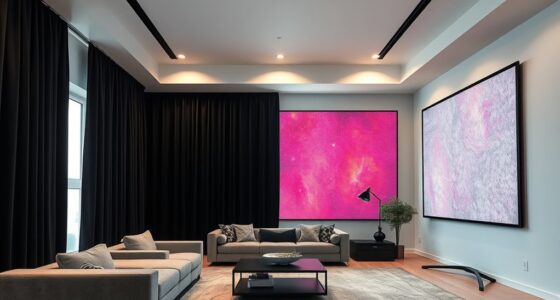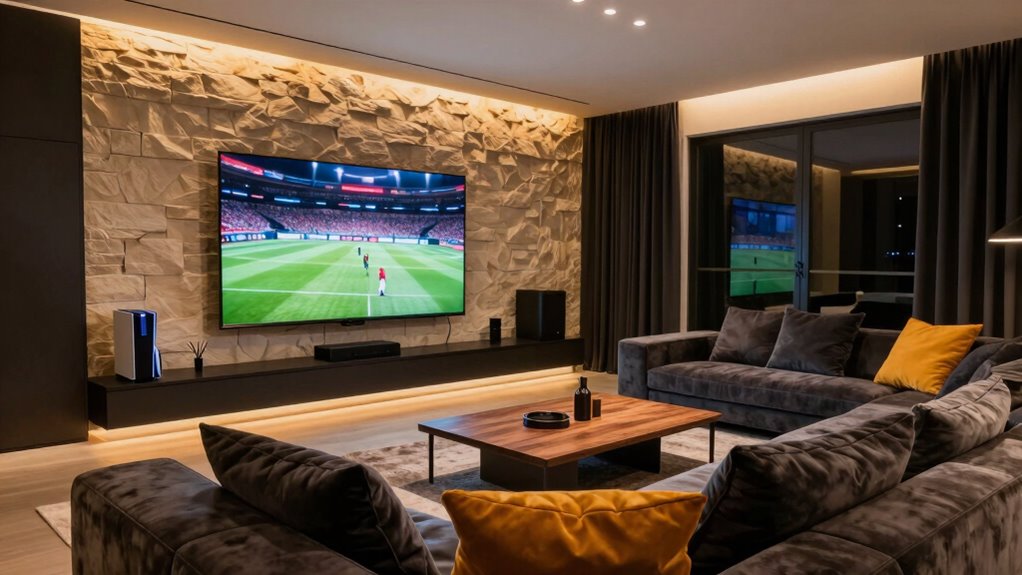
To choose a screen for movies, sports, and gaming, start by measuring your room and seating distance, aiming for 1.5 to 2.5 times the screen’s diagonal. Opt for a size that fits comfortably without overwhelming your space, with 4K or higher resolution for sharp visuals and OLED for deeper contrast. Prioritize good audio, either built-in or with external speakers, and look for smart features and connection options. Keep exploring to discover even more ways to enhance your setup.
Key Takeaways
- Measure room size and seating distance to select a screen that balances immersion and space constraints.
- Prioritize high resolution (4K or higher) and fast refresh rates for clear visuals in movies and smooth gaming.
- Choose screens with good contrast (OLED or LED) for vibrant sports and movie viewing.
- Opt for models with multiple HDMI ports and smart features for easy device connectivity and streaming.
- Consider audio quality and integration with external sound systems for an enhanced entertainment experience.
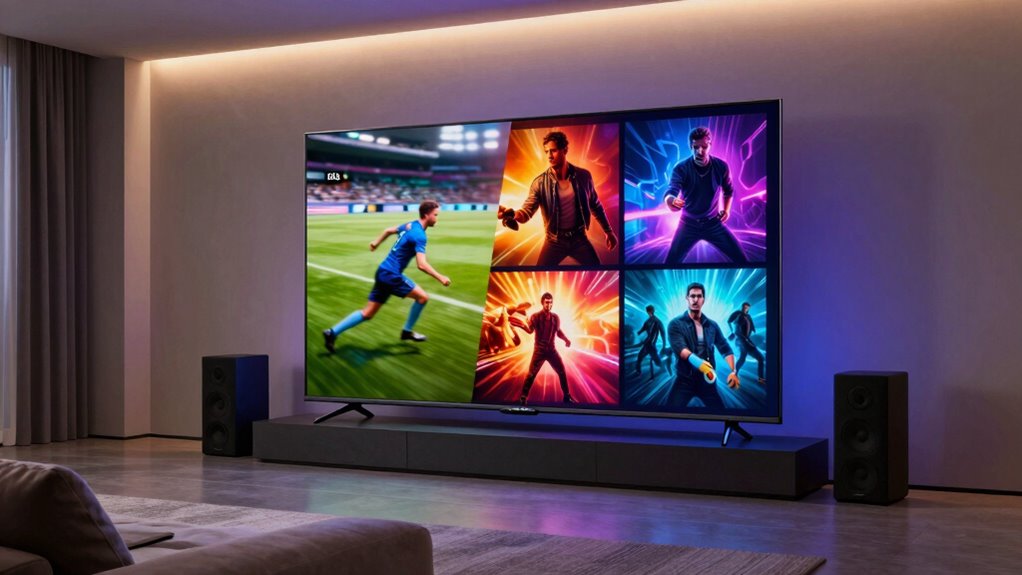
When choosing a screen for movies, sports, and gaming, selecting the right size, resolution, and technology can considerably enhance your viewing experience. The first thing you need to contemplate is the screen size. If your room is small, a massive screen might overwhelm the space and make viewing uncomfortable, while a tiny screen can detract from the immersive experience you’re after. Measure your room and seating distance carefully—ideally, your eyes should be about 1.5 to 2.5 times the diagonal size of the screen away from it. This helps you find a balance where images are large enough to enjoy details without causing eye strain. Remember, a larger screen can make movies and sports feel more engaging, but only if your room can accommodate it comfortably.
Choose the right screen size by measuring your room and seating distance for optimal viewing comfort and immersion.
Audio quality is just as essential as picture size. Even the clearest, most vibrant display won’t do justice if your sound isn’t up to par. When selecting a screen, think about how you’ll integrate audio. Built-in speakers often suffice for casual viewing, but for the best experience, consider adding external sound systems like soundbars or surround sound setups. Clear and dynamic audio heightens the realism of sports commentary, the excitement of gaming, and the cinematic feel of movies. It’s worth investing in quality audio equipment aligned with your screen choice to avoid a mismatch that could detract from your overall experience.
Next, focus on resolution and technology. For most casual viewers who want sharp images, a 4K resolution is the ideal choice, offering detailed visuals without the premium cost of higher resolutions like 8K. If gaming is a priority, look for screens with low input lag and high refresh rates—these features reduce motion blur and delay, making fast-paced action smoother. The technology behind the screen, such as OLED or LED, also impacts picture quality. OLED screens deliver superior contrast and black levels, making them perfect for movie nights, while LED screens tend to be more affordable and brighter, which can be advantageous in well-lit rooms. Additionally, understanding the emerging trends in digital publishing can help you stay updated on innovative display options and compatibility features that enhance your viewing setup. Moreover, screen durability and longevity are important factors to consider, especially for long-term use and safety. Incorporating advanced display technology can further optimize image quality and future-proof your setup.
Finally, think about connectivity and smart features. A screen with multiple HDMI ports, USB inputs, and smart capabilities can streamline your setup and give you access to streaming platforms directly on your display. This reduces clutter and makes switching between devices seamless. By balancing screen size, audio quality, resolution, and smart technology, you create a versatile viewing space that’s perfect for movies, sports, and gaming—all in one room.
4K OLED TV for movies and gaming
As an affiliate, we earn on qualifying purchases.
As an affiliate, we earn on qualifying purchases.
Frequently Asked Questions
What Screen Size Is Ideal for a Multi-Purpose Room?
The ideal screen size for a multi-purpose room depends on your space and viewing distance. Aim for a screen between 100 and 120 inches for an immersive experience. Consider high screen resolution options like 4K for sharp images, and explore different projector types—such as short-throw or ultra-short throw—so you can optimize size without clutter. This balance guarantees clear visuals whether you’re watching movies, sports, or gaming.
How Does Ambient Lighting Affect Screen Choice?
Ambient light greatly influences your screen selection because it affects how well you see images, particularly regarding screen contrast. If your room has a lot of ambient light, you’ll want a screen with higher contrast and brightness to combat glare and maintain image clarity. Consider matte screens or those with anti-reflective coatings, which help reduce ambient light interference and guarantee you enjoy vivid visuals regardless of lighting conditions.
Are There Screens Suitable for Both Daytime and Nighttime Use?
You can find screens suitable for both daytime and nighttime use, but it’s a balancing act. Look for a display with high screen brightness to combat daylight glare, and wide viewing angles make certain clear images from different spots. Modern screens often come with adjustable settings that optimize contrast and brightness, so you’re not fighting an uphill battle whether it’s sunny or dark outside. This way, your view stays crystal clear no matter the hour.
What Is the Best Screen Material for Minimal Glare?
You should choose a matte or semi-matte screen material to minimize glare. These surfaces diffuse light, reducing reflections during daytime viewing. When cleaning your screen, use a soft, damp cloth and avoid harsh chemicals to prevent damage. Proper screen mounting ensures it’s positioned at a suitable angle, further reducing glare and reflections. This combination provides a clear, vibrant picture whether you’re watching movies, sports, or gaming, day or night.
How Often Should I Upgrade My Screen for Optimal Performance?
You should consider upgrading your screen every 3 to 5 years to keep up with technology advancements and guarantee peak performance. If you’re passionate about high-quality visuals, upgrading more frequently might be worth it, but balance this with your budget considerations. Newer screens often feature better resolution, contrast, and minimal glare, enhancing your experience for movies, sports, and gaming. Regular upgrades help you enjoy the latest tech without sacrificing picture quality.
large screen TV for living room
As an affiliate, we earn on qualifying purchases.
As an affiliate, we earn on qualifying purchases.
Conclusion
Choosing the right screen for movies, sports, and gaming means considering size, resolution, and technology. It’s about finding a balance between immersion, clarity, and comfort. It’s about selecting a display that enhances your viewing experience, fits your space, and matches your budget. Ultimately, it’s about making a choice that elevates your entertainment, enriches your moments, and transforms your room into your personal theater, sports bar, and gaming haven all in one.
soundbar for TV and gaming
As an affiliate, we earn on qualifying purchases.
As an affiliate, we earn on qualifying purchases.
smart TV with multiple HDMI ports
As an affiliate, we earn on qualifying purchases.
As an affiliate, we earn on qualifying purchases.