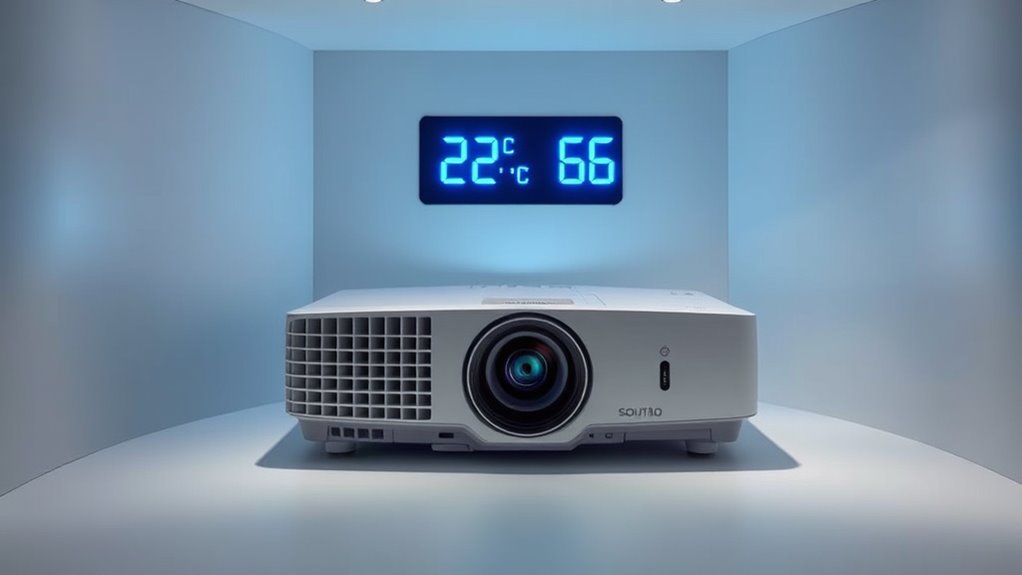

To keep your projector running well, aim for a room temperature between 68-77°F (20-25°C) and humidity levels of 40-60%. Avoid placing it in areas with poor ventilation, high humidity, or extreme temperatures, as these can cause overheating, moisture buildup, or static damage. Proper airflow and moisture control help prevent damage and guarantee ideal performance. Keep these conditions in mind, and you’ll enjoy better image quality and longer device lifespan; learn more to enhance your setup further.
Key Takeaways
- Maintain room temperature between 68-77°F (20-25°C) for optimal projector performance.
- Ensure humidity levels stay within 40-60% to prevent moisture issues and static buildup.
- Use proper ventilation and air circulation to avoid hotspots and overheating.
- Position projectors in well-ventilated, open spaces to support effective cooling.
- Regularly monitor and regulate temperature and humidity to extend device lifespan and ensure consistent operation.
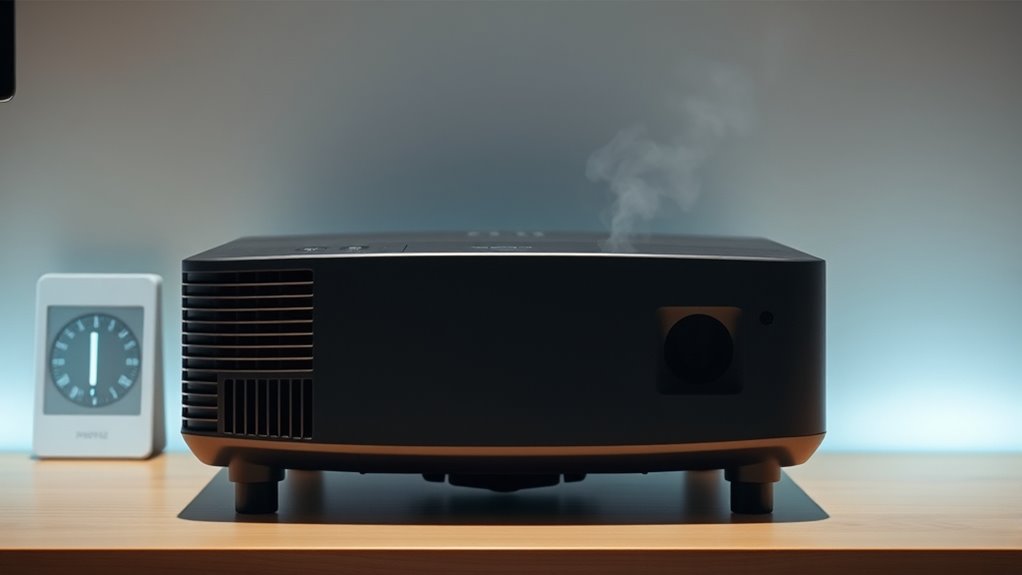
Temperature and humidity are two fundamental factors that directly affect the environment around you. When it comes to guaranteeing your projector runs smoothly, managing these conditions is essential. One of the key elements to consider is air circulation. Proper air circulation helps maintain an even temperature within the room, preventing hotspots that could cause your projector’s internal components to overheat. If the air is stagnant, heat builds up, which may lead to overheating and potential damage. To maximize air circulation, you should position your projector in a well-ventilated space and avoid placing it in confined or enclosed areas. Using fans or air conditioning can help circulate air effectively, ensuring the environment around your projector remains stable and cool. Additionally, ensuring the cooling system of the projector itself is functioning properly is crucial for optimal performance.
Moisture control plays an equally important role in maintaining ideal conditions. Excess humidity can cause moisture to accumulate inside the projector, leading to issues like fogging lenses or internal corrosion. Conversely, too little humidity can cause static buildup, which might damage sensitive electronic parts. To strike the right balance, you need to monitor the room’s humidity levels and use dehumidifiers or humidifiers as needed. Keeping humidity within a recommended range, typically between 40% and 60%, helps prevent condensation while avoiding static-related problems. Proper moisture control not only protects your projector’s delicate components but also guarantees that the image quality remains clear and consistent.
Temperature regulation is also essential for projector performance. Ideally, you want the room temperature to stay between about 68 and 77 degrees Fahrenheit (20-25°C). If it gets too hot, the internal cooling systems of the projector might struggle, causing it to shut down prematurely or operate inefficiently. On the other hand, if the room is too cold, the projector’s internal parts may not function at their best, leading to poor image quality or longer startup times. Maintaining steady temperature levels helps keep your projector running at its best, especially during long presentations or movie screenings. Proper environmental management is vital for extending the lifespan and ensuring consistent performance of your projector.

SMARTRO SC91 Projection Alarm Clock for Bedrooms with Weather Station, Wireless Indoor Outdoor Thermometer, Temperature Humidity Monitor Gauge Hygrometer
TIME TEMPERATURE PROJECTION: Perfect alarm clocks for bedrooms (NOT ATOMIC). The projected temperature changes from indoor temperature to…
As an affiliate, we earn on qualifying purchases.
As an affiliate, we earn on qualifying purchases.
Frequently Asked Questions
How Often Should I Calibrate My Projector’s Temperature Settings?
You should calibrate your projector’s temperature settings every 3 to 6 months to guarantee ideal performance. Regular projector calibration, including temperature adjustment, prevents overheating and maintains image quality. If you notice flickering, unusual noise, or the projector shutting down unexpectedly, it’s a sign you need to recalibrate sooner. Consistent calibration helps prolong your projector’s lifespan and keeps it running smoothly.
Can High Humidity Cause Permanent Damage to My Projector?
High humidity can cause humidity damage to your projector, leading to internal moisture buildup. Over time, this moisture can cause projector corrosion, damaging sensitive components permanently. If exposed to excessive humidity regularly, your projector’s lifespan may shorten, and performance might decline. To prevent this, keep your projector in a dry, well-ventilated space and consider using a dehumidifier if necessary. Proper care helps avoid lasting humidity damage and projector corrosion.
What Are the Signs of Temperature-Related Projector Malfunction?
A stitch in time saves nine. You’ll notice temperature-related projector malfunctions through overheating symptoms like the device shutting down unexpectedly or displaying warning lights. An increase in fan noise often signals the projector struggles to cool itself, indicating it’s overheating. If you ignore these signs, permanent damage could occur. Always keep your projector well-ventilated and check for dust buildup to prevent overheating and guarantee ideal performance.
Are There Portable Devices to Monitor Room Humidity for Projectors?
Yes, you can find portable devices to monitor room humidity for projectors. Humidity sensors and portable hygrometers are compact, easy-to-use tools that give you real-time readings. You just place them in the room, and they help you maintain ideal humidity levels. These devices are perfect for ensuring your projector operates smoothly, preventing malfunctions caused by fluctuating humidity, and making it simple to keep your environment suitable.
How Does Temperature Fluctuation Affect Projector Bulb Lifespan?
Temperature fluctuations can considerably impact your projector bulb lifespan. When it gets too hot or cold, it strains the thermal management system, causing the bulb to wear out faster. Rapid changes in temperature lead to thermal stress, reducing bulb longevity. To protect your projector, ensure it operates within recommended temperature ranges, and maintain proper ventilation. Consistent thermal management helps extend your bulb’s life and ensures reliable performance.

DIGITEN Humidity Controller Pre-Wired Digital Humidistat with Temperature Display, Dual-Stage Outlet Humidifier /Dehumidifier for Mushroom,Reptile, Greenhouse, Fan, Grow Tent
High-precision Swiss-imported humidity sensor: Our humidity controller features a high accuracy sensor that can regulate and maintain humidity…
As an affiliate, we earn on qualifying purchases.
As an affiliate, we earn on qualifying purchases.
Conclusion
By maintaining the right temperature and humidity, you guarantee your projector performs at its best and lasts longer. Don’t you want to enjoy clear visuals without interruptions or damage? Taking simple steps to control your environment can make all the difference. Remember, a little care now saves you from costly repairs or replacements later. So, why settle for subpar performance when you can create the perfect conditions for your projector to shine?

VIVOSUN 4" Inline Exhaust Fan & Speed Controller, Low Noise Workshop 130 CFM Duct Fan for HVAC Ventilation, Vent Booster Fan in Grow Tents, Basements, Bathrooms, Kitchens, Attics and 3D Printer
Powerful Airflow: Delivers strong airflow up to 130 CFM, efficiently enhancing ventilation and removing exhaust; Ideal for grow…
As an affiliate, we earn on qualifying purchases.
As an affiliate, we earn on qualifying purchases.

Midea 1,500 Sq. Ft. Energy Star Certified Dehumidifier With Reusable Air Filter 22 Pint – Ideal For Basements, Large & Medium Sized Rooms, And Bathrooms (White)
1,500 SQ. FT. DEHUMIDIFIER – Removes up to 22 pints of moisture per day with an adjustable humidity…
As an affiliate, we earn on qualifying purchases.
As an affiliate, we earn on qualifying purchases.