To choose the right furniture for your projectors, consider sturdy TV stands or shelves that can support both traditional and ultra short throw units securely. Look for features like adjustable shelving, cable management options, and mounting possibilities to keep cords organized and guarantee stability. For UST projectors, low-profile stands or custom mounts work best near the wall. Selecting furniture that complements your space and offers easy access will enhance performance and aesthetics—if you continue exploring, you’ll discover even more tips.

Get business pricing on your home office setup
- Business-only prices and quantity discounts
- Tax-exempt purchasing
- Multiple users, one account, clear invoices
Key Takeaways
- Choose sturdy, adjustable furniture with open compartments or shelves to securely support both UST and standard projectors.
- Opt for low-profile, stable TV stands with mounting options for UST projectors close to the wall.
- Prioritize furniture with built-in cable management features like grommet holes and cable sleeves for a tidy setup.
- Ensure the furniture allows easy access for maintenance and adjustments of the projector.
- Select designs that complement room aesthetics while providing stability and functionality for your projector setup.
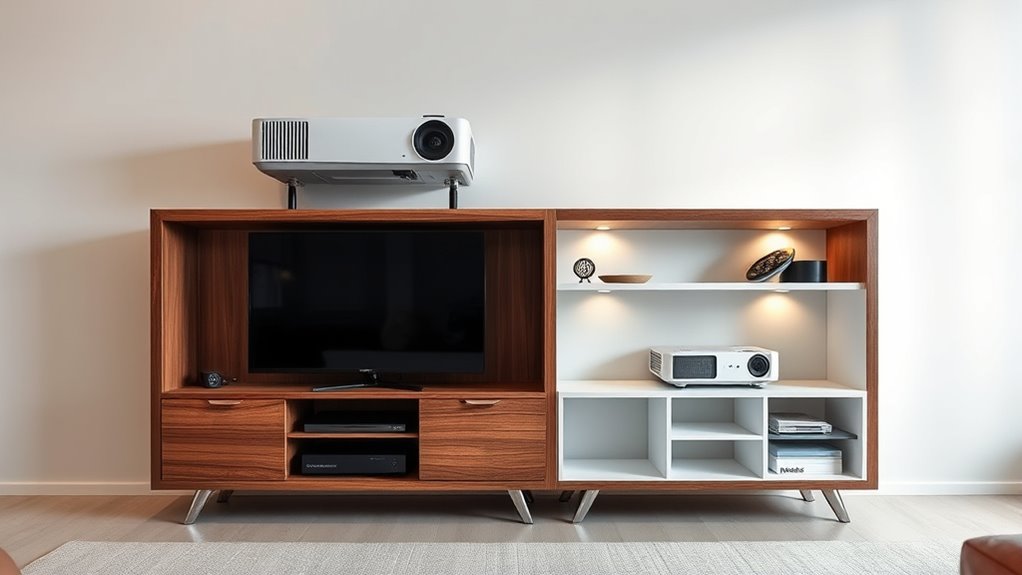
When setting up a projector in your space, choosing the right furniture is essential to guarantee ideal performance and a clean look. The type of furniture you select can influence not only the aesthetics but also the functionality of your setup. Whether you’re using a standard projection unit or a ultra short throw (UST) projector, your furniture needs to accommodate the specific mounting options and cable management requirements that come with each.
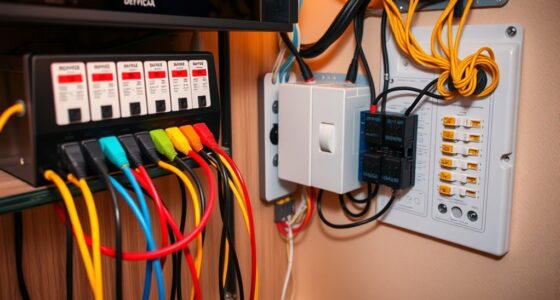
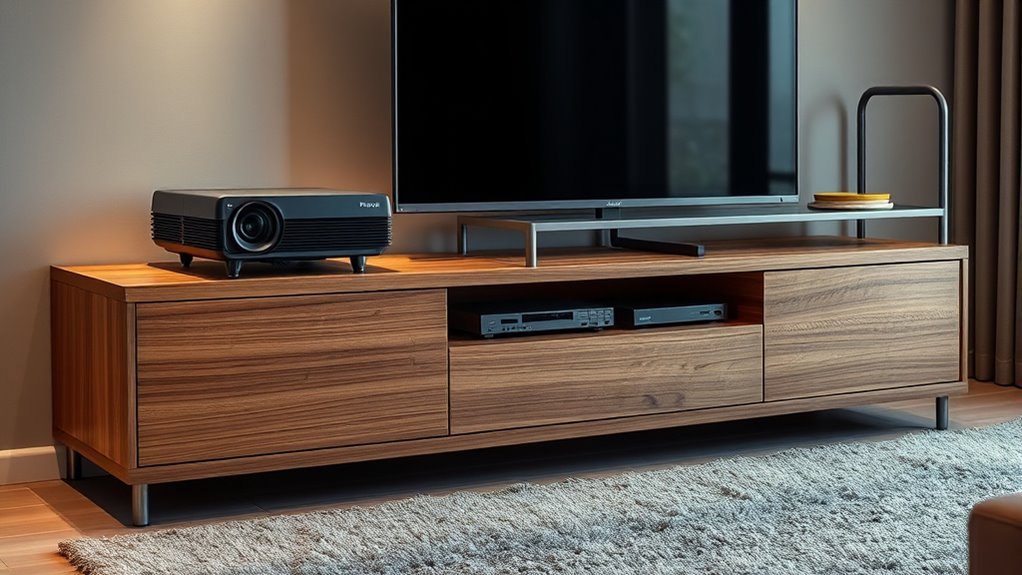
For traditional projectors, a sturdy TV stand or a dedicated shelf often works best. Look for furniture that offers adjustable shelving or open compartments, which can help you position your projector at the optimal height and angle. When considering mounting options, ensure the furniture provides enough space or mounting brackets to secure the projector safely. Wall mounts or ceiling mounts are common for standard units, but the furniture should also allow easy access for adjustments or maintenance. Good cable management is vital here. Choose a piece with built-in channels, grommet holes, or cable sleeves to keep cords organized and hidden. This prevents tangling and creates a tidy appearance, reducing the risk of tripping or accidental disconnections.
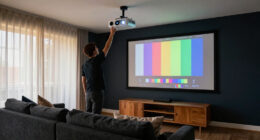
When it comes to UST projectors, the furniture requirements shift slightly because these units are designed to sit very close to the screen or wall. Many UST projectors are mounted directly on the furniture, so your choice should focus on stability and versatility. A low-profile TV stand with a flat surface can accommodate the projector, but it should also include mounting options for secure attachment. Think about furniture with dedicated mounting brackets or the ability to easily integrate a custom mount. Cable management remains a key concern—since UST projectors often have multiple cords, your furniture should facilitate clean routing behind or within the unit. Look for stands with cable holes, concealment features, or cable clips to hide clutter and keep everything tidy. Additionally, understanding the contrast ratio of your projector can help you select furniture that minimizes glare and reflections, enhancing your viewing experience.
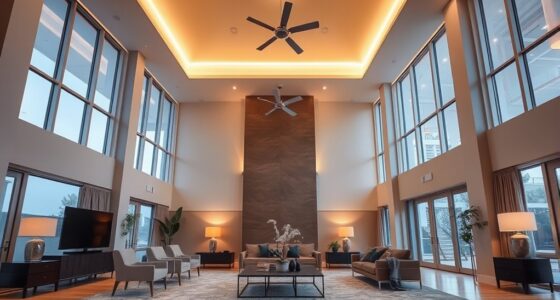
In both cases, the furniture should complement your room’s aesthetic while providing the necessary support and organization. Keep in mind that the right choice enhances your viewing experience by minimizing distractions and guaranteeing your projector performs at its best. Well-designed furniture with thoughtful mounting options and effective cable management makes setup easier, keeps everything neat, and allows you to enjoy movies and presentations without worry. Ultimately, investing in the right furniture tailored to your projector type ensures a sleek, functional, and professional-looking setup that stands the test of time.
Products Worth Considering

Dyson Big Ball Multi Floor Canister Vacuum, Yellow

Shark AV2501AE AI Robot Vacuum with XL HEPA Self-Empty Base

Blueair Blue Pure 211i Max Air Purifier for Large Rooms
As an affiliate, we earn on qualifying purchases.
Frequently Asked Questions
How Do I Measure My Projector to Ensure the Stand Fits?
To guarantee your stand fits your projector, measure your projector size carefully. Check its width, depth, and height, then compare these dimensions to the stand’s dimensions. Make sure there’s enough space for ventilation and future upgrades. Also, consider the weight capacity of the stand to support your projector securely. This way, you’ll find a stand that comfortably fits your projector and meets your viewing needs.
What Materials Are Best for Heat Dissipation in TV Stands?
Did you know that proper ventilation design can extend your TV stand’s lifespan by up to 30%? For heat dissipation, choose stands made from materials like metal or high-quality wood with open slats. These materials offer excellent ventilation, preventing overheating. Prioritize durability and airflow to protect your electronics, ensuring your stand remains sturdy and efficient over time. Good ventilation design and durable materials are key to ideal heat management.
Can I Customize Shelves for Specific Projector Models?
Yes, you can customize shelves for specific projector models. Look for furniture with customizable shelf designs and adjustable shelving options, so you can tailor the space to fit your projector’s size and ventilation needs. This flexibility guarantees your projector stays secure and well-ventilated, enhancing performance and longevity. By choosing versatile furniture, you make sure your setup is both functional and tailored precisely to your equipment.
Are There Weight Limits for Different TV Stand Materials?
Yes, different TV stand materials have weight limits based on their weight capacity and material durability. For example, metal stands usually hold more weight than glass or thin wood ones. Always check the manufacturer’s specifications to verify the stand can support your projector or TV’s weight. Ignoring these limits can lead to damage or safety risks, so choose a stand that matches your equipment’s weight requirements.
How Do I Hide Cables Effectively on Projector Furniture?
To hide cables effectively on projector furniture, focus on cable management and wire concealment. Use built-in cable channels, grommets, or adhesive cable clips to route wires neatly along the furniture’s back or sides. You can also hide wires behind panels or inside hollow legs. Velcro straps or cable sleeves keep cords organized, preventing clutter and damage. Regularly check and adjust these solutions to maintain a clean, streamlined appearance.
Conclusion
In your quest for the perfect projector furniture, remember you’re crafting the stage for your home cinema masterpiece. Whether you choose sleek TV stands or versatile shelves, let your selection be the cornerstone of a seamless, immersive experience. Like a skilled conductor guiding an orchestra, your furniture sets the tone for visual harmony. Trust your instincts and create a space where every movie night feels as grand as a premiere, transforming your room into a private cinematic sanctuary.