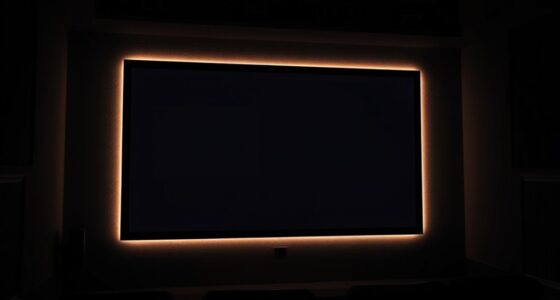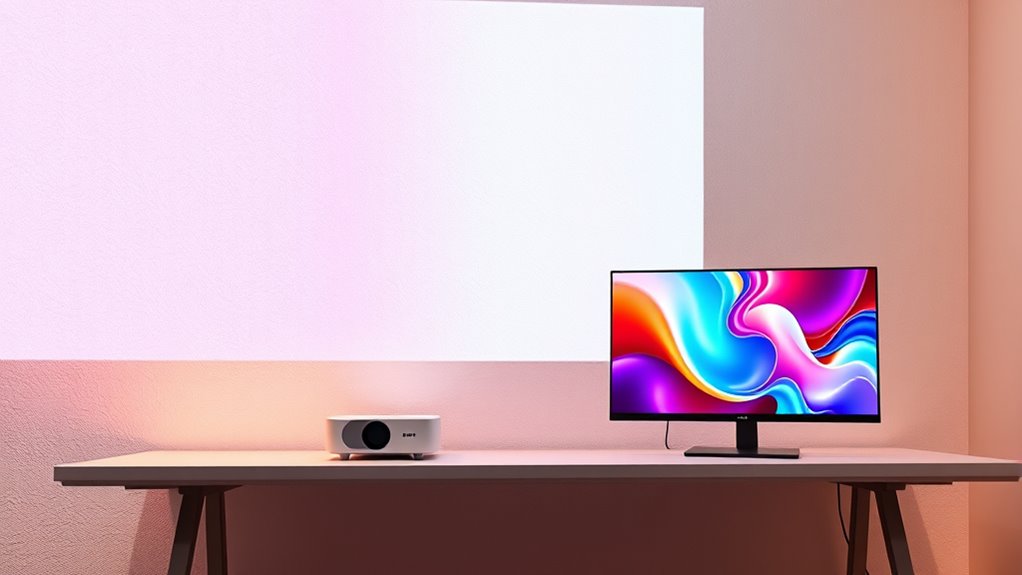

When comparing projectors and monitors beyond size, consider image quality, clarity, and environment. Monitors offer sharper images, higher resolution, and consistent brightness, making them ideal for detailed tasks or gaming. Projectors provide larger visuals but often struggle with brightness and resolution, especially in well-lit spaces. They excel in portability and large displays. If you’re curious about which suits your needs best and want more details, there’s plenty more to uncover.

Get business pricing on your home office setup
- Business-only prices and quantity discounts
- Tax-exempt purchasing
- Multiple users, one account, clear invoices
Key Takeaways
- Monitors offer higher resolution, sharper images, and better color accuracy, ideal for detailed tasks like graphic design and gaming.
- Projectors excel at displaying large images on various surfaces, suitable for presentations and big-screen entertainment.
- Monitors are generally static and less portable, whereas projectors are lightweight and designed for mobility and outdoor use.
- Monitors perform consistently in various lighting conditions, while projectors require darker environments for optimal image clarity.
- Technological advances are narrowing quality gaps, but monitors still outperform projectors in precision, resolution, and color fidelity.
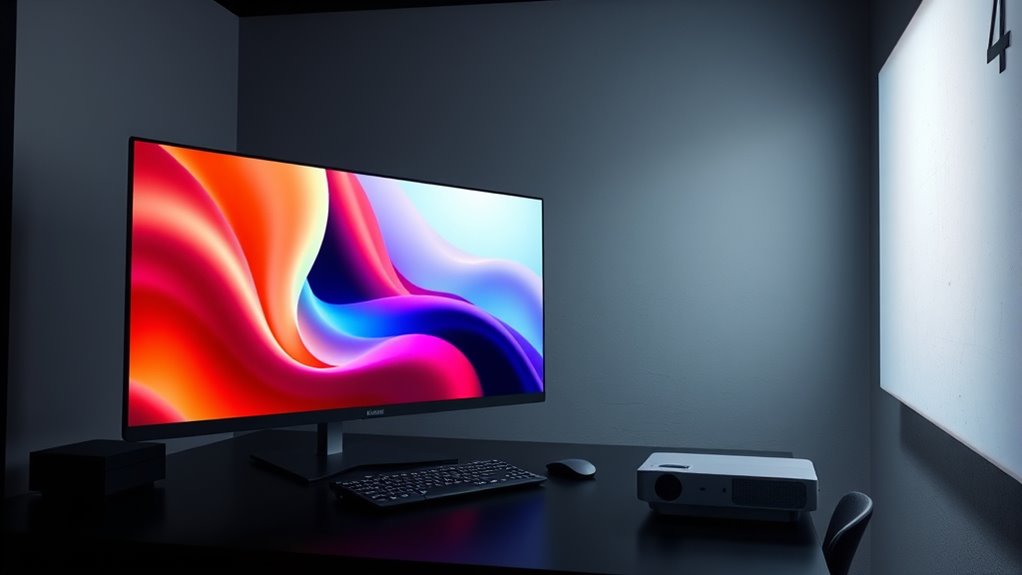
When deciding between a projector and a monitor, understanding their core differences can help you choose the best option for your needs. One of the most noticeable distinctions is image quality. Monitors typically offer sharper, more detailed images with higher resolution options, making them ideal for tasks that require precision, like graphic design or gaming. They provide consistent brightness and contrast, ensuring that colors remain vibrant and clear regardless of ambient lighting. Projectors, on the other hand, can sometimes struggle with image quality, especially in well-lit environments. While high-end models can produce impressive visuals, most projectors tend to have lower resolution and contrast ratios, which can lead to softer images and less crisp detail. If your work or entertainment demands sharp visuals, a monitor usually delivers better image quality.
Portability is another key factor to deliberate. Monitors are generally compact and designed to stay in one place. They’re easy to set up on a desk and require minimal space, making them perfect for a dedicated workspace or gaming station. While some monitors are portable, most are intended for static use. Projectors, however, shine when it comes to portability. Many models are lightweight and designed with mobility in mind, allowing you to easily move them between rooms or even take them on the go. Portable projectors are compact enough to fit in a bag, making them convenient for presentations, outdoor movie nights, or impromptu gatherings. This flexibility means you can project a large image on any suitable surface without being tied to a fixed location.
Choosing between a projector and a monitor depends heavily on how you prioritize image quality and portability. If you need crisp visuals for detailed work or gaming, a monitor is usually the better choice. Its superior image quality and stability make it ideal for close-up viewing and tasks that require precision. But if you value versatility and the ability to display large images anywhere, a projector’s portability can substantially enhance your experience. It allows you to enjoy big-screen entertainment or presentations without the constraints of a fixed setup. Additionally, recent advancements in projector technology have helped reduce issues with brightness and resolution, making them more competitive with monitors in certain scenarios. Ultimately, your decision hinges on your specific needs—whether you prioritize the sharpness and clarity of a monitor or the flexibility and size of a projector.
high resolution computer monitor for gaming
As an affiliate, we earn on qualifying purchases.
As an affiliate, we earn on qualifying purchases.
Frequently Asked Questions
Which Device Offers Better Color Accuracy for Professional Editing?
You’ll find monitors generally offer better color accuracy for professional editing. They allow for precise color calibration, ensuring consistent display precision essential for detailed work. Monitors are designed with higher color fidelity and support for professional color spaces like Adobe RGB or DCI-P3, making them ideal for editing. Projectors, on the other hand, tend to have less reliable color calibration, making them less suitable for tasks demanding exact color accuracy.
How Do Projectors Perform in Outdoor Lighting Conditions?
Like a lighthouse battling stormy seas, projectors struggle outdoors in bright ambient lighting. You’ll find outdoor visibility diminishes markedly under direct sunlight or strong ambient light, making it hard to see images clearly. To get the best performance, use a high-lumen projector in shaded areas and dim surroundings. Otherwise, outdoor lighting hampers image quality, and a monitor might be a better choice for bright environments.
What Are the Maintenance Requirements for Each Device?
You need to keep up with cleaning routines for both devices to guarantee peak performance. For projectors, regularly clean the air filters and lens, and replace bulbs when needed. Monitors require dusting and occasional screen cleaning with appropriate wipes. Both may need replacement parts like cables or filters over time. Staying on top of maintenance helps extend your device’s lifespan and maintain clear, vibrant displays.
Can a Monitor Be Used Effectively for Gaming in a Large Room?
Yes, you can use a monitor effectively for gaming in a large room. Just verify it has high screen brightness to combat ambient light and good sound quality for an immersive experience. A monitor with a high refresh rate and low response time enhances gameplay, while adjustable brightness and sound settings let you customize your setup. Keep the room’s lighting optimized to prevent glare and improve visibility during intense gaming sessions.
What Are the Energy Consumption Differences Between Projectors and Monitors?
You’ll find that monitors generally consume less power than projectors, making them more energy-efficient for daily use. Monitors have lower power consumption because they rely on LED or LCD technology, which is more energy-efficient than the lamp-based systems in many projectors. While projectors can use more energy, especially during bright image projection, monitors keep your energy costs down and are more suitable for consistent, long-term use.
portable mini projector for outdoor movies
As an affiliate, we earn on qualifying purchases.
As an affiliate, we earn on qualifying purchases.
Conclusion
So, whether you choose a projector or a monitor, you’re selecting between size and clarity, portability and precision, immersion and focus. Both serve different needs, both cater to different experiences. The projector offers a sprawling canvas, the monitor a sharp, detailed view. Your choice depends on what you value most: the expansive display or the crisp image. Whichever you pick, remember, it’s about creating an environment that fits your vision and elevates your experience.
As an affiliate, we earn on qualifying purchases.
compact portable projector for presentations
As an affiliate, we earn on qualifying purchases.
As an affiliate, we earn on qualifying purchases.
Fall Picks
fall essentials
As an affiliate, we earn on qualifying purchases.