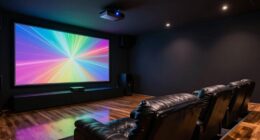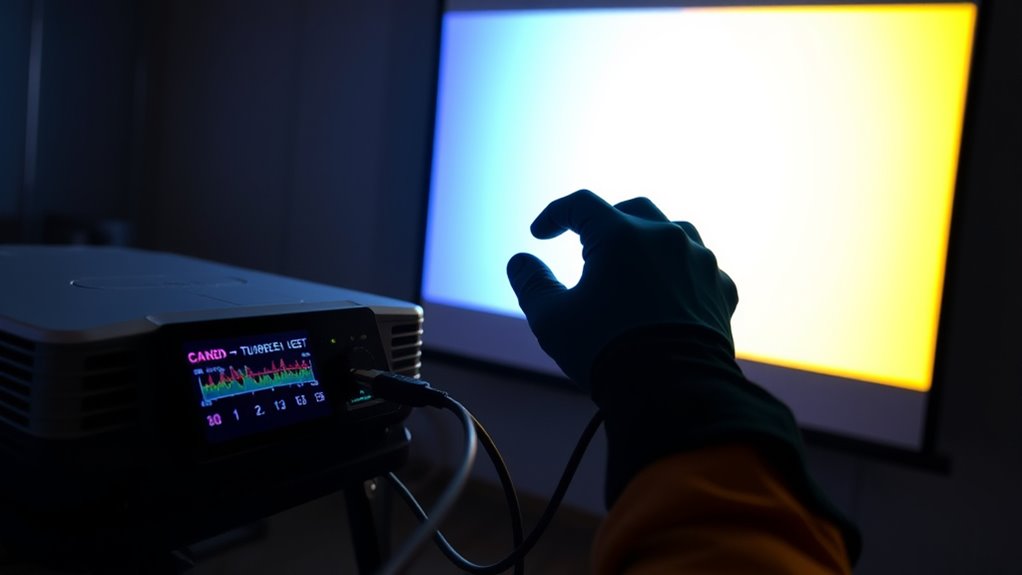

Calibration is the process of adjusting your projector to display accurate colors, proper geometry, and clear images. By using calibration tools like built-in test patterns and reference images, you can fine-tune settings such as contrast, brightness, and color balance for the best picture quality. Proper calibration guarantees your images look true to life and avoid distortions. Keep exploring to discover more about the key tools and techniques that can help you achieve perfect calibration.
Key Takeaways
- Calibration adjusts a projector’s color, contrast, and geometric settings to ensure accurate image reproduction.
- It involves using built-in test patterns or reference images to guide adjustments.
- Alignment techniques correct distortions like keystone effect, lens shift, and shape irregularities.
- Calibration tools include software, test patterns, and colorimeters that enhance accuracy and ease of setup.
- Proper calibration ensures vibrant, true-to-life images, improving overall viewing quality and color precision.
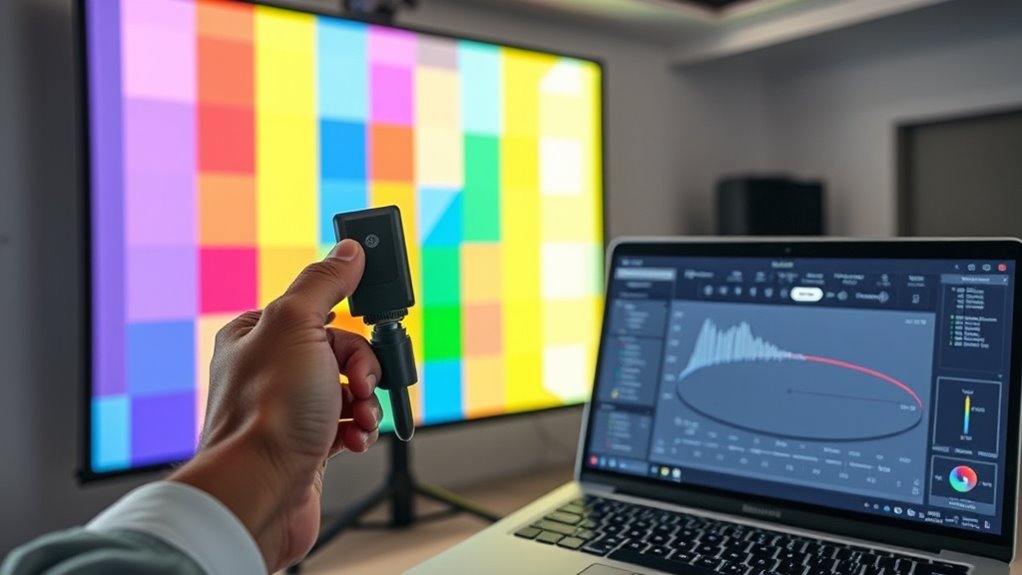
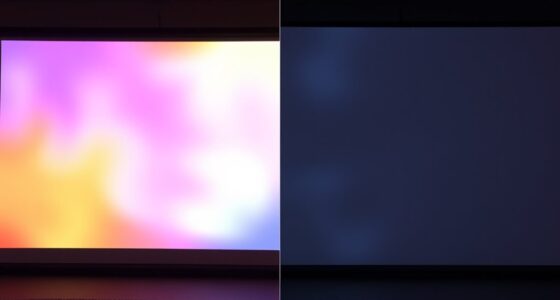
Calibration is a fundamental process that guarantees your measurement tools provide accurate and reliable results. When it comes to projectors, calibration becomes especially important because it ensures that what you see on the screen matches real-world colors and proportions. One of the key aspects of this process is achieving excellent color accuracy. If your projector isn’t properly calibrated, images can appear washed out, overly saturated, or with tints that distort the intended colors. This can be frustrating, especially if you’re using your projector for professional presentations, color-sensitive media, or home theater setups. Proper calibration helps you fine-tune the projector so that the colors look natural and true to life, making your visuals more engaging and precise.
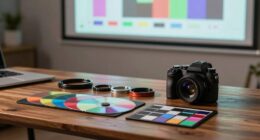
Achieving peak color accuracy relies heavily on understanding and employing effective alignment techniques. These techniques involve adjusting various settings such as contrast, brightness, and color balance to match a standard reference. Many calibration tools come with built-in test patterns and reference images that guide you through these adjustments. For example, you might use a test pattern with primary and secondary colors to evaluate how accurately your projector reproduces each hue. You’ll then tweak the settings until the colors on your screen match the reference images as closely as possible. This process often involves adjusting the color temperature and gamma settings to ensure consistent color reproduction across different scenes and lighting conditions.
Alignment techniques also play a vital role in correcting geometric distortions and ensuring the image is properly centered and proportioned. This includes adjusting keystone correction, lens shift, and zoom settings to make sure the projected image is perfectly rectangular and aligned with your screen. Many modern projectors come with automatic alignment features, but manual adjustments often yield more precise results, especially in professional or high-end setups. By carefully aligning the image, you eliminate issues like skewed edges, uneven borders, or distorted shapes, creating a seamless viewing experience. Proper alignment combined with accurate color calibration ensures your projector delivers a crisp, vibrant, and true-to-life picture. Additionally, understanding the latest projector calibration tools can simplify this process and improve overall accuracy.
![Projector-4K with WiFi and Bluetooth:[3500 ANSI/60W Dolby Audio/Official Licensed Apps], Outdoor-Projector with Smart OS 2.0 & AI Auto Focus,ONOAYO ONO5Pro 2.0 Smart Movie Projector for Indoor/Outdoor](https://m.media-amazon.com/images/I/41fylkjOTIL._SL500_.jpg)
Projector-4K with WiFi and Bluetooth:[3500 ANSI/60W Dolby Audio/Official Licensed Apps], Outdoor-Projector with Smart OS 2.0 & AI Auto Focus,ONOAYO ONO5Pro 2.0 Smart Movie Projector for Indoor/Outdoor
[Hear the Difference–Hollywood-Grade Dual 60W Dolby Audio] Why spend $500 on a TV + soundbar or settle for...
As an affiliate, we earn on qualifying purchases.
Frequently Asked Questions
How Often Should Projector Calibration Be Performed?
You should perform projector calibration every 3 to 6 months to maintain ideal color accuracy. Regular calibration ensures your projector’s color and image quality stay consistent, especially if you frequently use it or move it around. Environmental factors like lighting and temperature changes can affect calibration, so sticking to a routine helps prevent color inaccuracies. Keep an eye on your projector’s performance and calibrate more often if you notice color shifts.
Can Calibration Fix All Projector Color Issues?
Calibration can substantially improve your projector’s color accuracy, but it can’t fix all color issues. While it corrects many discrepancies, calibration has limitations, especially if your projector has hardware problems or aging components. You might see some issues persist despite calibration efforts. To achieve the best results, combine calibration with proper maintenance and consider hardware upgrades if persistent color problems remain.
Is Professional Calibration Necessary for Home Projectors?
Do you really want the best picture quality from your home projector? While DIY calibration can improve your image, professional services guarantee precise color accuracy and peak performance. Is saving a little now worth sacrificing clarity and color fidelity? If you seek top-tier results and a hassle-free experience, investing in professional calibration is worth it. You’ll enjoy vibrant, accurate visuals, making your home theater truly spectacular.
What Tools Are Best for Beginner Projector Calibration?
For beginner projector calibration, start with user-friendly tools like colorimeter or calibration discs. These tools help you improve color accuracy and simplify the calibration process, making it easier to achieve better image quality. You don’t need advanced equipment at first; basic tools will guide you through adjusting settings like brightness, contrast, and color temperature. With patience, you’ll see a noticeable difference in your projector’s picture.
How Does Calibration Impact Projector Lifespan?
Calibration impacts your projector’s lifespan by optimizing performance and reducing strain on components. Think of it like regular maintenance; neglecting calibration can cause parts to work harder, leading to faster wear. By maintaining proper calibration and following recommended calibration frequency, you extend your projector’s life, avoiding costly repairs. Proper projector maintenance ensures that calibration keeps your image sharp and functioning smoothly, ultimately prolonging the device’s overall durability and effectiveness.

Official Licensed Google TV Smart Projector, HAPPRUN 4K UHD Home Theater with Dolby Sound, Wi-Fi & Bluetooth, Built-in Streaming Apps, Compatible with Games Consoles & Smartphone, Indoor & Outdoor Use
[ Built-in Official Licensed Google TV ] - Without additional equipment, the smart projector can directly access Netflix,...
As an affiliate, we earn on qualifying purchases.
Conclusion
Now that you understand the basics of projector calibration, think of it as tuning a musical instrument to produce perfect harmony. With the right tools and a keen eye, you’ll bring your projector’s colors and image quality into crisp, vibrant focus—like a painter perfecting every stroke. Calibration isn’t just a technical task; it’s your secret ingredient for transforming a simple projection into a breathtaking visual masterpiece. Get ready to see your world in a whole new light.

HAPPRUN 2500 ANSI Lumens Outdoor Projector with Built-in Streaming Apps, 4K Decoding Resolution, Dolby Audio, WiFi 6 and Bluetooth 5.2 for Indoor and Outdoor Home Theater
[ Built-in Streaming System ] – No extra equipment needed. This smart projector gives you direct access to...
As an affiliate, we earn on qualifying purchases.

Epson Home Cinema 3800 4K PRO-UHD 3-Chip Projector with HDR
4K PRO-UHD (1) Projection technology — a new type of 4K home theater experience, utilizing advanced technologies for...
As an affiliate, we earn on qualifying purchases.