
To troubleshoot color gamut and coverage issues safely, start by ensuring your device is properly calibrated with reliable tools like a spectrophotometer. Check if your colors fall within the device’s gamut and adjust settings such as color space, brightness, and contrast accordingly. Regularly verify calibration and keep environmental factors stable. If you follow these steps, you’ll reduce errors and improve accuracy—continue exploring to master safe, effective troubleshooting techniques.
Key Takeaways
- Regularly calibrate devices to ensure accurate color reproduction and identify coverage gaps early.
- Use standardized color charts and spectrophotometers for precise measurement and verification.
- Match device color spaces (sRGB, Adobe RGB) to project requirements to prevent gamut limitations.
- Maintain consistent environmental conditions, such as lighting and humidity, to reduce calibration drift.
- Document calibration procedures and results for ongoing safety, quality control, and troubleshooting.

EIMSOAH Portable Handheld Colorimeter Spectrophotometer, Auto Calibration Color Difference Tester with 6mm Test Aperture and IPS Touchscreen, Color Measurement Instrument
Objective Reflectance Data: Color measurement on the of materials containing fluorescence can still provide stable and objective reflectance…
As an affiliate, we earn on qualifying purchases.
As an affiliate, we earn on qualifying purchases.
Recognizing Common Gamut and Coverage Issues
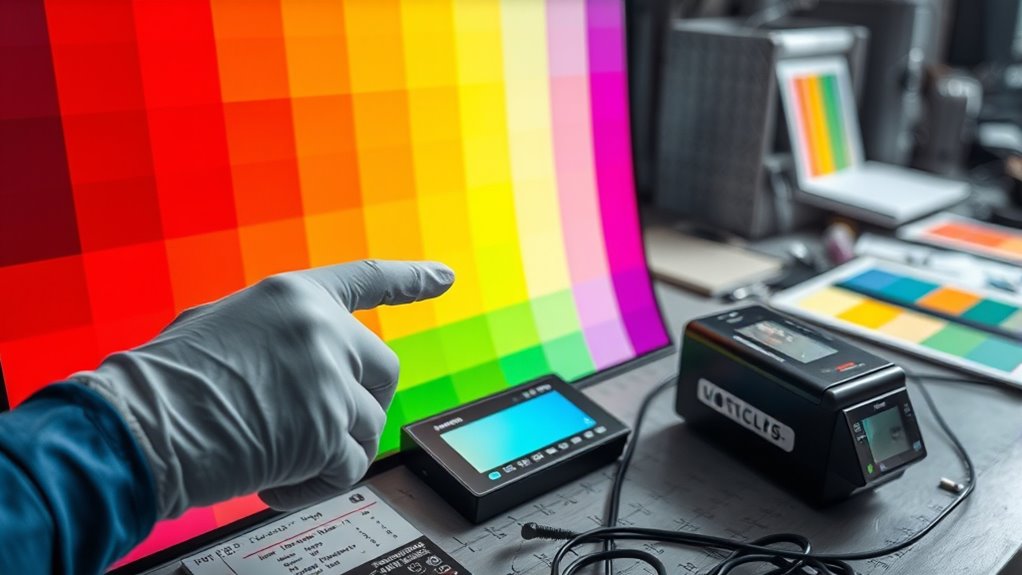
Understanding common gamut and coverage issues is essential for diagnosing color reproduction problems. These issues often stem from limitations within a device’s color space, which defines the range of colors it can display or reproduce. When a color falls outside the device’s gamut, it can’t be accurately rendered, leading to dull or oversaturated images. Recognizing signs of inadequate coverage helps you identify whether the problem originates from the source or the output device. Proper calibration techniques are vital here, as they align your device’s color output with industry standards, ensuring accurate color rendering. Additionally, color space limitations can contribute to coverage issues, making it crucial to select the appropriate device settings for your needs. By understanding the relationship between color space constraints and calibration, you can better diagnose and address coverage issues, ultimately improving the fidelity of your color reproduction.

Calibrite Display 123 Monitor Calibration Colorimeter for Photo Editing and Color Accurate Viewing, Easy 1 2 3 Software Workflow, USB C Connection, and Before and After Check, Supports 2 Displays
SPECIFICATIONS: Monitor calibration colorimeter with Easy 1 2 3 software workflow, USB C connection, compact body approx. 34mm…
As an affiliate, we earn on qualifying purchases.
As an affiliate, we earn on qualifying purchases.
Tools and Techniques for Accurate Color Assessment
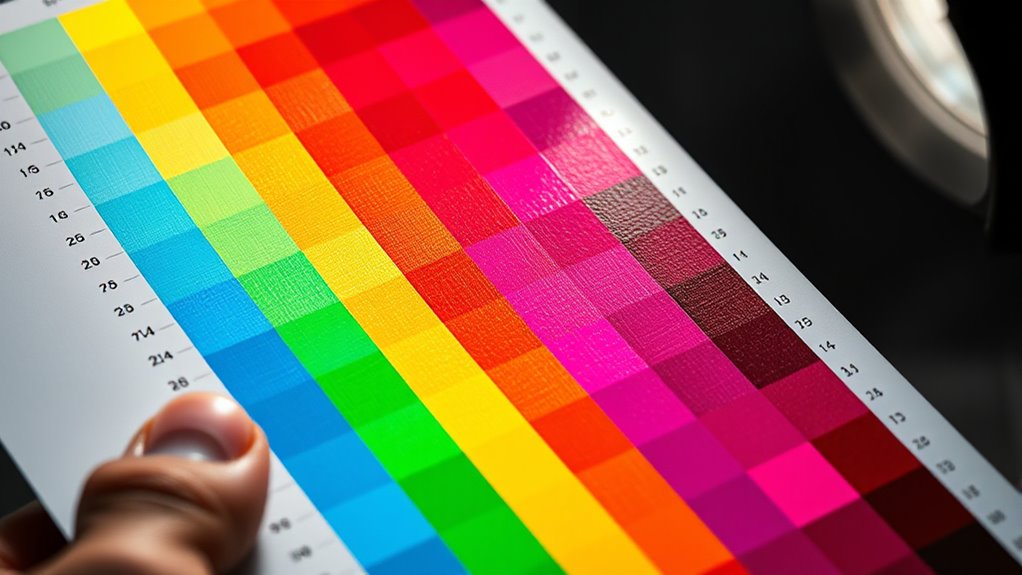
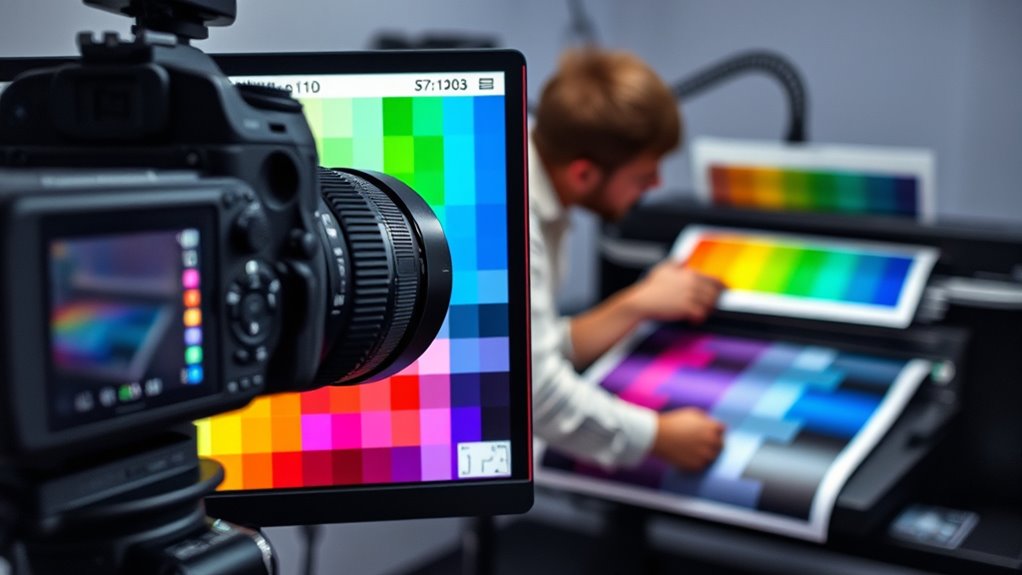
Accurate color evaluation relies on a combination of reliable tools and precise techniques to guarantee your device’s output matches intended colors. To achieve this, start with proper color calibration, ensuring your monitor or printer displays colors accurately. Using a spectrophotometer calibration device allows you to measure color output precisely, providing data needed to adjust your equipment. Regular calibration ensures consistency and minimizes discrepancies between devices. When analyzing colors, employ standardized testing procedures and reference color charts to verify accuracy. Document your calibration results and adjustments for future reference. Employing these tools and techniques helps you identify color mismatches early, maintain color fidelity, and produce consistent, high-quality results across all your devices. Incorporating passive voice detection into your editing process can further enhance clarity and precision in your color documentation.

datacolor Spyder – Monitor Calibrator for Graphic Designers, Photographers, and Content Creators, Shows You True Colors, Works on OLED Monitors & LED Screens, Easy-to-Use Color Calibration Tool
Color “Surprises” Are a Thing of the Past: Datacolor’s exclusive DevicePreview TM Beta feature simulates what your photos…
As an affiliate, we earn on qualifying purchases.
As an affiliate, we earn on qualifying purchases.
Adjusting Settings for Optimal Color Reproduction
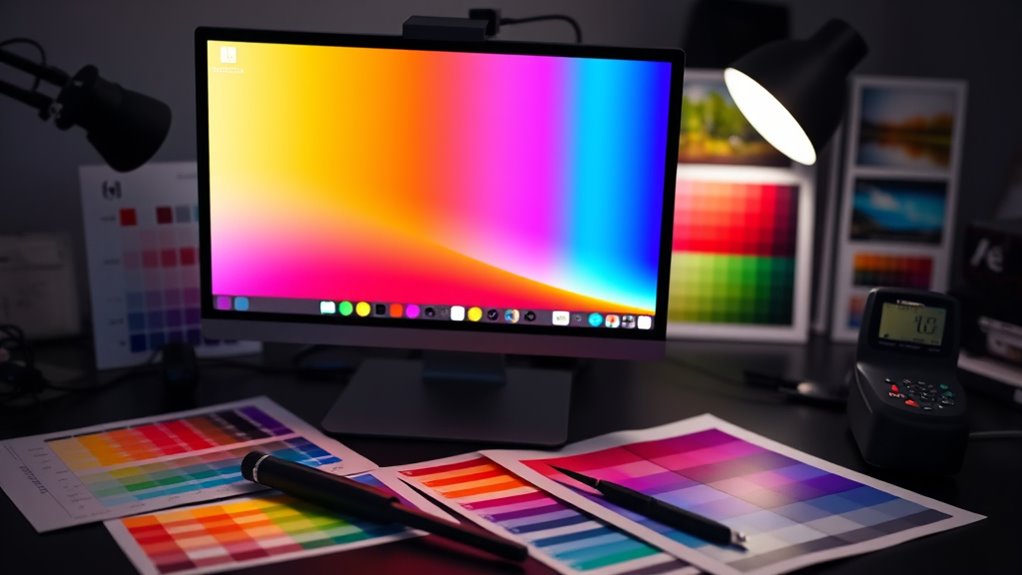
To achieve the best color reproduction, you need to fine-tune your device settings carefully. Start by performing proper color calibration to ensure your display shows accurate colors. Use display profiling tools to create a custom profile tailored to your device’s characteristics. This step helps correct any color discrepancies and improves overall consistency. Next, adjust the monitor’s brightness and contrast to match your working environment. Ensure your color settings are set to the correct color space, such as sRGB or Adobe RGB, depending on your needs. Finally, revisit calibration periodically to maintain ideal accuracy. Here’s a quick guide:
Achieve optimal color accuracy through regular calibration, proper profiling, and correct color space settings.
- Perform color calibration regularly
- Use display profiling for custom adjustments
- Fine-tune brightness and contrast
- Set the correct color space for your work
- Consider using headphones to listen for color accuracy and avoid visual fatigue during long calibration sessions

Calibrite ColorChecker Studio Spectrophotometer for Complete Color Management for Display, Projector, Printer and Scanner Profiling Software, w/ColorChecker Classic Mini for Custom Camera Profiling
SPECIFICATIONS: All in one spectrophotometer for camera to print color control, supports monitor display and projector profiling plus…
As an affiliate, we earn on qualifying purchases.
As an affiliate, we earn on qualifying purchases.
Preventative Measures to Maintain Consistency
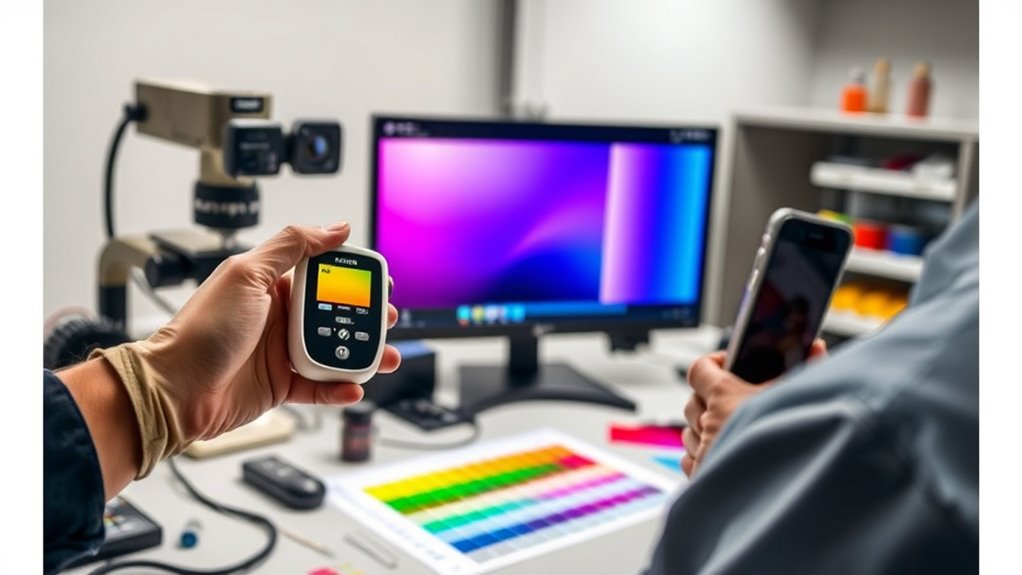
Maintaining consistent color reproduction over time requires proactive measures to prevent drift and discrepancies. Regular monitor calibration ensures your display accurately reflects color data, reducing errors caused by shifting brightness or contrast. Additionally, verifying ink compatibility is essential; using inks formulated for your specific printer and media minimizes color inconsistencies and coverage issues. Keep calibration tools up to date and perform checks at scheduled intervals, especially before critical print jobs. Establishing a routine for inspecting ink compatibility—such as checking expiration dates and storage conditions—helps maintain color accuracy. Understanding color accuracy and how it impacts overall image quality is crucial for achieving consistent results. These practices help create a stable environment, preventing unexpected color shifts and coverage problems. By staying vigilant with monitor calibration and ink compatibility, you maintain a high standard of color consistency across your projects.
Troubleshooting Case Studies and Practical Tips
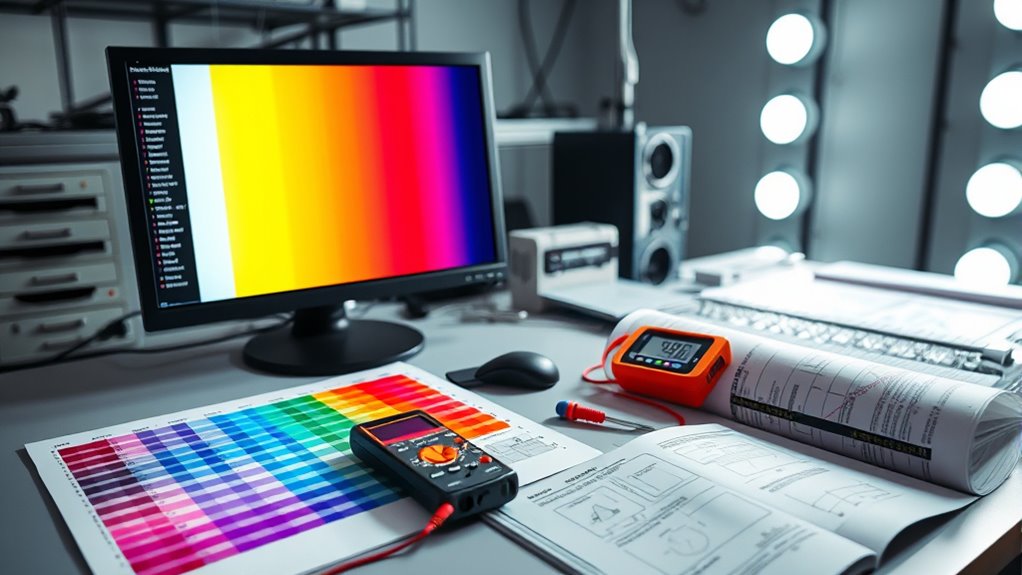
When troubleshooting color coverage issues, reviewing real-world case studies can reveal common pitfalls and effective solutions. For example, inconsistent color calibration often causes coverage gaps, while environmental factors like lighting and humidity can skew results. By analyzing these cases, you learn to identify patterns and correct them quickly. Here are practical tips:
- Regularly perform color calibration to ensure consistency across devices.
- Control environmental factors by maintaining stable lighting and humidity levels.
- Check for calibration drift after environmental changes or equipment updates.
- Use test charts to verify coverage accuracy before full production runs.
- Understanding vetted materials and their properties can help prevent coverage problems caused by incompatible substrates.
These steps help you troubleshoot effectively, minimize coverage problems, and ensure your colors stay true regardless of environmental influences.
Frequently Asked Questions
How Does Ambient Lighting Affect Color Gamut Accuracy?
Ambient light greatly affects your color perception and the accuracy of color gamut display. When there’s too much ambient light, colors may appear washed out or less vibrant, making it harder to see true colors. Conversely, low ambient light helps you perceive colors more accurately, as the display’s brightness and contrast are more effective. To guarantee accurate color reproduction, control ambient lighting conditions around your workspace.
Can Color Gamut Issues Impact Print Durability?
Yes, color gamut issues can impact print durability. When the color accuracy is compromised, it often indicates that the ink may not be properly formulated or applied, which can reduce ink longevity. This means your prints might fade or degrade faster over time. To guarantee durability, it’s essential to troubleshoot color gamut problems to maintain proper ink adhesion and consistency, ultimately extending the lifespan of your prints.
Are There Specific Color Profiles for Different Media Types?
Yes, there are specific color profiles for different media types. You should use media-specific color profiles to guarantee accurate color reproduction. Color profile mismatches can cause colors to appear off or dull, so always select the correct profile for the media you’re printing on. Doing this helps maintain color consistency, improves print quality, and prevents costly reprints. Always check and update your profiles to match the media you’re working with.
How Often Should Calibration Be Performed to Maintain Coverage?
Don’t put off until tomorrow what you should do today—calibration frequency is key to maintaining coverage consistency. You should calibrate your equipment at least once a month, or more often if you notice color shifts or inconsistencies. Regular calibration guarantees your colors stay true and coverage remains accurate. Staying on top of this routine helps prevent costly mistakes and keeps your work looking professional and reliable over time.
What Are the Long-Term Effects of Using Low-Quality Inks?
Using low-quality inks can severely impact your prints over time. Poor ink quality often leads to reduced color longevity, causing your images to fade faster. It may also harm your equipment, creating clogs or damage that require costly repairs. In the long run, you’ll spend more on replacements and reprints. To guarantee vibrant, durable results, always choose high-quality inks that support consistent color and coverage.
Conclusion
Think of managing color gamut and coverage like tuning a musical instrument—you need the right tools and a keen ear. When I first started troubleshooting, I struggled until I realized small adjustments made a big difference, like tuning a guitar string. With patience and the right techniques, you’ll keep your colors in harmony. Remember, consistent maintenance prevents dissonance, ensuring your projects always hit the right note in vibrant, accurate color.