
TL;DR

Get business pricing on your home office setup
- Business-only prices and quantity discounts
- Tax-exempt purchasing
- Multiple users, one account, clear invoices
A 4K UHD projector can create a giant, cinematic image in your home. But size, brightness, contrast, and setup matter more than the resolution alone. Learn how to pick the best for your space.
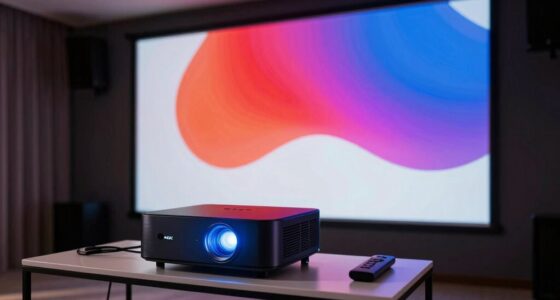
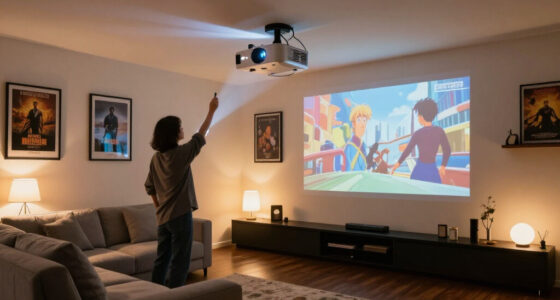
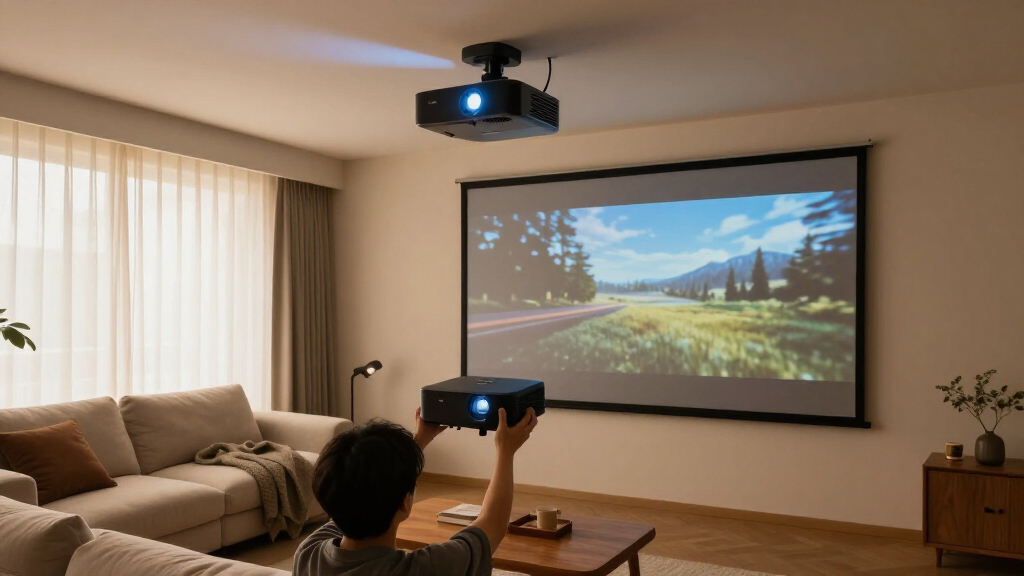
Imagine a wall transforming into a movie screen three times larger than your biggest TV. That’s the magic of a 4K UHD projector. But not all projectors are created equal, and a big, sharp image depends on more than just the resolution label.
In this guide, you’ll learn what makes a good home theater projector tick. From native 4K chips to brightness and contrast, I’ll help you decode specs and set realistic expectations. Whether you’re upgrading your setup or starting fresh, understanding these details will save you money and frustration—and turn your living room into a true cinema.
Native 4K vs. Pixel Shifting: Which Gives You Real Detail?
Native 4K projectors have a dedicated chip that produces 8.3 million distinct pixels, which means each pixel is physically rendered on the chip itself. This direct pixel mapping results in sharper, more detailed images that can reveal fine textures and subtle lines, especially noticeable with close viewing distances. The importance of this lies in the fidelity of the image—native 4K provides clarity that can truly enhance cinematic immersion and detail accuracy.
On the other hand, pixel-shifting models use a lower-resolution chip that rapidly shifts pixels to simulate 4K resolution. While this technique can produce very sharp images, it involves a tradeoff: because the image is synthesized, some fine details may appear slightly softer or less precise compared to native 4K. This softness becomes more apparent when viewed up close or on very large screens.
Why does this matter? If you sit close to your screen or value every minute detail—like when watching nature documentaries or high-detail CGI movies—a native 4K projector’s sharper image can significantly elevate your experience. Conversely, pixel-shifting models offer a compelling balance of quality and affordability, especially for casual viewing or rooms with limited budgets. The choice ultimately hinges on your priorities: absolute detail versus cost savings and practical performance.
As an affiliate, we earn on qualifying purchases.
Brightness Matters: Picking the Right Lumens for Your Room
Brightness, measured in lumens, is critical because it determines how vivid and clear your projected image will appear under different lighting conditions. A higher lumen count means more light output, which can help overcome ambient room light, but it’s not a simple case of ‘more is better.’ Too much brightness in a dark room can wash out shadows and reduce contrast, making dark scenes look gray or dull. Conversely, insufficient brightness in a brightly lit room can make the image appear washed out, with loss of detail in highlights and shadows.
The key lies in understanding the tradeoffs: in a dedicated home theater with controlled lighting, 1,500 to 2,500 lumens usually suffice because you can keep ambient light minimal. However, if your room has large windows or you often watch during the day, you’ll need a projector with 3,000 lumens or more to maintain vibrancy. Larger screens also require more lumens because the light has to cover a bigger surface area, and the image’s brightness diminishes as the screen size increases.
Choosing the right lumens involves balancing these factors. A projector with adjustable modes or dynamic iris can help you optimize brightness for different scenes—bright for daytime viewing, dimmer for dark, cinematic moments. Failing to match brightness to your room’s lighting and size can result in a subpar experience, where either the image is too dull or unnaturally bright, reducing the immersive quality of your home theater.
As an affiliate, we earn on qualifying purchases.
Understanding Contrast and Its Impact on Image Quality
Contrast ratio is the difference between the darkest blacks and brightest whites a projector can display. A high contrast ratio means more nuanced gradations between shades, which is essential for a cinematic experience, especially in dark scenes. Low contrast can make images look flat and washed out, reducing the sense of depth and realism.
Many projectors specify a contrast ratio, but actual performance varies based on factors like screen type and ambient lighting. Some high-end models feature dynamic contrast or iris adjustments that can improve perceived contrast by adjusting brightness levels frame by frame. When selecting a projector, consider contrast as a key factor alongside brightness and resolution to ensure rich, vibrant images.
In practice, a contrast ratio of at least 10,000:1 is recommended for home theaters, with higher ratios providing even greater depth and realism. Pairing a good contrast ratio with a quality screen that enhances black levels will significantly elevate your viewing experience by creating more lifelike images with deep blacks and bright highlights.
As an affiliate, we earn on qualifying purchases.
Frequently Asked Questions
Is a 4K projector really 4K?
Yes, some models feature native 4K chips with 8.3 million pixels, offering true resolution. Others use pixel-shifting technology, which simulates 4K from lower-resolution chips. Check the specs and reviews to verify which type you’re getting.Is native 4K worth the extra cost?
It depends on your budget and how close you sit to the screen. Native 4K generally offers sharper detail, especially at closer distances, but pixel-shifted models deliver excellent quality for a fraction of the price. Consider your room size and content preferences.How many lumens do I need for my room?
For a dark room, 1,500–2,500 lumens usually suffice. Larger screens or rooms with ambient light require more—sometimes 3,000+ lumens—to keep images bright and lively. Match the lumen rating to your specific space and lighting conditions.Can I use a projector in a bright living room?
Yes, but ambient light washes out dark scenes, reducing contrast and detail. Use high-gain or ambient light-rejecting screens, and try to control room lighting for the best picture. Otherwise, a bright TV might be better for daytime viewing.Will a projector replace my TV?
It can handle big-screen movie nights and immersive gaming, but many keep a TV for everyday use, especially in bright rooms. A projector shines brightest in controlled lighting and dedicated spaces—think of it as a complement, not a replacement.bright home theater projector 2500 lumens
As an affiliate, we earn on qualifying purchases.
As an affiliate, we earn on qualifying purchases.
Conclusion
Choosing a 4K UHD projector isn’t just about resolution. It’s about balancing brightness, contrast, placement, and features to fit your space and viewing habits. Think of it as assembling your own cinematic tool—each piece matters.
Imagine sitting back, a giant image filling your wall, colors bursting with life, and dark scenes so deep they feel real. That’s what a well-chosen projector can do—turning your living room into a private theater. Now, take these insights, plan carefully, and enjoy the show.
Fall Picks
fall essentials
As an affiliate, we earn on qualifying purchases.