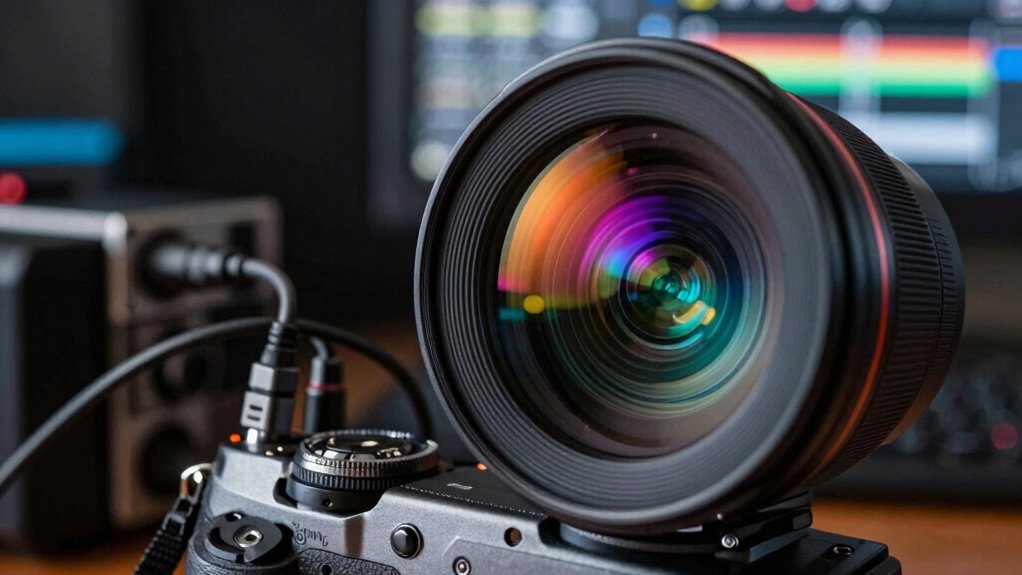

Your 4K content’s quality depends on every part of the signal chain working properly. From capturing to transmitting and displaying, each stage affects color accuracy, sharpness, and details. Any weakness, like poor calibration, compression artifacts, or faulty connections, can degrade the image. Even the best display can’t fix issues caused earlier. To get the full benefit of 4K, it’s essential to understand how each link impacts overall quality. Keep exploring to find out more.

Get business pricing on your home office setup
- Business-only prices and quantity discounts
- Tax-exempt purchasing
- Multiple users, one account, clear invoices
Key Takeaways
- The entire signal chain affects 4K image clarity, from source capture to display rendering.
- Calibration at each stage ensures accurate color reproduction and optimal image quality.
- Compression methods can introduce artifacts, reducing detail and sharpness in 4K content.
- High-quality connections and cables prevent signal degradation that impacts image fidelity.
- Flaws in earlier stages cannot be fully corrected by the display, emphasizing the importance of the whole chain.
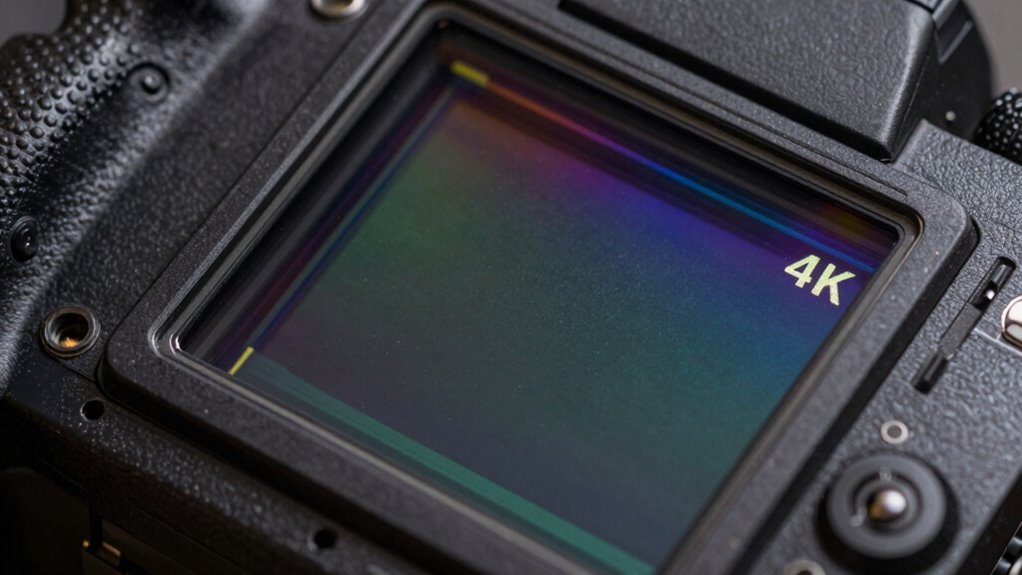
While 4K content promises stunning visuals and sharp detail, it still relies heavily on the entire signal chain to deliver that quality. The journey from a high-resolution source to your screen involves numerous stages—each capable of affecting the final picture. If any link in this chain isn’t up to par, you’ll notice it in diminished image quality, especially in areas like color accuracy and the presence of compression artifacts.
Color accuracy is one of the most noticeable aspects impacted by the signal chain. Even with 4K resolution, if the components involved—such as the camera, transmission system, or display—aren’t calibrated properly, the colors you see can be dull, oversaturated, or wildly off from the source material. A slight mismatch in color profiles or poor calibration can lead to a picture that looks unnatural or less vibrant. You might think you’re getting the crisp, detailed image promised by 4K, but if the colors aren’t accurate, the overall experience falls flat. That’s why high-quality color reproduction depends on precise calibration at every stage. Additionally, color temperature adjustments are essential to optimize viewing conditions and ensure accurate color representation throughout the signal chain.
Another challenge is compression artifacts, which are especially problematic in streaming or broadcast scenarios. To efficiently transmit 4K content, service providers often rely on compression algorithms that reduce file sizes. However, aggressive compression can introduce visible artifacts—blockiness, blurring, or ringing—that degrade image clarity. These distortions are most noticeable in fine details or smooth gradients, making the picture look less sharp and more artificial. Even if your display is capable of 4K resolution, compression artifacts can undermine the visual fidelity, making the image appear less natural and more processed. Moreover, the bitrate used during transmission heavily influences the extent of these artifacts, emphasizing the need for balanced encoding settings. Ensuring proper signal integrity throughout the transmission path can help mitigate some of these issues before reaching your display.
Your display device plays a critical role in maintaining image quality. A high-quality 4K TV or monitor with good color accuracy calibration can mitigate some issues, but it can’t fix fundamental problems introduced earlier in the signal chain. If the source material is heavily compressed or inaccurately color-graded, your display can only do so much. Similarly, the quality of the cables and connection standards matters. Using poor-quality HDMI cables or outdated transmission protocols can introduce signal degradation, further impacting color fidelity and sharpness. Additionally, microplastics in dust can sometimes settle on display surfaces, subtly affecting clarity if not cleaned properly.
In the end, to truly enjoy the benefits of 4K content, every part of the signal chain needs to work flawlessly. From the original capturing and encoding to transmission and display, each link influences the final image you see. Without proper attention to color accuracy and compression management, the promise of 4K’s stunning visuals remains unfulfilled.
As an affiliate, we earn on qualifying purchases.
Frequently Asked Questions
How Does Cable Quality Affect 4K Signal Transmission?
Cable quality directly impacts your 4K signal transmission by reducing signal interference and guaranteeing durability. A high-quality cable minimizes interference that can cause pixelation or lag, delivering a clearer picture. It also withstands daily wear and tear, maintaining consistent performance. Cheaper cables might degrade faster or introduce interference, so investing in a sturdy, well-shielded cable guarantees your 4K content looks sharp and streams smoothly without interruptions.
What Role Does Color Grading Play in 4K Video Quality?
Color grading plays a vital role in 4K video quality by ensuring color accuracy and enhancing visual appeal. You use grading techniques to balance tones, contrast, and saturation, making the image vibrant and true to life. Proper color correction helps maintain consistency across scenes, highlighting details that might otherwise be lost. This process elevates the overall quality, making your 4K content more immersive and visually stunning for viewers.
Can Streaming Bandwidth Limitations Impact 4K Content?
Imagine your 4K content as a vivid painting, but if streaming bandwidth falters, it’s like trying to view it through a foggy window. Limited bandwidth causes compression artifacts and latency issues, which blur details and slow down your viewing experience. These disruptions can turn crisp visuals into pixelated messes, making it tough to enjoy the full glory of 4K. So, a steady, fast connection is essential for pristine 4K streaming.
How Do Different Display Technologies Influence 4K Image Fidelity?
Your display technology greatly influences 4K image fidelity. If it supports advanced HDR implementation, you’ll notice richer colors and better contrast, enhancing your viewing experience. Higher pixel density means sharper images, making details more vivid. Different displays, like OLED or LCD, handle HDR and pixel density differently, so choosing a device with superior HDR support and higher pixel density guarantees you get the best 4K quality possible.
What Are the Best Calibration Practices for 4K Displays?
To achieve the best calibration for your 4K display, start by adjusting color accuracy using a calibration tool or software to match industry standards. Then, fine-tune brightness uniformity across the screen to avoid hotspots or dim spots. Regularly calibrate to maintain consistent performance, and guarantee your environment’s lighting complements your display settings. Proper calibration enhances your viewing experience by delivering true-to-life colors and consistent brightness.
As an affiliate, we earn on qualifying purchases.
Conclusion
Remember, 4K content is like a beautiful painting; its true beauty depends on every brushstroke, every detail of the entire signal chain. No matter how sharp or vibrant your source, if the rest of the system isn’t up to par, the masterpiece loses its magic. So, don’t just chase the resolution—invest in the whole chain. Only then can you truly experience the breathtaking depth and clarity 4K was meant to deliver.
As an affiliate, we earn on qualifying purchases.
As an affiliate, we earn on qualifying purchases.
Columbus Day / Indigenous Peoples' Day Picks
long weekend sales
As an affiliate, we earn on qualifying purchases.