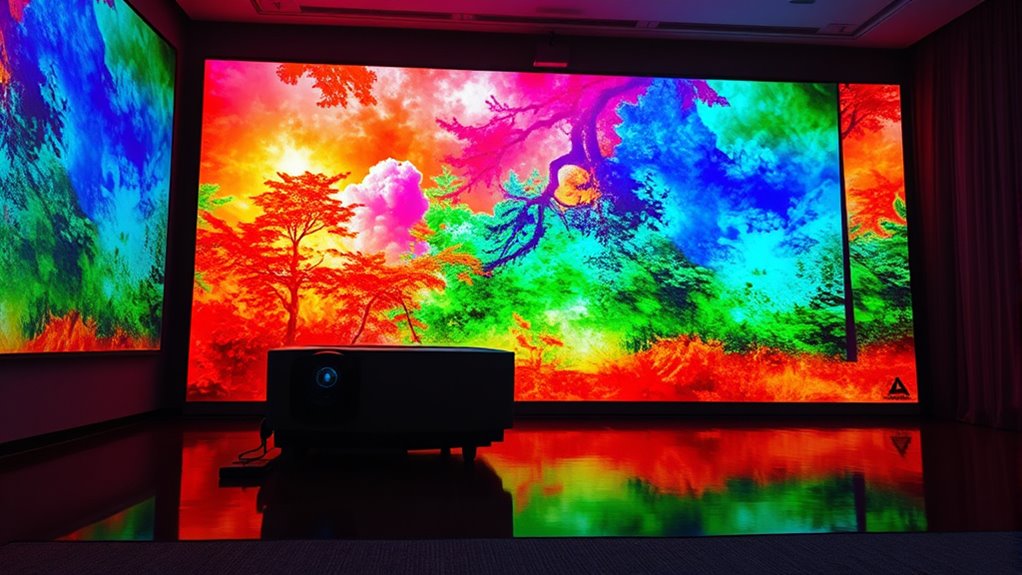

A wide color gamut in projectors means they can display a broader range of vibrant, realistic colors, making your images more vivid and lifelike. It enhances the visual impact by capturing richer details and more accurate hues, which really adds depth to movies, games, or presentations. Proper calibration guarantees that those colors stay true and consistent over time. Keep exploring to discover how calibration and standards can maximize your projector’s color performance even further.
Key Takeaways
- Wide color gamut allows projectors to display a broader spectrum of colors for more vibrant images.
- It enhances image realism and immersion by reproducing colors more accurately and richly.
- Calibration ensures the wide gamut’s colors are true to source material, improving overall picture quality.
- Supporting standards like DCI-P3 or Rec. 709 helps maintain consistent, accurate colors across content.
- Combining wide gamut with proper calibration results in immersive, lifelike visuals for movies, gaming, and presentations.
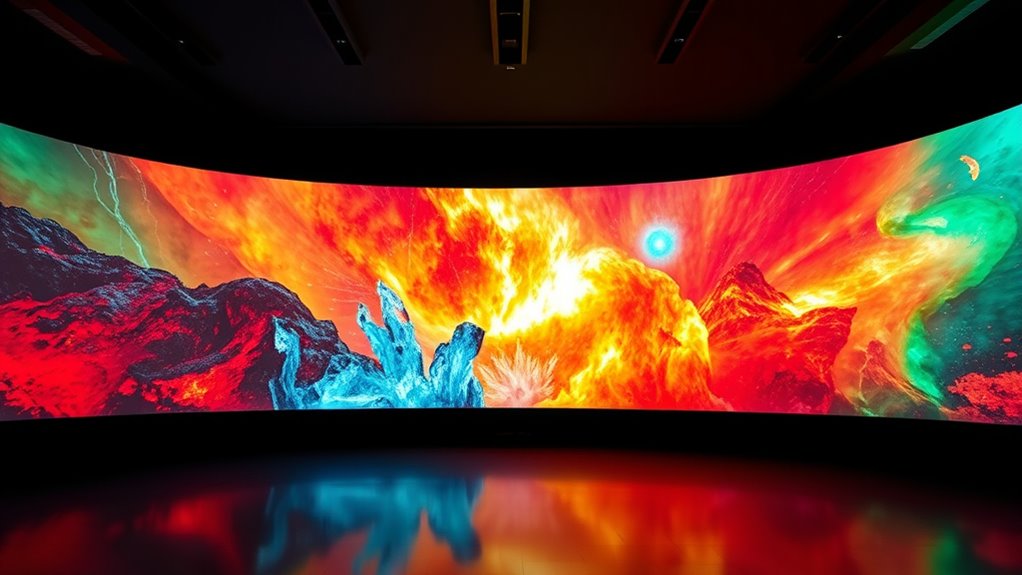
Have you ever noticed how some projectors produce more vibrant and lifelike images than others? That difference largely comes down to the projector’s ability to display a wide color gamut, which is the range of colors it can reproduce. When dealing with a wide color gamut, achieving accurate and consistent colors becomes essential. This is where calibration techniques come into play. Proper calibration ensures your projector accurately maps its internal color settings to match real-world colors, boosting color accuracy and overall image quality. Without calibration, even a projector with a wide color gamut might display colors that look dull, oversaturated, or off, reducing the visual impact you experience.
Focusing on calibration techniques, you’ll want to start by adjusting the projector’s color settings to match industry standards or reference images. Many projectors come with built-in calibration tools or allow external calibration using specialized hardware like colorimeters or spectrophotometers. These tools help you measure the output of your projector and fine-tune parameters such as white balance, gamma, and color temperature. When you calibrate your projector properly, you’re making certain that the colors it produces are true to the source material, which enhances color accuracy across the entire gamut. This process is especially essential if you’re using the projector for professional presentations, color-critical work, or home theater setups where lifelike images matter most.
Additionally, understanding and managing the color management system of your projector can significantly improve calibration accuracy and consistency over time. A wide color gamut allows projectors to display a broader spectrum of colors, giving images that are richer, more detailed, and more immersive. However, just having a wide gamut isn’t enough. If the colors aren’t accurate, you risk viewers perceiving images as oversaturated or unnatural. Calibration corrects this by aligning the projector’s output with standard color profiles, like Rec. 709 or DCI-P3, depending on your needs. This alignment ensures that reds, greens, blues, and all intermediate shades look consistent and realistic. When you combine a wide color gamut with precise calibration, you get vibrant images that truly pop without sacrificing realism. This results in a more engaging viewing experience, whether you’re watching movies, gaming, or presenting visual content.

datacolor Spyder – Monitor Calibrator for Graphic Designers, Photographers, and Content Creators, Shows You True Colors, Works on OLED Monitors & LED Screens, Easy-to-Use Color Calibration Tool
Color “Surprises” Are a Thing of the Past: Datacolor’s exclusive DevicePreview TM Beta feature simulates what your photos…
As an affiliate, we earn on qualifying purchases.
As an affiliate, we earn on qualifying purchases.
Frequently Asked Questions
How Does Wide Color Gamut Impact Projector Lifespan?
A wide color gamut doesn’t directly impact your projector’s lifespan, but it can influence color degradation over time. Higher-quality panels designed for vibrant colors tend to have better durability, meaning they resist fading longer. However, pushing a projector to display vivid colors constantly can stress the panel, potentially reducing durability. To maximize lifespan, guarantee proper maintenance and avoid excessive use of high-brightness settings.
Are Wide Color Gamut Projectors More Expensive Than Standard Ones?
Wide color gamut projectors tend to be pricier than standard ones. You’ll find the cost comparison leaning towards higher prices, especially with top-tier brands offering advanced color capabilities. While some brands offer budget-friendly options, premium brands often charge more for vibrant visuals and broader color ranges. So, if you’re seeking stunning visuals, expect to invest a little extra, but remember, brand options vary widely to fit different budgets.
Can Existing Projectors Be Upgraded to Support Wider Color Gamuts?
You can’t typically upgrade existing projectors to support wider color gamuts because it depends on their hardware compatibility. To do so, you’ll need to perform precise color calibration, but hardware limitations often mean a complete replacement is necessary for true wide color gamut support. Check your projector’s specifications first, and consult the manufacturer to see if any firmware updates or hardware upgrades are available.
What Are the Best Settings for Optimizing Color Gamut Performance?
Like tuning a fine instrument, you should start with proper color calibration for your projector. Set the color mode to a high gamut profile, then adjust brightness, contrast, and saturation for peak performance. Make sure your input source is set to the highest quality output, such as 4K HDR, to maximize color richness. Regularly recalibrate to maintain accurate, vibrant colors and get the most from your wide color gamut capabilities.
How Does Environment Lighting Affect Wide Color Gamut Display Quality?
Ambient lighting considerably impacts your wide color gamut display quality by reducing contrast and washing out colors. To maintain ideal color accuracy, you should minimize ambient light in the viewing area, especially during critical color tasks. Dim or control ambient lighting, such as using blackout curtains or dimmable lights, so your projector’s vibrant colors stay true and sharp, providing a richer, more immersive viewing experience.

BenQ LH650 Business Projector Laser 1080p 4000 ANSI Lumen, SmartEco Power Saving, REC.709 Wide Color Gamut, USB-C, 10W Speaker, Wireless Projection, Auto Keystone, 2D Keystone, Corner Fit
LOW COST OF OWNERSHIP: Up to 20,000 hours of laser light source life with no lamp replacement
As an affiliate, we earn on qualifying purchases.
As an affiliate, we earn on qualifying purchases.
Conclusion
While some might think wide color gamut projectors are unnecessary or too costly, they actually deliver richer, more accurate colors that enhance your viewing experience. Don’t let budget concerns hold you back—investing in a projector with a wide color gamut can make your movies, presentations, and gaming sessions much more vibrant and immersive. Ultimately, the better color quality is worth it, transforming your space into a true cinematic or professional-grade environment.

Art Projector for Tracing and Drawing with Exclusive Drawing App, Native 1280P HD Drawing Projector for Artists & Adults, 8 Pro Tracing Tools for Painting on Canvas, Wall Murals, Cake Decorating
If you are still unable to use the product after reviewing the user manual and watching the video,…
As an affiliate, we earn on qualifying purchases.
As an affiliate, we earn on qualifying purchases.

Calibrite Creator Kit w/Display 123 Colorimeter and ColorChecker Passport Video 2, Monitor Calibration and Capture Color Control System for Photography and Filmmaking Workflows (CC123-PPV2)
SPECIFICATIONS; Includes Calibrite Display 123 colorimeter for monitor calibration plus ColorChecker Passport Video 2 for video and photo…
As an affiliate, we earn on qualifying purchases.
As an affiliate, we earn on qualifying purchases.